
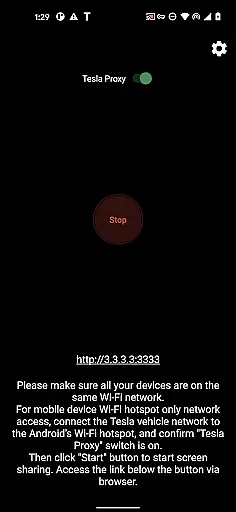
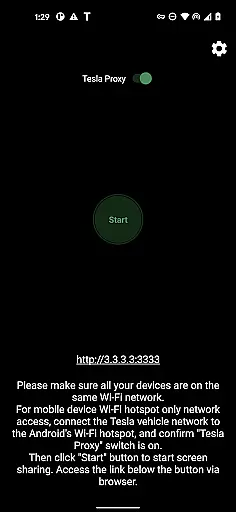
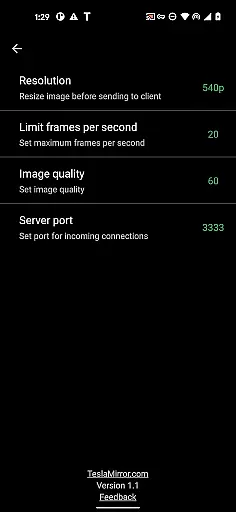
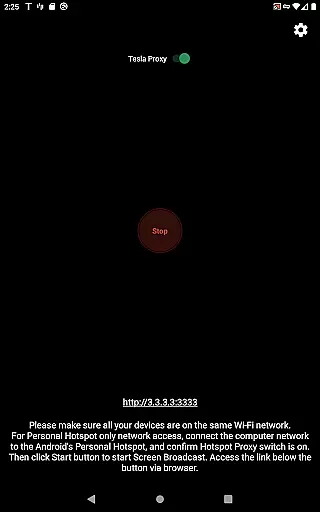
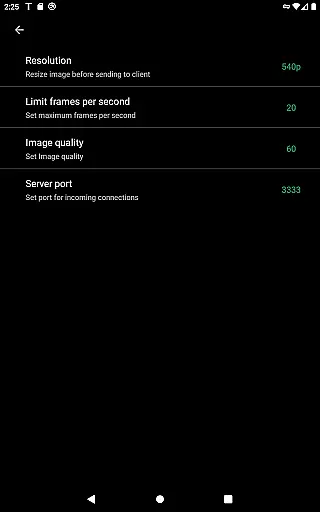
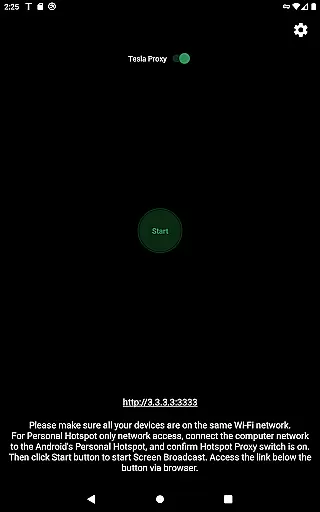
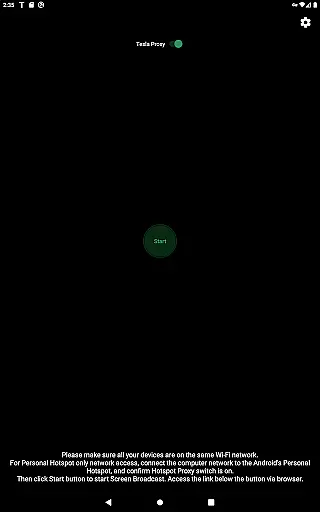
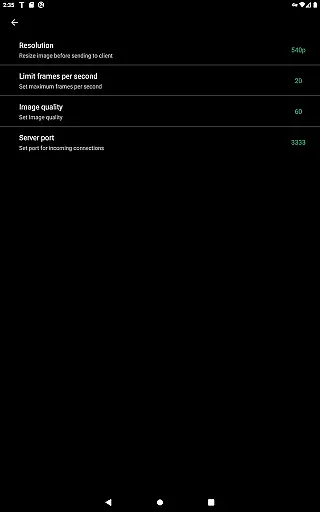
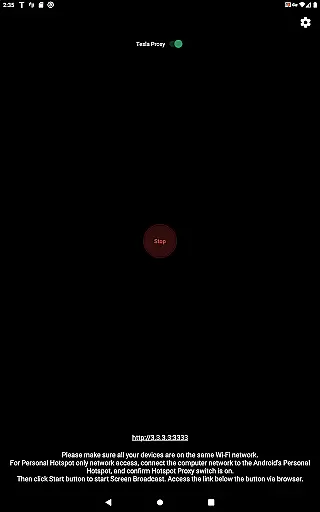
TeslaMirror is an innovative application that allows users to mirror their Android device screens directly onto Tesla vehicle displays. This app supports Tesla models with MCU2/3 hardware, including Model 3, Model Y, and newer versions of Model S and X. With a 144-hour free trial available upon purchase through Google Play, it offers users the chance to experience seamless integration between mobile devices and in-car entertainment systems.
Key features include support for H.264/H.265 video streaming, lossless audio transmission for Android 10+, and remote control capabilities via the Tesla touchscreen or a connected mouse. The app also provides MJPEG mode for basic screen mirroring needs. These functionalities make TeslaMirror ideal for enhancing parked vehicle experiences by enabling media streaming, gaming, or other interactive content from your phone.
The true value of TeslaMirror lies in its ability to transform your Tesla's infotainment system into an extended display for your Android device while maintaining high-quality video and audio standards. However, users must ensure their vehicle is parked and connected to their phone’s hotspot before using the service, adhering to safety guidelines and legal requirements.
TeslaMirror stands out with its advanced technical implementation tailored specifically for Tesla vehicles. The app utilizes sophisticated streaming protocols like H.264 and H.265 to deliver optimal video quality based on the vehicle's hardware capabilities. For instance, MCU3-equipped Teslas can enjoy up to 1080p@60fps streaming with H.265 encoding, providing unparalleled clarity and smoothness during media playback.
Another remarkable feature is the lossless audio transmission capability when using H.264/H.265 modes on Android 10+ devices. This ensures superior sound quality compared to traditional Bluetooth connections, supporting resolutions up to Hi-Res standards (96 kHz, stereo, 32-bit). Additionally, the Remote Control functionality enables users to interact with their Android devices directly from the Tesla touchscreen, offering unprecedented convenience.
The app also incorporates a unique VPN-based solution to bypass Tesla browser restrictions on private IP ranges. This local-only connection between the user's phone and Tesla guarantees data privacy and security without relying on external servers. Furthermore, TeslaMirror emphasizes user safety by strictly enforcing usage conditions where the vehicle must be stationary, ensuring compliance with legal regulations regarding in-car technology use.
In the realm of automotive technology, TeslaMirror stands out by offering users detailed insights into their vehicle's infotainment capabilities. This feature is crucial for those who wish to maximize their driving experience through advanced connectivity options.
TeslaMirror facilitates the mirroring of your Android device to your Tesla's infotainment system, provided that the car is parked and connected to a mobile hotspot. The app supports various Tesla models equipped with MCU2/3 hardware, ensuring compatibility with newer systems while recommending optimal settings for video quality.
Users benefit from clear guidance on setting up their Tesla with TeslaMirror, including specific instructions tailored to different MCU versions. Whether opting for H.264 or H.265 codecs, individuals can enjoy enhanced visual experiences based on their vehicleu2019s hardware capabilities.
This level of detail empowers Tesla owners to make informed decisions about how they interact with their vehicle's entertainment system, ultimately enhancing both safety and enjoyment during travel.
When considering an investment in automotive apps, price transparency becomes a pivotal factor for consumers. TeslaMirror addresses this by providing a straightforward pricing model coupled with a generous trial period, allowing potential users to evaluate its value proposition before committing financially.
The app offers a 144-hour (6-day) free trial upon purchase via Google Play, ensuring customers have ample time to assess its functionality. Should users find the service unsatisfactory, a refund can be requested by contacting TeslaMirror support with relevant order details.
This transparent approach extends beyond mere cost; it encompasses the entire user journeyu2014from initial download to post-purchase support. By clearly outlining terms and conditions, TeslaMirror fosters trust among its user base.
Ultimately, such openness not only aids in making well-informed purchasing decisions but also enhances customer satisfaction by setting clear expectations regarding product performance and financial commitment.
User-friendly interface
High-quality streaming
Remote control functionality
Secure local connection
Free trial period
Limited to Tesla models
Requires specific hardware
No DRM content support
Complex setup process
Parked vehicle only

The Smarter Way Forward
 3.30
3.30
Attention! This is the theme for the Car Launcher app
4.0
Wonder how much horsepower and torque your car/truck makes? Look no further.
3.40
OBDII - ELM327 Terminal tool for 96-00 Volvos
4.50
Get more out of your AAWireless adapter with this companion app | aawireless.io
4.80
View your car’s service records and find out when maintenance is due.
4.70
1M+ high-quality auto parts at your fingertips. Fitment guaranteed.
4.70
Your car is talking. Start listening.
4.30
Quick and easy car diagnostics to get you the right fix.
4.70
Play what you want through Android Auto
4.90
Buy and sell your boat
4.70
The ExtraMile App allows you to pay for fuel from the comfort of your car!
4.70
Shop cars & see your financing
4.60
Instant diesel savings. No credit checks or fees. Nationwide growing network.
4.40
Automotive Electrical Wiring Diagrams
4.40
Secure mobile payments & fuel savings at Phillips 66®, Conoco® and 76® stations
4.40
Club Car Wash Mobile App—the fast lane to managing your wash membership.
3.30
Monitor specific TOYOTA parameters by adding this plugin to Torque Pro.
2.00
Ferrari inspired analog & digital watch face with quick access and premium style
4.3


User Reviews