
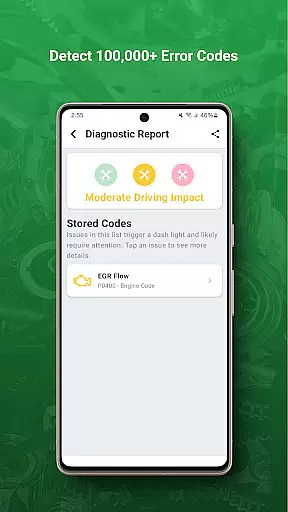
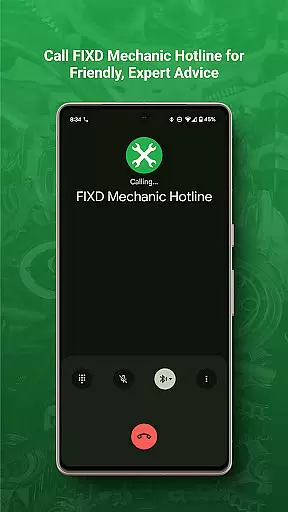
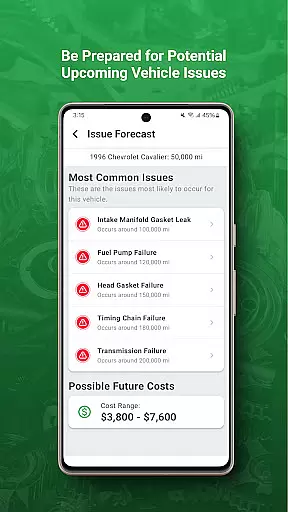
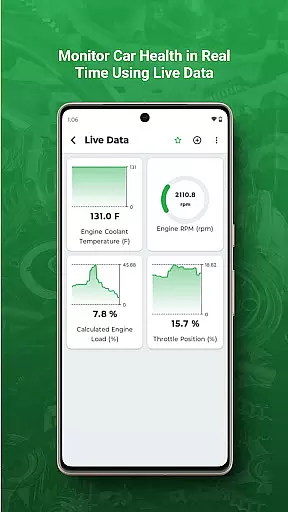
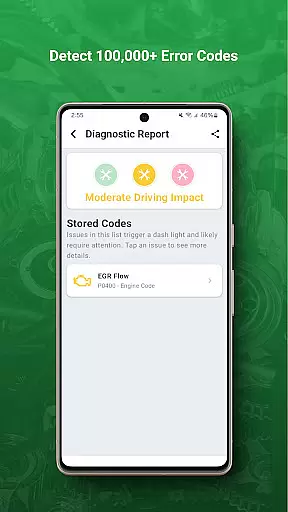
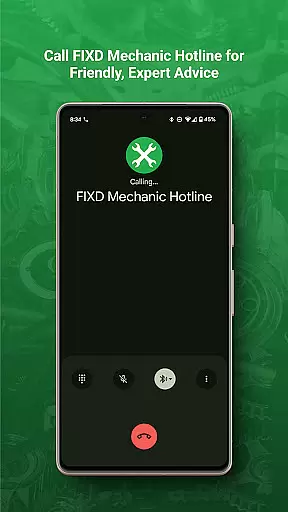
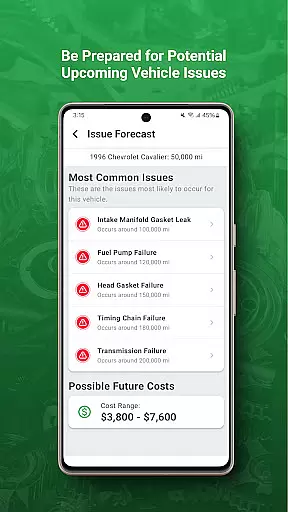
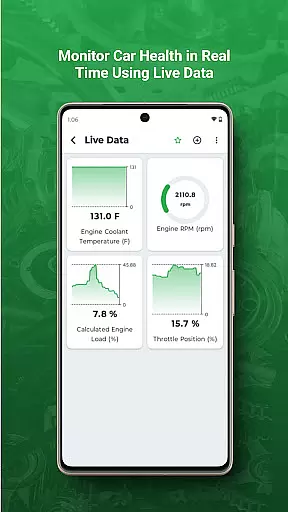
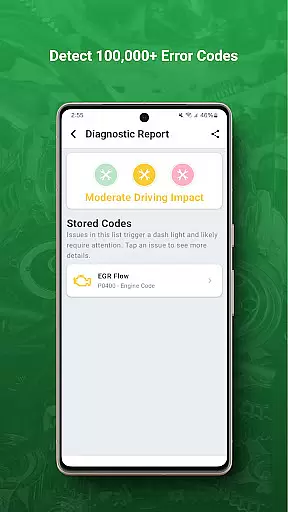
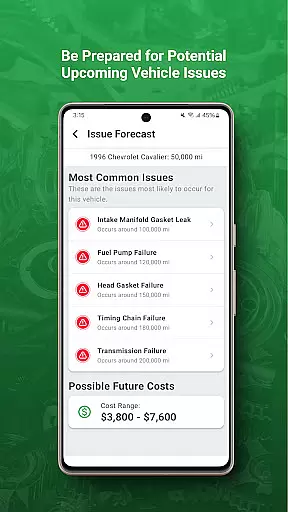
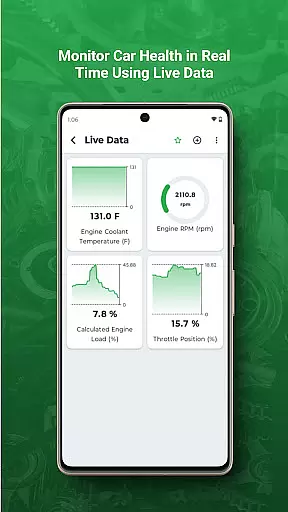
FIXD OBD2 Scanner is a powerful diagnostic tool designed for vehicle owners who want to understand their car's health better. The app works in tandem with the FIXD hardware device, translating complex check engine lights into easy-to-understand language. It provides real-time diagnostics and tracks scheduled maintenance, ensuring your vehicle stays in optimal condition.
The application offers detailed explanations of potential issues, helping users avoid costly repairs by catching problems early. Whether you're a daily commuter or a weekend road warrior, FIXD empowers you with the knowledge to make informed decisions about your vehicle's maintenance needs.
FIXD stands out with its comprehensive diagnostic capabilities. The app connects seamlessly with the FIXD sensor, providing instant translations of check engine lights. This feature eliminates guesswork and helps users understand the severity of any issue immediately.
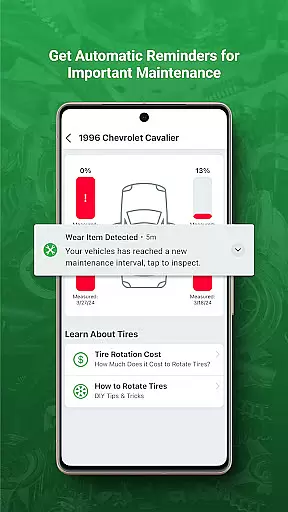
Beyond diagnostics, FIXD includes a maintenance tracker that alerts users when service is due. This proactive approach ensures timely maintenance and prolongs vehicle life. Additionally, the app offers educational content, empowering users with automotive knowledge and tips for better vehicle care.
Modern vehicles come equipped with complex onboard diagnostics systems that can be difficult for the average driver to interpret. FIXD OBD2 Scanner bridges this gap by providing detailed vehicle information in an accessible format.
The app translates check engine lights and other diagnostic trouble codes into plain English descriptions, empowering users to understand exactly what their vehicle is communicating. This includes explanations of potential causes and suggested next steps for various warning indicators.
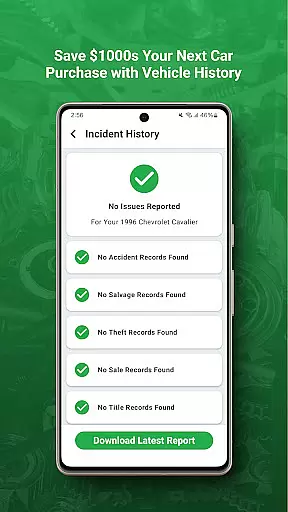
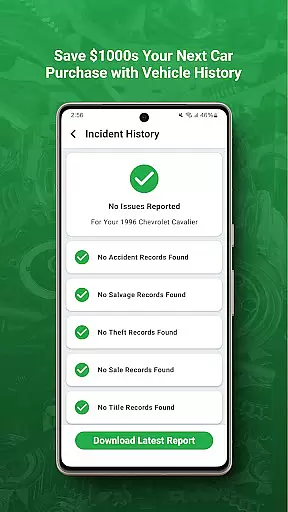
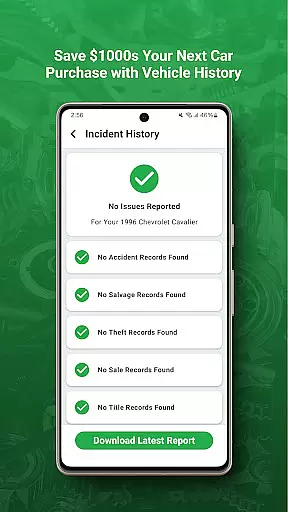
FIXD goes beyond just interpreting warning lights by maintaining comprehensive service history records and tracking scheduled maintenance needs. The application monitors mileage and provides timely reminders for routine services like oil changes and tire rotations.
This detailed vehicle information helps drivers make informed decisions about necessary repairs and maintenance, potentially saving them from costly repairs down the road while ensuring their vehicle remains in optimal condition.
When it comes to vehicle maintenance and repairs, unexpected costs can quickly add up. FIXD OBD2 Scanner addresses this issue by promoting price transparency throughout the vehicle ownership experience.
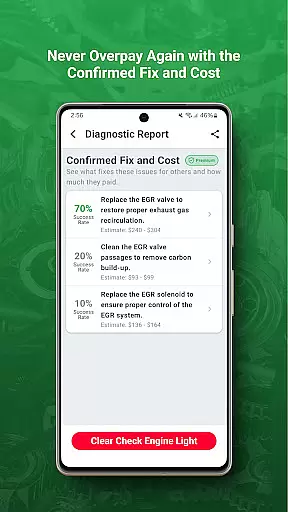
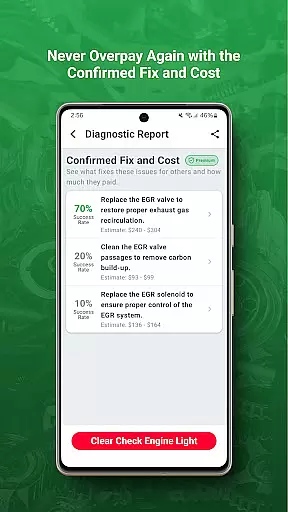
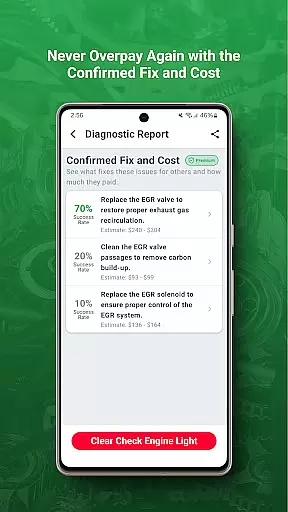
The application provides users with estimated repair costs when it translates check engine light codes, giving drivers a clear understanding of potential expenses before visiting a mechanic. These estimates include parts and labor costs for common repairs associated with each diagnostic code.
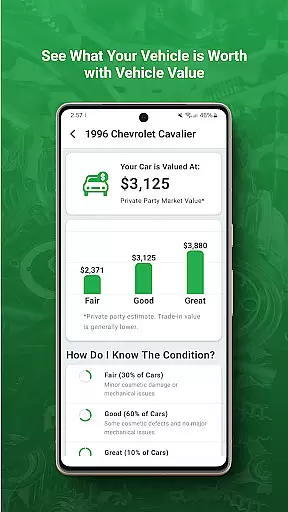
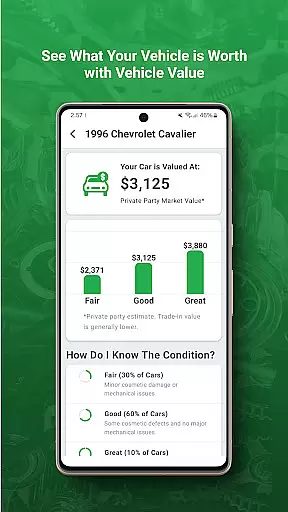
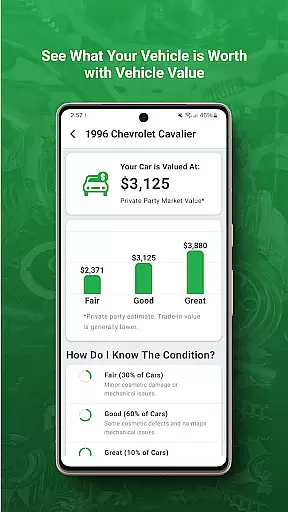
FIXD also tracks maintenance schedules and provides cost projections for upcoming services, helping users budget effectively for regular vehicle care. The app maintains a database of average service costs across different vehicle types and regions.
This price transparency enables users to have more productive conversations with their mechanics, make informed decisions about which repairs to authorize, and avoid unpleasant surprises when receiving their repair bills.
User-friendly interface
Real-time diagnostics
Maintenance reminders
Educational resources
Cost-saving insights
Requires separate hardware
Limited to supported vehicles
No advanced repair guides
Subscription may be needed
Occasional connectivity issues

OBD1 ECMs application. Data log or tune directly from your phone or tablet!
 4.60
4.60
Attention! This is the theme for the Car Launcher app
4.3
Ferrari inspired analog & digital watch face with quick access and premium style
4.5
Theme for Car Launcher
4.4
A full featured, real-time transit locator system
4.30
The Texaco App allows you to pay for fuel from the comfort of your car!
4.80
Digital Car Key/Launcher, Screen Mirror, Android Dashboard, Remote Wireless Link
4.40
Secure mobile payments & fuel savings at Phillips 66®, Conoco® and 76® stations
4.40
Monitor your behind-the-wheel behavior to become a safer driver and save.
4.10
Practice the drills within MotoJitsu Master Riding Program Volume 1 & 2!
4.80
Trip computer+car diagnostic tool with widest variety of features and dashboard!
4.70
OBD2 car scanner and diagnostics: read Check Engine, DTC, economy....
4.30
Car Sounds Engine Sounds app welcomes Auto Lovers to feel Car Simulator Sound
4.20
Control maps, media and messaging, with the Google Assistant while you drive
4.10
PayByPhone: A quick and easy way to pay for parking.
3.80
The Smarter Way Forward
3.30
Monitor specific TOYOTA parameters by adding this plugin to Torque Pro.
2.00
Easily notify car owners in urgent situations, safe, fast, multilingual.
4.5
Theme for Car Launcher
4.1


User Reviews