
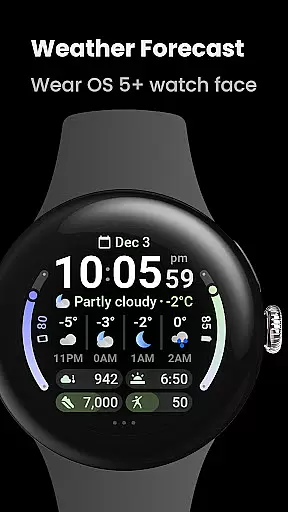
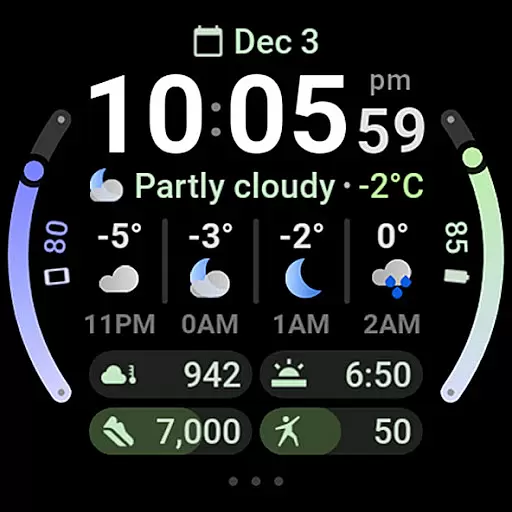
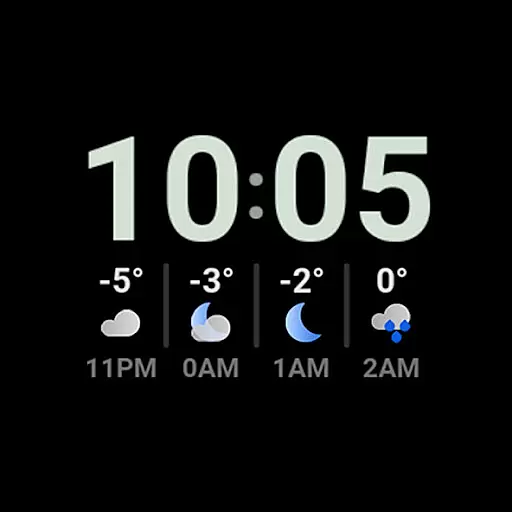
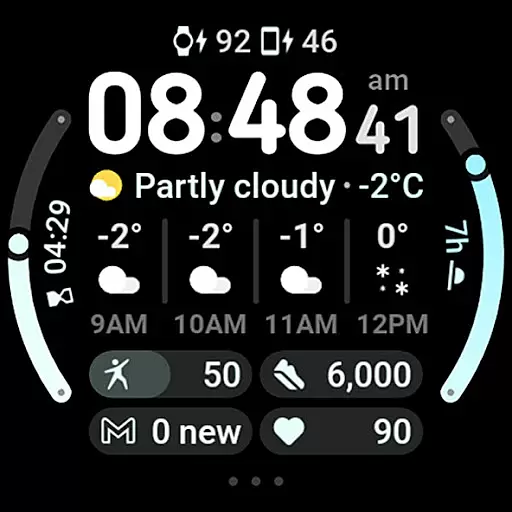
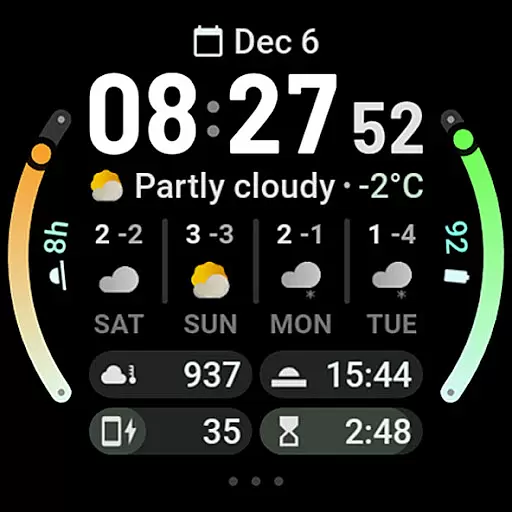
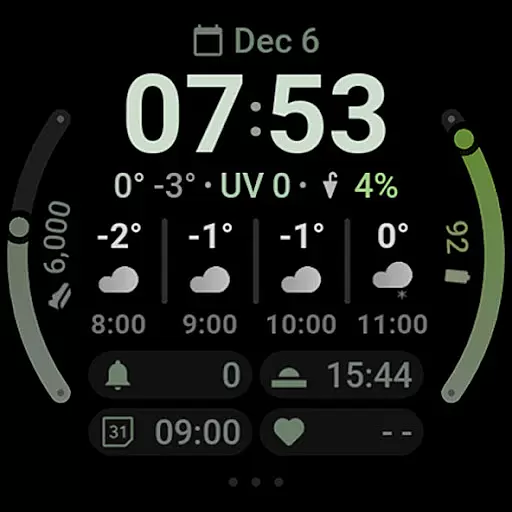
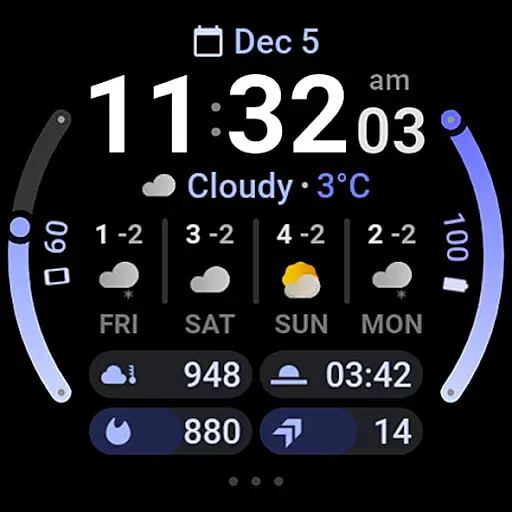
Weather Forecast Watch Face is a feature-rich application designed exclusively for Wear OS 5+ devices. This app transforms your smartwatch face into an interactive weather station, providing real-time weather updates directly on your wrist. With animated transitions and customizable options, it offers both functionality and personalization.
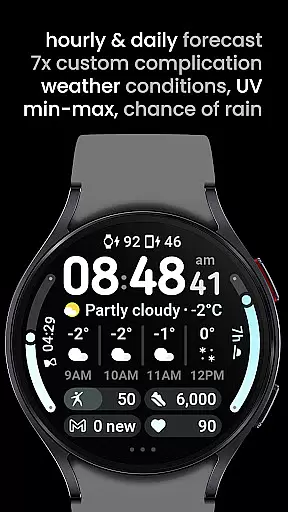
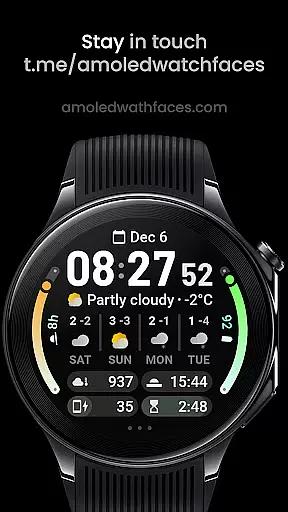
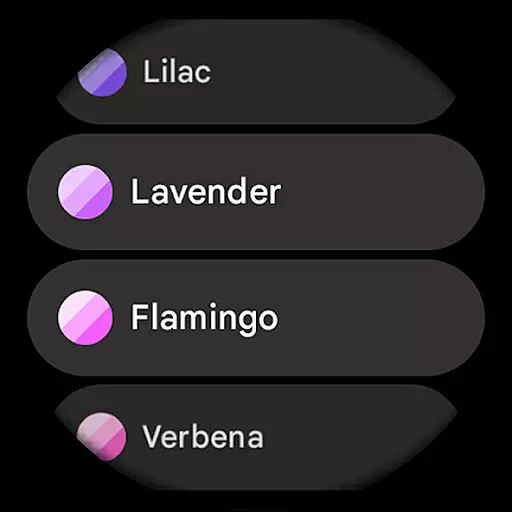
The watch face displays current weather conditions, temperature, UV index, chance of rain, and hourly as well as daily forecasts. Its intuitive design allows users to tap on different sections to switch between various forecasts or launch the weather app instantly. The app also supports multi-language options and offers over 60 material themes and arc colors to tailor the appearance according to individual preferences.
Ideal for those who need quick access to weather information without pulling out their phones, this app ensures you're always prepared for the day ahead. Whether you're planning your outdoor activities or simply want to stay updated with weather changes, Weather Forecast Watch Face provides essential data at a glance.
Weather Forecast Watch Face stands out with its comprehensive set of features tailored for weather enthusiasts. It utilizes Watch Face Format 2 to deliver dynamic animations that change every five seconds, cycling through various weather statistics seamlessly. Users can interact with the watch face by tapping on forecast sections to toggle between hourly and daily views.
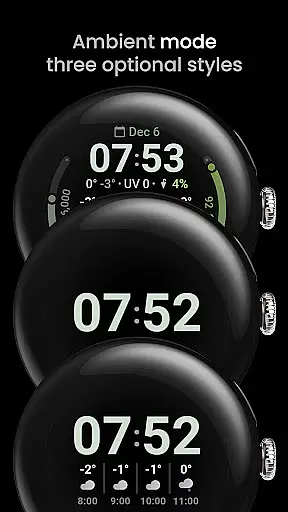
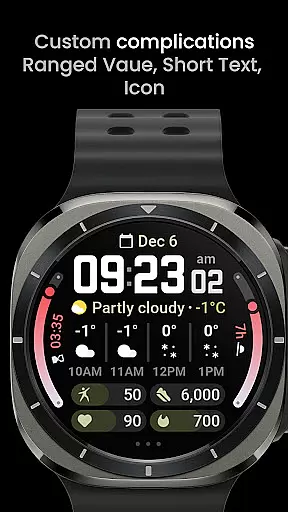
This app includes seven custom complication slots, supporting types like RANGED_VALUE, SHORT_TEXT, and MONOCHROMIC_ICON. It offers optional digital clock fonts, three always-on-display (AOD) looks, and supports both 12/24-hour time formats. Additional functionalities include launching alarms by tapping the digital clock and accessing system settings via a three-dot menu.
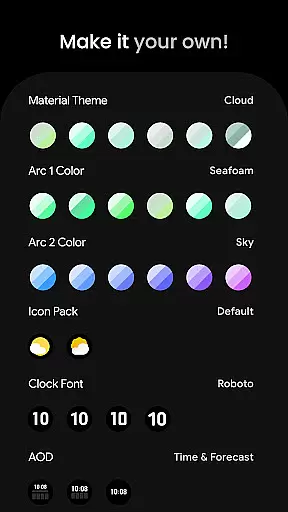
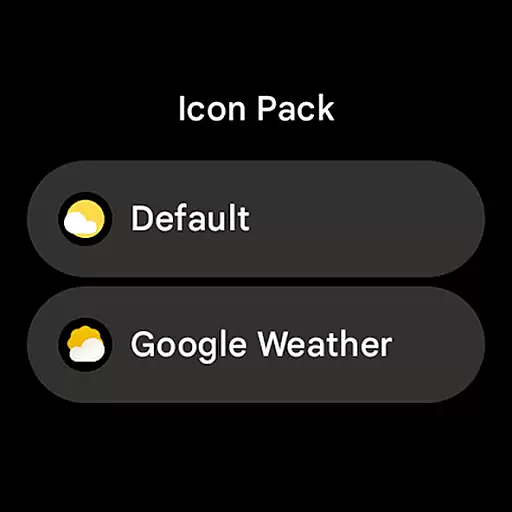
User configurations are extensive, allowing customization of themes, colors, icon packs, clock fonts, and more. With toggles for temperature bars and today's summary, alongside compatibility with custom complication apps, this app delivers a personalized and versatile experience. These features collectively ensure that users have control over both aesthetics and functionality, making it a top choice for wearable weather updates.
Forecast Accuracy & Data Credibility is a crucial feature for any weather application, ensuring users receive reliable and precise weather information. Weather Forecast Watch Face provides comprehensive weather data including current conditions, temperature, UV Index, chance of rain, and hourly as well as daily forecasts.
This watch face animates every five seconds between different weather stats, offering an engaging way to stay updated with the latest weather changes. The integration of real-time weather updates ensures that users are always equipped with the most accurate information to plan their day effectively.
By tapping on the weather forecast section, users can switch between hourly and daily forecasts, allowing them to tailor the information to their specific needs. This flexibility enhances user experience by providing both short-term and long-term weather insights in a customizable format.
The credibility of the weather data is further reinforced by the ability to tap on the current weather condition to launch a dedicated weather app. This seamless transition from the watch face to a detailed weather report ensures that users have access to authoritative sources for more in-depth analysis when needed.
Temporal & Spatial Forecast Range refers to the coverage and duration of weather predictions provided by an application. Weather Forecast Watch Face excels in this area by delivering extensive weather forecasts that span across multiple days and various times of the day.
Users can view hourly weather forecasts covering the next four hours, complete with condition descriptions and temperature readings. Additionally, the daily forecast extends up to four days ahead, presenting the expected conditions alongside minimum and maximum temperatures for each day.
This wide-ranging forecast capability empowers users to make informed decisions regarding their outdoor activities, travel plans, and daily schedules. By having access to both immediate and extended weather outlooks directly on their smartwatch, individuals can prepare accordingly and avoid unexpected weather disruptions.
Moreover, the inclusion of features such as multilanguage support and material color themes enhances the overall usability of the watch face, making it not only informative but also visually appealing and accessible to a global audience.
Interactive UI
Customizable options
Real-time weather updates
Wide range of themes
Multilingual support
Complex setup process
Limited to Wear OS
High battery usage
Occasional loading issues
Premium cost

Live local weather updates: various widgets & radar maps & hourly forecast.
 4.70
4.70
A tool that provides real-time and 5-day weather info.
4.3
Ultimate Lunar Calendar for 2021!
4.80
An unofficial app version of the National Weather Service (Weather.gov)
3.90
My Aurora Forecast is the app for Northern Lights and Aurora Borealis alerts.
4.60
Track rainfall totals with ease using our rain gauge app. Accurate rain tracker.
4.50
Quickly check the Hanalei river gauge height during heavy rains on Kaua'i.
4.0
Advanced weather toolkit, providing detailed weather information for any season!
3.50
Weather radar map, storm tracker, local forecast, live rain alerts & daily news.
4.60
My Tide Times Pro is the only tide tables and forecasts application you'll need.
4.80
Live Alabama weather from James Spann—forecasts, radar, alerts, Spanncams.
4.70
Road weather, live radar, wind, snow, and conditions along your driving route.
4.70
Local forecast, alerts, rain, snow and wind radar, air quality & weather widget
4.60
Prepare for severe weather with notifications, future radar, and live alerts.
4.60
Accurate weather forecast and beautiful weather & clock widgets
4.20
A powerful weather forecast to get real-time weather information
3.60
Most precise & accurate compass app give true North South East West directions.
3.00
Detailed weather info and moon phase, subtle animation, customizable
4.4
Digital Weather Watch Face for Wear OS 5+
4.4


User Reviews