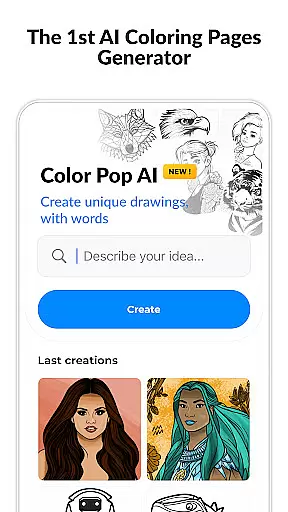
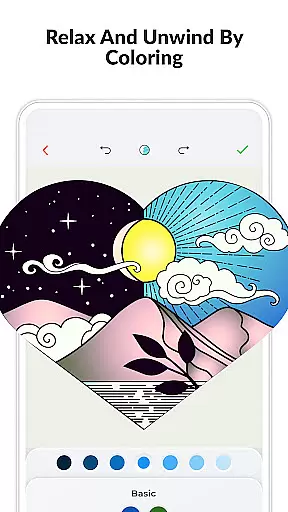
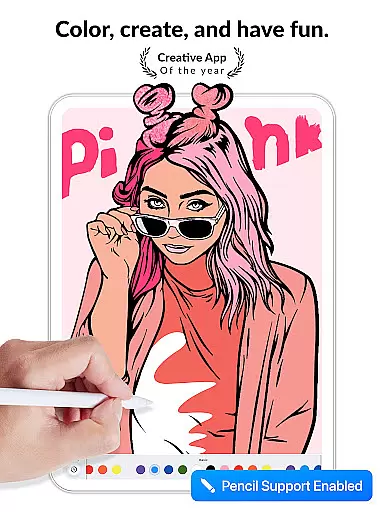
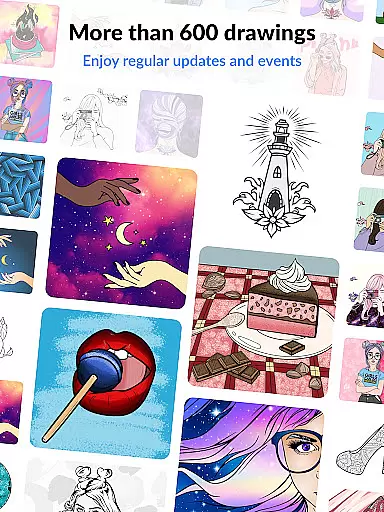
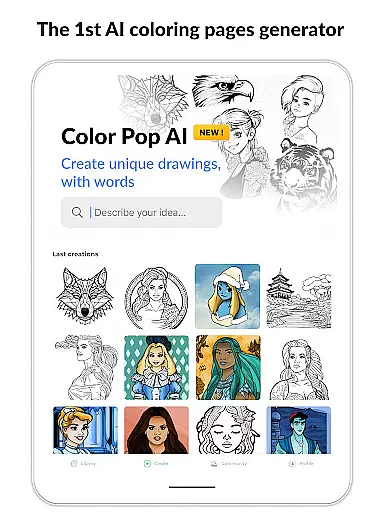
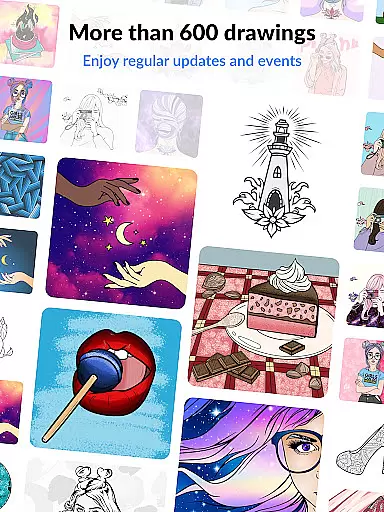
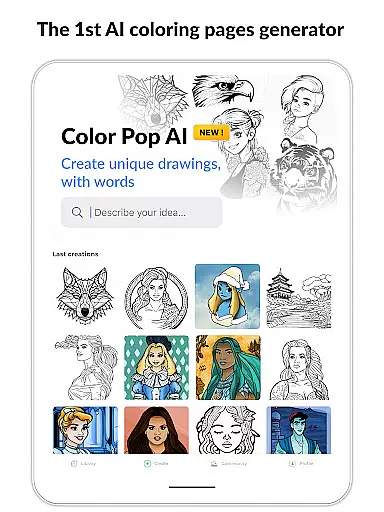
Color Pop is a premier digital coloring book app designed specifically for adults seeking relaxation and creative expression. With over 800 intricate coloring pages, users can explore various themes such as mandalas, landscapes, animals, and famous characters. The app's standout feature is its world-first AI drawing generator, allowing users to create unique coloring pages using simple keywords.
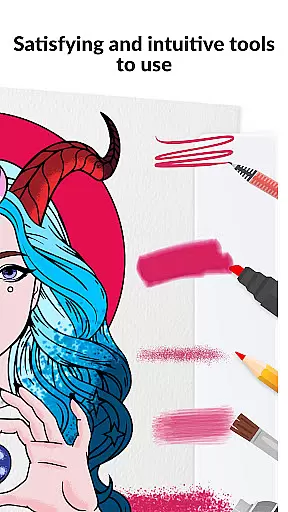
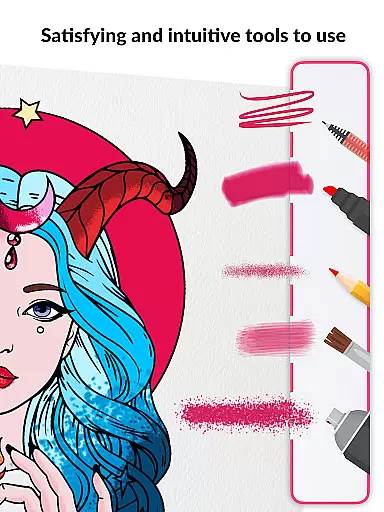
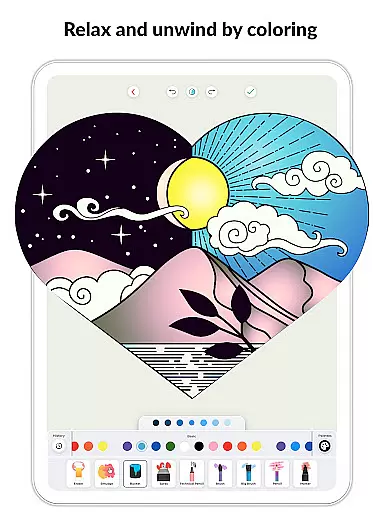
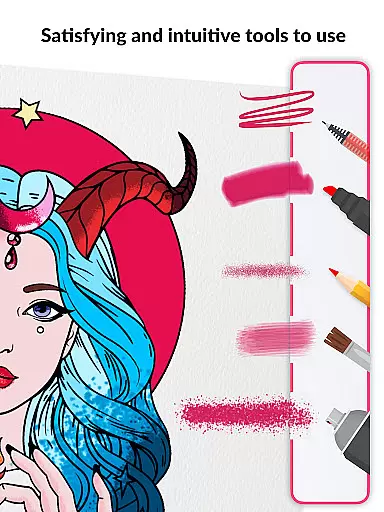
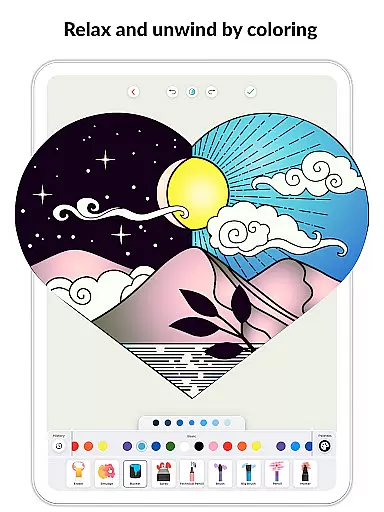
In addition to its vast library of pre-made designs, Color Pop offers an extensive set of coloring tools including brushes, pencils, and textures. Users can experiment with different colors, gradients, and shades to bring their visions to life. The app also promotes mindfulness and stress relief through the therapeutic benefits of coloring, making it perfect for unwinding anytime, anywhere.
Color Pop stands out with its innovative AI drawing generator, enabling users to craft custom coloring pages by simply entering descriptive keywords. This feature complements the app's expansive collection of over 800 professionally designed coloring pages tailored for adults. Each page invites creativity with intricate details and diverse themes, ensuring endless inspiration.
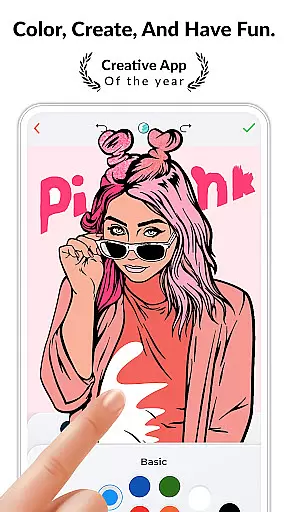
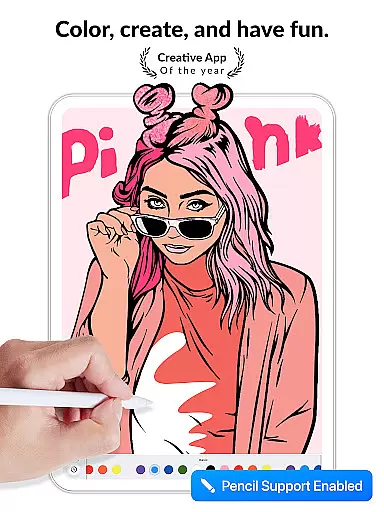
The app provides a comprehensive suite of coloring tools, including various brush sizes, textures, and color palettes. Users can apply plain colors, gradients, and special effects to achieve stunning results. Additionally, Color Pop supports social media sharing, allowing users to showcase their finished artworks on platforms like Facebook, Instagram, and Twitter. Regular updates and exclusive events ensure fresh content, while premium subscribers enjoy unlimited access to all features, including ad-free usage and unlimited AI-generated drawings.
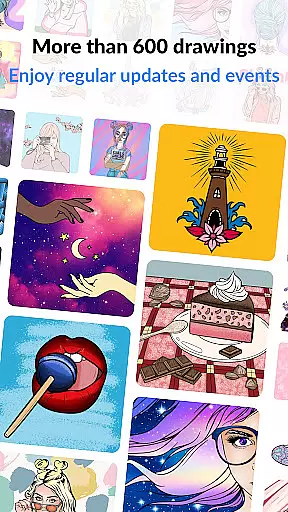
In the realm of digital entertainment, content variety and freshness are crucial for user engagement. Color Pop addresses this need by offering an extensive library of over 800 coloring pages designed specifically for adults. This vast collection includes intricate mandalas, beautiful landscape paintings, cute animal illustrations, and famous characters, ensuring that users will always find something new and exciting to color.
What sets Color Pop apart is its innovative AI drawing generator, a world-first feature that allows users to create their own coloring pages using just a few keywords. This tool taps into the user's imagination, generating unique drawings in seconds and providing endless creative possibilities. The combination of a diverse pre-made library and the ability to generate custom content ensures that the app remains fresh and engaging.
The application also maintains user interest through regular updates and special events featuring exclusive drawings. These updates not only expand the existing library but also introduce limited-time content that encourages users to return frequently. Additionally, the app offers one free drawing every day, providing ongoing value and keeping the content experience dynamic.
By combining a vast collection of professional artwork with cutting-edge AI-generated content and regular updates, Color Pop establishes itself as a leader in content variety and freshness within the entertainment category. This approach not only maintains user interest but also provides multiple avenues for creative expression.
User engagement duration and retention are vital metrics for any entertainment application, and Color Pop implements several features to enhance these aspects. The app's comprehensive coloring tools kit, including various brushes, pencils, and special effects, creates an immersive experience that encourages users to spend more time within the application. These professional-grade tools allow for detailed and personalized artwork, which naturally leads to longer sessions as users strive for perfection in their creations.
The introduction of Color Pop AI, the world's first AI drawing generator, significantly boosts user retention by transforming the app from a simple coloring book into a creative platform. This feature enables users to generate unique coloring pages based on their own ideas, creating a personal connection with the content and increasing the likelihood of repeated use. The ability to create custom content adds a layer of depth that traditional coloring apps lack.
To further enhance retention, the app incorporates mindfulness and relaxation elements, acknowledging the therapeutic benefits of coloring. These features help create a calming environment that users can return to for stress relief, effectively building a habit-forming experience. Additionally, the social media sharing functionality allows users to showcase their artwork, creating external motivation for continued engagement.
Through its combination of advanced creation tools, AI-powered content generation, therapeutic benefits, and social sharing capabilities, Color Pop successfully maximizes user engagement duration and retention. These features work together to create a compelling ecosystem that encourages both extended sessions and frequent returns.
Unique AI drawing generator
Extensive coloring page library
Variety of coloring tools
Promotes relaxation
Social sharing capabilities
Premium subscription required
AI feature may need refinement
Limited free daily drawings
Some tools locked behind paywall
Auto-renewing subscriptions

Disney Stickers: Zootopia 2
 4.4
4.4
Music visualizer and party effects for Hue
3.90
Wodfix Air aggregates popular online content for you.
4.80
Series,Películas y Telenovelas
4.50
5 funny and lovely ponies waiting for you to style them!
4.80
Realistic Baby Simulator App
4.00
Hand-drawn, cartoon OC creator - original character creator
4.70
Create your Songs. Cover Maker with any Voice, Song Generator
3.30
Stream, Watch, Chat. Live.
4.00
Unleash Your AI Imagination
4.60
Your Avatar, Endless Fun
4.60
Create and play realistic-looking mock Emergency Alert System messages.
4.30
Experience the video editing experience brought by our intuitive interface
4.10
Watch New Episodes & Live TV
3.80
Connect. Discover. Control.
3.60
Explore the unknown!
3.00
Unofficial Game Companion App” “Guides • Builds • Tips • Progression
4.5
Neon Christmas Tree Animated: Festive Wear OS watch face with fitness info
4.4
Control your AWTRIX 3 easily
4.4


User Reviews