
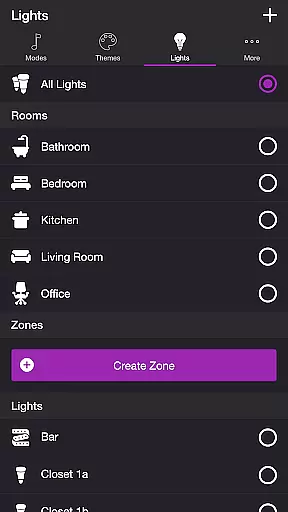
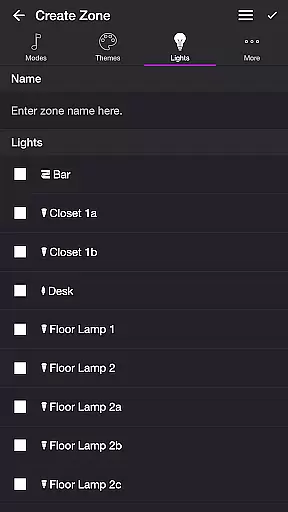
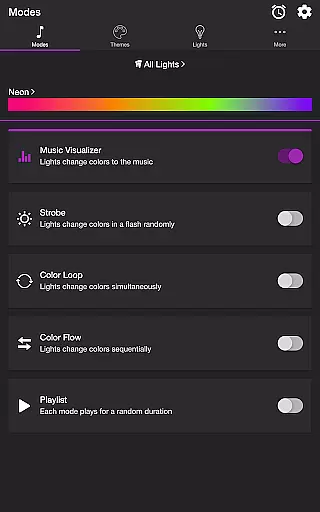
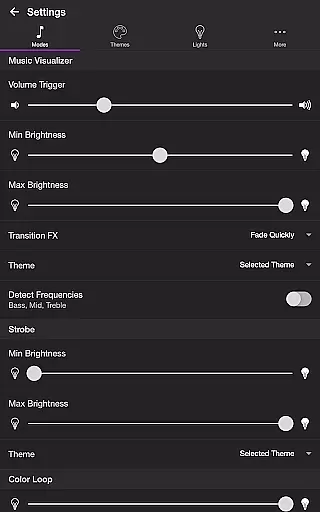
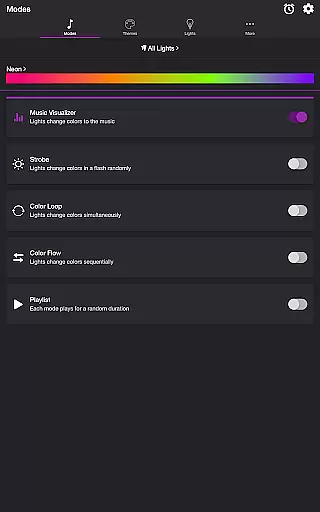
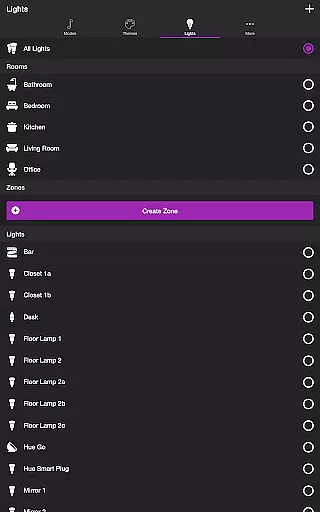
Soundstorm for Hue is an entertainment app that transforms your Philips Hue lights into a dynamic party experience. The core functionality revolves around syncing your smart lights with music, creating immersive light shows that pulse and flash to the beat of your favorite songs. This requires a Hue Bridge for operation.
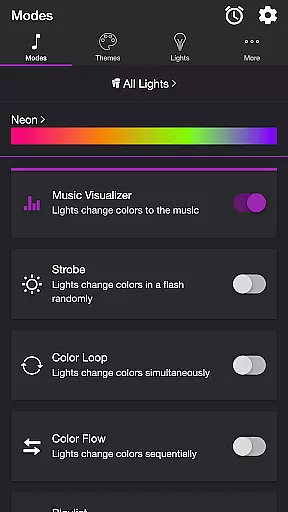
The app offers multiple modes including Music Visualizer, Strobe, Color Loop, Color Flow, and Playlist, each providing unique ways to customize how your lights react to sound or operate independently. With customizable themes and detailed settings, users can tailor the effects to their preferences, making it ideal for parties or personal ambiance enhancement.
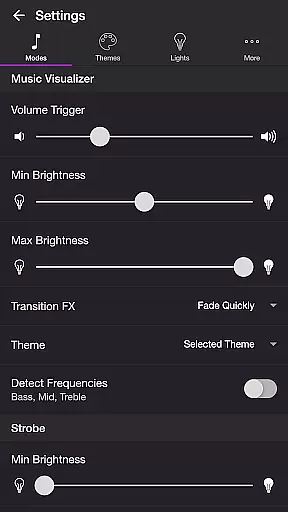
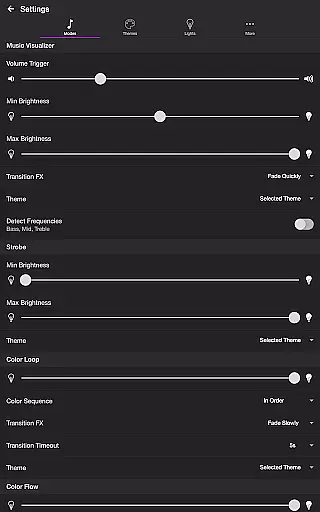
Soundstorm for Hue stands out with its diverse feature set tailored for lighting and music enthusiasts. The Music Visualizer mode uses the device's microphone to sync lights with music in real-time, while offering adjustable volume triggers and brightness levels. Users can also choose from various transition effects like Pulse or Fade Slowly, and even target specific frequency ranges (Bass, Mid, Treble).
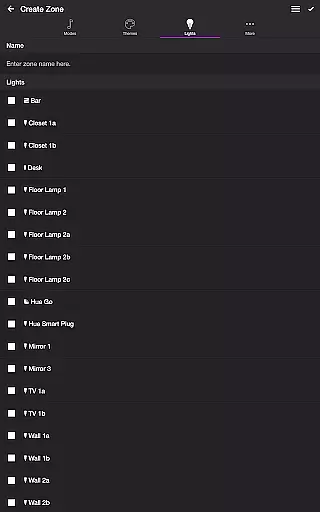
Beyond music-syncing, the app includes non-music modes such as Strobe and Color Loop, which provide randomized or sequential color changes. The Playlist mode cycles through different effects at random durations. Additionally, users can create custom themes, reorder lights, and configure advanced settings like sleep timers and default end states, ensuring a personalized and versatile lighting experience.
Soundstorm for Hue offers a diverse range of content through its various modes and themes, ensuring users have multiple entertainment options. The app includes modes such as Music Visualizer, Strobe, Color Loop, Color Flow, and Playlist, each providing a unique way to enjoy Philips Hue lights.
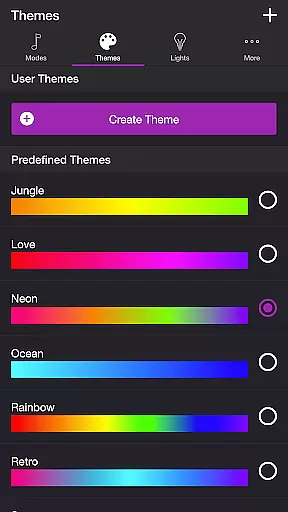
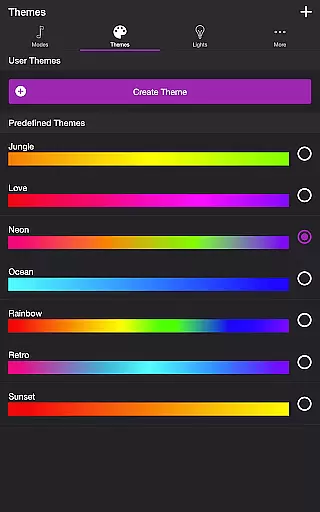
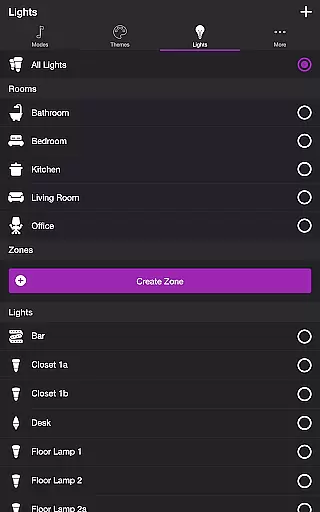
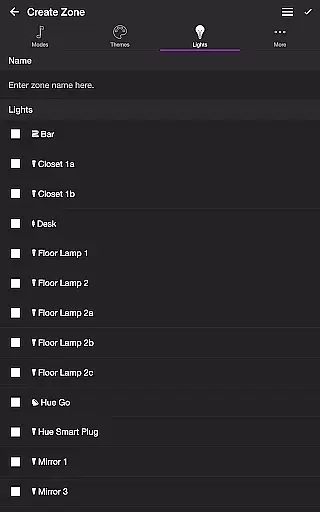
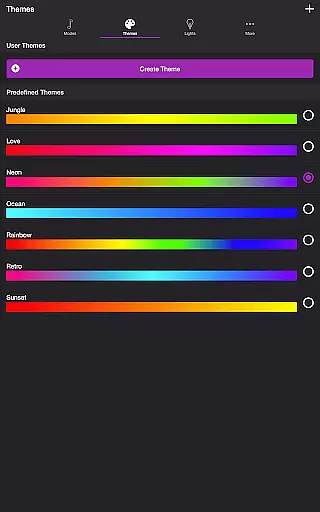
Each mode is customizable with different themes and settings, allowing users to tailor their light shows to their preferences. This flexibility ensures that the content remains fresh and engaging, as users can change themes, adjust brightness, transition effects, and even target specific lights for effects.
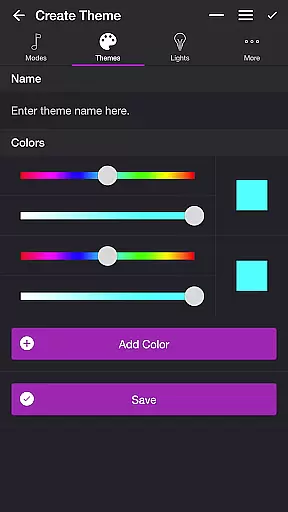
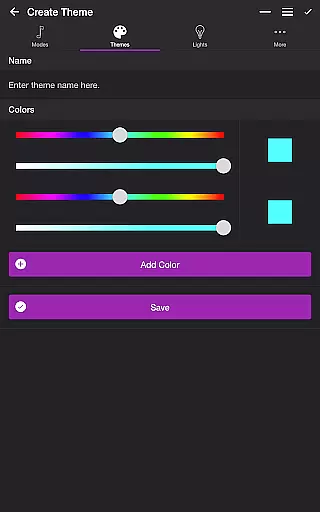
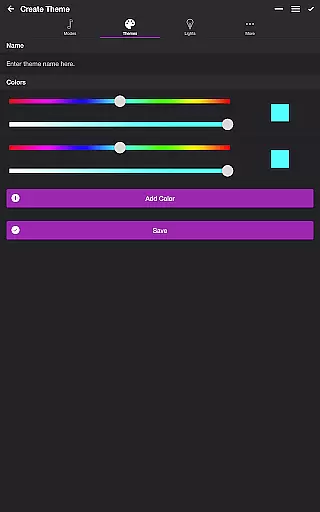
The ability to create and edit user themes adds another layer of personalization and variety. Users can reorder colors, change sequences, and modify transition effects, making every experience with Soundstorm for Hue distinct. This feature encourages creativity and exploration, keeping the content dynamic and appealing.
By offering numerous customization options and regular updates, Soundstorm for Hue maintains a high level of content variety and freshness, enhancing user engagement and satisfaction.
User engagement duration and retention are critical factors for any entertainment app, and Soundstorm for Hue excels in these areas by providing an immersive and interactive experience. The app's various modes, such as Music Visualizer and Strobe, captivate users by synchronizing lights with music or creating vibrant visual effects.
Customizable settings allow users to fine-tune their experience, increasing the time spent interacting with the app. Options like adjusting volume triggers, frequency ranges, and transition effects ensure that users remain engaged as they explore different configurations and discover new ways to enjoy their lights.
Additionally, features like Sleep Timer and Playlist mode encourage longer sessions by automating the light show and allowing uninterrupted enjoyment. These features help retain users by providing convenience and enhancing the overall experience.
Soundstorm for Hue fosters user retention through continuous updates and improvements based on user feedback. By actively engaging with the community and implementing requested features, the app ensures that users remain invested and committed to using it over time.
Dynamic music sync
Customizable themes
Multiple effect modes
Intuitive UI design
Comprehensive settings
Hue Bridge required
Premium features locked
Microphone access needed
Limited without Philips Hue
Complex for beginners

The OFFICIAL PeeWee Purpdrank Soundboard!
 4.80
4.80
Disney Stickers: Zootopia 2
4.3
Journey to the world’s oldest rainforest and meet its Indigenous Custodians.
4.4
A companion app for the game Elite Dangerous
4.10
Stream videos to VIDAA & VEWD TVs from Hisense, Sharp, Skyworth, Vestel & TiVo
3.00
Earn gift cards for playing games. Become a real game tester!
4.40
See the frequencies! Watch the magic!
4.5
Stream, Watch, Chat. Live.
4.00
Play casual games to get gift cards and money. More playing, more earning.
4.70
Original short dramas with diverse genres for a rich viewing experience!
4.80
Premium version to enjoy your favorite anime
4.60
Tarot & Oracle Card Readings
4.50
Stream Online TV - Watch Live IPTV Playlist & Channel with Built-In Player
4.50
Fetch money rewards all just for playing games. Cash out for gift cards in app.
4.50
Create melty bead designs by numbers, photos or your imagination
4.40
Create and play realistic-looking mock Emergency Alert System messages.
4.30
VR 360 Cinema Player is the ultimate VR player for playing videos on mobile
3.50
With the Steam Mobile App, you can take Steam with you anywhere.
3.00
A wonderful collection of the most beautiful sounds of animals and birds
4.3


User Reviews