
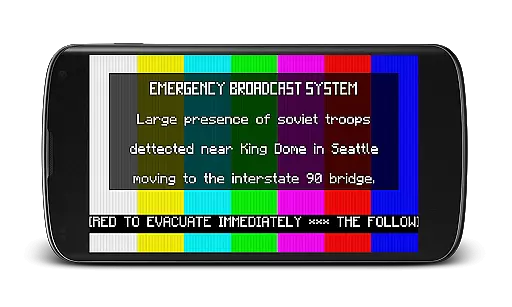
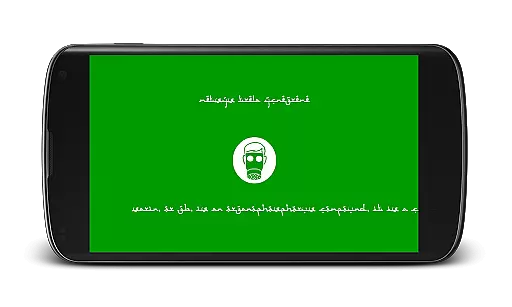
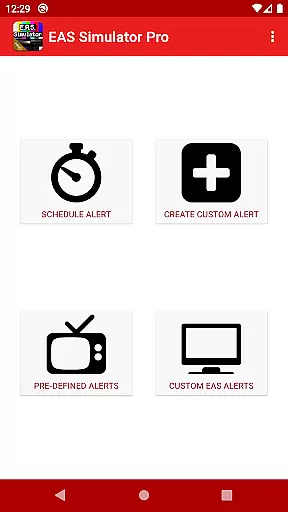
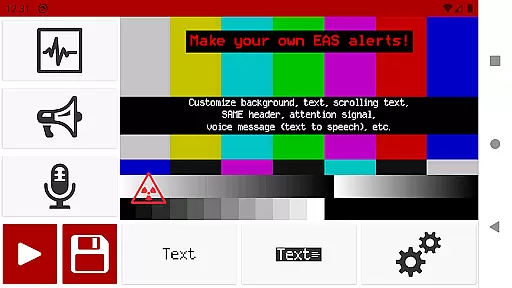
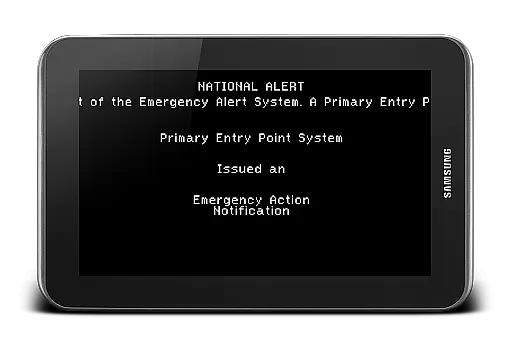
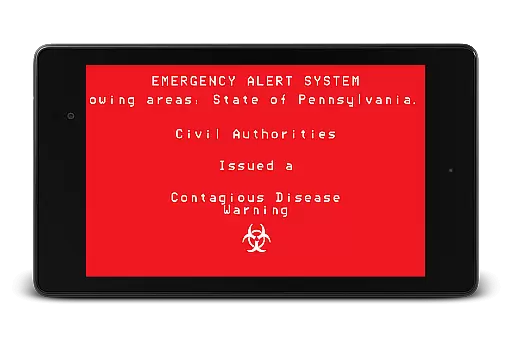
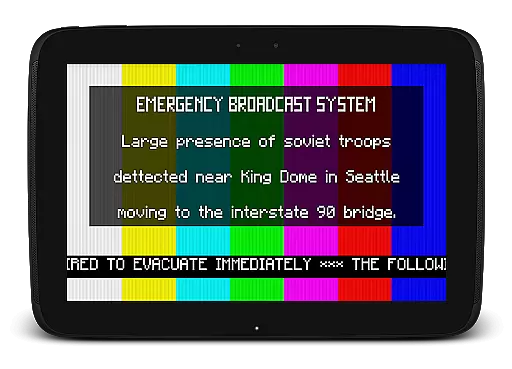
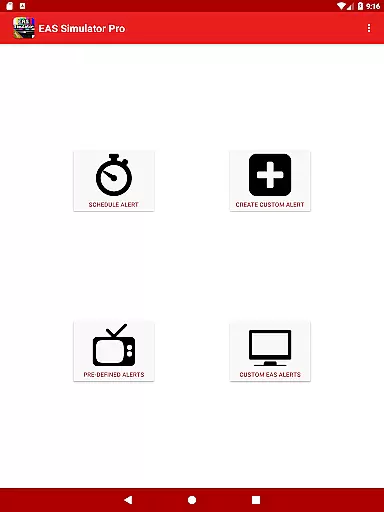
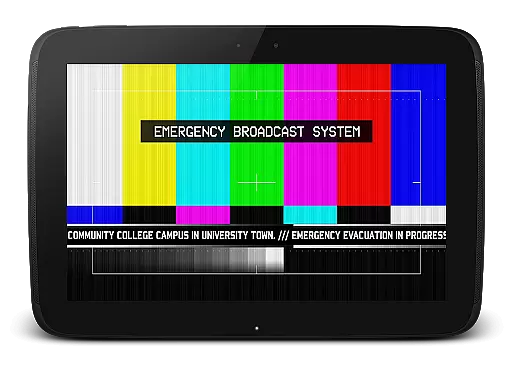
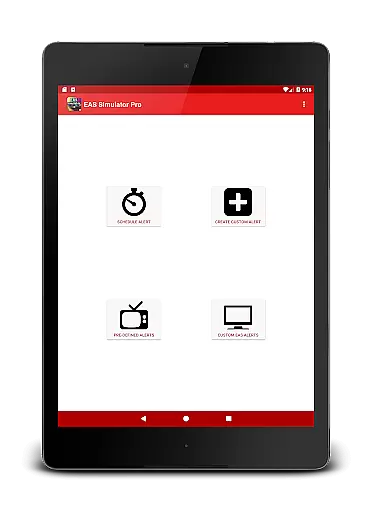
EAS Simulator Pro is an innovative entertainment app that allows users to simulate realistic Emergency Alert System (EAS) messages on their Android devices. With this app, you can create and play mock alerts for various scenarios, ranging from natural disasters to fictional apocalyptic events.
The app offers a comprehensive alert editor, video conversion of alerts, scheduling capabilities, and pre-defined emergency scenarios. These features make it ideal for both educational drills and creative role-playing activities. Whether you're preparing for real emergencies or simply exploring hypothetical situations, EAS Simulator Pro provides an engaging and realistic experience.
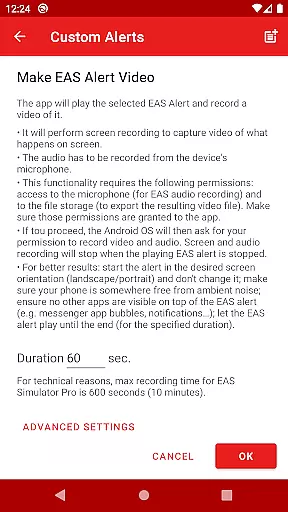
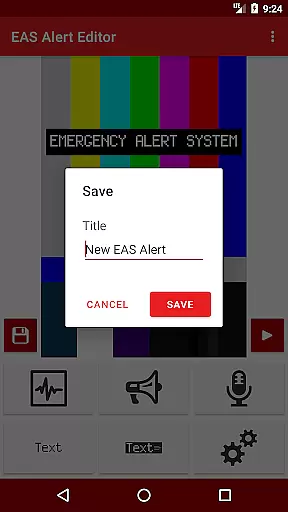
This app stands out with its extensive customization options and professional-grade features. Users have full access to the EAS alert editor, enabling them to create unlimited custom alerts with detailed settings. The ability to convert these alerts into videos using screen recording and microphone audio adds another layer of realism.
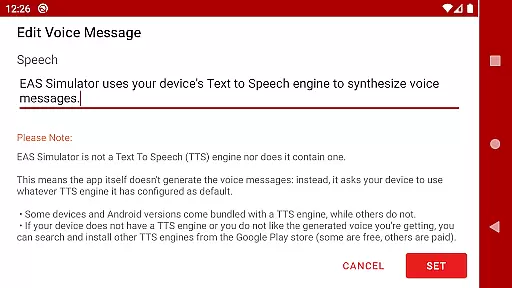
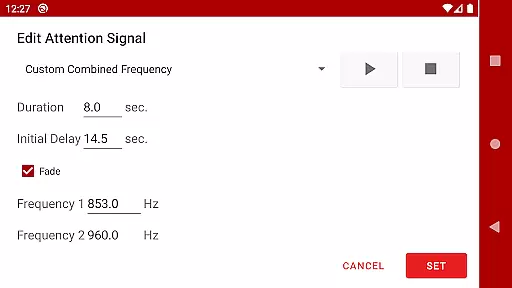
EAS Simulator Pro comes loaded with pre-defined alerts covering real-life emergencies and thrilling fictional scenarios. It supports various alert formats including SAME headers, attention signals, scrolling texts, and Text-to-Speech voice messages. The scheduling feature allows alerts to play automatically even when the device is locked, making it perfect for timed drills or immersive role-playing sessions.
In the realm of digital entertainment, content variety and freshness are paramount to maintaining user engagement. EAS Simulator Pro excels in this area by offering a diverse array of pre-defined alerts that cater to both real-life scenarios and thrilling fictional situations. From simulating natural disasters like flash floods and tornadoes to more imaginative settings such as zombie apocalypses or nuclear strikes, the app provides an extensive selection designed to captivate users' imaginations.
Moreover, EAS Simulator Pro allows for the creation and saving of custom alerts without limitations, ensuring that content remains fresh and personalized. This feature empowers users to continuously explore new creative possibilities within the Emergency Alert System framework, keeping their experience dynamic and engaging over time.
The ability to schedule alerts adds another layer of variety, enabling users to plan drills, pranks, or role-playing activities at their convenience. By supporting playback even when the device is locked, it ensures that these scheduled events can unfold seamlessly, contributing further to the perception of an ever-evolving set of entertainment options available through the application.
User engagement duration and retention are critical metrics for any entertainment app, indicating how effectively it captures and holds the interest of its audience. EAS Simulator Pro addresses these aspects by providing features that encourage prolonged interaction with its content. The realistic simulation of Emergency Alert System messages, complete with SAME headers, attention signals, voice messages generated via Text-to-Speech engines, and end-of-message sounds, creates an immersive environment that keeps users engaged longer as they explore different alert scenarios.
Additionally, the app's functionality extends beyond mere playback; it includes tools for converting EAS alerts into videos using screen recording and microphone audio. This not only enhances user involvement but also facilitates sharing experiences with others, potentially increasing retention rates as users return to create new content or revisit past creations.
Furthermore, the capability to export/import EAS alerts as files supports ongoing engagement by allowing users to back up their work or share it with friends who own either the Demo or Pro versions of EAS Simulator. Such social elements foster a sense of community around the app, promoting regular use and sustained interest among its user base.
User-friendly interface
Highly customizable alerts
Realistic simulation effects
Ad-free experience
Comprehensive feature set
Paid application
Requires TTS engine
Video export issues on some devices
Limited OS compatibility
Permissions required

Journey to the world’s oldest rainforest and meet its Indigenous Custodians.
 4.1
4.1
Stream videos to VIDAA & VEWD TVs from Hisense, Sharp, Skyworth, Vestel & TiVo
3.00
Come and watch short dramas, reels with diverse genres!
4.40
Himnario LLDM - Fast and Easy to read , updated Hymnal 2019 Edition Official
4.20
Alice Box is an Instrumental Trans Communication app.
3.80
Control your AWTRIX 3 easily
4.2
VR 360 Cinema Player is the ultimate VR player for playing videos on mobile
3.50
Hand-drawn, cartoon OC creator - original character creator
4.70
An app made just for kids
4.20
Open-source, fast, simple and powerful IPTV app
4.90
Catalog & tracker of your DVD, Blu-ray & Digital Movie and TV Collection Library
4.80
Exclusive creator communities
4.70
Classic dynamic pixel art from Mark Ferrari.
4.70
Stream Online TV - Watch Live IPTV Playlist & Channel with Built-In Player
4.50
Triple A is a highly complex, kinetic, and interactive visualizer.
4.50
* Multiple Matches * Intuitive UI * Scoring Made Easy!
4.40
Fire effects for your Philips Hue lights
4.20
Necrophone is spirit box ghost hunting app made for spirit communication.
3.70
Stream live TV shows, sports, news, movies & more - all without cable.
3.00


User Reviews