

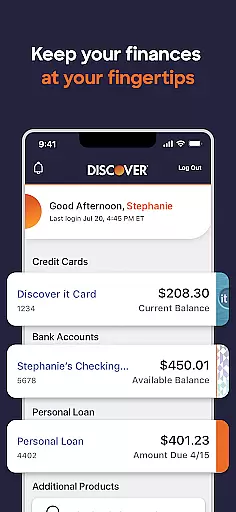
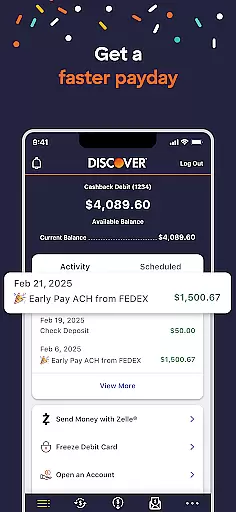

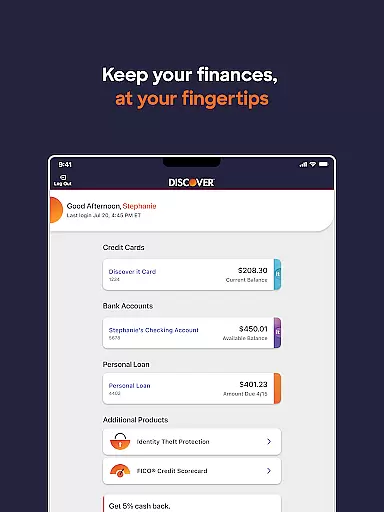
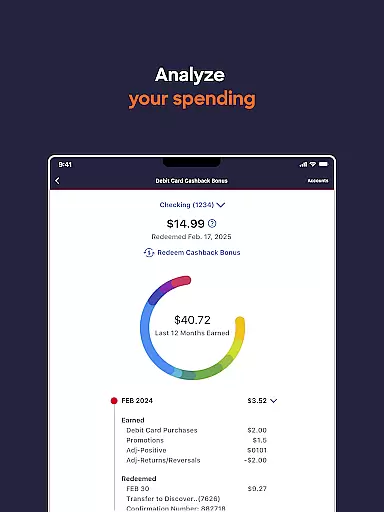
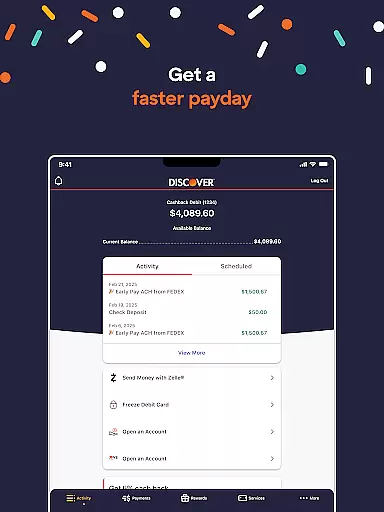

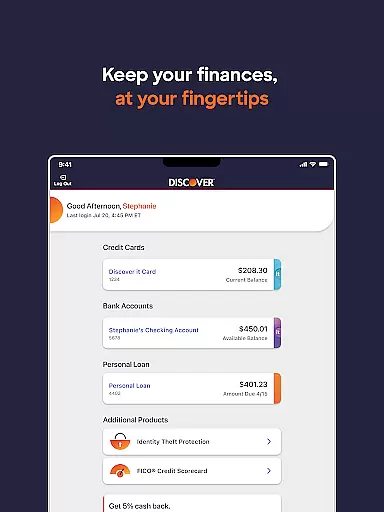
Discover Mobile is a comprehensive financial management app designed for Discover credit card and bank account holders. The app allows users to securely manage their accounts from anywhere, providing fast access through a 4-digit passcode login. With its robust features, users can check balances, view transaction history, make payments, and even redeem rewards directly from their mobile devices.
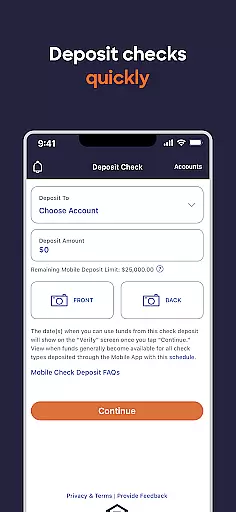
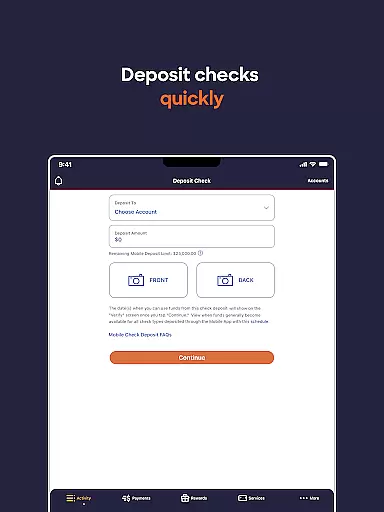
The app goes beyond basic account management by offering advanced tools like FICO® Credit Score monitoring, transaction search functionality, and the ability to freeze or unfreeze accounts. Users can conveniently link their Discover cards to Amazon and PayPal accounts, making it easier to earn and use rewards during checkout. Additionally, the app supports Discover Bank deposit accounts and personal loans, enabling users to transfer funds, pay bills, and deposit checks digitally.
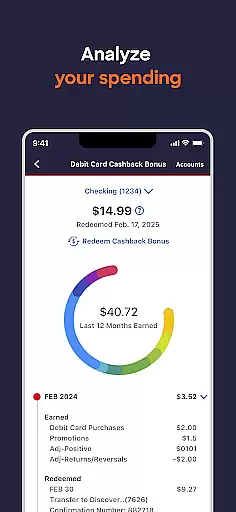
Discover Mobile offers an impressive array of features that cater to both credit card and bank account management. For credit card users, the app provides detailed transaction views, payment scheduling, and flexible reward redemption options including statement credits, bank deposits, and gift cards starting at just $5. The inclusion of FICO® Credit Score access helps users understand their credit standing while the Travel Notification feature ensures uninterrupted card usage during trips.
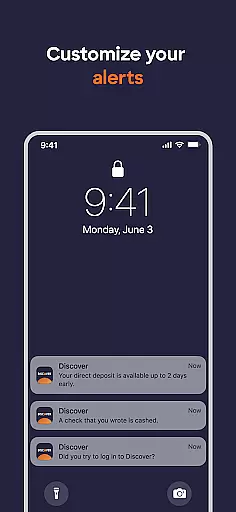
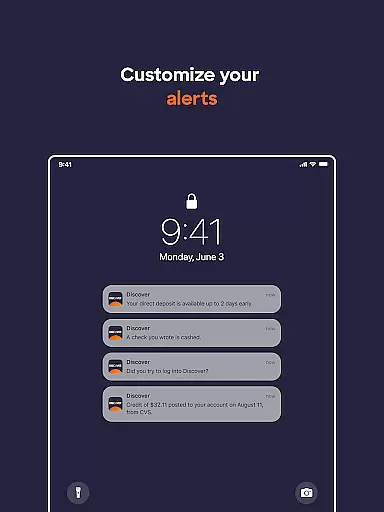
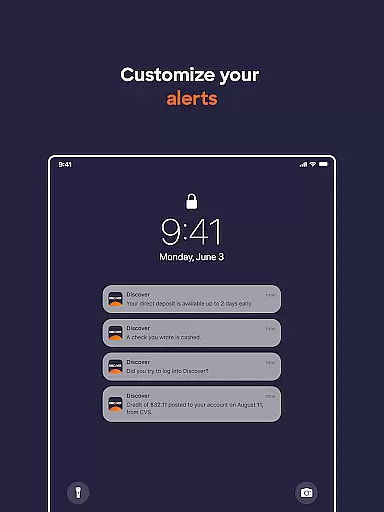
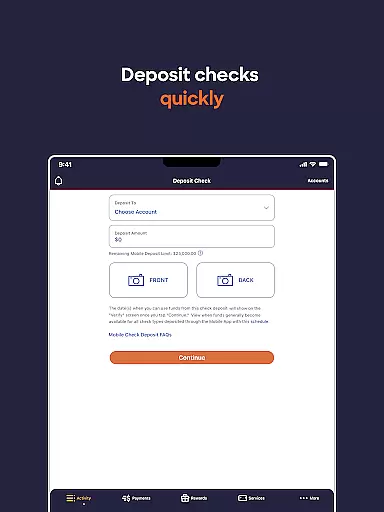
Banking customers benefit from integrated money management tools such as bill payment, check deposit, and fund transfer capabilities. The app's security features are particularly noteworthy, allowing users to send secure messages to customer service, activate new cards, and report lost or stolen cards instantly. The implementation of account alerts and the ability to edit account profiles demonstrate Discover's commitment to both convenience and security in mobile banking.
Account and fund security is a critical aspect of any financial application, ensuring that users' sensitive information remains protected. Discover Mobile employs advanced encryption protocols to safeguard your data, providing peace of mind when accessing your credit card and bank accounts. The app allows you to freeze or unfreeze your account instantly, adding an extra layer of control against unauthorized transactions.
Beyond basic security measures, the Discover Mobile app offers comprehensive protection features. Users can activate a new card directly through the app or report a lost or stolen card with ease. With the ability to send and receive secure messages with Discover Customer Service, you can address concerns without compromising your personal information. These robust security options ensure that your financial activities are shielded from potential threats.
The importance of such security measures cannot be overstated. By enabling features like travel notifications, users prevent unnecessary account flags while traveling, maintaining uninterrupted access to their funds. Additionally, the app's requirement for Android 11 and up ensures compatibility with modern security standards, enhancing overall protection. This dedication to security empowers users to manage their finances confidently and securely.
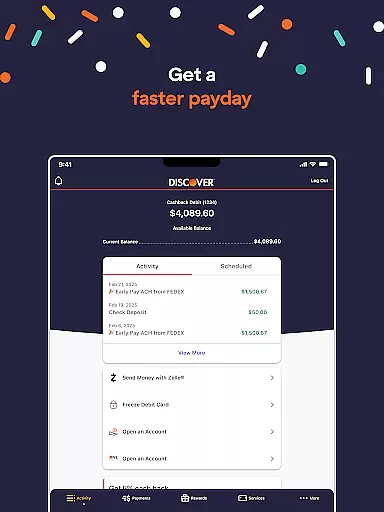
A seamless transaction experience is vital for any financial app, allowing users to perform necessary actions quickly and efficiently. Discover Mobile excels in this area by offering fast account access through a simple 4-digit passcode login. Once logged in, users can effortlessly check their balance, view available credit, and search through transaction activities, making day-to-day financial management straightforward and efficient.
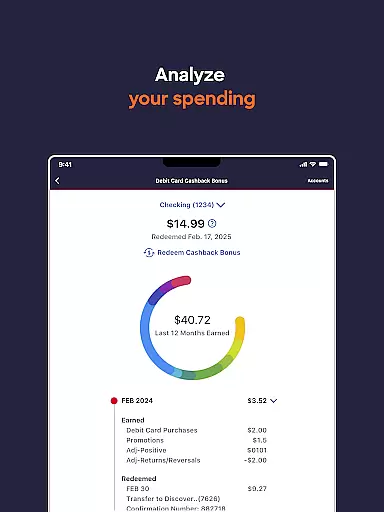
In addition to viewing transactions, the app provides powerful tools for managing them. Users can make payments, edit or cancel pending payments, and even redeem rewards as statement credits or deposits to their bank accounts. This flexibility ensures that users have complete control over their financial activities, streamlining the process of managing their Discover credit card and bank accounts from anywhere.
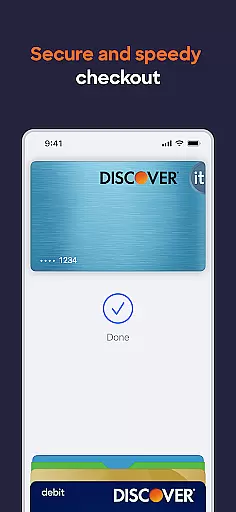
The Discover Mobile app goes beyond basic transaction capabilities by integrating with popular services like Amazon and PayPal. This integration enables users to link their Discover card for easier checkout processes, enhancing the overall transaction experience. Such features not only simplify payments but also help users maximize their rewards, creating a more engaging and beneficial financial management experience.
User-friendly interface
Comprehensive account management
Flexible reward redemption
Advanced security features
Integrated banking tools
Android 11 required
Limited to Discover customers
No budgeting tools
Occasional bugs reported
Complex navigation

Earn cash & save money daily. Access instant cash advances* - no credit check!
 4.50
4.50
Money transfer made easy. Send money to friends and family with great rates.
4.70
Easily invest, save, and plan—all in one app.
4.60
Change the way you money with Credit Genie
4.30
No credit check, no interest, no worries.
4.70
View BSC Transactions for multiple accounts
3.90
Currency Converter (200+ currencies) with live exchange rates and offline mode.
4.70
Wells Fargo Mobile allows you to access your investment and bank accounts.
4.80
The PayPal app is the secure way to send and receive money, shop and pay in 4.
4.20
No credit checked needed.
4.80
Simple & secure international money transfers - for personal & business needs.
4.80
Get 250$ Cash Advance to solve emergencies instantly in loan app called LendMe
4.70
Military retirement pay estimation calculator
4.70
Navigate your unique financial path confidently with help from Credit Karma.
4.70
Manage your account, make a payment, and redeem your rewards on the go.
4.50
Car Insurance Made For You.
4.50
All your crypto & stocks in one secure and trusted app.
4.40
BTC, Crypto, Stocks & Options.
4.20
NFC mobile payment app Use your phone as a contactless bank card
4.00


User Reviews