
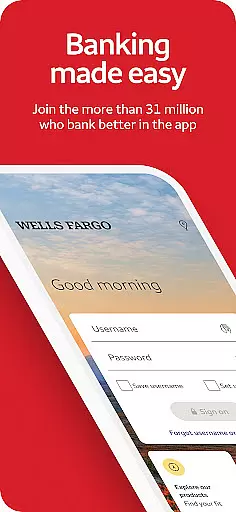
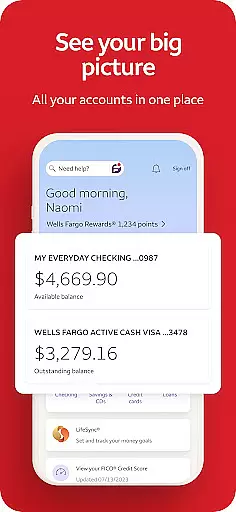
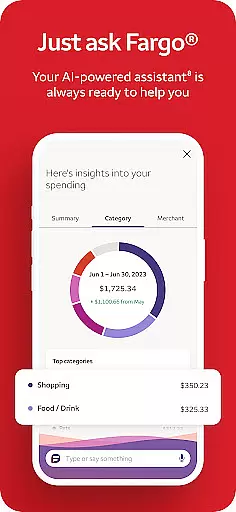
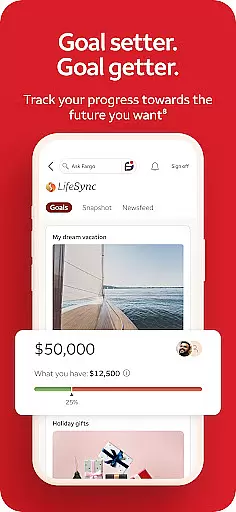
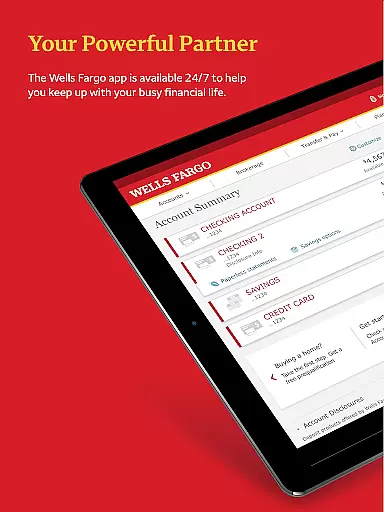
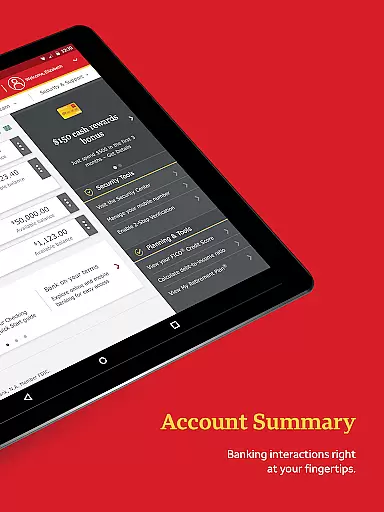
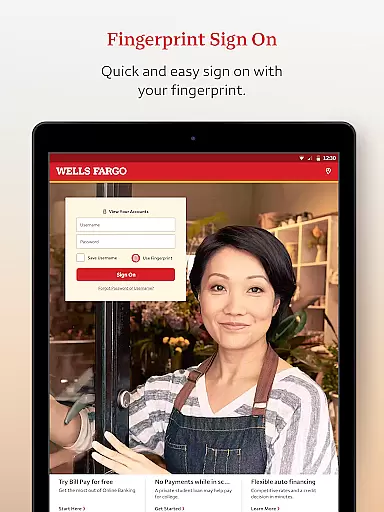
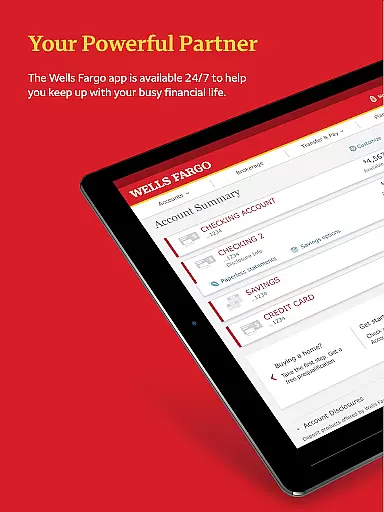
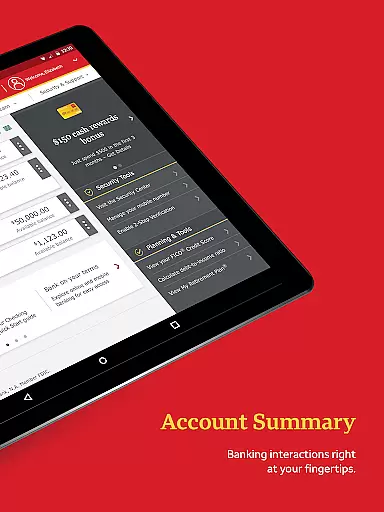
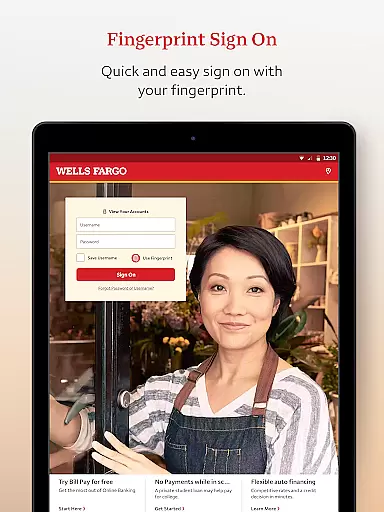
Wells Fargo Mobile is a comprehensive financial management application designed for seamless account access and control. The app allows users to manage their cash, credit, and investment accounts through advanced security features like Fingerprint Sign On or Biometric Sign On. With functionalities ranging from reviewing account activity to paying bills and tracking investments, it serves as an all-in-one banking solution.
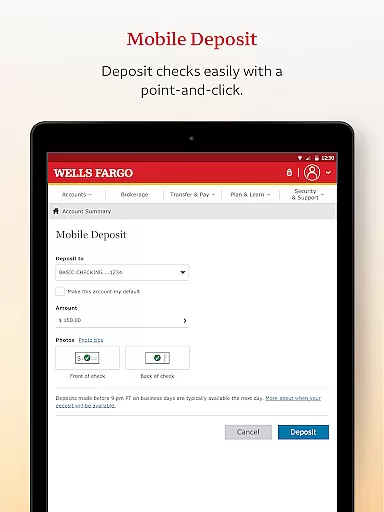
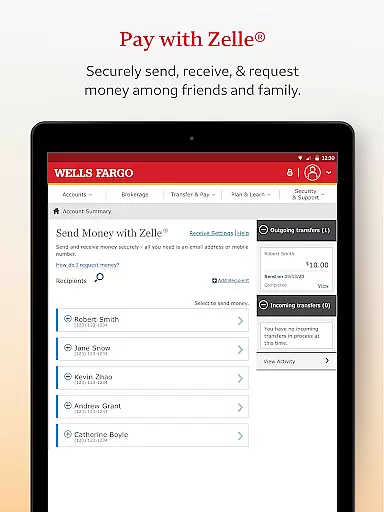
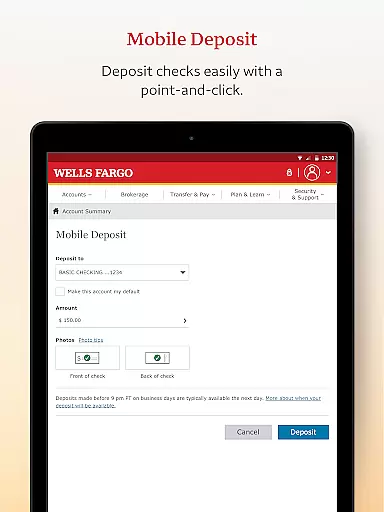
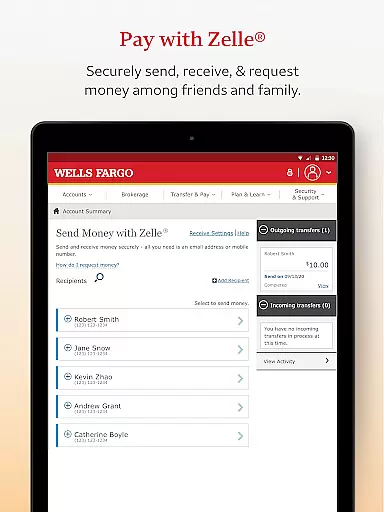
A key feature of the app is its ability to facilitate quick and secure transactions. Users can deposit checks using their Android camera, transfer funds between Wells Fargo accounts, and send money to friends and family via Zelle. Additionally, the Security Center provides tools to report fraud, manage alerts, and monitor suspicious activities, ensuring robust protection for your financial data.
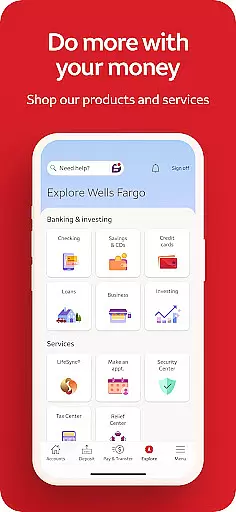
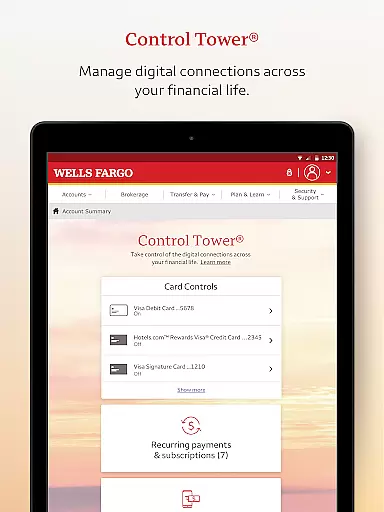
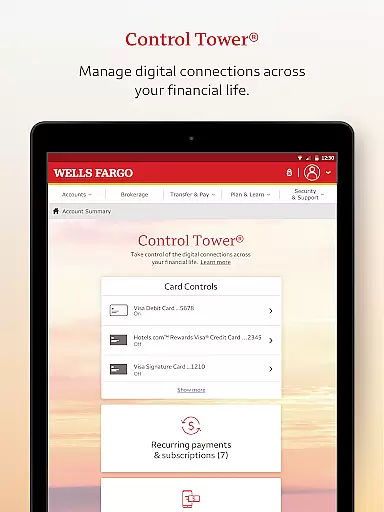
The app offers a wide array of features tailored to meet diverse banking needs. Account Management includes accessing various accounts with biometric authentication, reviewing balances, and managing credit card rewards. Users can also activate or deactivate cards, add them to digital wallets, and manage recurring payments through Card Settings.
For those who need to handle investments, the app provides real-time quotes, charts, and market data. It supports monitoring balances and holdings in WellsTrade accounts, enabling users to make informed decisions. Furthermore, the app's integration with Zelle allows for easy peer-to-peer payments, enhancing convenience in everyday financial interactions.
Account and fund security is a critical aspect of any financial application, ensuring the protection of users' sensitive information and assets. Wells Fargo Mobile employs advanced security measures such as Fingerprint Sign On and Biometric Sign On, available on eligible devices, to provide a secure yet convenient login experience.
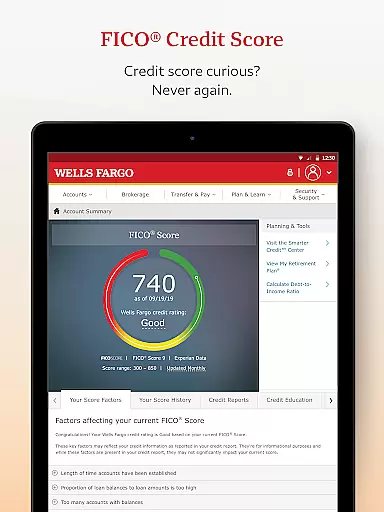
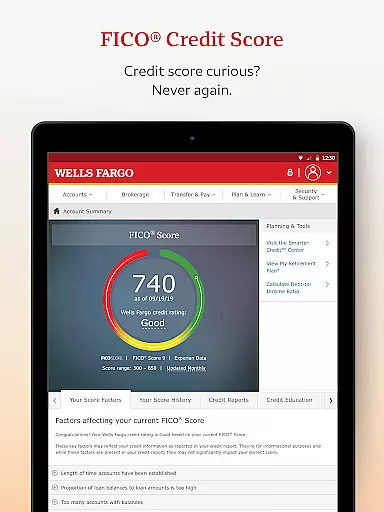
Beyond biometric authentication, the app offers comprehensive tools for managing account safety. Users can easily activate or deactivate their cards, receive instant notifications for suspicious activities, and access their FICO Credit Score to stay informed about their credit health. These features collectively create a robust security framework that empowers users to take control of their financial security.
The benefits of these security features are manifold. Not only do they help prevent unauthorized access, but they also enable users to respond quickly to potential threats by turning off compromised cards or monitoring alerts. This proactive approach to security ensures peace of mind for users who rely on the app for their banking needs.
A seamless transaction experience is vital for a finance app, allowing users to manage their funds efficiently and effectively. Wells Fargo Mobile excels in this area by offering multiple ways to deposit funds, make transfers, and pay bills, all within a user-friendly interface designed to simplify daily banking tasks.
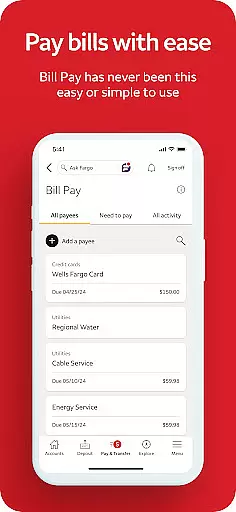
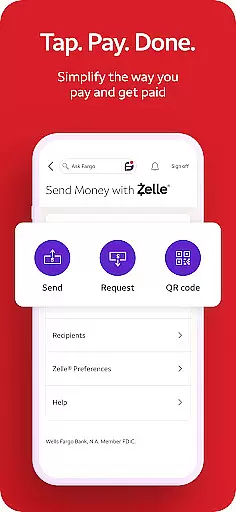
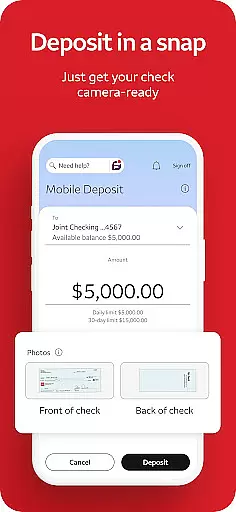
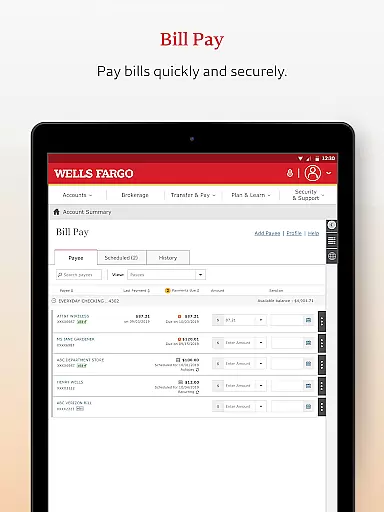
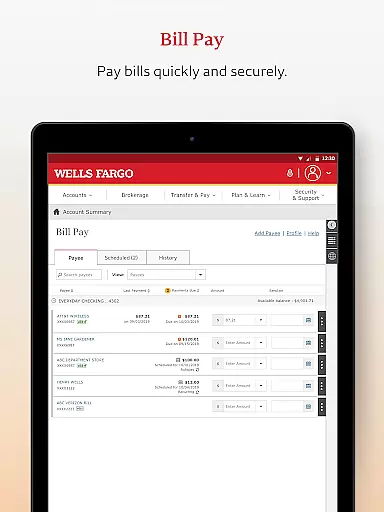
One standout feature is the ability to deposit checks using the Android camera, providing an instant view of the processing deposit in the user's account. Additionally, users can transfer funds between their Wells Fargo accounts and other financial institutions, send money to friends and family via Zelle, and pay bills directly from the app. These functionalities streamline the banking process, saving time and reducing hassle.
By integrating these features, Wells Fargo Mobile enhances the overall transaction experience, making it faster, more reliable, and highly accessible. Users benefit from the convenience of performing various banking activities on-the-go, without compromising on security or efficiency, thus elevating their engagement with the app.
User-friendly interface
Comprehensive account management
Advanced security features
Real-time investment tracking
Convenient peer-to-peer payments
Limited to eligible devices
Some features require enrollment
Deposit limits apply
Additional fees for agent-assisted trades
Not all smartphones supported

Currency Converter supports all currencies of the world.
 5.00
5.00
Manage your Discover account conveniently from anywhere.
4.80
Get a cash advance instantly. File taxes & cover unexpected bills in minutes.
4.60
Need help before payday? Get cash advances with no interest or credit checks.
4.60
Your insurance, anytime, anywhere
4.00
Get up to 500, get paid early, earn interest and find work with no hidden fees.
4.40
Earn cash back. Build credit.
4.60
Loan Calculator, Mortgage Calculator, Compound Interest Calculator
4.70
StockTiles lets you view prices & charts of your favorite stock assets
2.30
All expenses at a glance.
4.80
Join 12M+ users. Instant cash advances, personal loans, build credit, save money
4.80
Play for fun, earn for real. Collect rent by owning virtual land & get cashback
4.60
Debt pay off. Build credit history. AI budget tool. Loan offers.
4.60
The US Debt Clock .org App gives you a Real-Time glimpse of US Financial Stats
4.60
Our Chase Mobile App makes it easy for you to bank on the go 24/7.
4.60
Manage your account, make a payment, and redeem your rewards on the go.
4.50
The all-in-one app to save, earn, travel, and put more money in your pocket
4.50
The PayPal app is the secure way to send and receive money, shop and pay in 4.
4.20
Bank better with our new app
3.80


User Reviews