
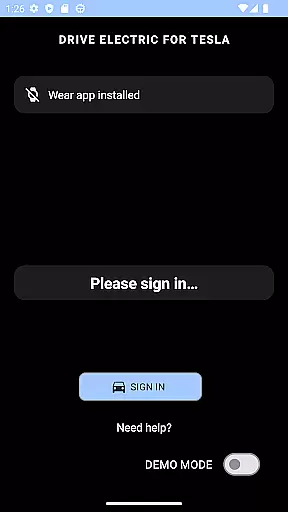
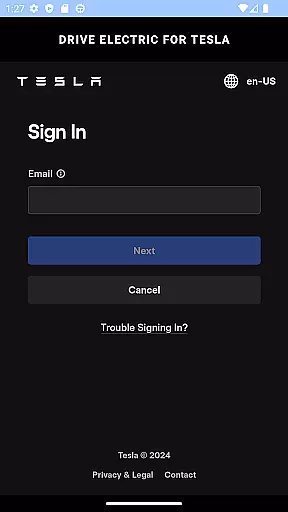
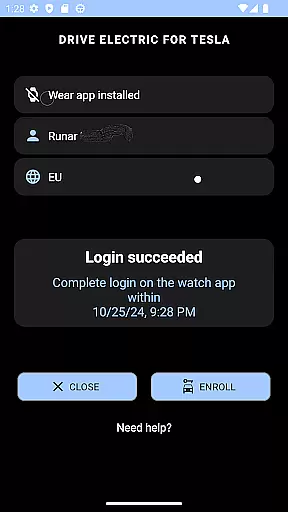
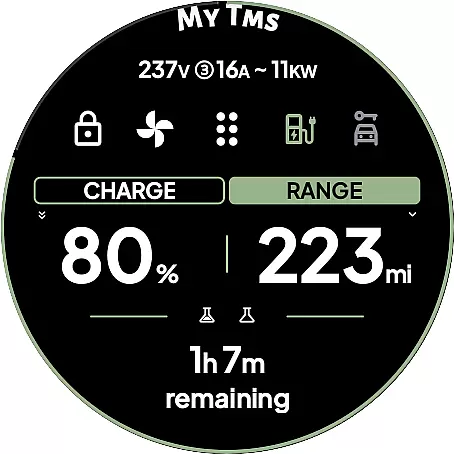
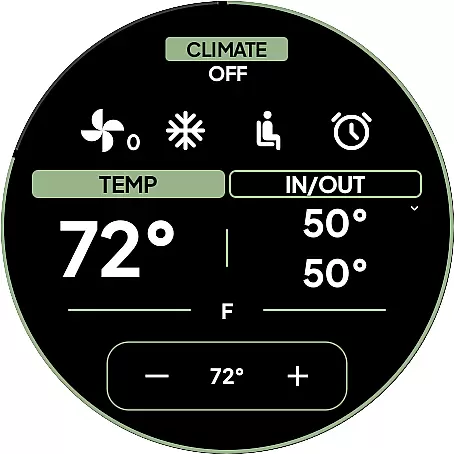
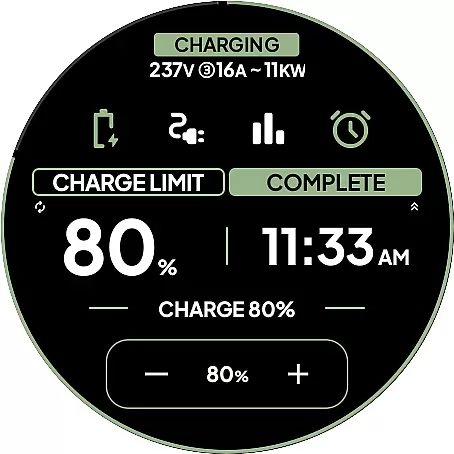
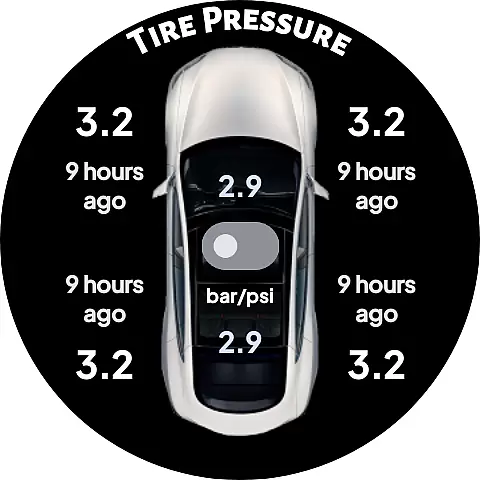
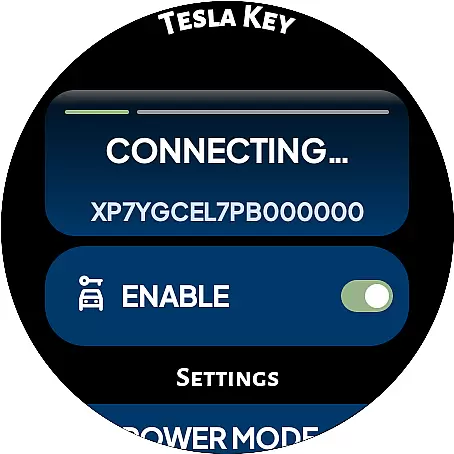
DRIVE Electric for Tesla is a Wear OS smartwatch app that transforms your watch into a convenient vehicle key by integrating NFC, Bluetooth, and internet access. This innovative solution allows Tesla owners to unlock, drive, and control their vehicles directly from their wrist without needing their phone nearby. By pairing the app as a key card, users can tap the b-pillar to lock or unlock the car and even start driving.
The app supports both NFC and Bluetooth access, with remote access available via subscription. It features quick command tiles, a battery level complication, and an On Approach function for delayed commands when nearing the vehicle. Designed for Tesla models with built-in NFC and Bluetooth LE (Model 3/Y and 2021 S/X onward), this app ensures fast, secure, and reliable vehicle access while maintaining user privacy through direct communication with Tesla's servers.
DRIVE Electric for Tesla offers a comprehensive set of features designed to enhance the vehicle ownership experience. The app supports six different tiles for quick access to essential commands such as unlocking, driving, or sending specific instructions over Bluetooth Low Energy (BLE). These tiles provide instant interaction with the vehicle when in close proximity, ensuring seamless operation.
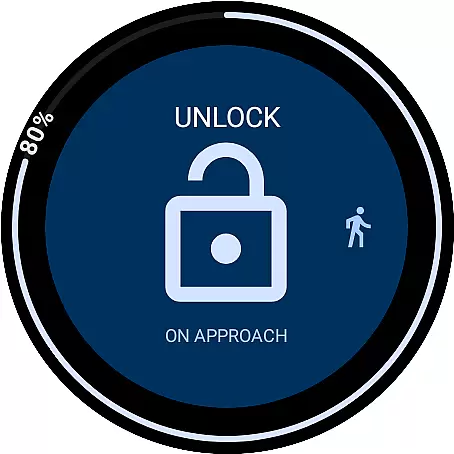
One standout feature is the On Approach functionality, which allows users to delay a command until they reach their vehicle. For example, users can open the trunk automatically as they approach the car, making it easier to load items. Additionally, the app includes a compass or map view to locate parked vehicles and optional PIN code access for added security. With its intuitive design and robust capabilities, DRIVE Electric for Tesla delivers convenience and peace of mind to smartwatch-wearing Tesla drivers.
DRIVE Electric for Tesla exemplifies comprehensive lifestyle category coverage by addressing the needs of Tesla owners who value convenience and technology integration in their daily lives. The app supports key functionalities such as NFC, Bluetooth, and optional remote access through a subscription, which collectively enhance the user's interaction with their vehicle.
The app transforms a Wear OS smartwatch into an essential tool for Tesla drivers, eliminating the need to carry a phone or physical key card. With features like quick unlocking, driving commands via Bluetooth, and even delayed actions when approaching the car, it caters to practical scenarios that simplify the user experience.
Additionally, DRIVE Electric offers unique capabilities such as compass and map views for locating parked vehicles, optional PIN code security, and watch complications showing battery levels. These features ensure that users have all necessary information and control at their fingertips, enhancing both utility and peace of mind.
By covering various aspects of a Tesla owner's lifestyleu2014from secure access methods to advanced vehicle commandsu2014the app provides a holistic solution that aligns with modern living standards, making it an indispensable companion for tech-savvy drivers.
Content authenticity is a cornerstone of DRIVE Electric for Tesla, ensuring users that the app provides genuine and reliable interactions with their vehicles. The developers have made it clear that no credentials are stored within the app or shared with third parties, maintaining strict privacy protocols. Tokens from the official Tesla app are securely stored using the encrypted key manager provided by Wear OS, reinforcing trust in the app's integrity.
Expert credibility is evident in the app's design and functionality. It leverages Teslau2019s official APIs to communicate directly with the vehicle, whether through NFC, Bluetooth, or internet access. This direct communication ensures that commands sent from the smartwatch are executed accurately and efficiently, without intermediaries.
Furthermore, the app includes detailed instructions and FAQs on its website, guiding users through setup processes and offering insights into compatibility and usage tips. These resources reflect the developer's commitment to transparency and user education, bolstering confidence in the app's reliability.
Although Tesla may alter API access in the future, current measures taken by the developers underscore their dedication to providing an authentic and credible product. Users can feel assured that they are engaging with a professionally crafted tool designed to enhance their Tesla ownership experience.
Fast and reliable keyless entry
Secure direct communication with Tesla
Comprehensive tile-based command system
Convenient On Approach functionality
Enhanced security with PIN code access
Subscription required for remote access
Limited to compatible Tesla models
No Tizen OS support
Potential API access restrictions by Tesla
Location permission needed for full functionality

Discover how to help puppies stay calm around noise with this helpful app.
 4.2
4.2
Earn points with every purchase with Moe Rewards.
4.20
Premium floor cleaning robots
4.50
Big bold hybrid watch face with 30 colors, 5 fonts & 5 complications.
4.3
See wait times and check into a hair salon ahead of time with Online Check-In.
4.80
Make money, get paid cash rewards & gift cards for every survey. Earn today!
4.60
Falling Fruit is a massive collaborative map of food in our cities.
3.20
Digital smart watch face made for Wear OS.
4.70
Share opinions, get paid cash
4.30
Tap to the beat with interactive videos — warm up your reflexes & have fun
4.70
Stay connected with your loved ones & vehicles | Share live GPS location updates
4.60
Zodiac & Horoscope Launcher: Daily Sign Predictions & Astrology
4.40
Mixing Colors for Menswear
4.20
Do you want to communicate with spirits?
3.80
Your home in your hand
3.80
BILT interactive 3D instructions help you get the job done right
3.50
Duo Watch Face (animated)
4.5
A uniquely designed isometric digital watch face made for Wear OS
4.1
Futuristic watchface inspired by Back to the Future: sleek, retro, timeless
4.1


User Reviews