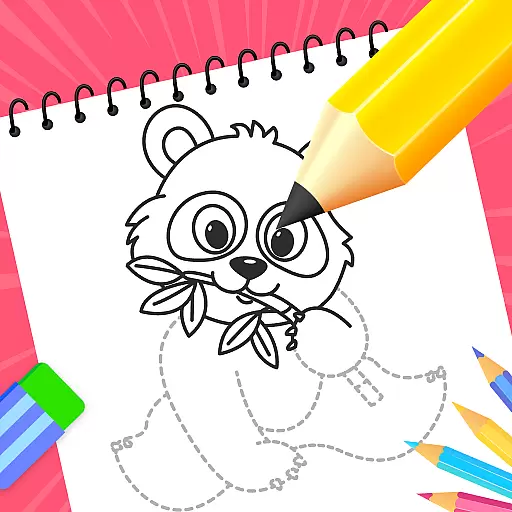
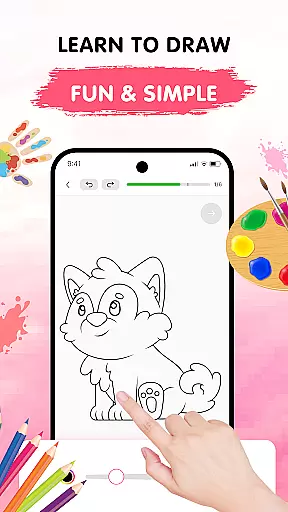
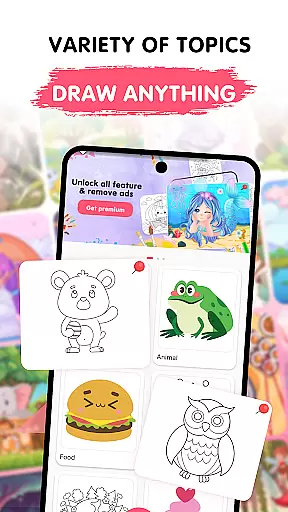
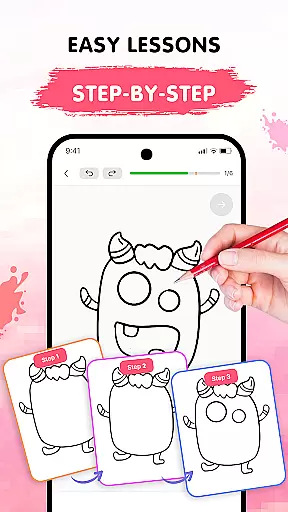
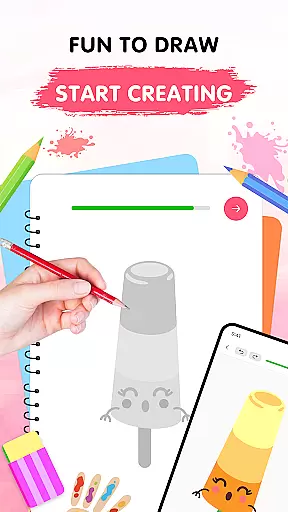
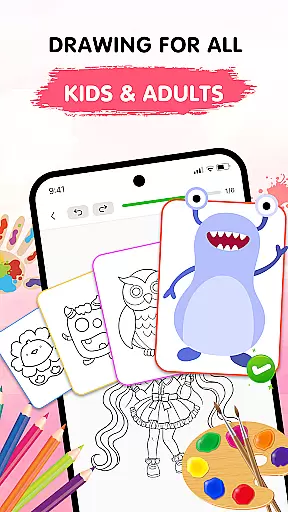
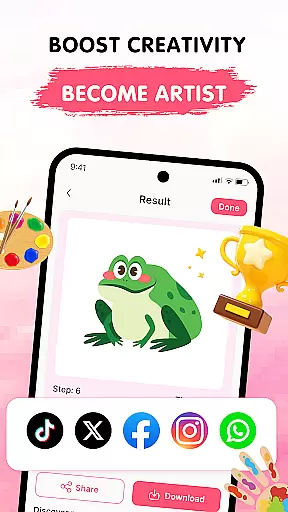
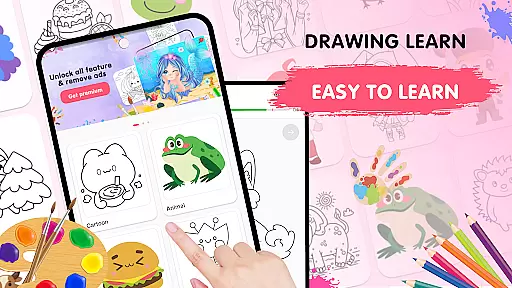
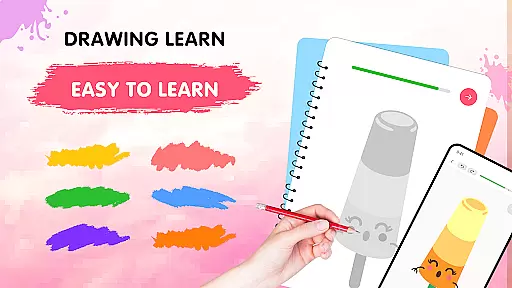
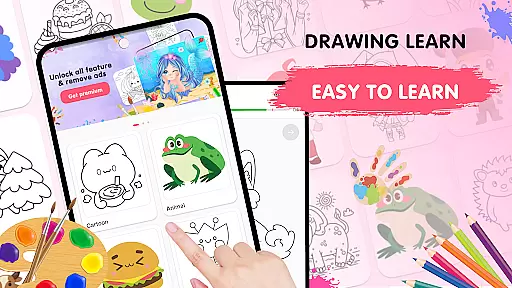
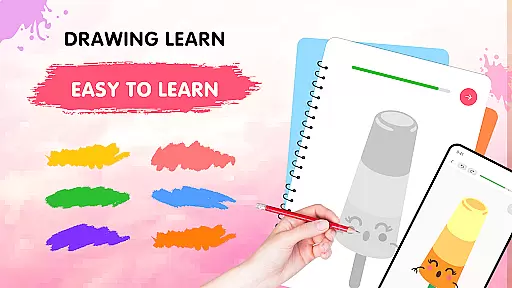
Easy Draw: Learn How to Draw is an innovative educational app designed to help users develop their artistic skills. This personal art tutor offers a structured yet relaxing drawing experience suitable for all skill levels. With step-by-step tutorials, intuitive tools, and diverse themes ranging from animals to landscapes, the app creates an encouraging environment for creative expression.
The application stands out with its comprehensive learning system that includes adjustable brush settings, vibrant color palettes, and essential drawing tools like undo/redo functions. Users can save their artwork, track progress, and share creations with others. Easy Draw's organized lesson structure and supportive features make it particularly valuable for beginners seeking to build confidence in their drawing abilities while offering enough depth for advanced users to refine their techniques.
Easy Draw distinguishes itself through several remarkable features that enhance the learning experience. The app's guided drawing steps break down complex illustrations into manageable stages, making it accessible for learners at any level. Each tutorial is carefully designed to provide clear instructions without overwhelming users, allowing them to progress at their own comfortable pace.
A key strength lies in its versatile drawing tools and customizable options. Users can fine-tune brush sizes, experiment with an extensive color palette, and utilize practical functions like erasing and resetting. The app maintains a growing library of themes covering various subjects including animals, food, and environments. These features work together to create a comprehensive learning platform that not only teaches technical skills but also encourages artistic exploration and personal growth.
In the realm of digital learning, content accuracy is paramount, especially for an educational app like Easy Draw: Learn How to Draw. This application ensures that each drawing lesson is crafted with precision and care, adhering to established artistic principles. The step-by-step tutorials are designed by experts in the field, ensuring that users receive instruction that is both reliable and effective.
Easy Draw stands out by offering a diverse range of themes, from animals to environments, each backed by thorough research to guarantee factual correctness. Whether it's understanding animal anatomy or exploring environmental elements, learners can trust the information provided within the app. This dedication to accuracy not only enhances the learning experience but also builds confidence in users as they progress through various levels of complexity.
The authority of content in Easy Draw is further reinforced by its alignment with educational standards. By integrating proven pedagogical methods, the app ensures that every stroke and technique taught is grounded in professional art education. This approach empowers users to develop their skills systematically, knowing they are learning from credible sources.
One of the standout features of Easy Draw: Learn How to Draw is its commitment to personalized learning paths. Recognizing that each artist has unique needs and preferences, the app offers customizable lessons that adapt to individual skill levels and interests. Users can choose from a wide array of themes, such as animals, cartoons, food, and more, allowing them to focus on areas that inspire them most.
The app employs an intuitive interface that guides users through each drawing step at their own pace. This flexibility ensures that beginners and advanced artists alike can find value in the structured yet adaptable lessons. With options to adjust brush settings and experiment with vibrant color palettes, Easy Draw fosters an environment where creativity can flourish without constraints.
Furthermore, Easy Draw supports continuous improvement by enabling users to save and review their work. This feature allows artists to track their progress over time, refining techniques and exploring new styles. By providing tools for self-expression alongside structured guidance, Easy Draw creates a personalized journey that evolves with the user, making every drawing session a step forward in their artistic development.
User-friendly interface
Step-by-step guidance
Versatile drawing tools
Customizable brush settings
Free sharing options
Limited advanced tools
Premium content locked
Occasional bugs
Internet required
Ads between lessons

FAR/AIM, FAR for Flight Crew and FAR for Aviation Maintenance Technicians
 3.80
3.80
Your guide to thousands of satellites and spacecraft in orbit around Earth!
3.90
Turns you phone or tablet into TI graphing calculator (ROM required).
4.20
Nighty Night Circus - Bedtime story for kids
4.10
Explore the City of the Sun in Augmented Reality
3.70
Enrich the experience of your visit to the Pantheon with our audiotour.
1.60
Stargazing Guide App. Stars and constellations map. Solar system planets finder.
4.60
Snap a dog photo to identify its breed instantly. Fast, accurate and easy to use
3.40
Make your own game and world. Draw and animate characters
3.70
Childcare Management App: Daily sheets, sign in-out, billing and learning tools
4.70
Stack the States makes learning about the 50 states fun!
4.70
Turn scrolling hours into improving your knowledge, communication, intelligence
4.50
Latest TLC Practice Questions! Multiple languages available!
4.50
Welcome to the Speak Navajo Language Application - Volume 1
4.50
Intuitive Transformer Lab - By a Lineman, For Linemen & Apprentices
4.50
The FE Clock is a way to track sun & moon around the circle of the earth.
4.30
Build math skills in: addition, subtraction, multiplication and division.
4.10
An aviator’s preparation, study and test tool for FAA Knowledge Exams.
3.90
Deal Craps (Practice Craps Payouts)
3.80


User Reviews