
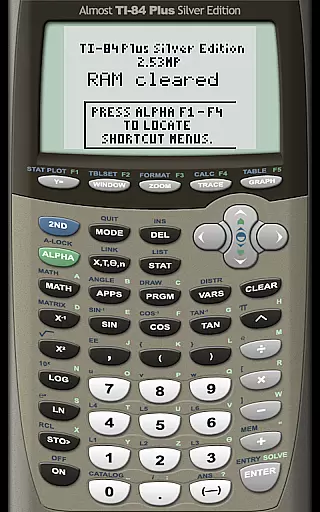
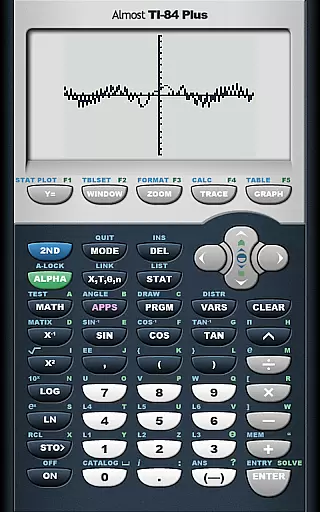
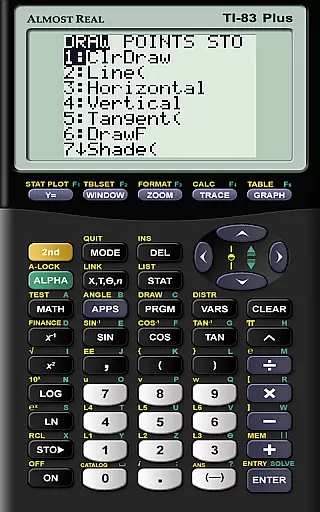
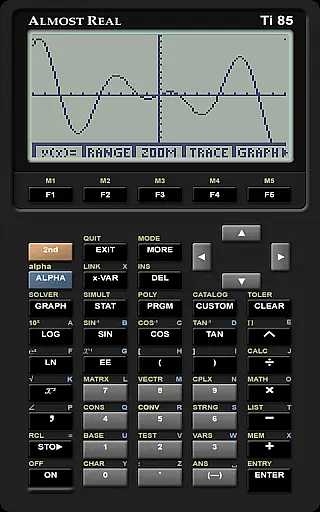
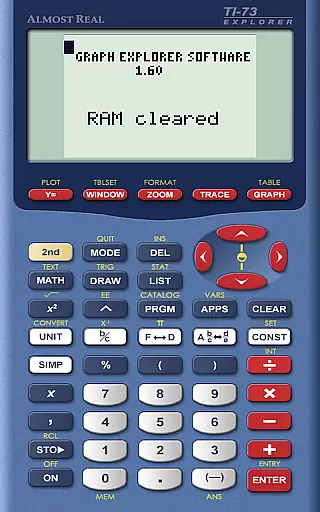
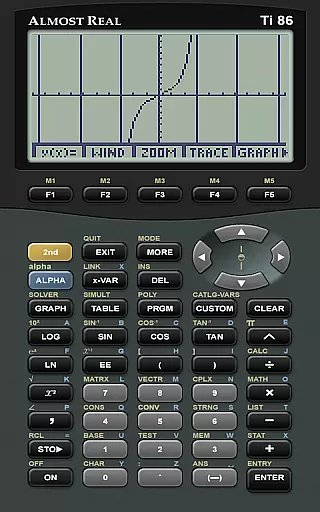
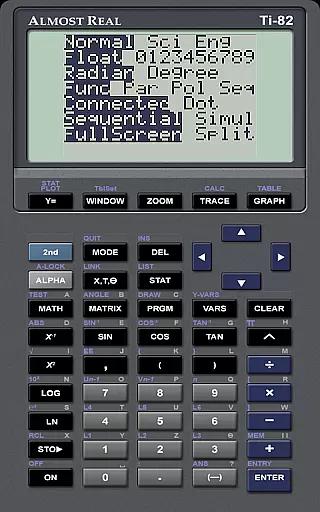
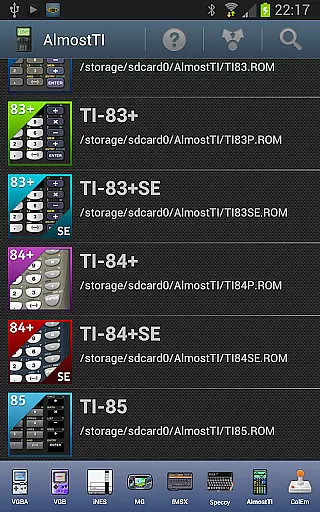
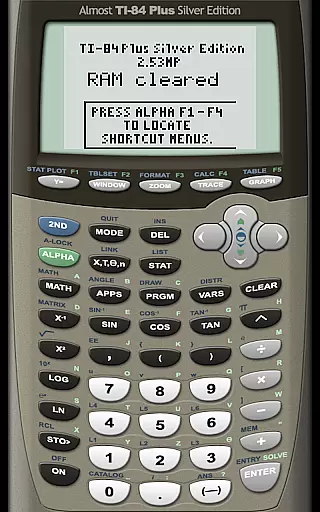
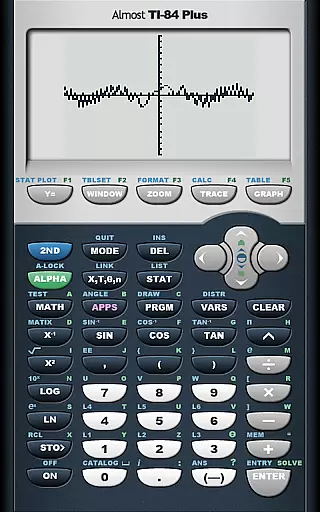
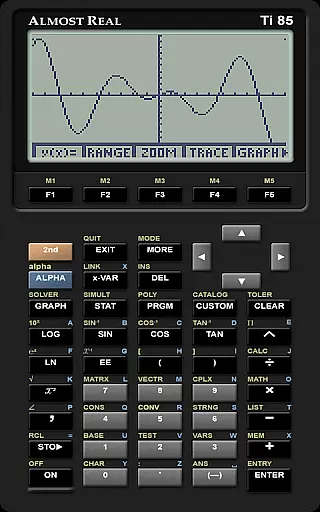
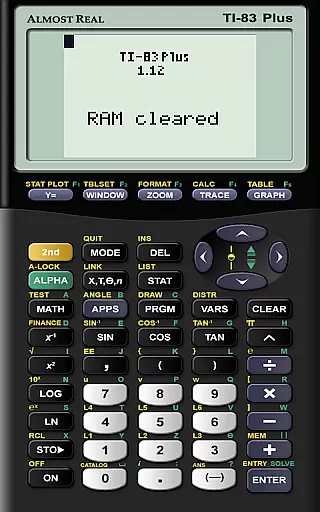
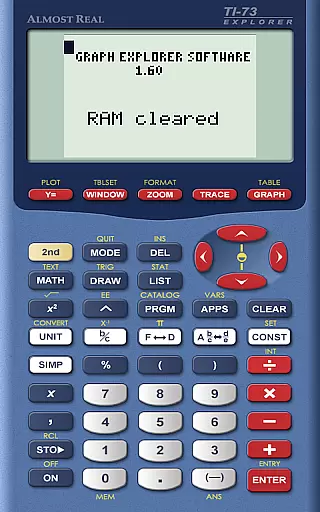
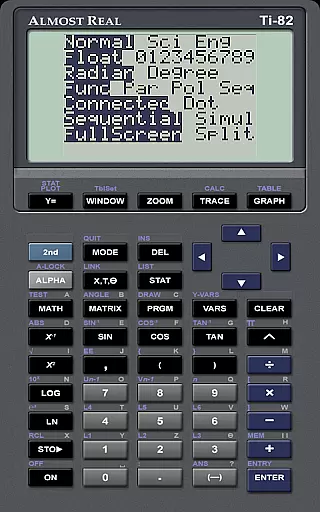
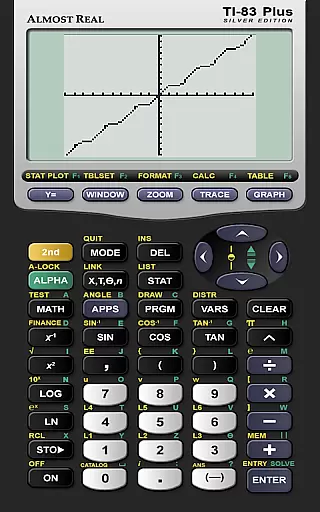
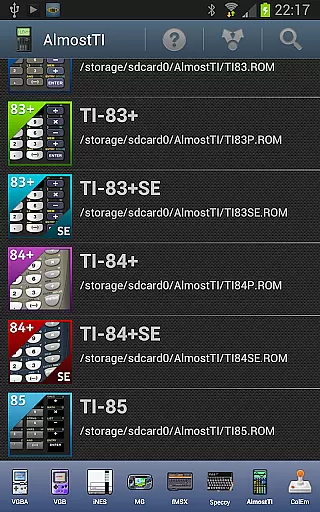
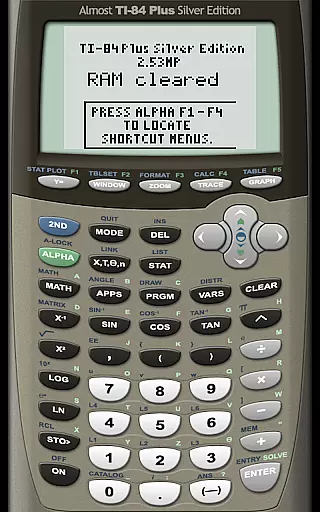
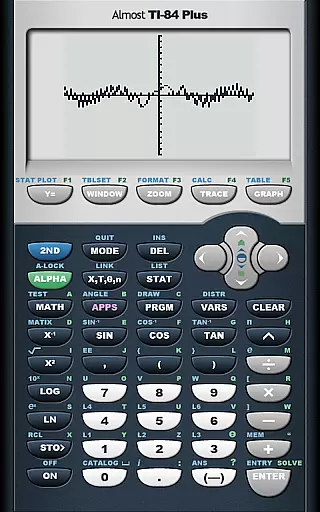
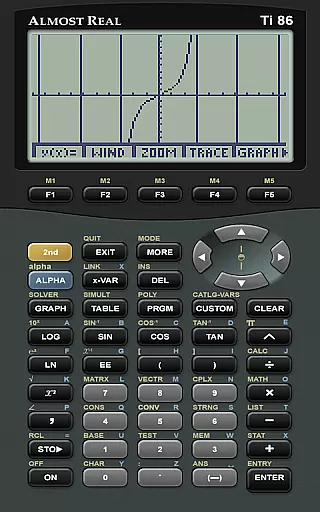
AlmostTI is an advanced educational application that transforms your Android device into a fully functional Texas Instruments graphing calculator. The app emulates a wide range of TI calculators including the TI-84+, TI-83+, and TI-81 series, allowing users to perform complex mathematical computations directly on their mobile devices. With support for tablets, AlmostTI provides an enlarged interface for easier calculations.
The application allows students and educators to save their calculation states and switch between multiple tasks seamlessly. This feature-rich emulator requires users to supply their own calculator ROM files to activate the emulation capabilities. By integrating essential tools for learning and problem-solving, AlmostTI delivers significant value to those engaged in STEM education.
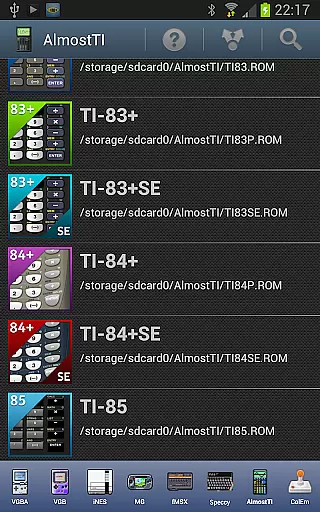
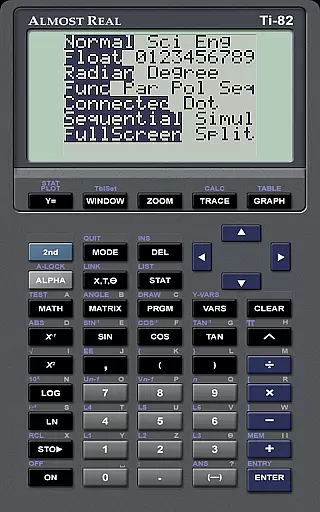
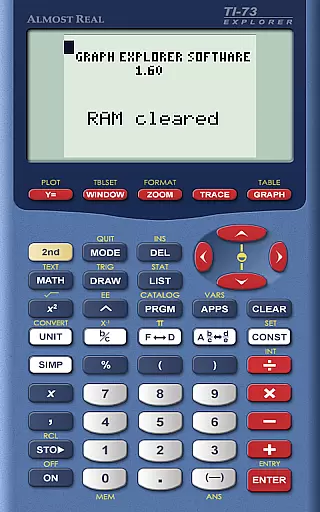
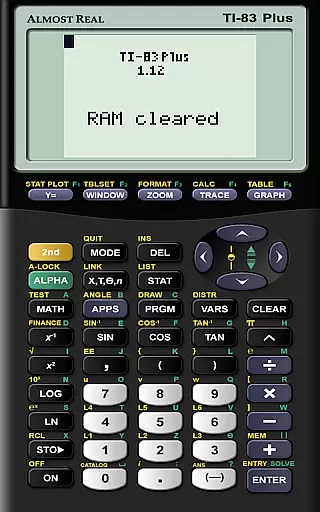
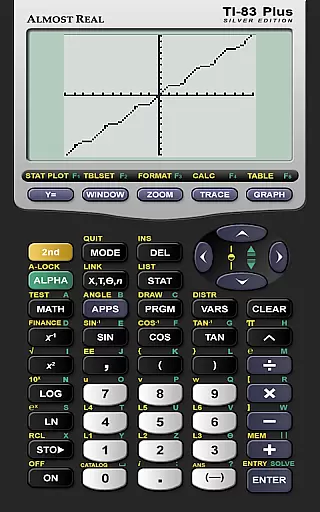
AlmostTI stands out with its comprehensive emulation of various Texas Instruments calculator models, ranging from basic to advanced scientific calculators. The app supports multiple calculator ROMs such as TI-84+, TI-83+, TI-82, and more, giving users flexibility in choosing their preferred calculator environment. Each emulation maintains the original functionality and interface of the physical device.
A key feature is the ability to save and manage calculation sessions. Users can store their work at any point and retrieve previous sessions, making it ideal for complex problem-solving tasks. The app also provides resources for ROM dumping and detailed documentation for setup. These features combined make AlmostTI an invaluable tool for both classroom learning and personal study in mathematics and engineering.
When it comes to educational applications like AlmostTI, content accuracy is paramount. This app provides a faithful emulation of Texas Instruments graphing calculators, including models TI-84+, TI-83, and more. The precision in replicating the calculator's interface and functions ensures that students and educators can rely on AlmostTI for their mathematical computations.
The app strictly adheres to the functionalities of the original calculators, which are staples in academic settings. Users must provide their calculator's ROM to ensure the emulation is as accurate as possible. This not only preserves the integrity of the calculations but also aligns with legal and ethical standards regarding intellectual property.
By offering resources such as the ticalc.org website for ROM dumping procedures and an active discussion group, AlmostTI supports users in configuring the emulator correctly. This commitment to accuracy and authoritative replication makes the app a trustworthy tool for learning and teaching mathematics.
AlmostTI offers personalized learning paths by allowing users to save their calculations at any point and return to them later. This feature is particularly beneficial for students who need to work through complex problems over multiple sessions. By saving progress, learners can pick up exactly where they left off, facilitating a customized pace of learning tailored to individual needs.
The ability to emulate different models of Texas Instruments calculators means that users can choose the one most suited to their current educational requirements. Whether it's algebra, calculus, or statistics, AlmostTI adapts to the user's curriculum by providing the appropriate calculator environment.
Moreover, access to Android-specific help and a community discussion group empowers users to troubleshoot issues and share insights. This collaborative ecosystem enhances the personalization of the learning experience, ensuring that each student's journey with AlmostTI is as effective and efficient as possible.
User-friendly interface
Wide device compatibility
Flexible ROM support
Session saving capability
Comprehensive documentation
Requires external ROM
No built-in calculator
Complex initial setup
Limited free resources
Tablet optimization needed

Explore myths and gods across cultures with in-depth insights and stories.
 5.00
5.00
Short Lessons for Better Finances, Health, Skills, Jobs & Relationships.
4.80
Break Language Barriers with AI—Learn Language Anytime, Anywhere!
4.00
Designed for Calculator 84 users
4.20
A collection of favorite stories from Daniel Tiger's Neighborhood
2.00
For medical training - Visualize complex vein maps and structures in real-time.
4.10
Stack the Countries makes learning world geography fun!
4.50
Animals pop up and make sounds—learn names and noises in Peekaboo Barn!
4.1
Stargazing Guide App. Stars and constellations map. Solar system planets finder.
4.60
Stack the States makes learning about the 50 states fun!
4.70
Learning the ancient Viking language made simple
4.70
Welcome to the Speak Navajo Language Application - Volume 1
4.50
SkyView®, an augmented reality space app, brings stargazing to everyone!
4.40
Astronomy Guide To Night Sky
4.30
Learn to make peaceful contact with extraterrestrial civilizations
4.10
Flashnote Derby is the fun way for kids to learn music notes and memorize them.
3.40
Snap a dog photo to identify its breed instantly. Fast, accurate and easy to use
3.40
Visit Daniel's house & make believe. Play doctor, make music, & feed fish.
3.20
Study the questions most likely to be asked during the Oral & Practical Exams.
2.80


User Reviews