
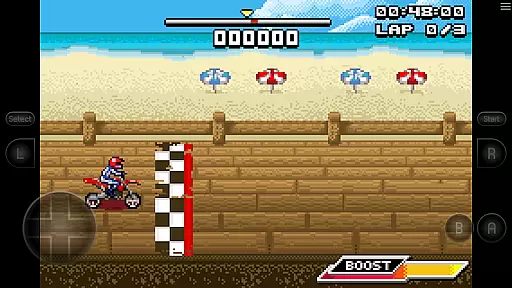
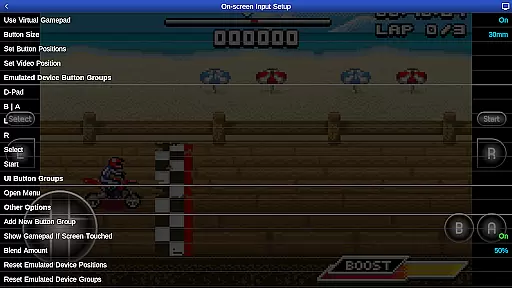
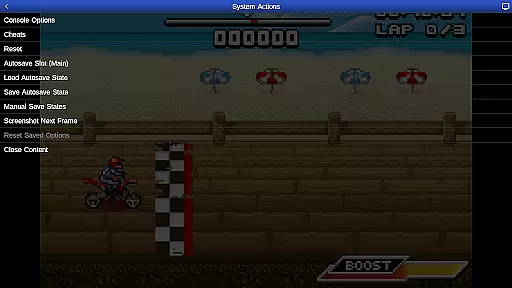
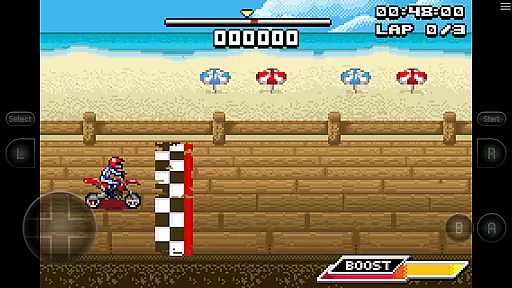
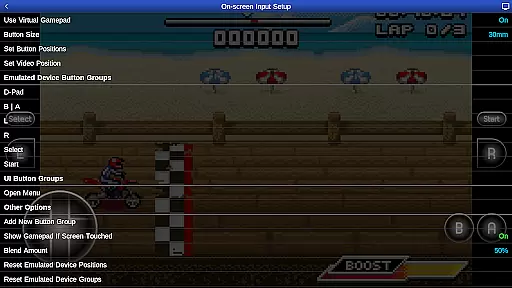
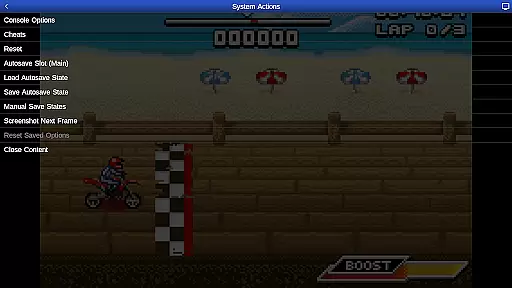
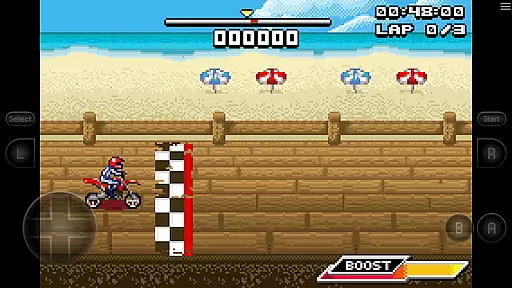
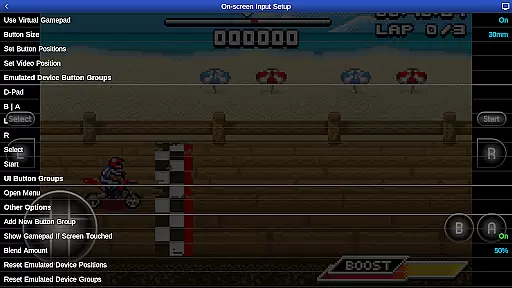
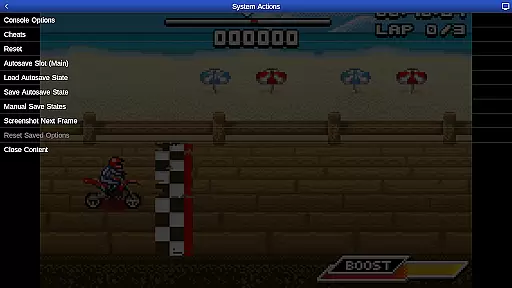
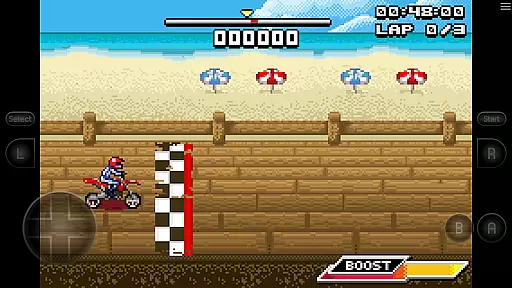
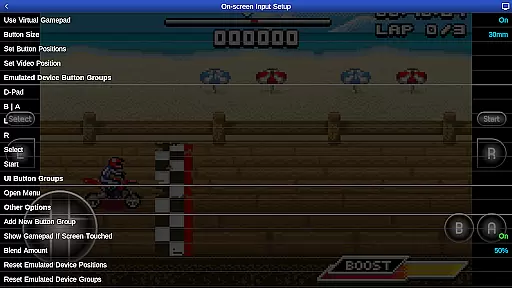
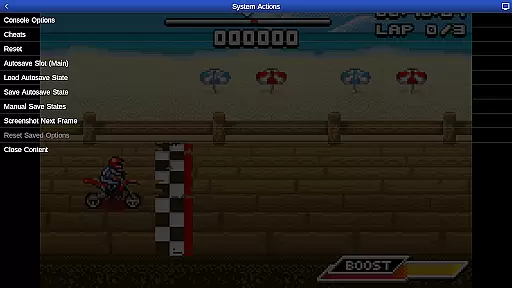
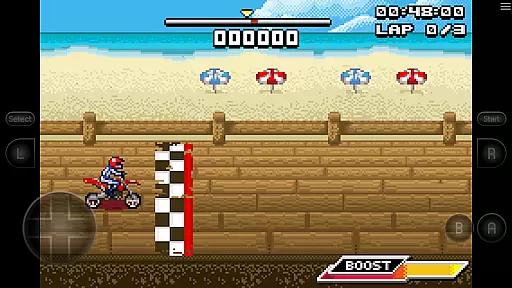
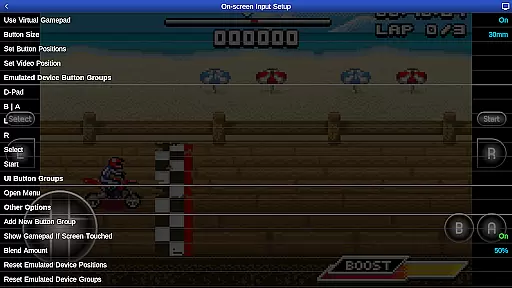
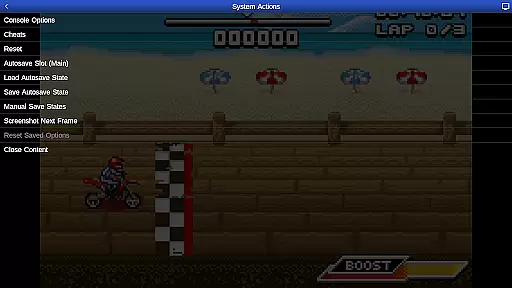
GBA.emu is an advanced open-source Gameboy Advance emulator that offers a minimalist UI with a focus on low audio and video latency. It supports a wide range of devices, from the original Xperia Play to modern devices like the Nvidia Shield and Pixel phones. The app provides high-level BIOS emulation without the need for a BIOS file and supports .gba file formats optionally compressed with ZIP, RAR, or 7Z.
One of its standout features is the support for hardware sensors such as accelerometers, gyroscopes, and light sensors. Additionally, users can enjoy configurable on-screen controls and compatibility with Bluetooth/USB gamepads and keyboards, including Xbox and PS4 controllers. The inclusion of the bike racing game Motocross Challenge adds value to the emulator, making it a versatile choice for retro gaming enthusiasts.
GBA.emu boasts several key features that enhance the user experience. Firstly, it includes high-level BIOS emulation, eliminating the need for a BIOS file. Secondly, it supports a variety of file formats, including .gba files optionally compressed with ZIP, RAR, or 7Z. Cheat code support using VBA-M-compatible files (.clt extension) ensures users can enjoy their games with added flexibility.
The app also supports hardware sensors like accelerometers, gyroscopes, and light sensors, providing a more immersive gaming experience. Configurable on-screen controls allow users to customize their interface, while Bluetooth/USB gamepad and keyboard support ensure compatibility with a wide range of HID devices recognized by the OS, such as Xbox and PS4 controllers. These features collectively make GBA.emu a robust and versatile emulator for Gameboy Advance enthusiasts.
GBA.emu brings authentic arcade gaming to your mobile device by emulating the beloved Gameboy Advance system. This emulator is meticulously crafted to recreate the original gaming experience, ensuring that classics play just as they did on physical hardware.
The app achieves this authenticity through high-level BIOS emulation, eliminating the need for actual BIOS files while maintaining accurate game behavior. With support for the .gba file format and optional compression formats like ZIP, RAR, or 7Z, users can enjoy a wide variety of games without compatibility issues.
For enthusiasts seeking that nostalgic feel, GBA.emu offers configurable on-screen controls and extensive peripheral support. Whether using touch controls or connecting Bluetooth/USB gamepads like Xbox and PS4 controllers, the app ensures an intuitive and familiar control scheme.
This dedication to authenticity extends to included features like cheat code support and hardware sensor integration, making GBA.emu a comprehensive solution for experiencing genuine Gameboy Advance gameplay on modern devices.
Control responsiveness is at the heart of GBA.emu's design philosophy, ensuring that every input translates instantly into in-game actions. The emulator's minimalist UI and focus on low audio/video latency create an exceptionally reactive gaming experience across various devices.
Through carefully optimized code based on VBA-M, the app delivers precise touch controls that mimic physical buttons. Users can customize on-screen control layouts to suit their preferences, ensuring optimal comfort and accuracy during extended gaming sessions.
The app's robust support for external controllers elevates its responsiveness further. Recognizing any HID-compliant device, including popular gamepads and keyboards, GBA.emu provides seamless integration with minimal input lag.
This commitment to responsive controls, combined with support for hardware sensors like accelerometers and gyroscopes, makes GBA.emu particularly well-suited for fast-paced arcade titles where split-second reactions matter most.
Low audio/video latency
Wide device support
No BIOS file needed
Supports multiple file formats
Included game adds value
No included ROMs beyond one game
Requires manual ROM sourcing
Limited to Gameboy Advance
Complex setup for beginners
Occasional crashes reported

Hit as hard as you can and make the penguin learn to fly! Arcade jumping game
 4.50
4.50
Motorcycle racing games! Prove your paperboy can win in the bike race 3D!
4.50
Playing venom RPG alien games? Set spider alien isolation base, with no survivor
4.30
Nostalgia.GBA Pro is a high quality GBA emulator.
4.40
Shoot the web, jump and teleport! Be a stickman hero and destroy your enemies!
4.50
Absorb, or be absorbed...
4.70
Premium version. Save the galaxy from alien shooter in this classic game
4.50
Join the breathtaking chase!
4.80
Challenge your friends in this game! Two players on one device!
4.70
Try this unique restaurant sim and enjoy the fun of cooking in busy kitchens!
4.70
Jump and fly your way through danger in this rythm-based action platformer!
4.70
Venture into the galaxy to fight against the invasion of space invaders.
4.60
Nostalgia.GBC is a high quality GBC emulator.
4.50
Use superpower in your magic hands. Defeat the enemies in a fun elemental game.
4.50
Fruit is waiting to be sliced, ninja. Play the hit mobile game !
4.50
The precise emulator of 8 bit handheld... Now even better!
4.50
Epic offline war strategy game - build your city, train your army, conquer
4.20
Bounce through platforms. Avoid obstacles. Get the bouncing ball to the finish.
4.00
John GBC is GB/GBC emulator. This emulator is easy to use.
3.80


User Reviews