



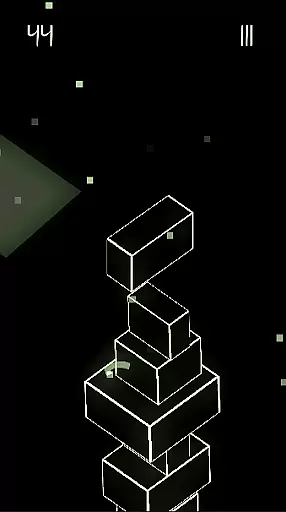
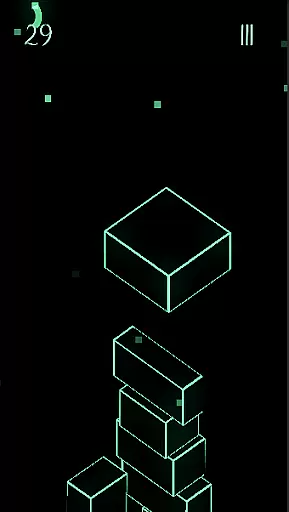



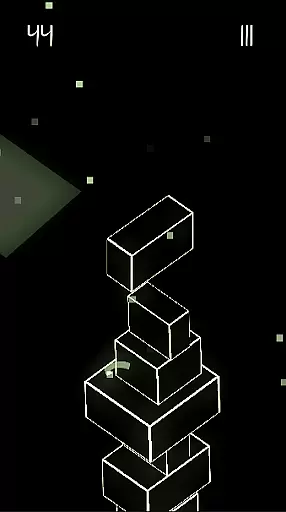
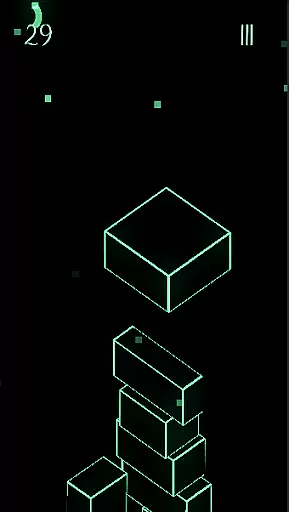



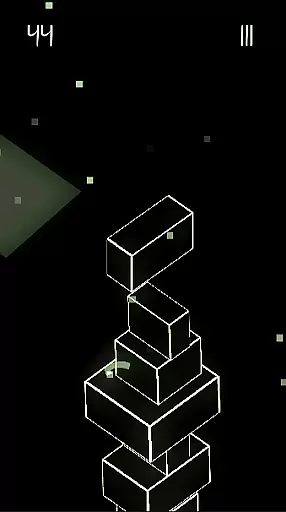
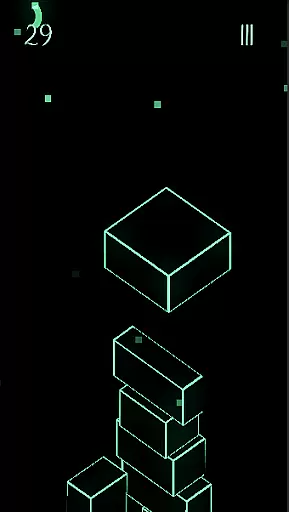
Upping Floors is a premium block stacking game that combines realistic physics with stunning neon visuals, offering an addictive and challenging experience. Designed for both casual gamers and challenge enthusiasts, the game tests precision, balance, and reflexes as players stack blocks to build increasingly taller towers. With its sleek AMOLED-optimized design, Upping Floors provides a visually immersive experience perfect for any gaming environment.
One of the standout features of Upping Floors is its global leaderboard, allowing players to compete against others worldwide. The game also emphasizes a seamless user experience by being completely free of ads or interruptions, making it ideal for gamers who prefer uninterrupted gameplay. Its lightweight performance optimization ensures smooth operation even on older devices, while the one-time purchase model offers excellent value without hidden costs.
Upping Floors stands out in the arcade genre with its combination of realistic gravity-based physics and vibrant neon aesthetics. Every block placement requires careful timing and precision, as the physics engine mimics real-world behavior—one wrong move can lead to a tower collapse. This creates a rewarding yet demanding experience that keeps players engaged.
The game also includes a competitive edge through its live global leaderboard, where players can track their rankings against others. Visually, Upping Floors captivates users with its neon graphics optimized for AMOLED displays, ensuring sharp contrasts and vivid colors. Additionally, the developers prioritize user satisfaction by eliminating ads and microtransactions, providing a clean, premium experience at an affordable price point.
Arcade authenticity in Upping Floors brings back the classic charm of retro block stacking games while infusing it with modern mechanics. This game honors the timeless appeal of arcade-style challenges, where precision and timing are key.
Players experience a true test of reflexes and mental balance, akin to traditional arcade games. The block stacking feature requires focus and strategy, reminiscent of old-school arcade halls where every move could make or break your score.
The neon aesthetic enhances this nostalgic journey by providing a visually striking environment that feels both retro and futuristic. This combination ensures that players not only enjoy the gameplay but also immerse themselves in an artful nod to arcade history.
Control responsiveness is at the heart of Upping Floors, ensuring that every action translates seamlessly into in-game movements. With realistic physics and gravity, each block placement feels natural and precise, offering a fluid gaming experience.
This high level of responsiveness elevates the overall gameplay, making it intensely satisfying. Players can stack blocks with confidence, knowing that their inputs are accurately reflected without delay or lag.
Optimized for performance even on older devices, Upping Floors guarantees smooth controls regardless of hardware limitations. This commitment to responsive design allows gamers to fully engage with its addictive mechanics without technical hindrances.
Realistic physics
Neon AMOLED visuals
No ads or interruptions
Global leaderboard
Premium one-time cost
Steep learning curve
Limited replay value
Offline-only mode
Small player base
High difficulty spikes

Machine Gun Fire Rumbles in the Jungle
 4.3
4.3
Eat & evolve your shark in the ultimate shark survival game!
4.50
Slice up a juicy storm!
4.20
Cool car builder & racing simulator: make a car to win the obstacle course race!
4.60
Running game: dance in a twerk battle and become the twerk hero in our fun race!
4.30
Premium version. Save the galaxy from alien shooter in this classic game
4.50
This is an emulator for a certain 64 bit console with online cloud backup.
4.80
Outrun cops, ignite the thrill of a high-speed chase!
4.50
Challenge your friends in this game! Two players on one device!
4.70
*Try for free.* Survive alone in a Roguelike Reverse Bullet Hell.
4.80
Motorcycle racing games! Prove your paperboy can win in the bike race 3D!
4.50
PC Engine/TurboGrafx-16 Emulator
4.50
Jump and fly your way through danger in this rythm-based action platformer!
4.50
Play all your favorite Playstation games in your android device!!
4.50
Playing venom RPG alien games? Set spider alien isolation base, with no survivor
4.30
Mine & Craft Block Mini World! Survival Crafting and Building & Creative Online.
4.30
Neogeo MVS/AES Emulator
3.30
Welcome back to Vice City. Welcome back to the 1980s.
3.30
A retro-flavoured infinite scroller Glyph toy for the Nothing Phone (3)
4.4


User Reviews