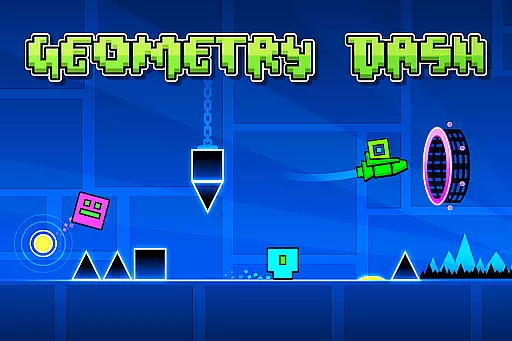
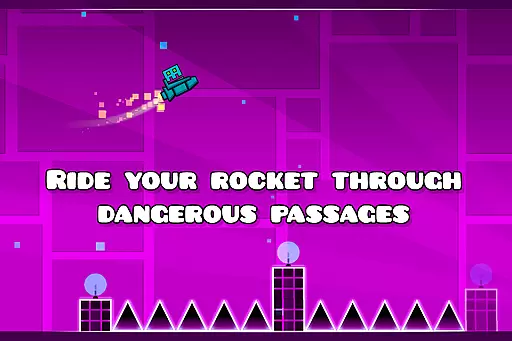
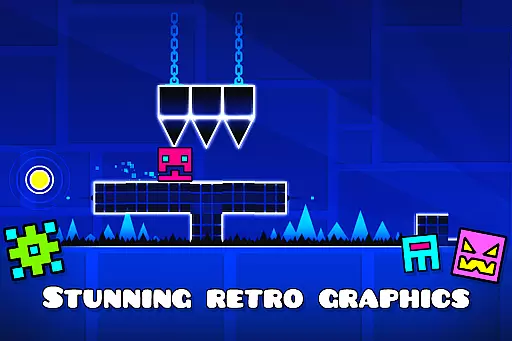
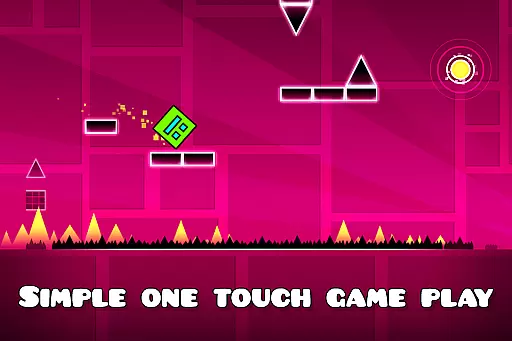
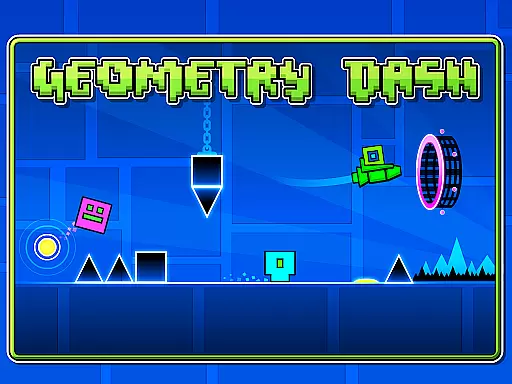
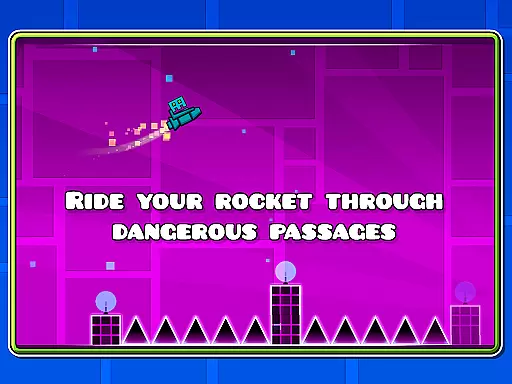
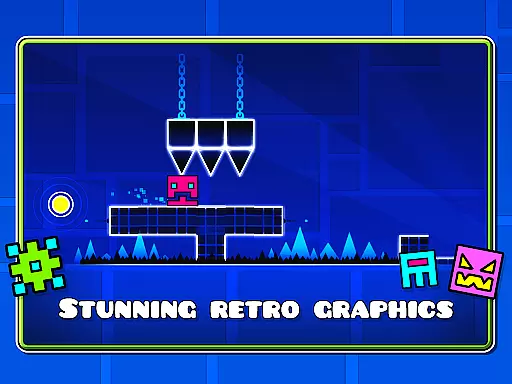
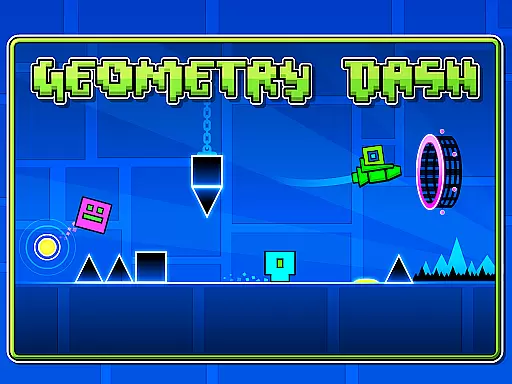
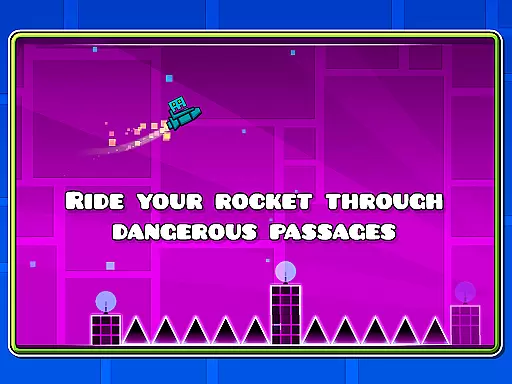
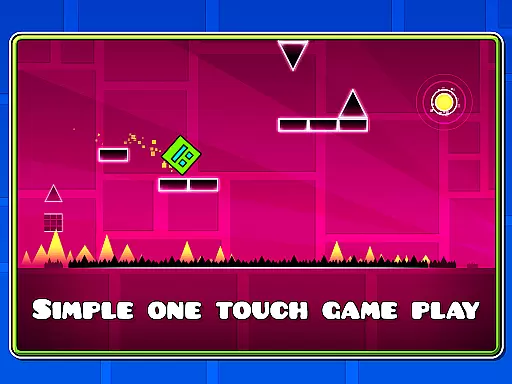
Geometry Dash Lite is a rhythm-based action platformer that challenges players to jump, fly, and flip through dangerous passages filled with spiky obstacles. The game offers an engaging one-touch gameplay experience designed to test reflexes and skill while providing hours of entertainment.
Players can unlock new icons and colors to customize their characters, as well as utilize features like practice mode to hone their skills. With its simple yet addictive mechanics, Geometry Dash Lite appeals to fans of challenging arcade games looking for a thrilling experience on mobile devices.
Geometry Dash Lite boasts rhythm-based action platforming where players must navigate through levels by jumping, flying, and flipping gravity at precise moments. This mechanic creates a unique blend of music synchronization and fast-paced gameplay.
The game allows customization options such as unlocking new icons and colors for character personalization. Additionally, it includes a practice mode enabling users to refine their techniques before attempting more difficult challenges. These features combine to deliver an immersive gaming experience that keeps players engaged with increasingly difficult obstacles.
Arcade authenticity in Geometry Dash Lite is reflected through its rhythm-based action platforming, offering a genuine arcade-style experience. The game challenges players with near-impossible levels filled with spiky obstacles and dangerous passages, reminiscent of classic arcade games that demand precision and quick reflexes.
The developers have ensured that the gameplay retains the nostalgic essence of traditional arcade games while infusing modern elements like gravity flipping and rocket flying. These features not only enhance the excitement but also maintain the arcade feel that fans of the genre crave.
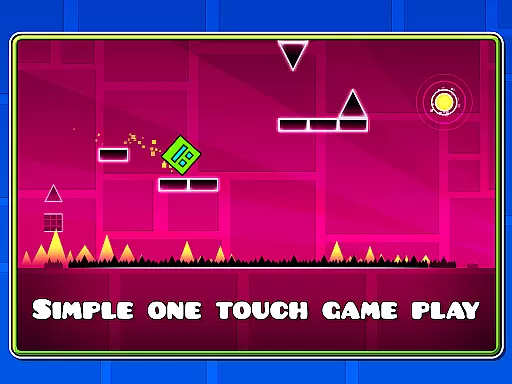
For users, this means an engaging experience that tests their skills and offers endless entertainment. The simple one-touch gameplay keeps players focused on timing and rhythm, providing hours of challenging fun.
Control responsiveness is crucial in Geometry Dash Lite, where split-second decisions can mean the difference between success and failure. The game employs a one-touch control scheme that ensures players can jump, fly, and flip with precision, making it easy to navigate through the game's hazardous environments.
This intuitive control system allows both new and experienced players to quickly grasp the mechanics and focus on mastering the rhythm-based challenges. The responsive controls provide immediate feedback, enhancing the overall gaming experience.
Players benefit from the seamless interaction with the game, allowing them to fully immerse themselves in the action. This level of responsiveness not only makes the game more accessible but also adds to the satisfaction of overcoming its near-impossible challenges.
Engaging one-touch gameplay
Variety of challenging levels
Customizable character options
Included practice mode feature
Addictive rhythm-based mechanics
Limited free content available
Occasional difficulty spikes
No multiplayer functionality
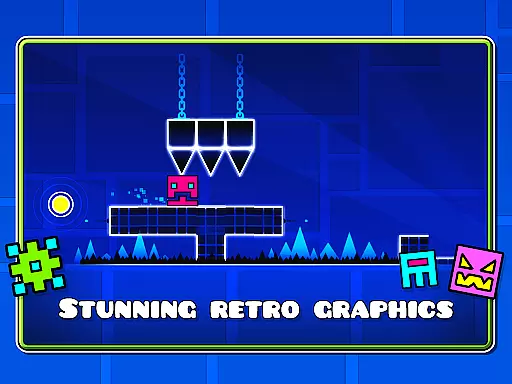
Repetitive visual themes
Ads between sessions

Spaceship racing on a rocky planet — pure action and challenge.
 4.3
4.3
Play retro games with ease – NES, SNES, PSX, PSP & more supported
4.5
Hit as hard as you can and make the penguin learn to fly! Arcade jumping game
4.50
Mine & Craft Block Mini World! Survival Crafting and Building & Creative Online.
4.30
John GBC is GB/GBC emulator. This emulator is easy to use.
3.80
Restore peace and order in the city
3.20
The only Sega Saturn emulator for Android
4.40
A fast, full-featured GBA emulator with link cable emulation.
3.90
Train your Champ. Compete. Get rewards.
4.50
Catch ghosts, shoot monsters and defeat bosses in this RPG idle shooting game.
4.70
Ready… Set… DASH! Play now!
4.70
Create your restaurant story & make food on a crazy kitchen in this cooking game
4.70
Master the hills in this extreme downhill racing game!
4.60
Use superpower in your magic hands. Defeat the enemies in a fun elemental game.
4.50
Running game: dance in a twerk battle and become the twerk hero in our fun race!
4.30
Collect layers in running game & build the biggest slinky toy to beat the giant!
4.30
Bounce through platforms. Avoid obstacles. Get the bouncing ball to the finish.
4.00
Sharpen your mind and reflexes while playing 4Way Dash
4.0
Reach high, and shine in the neon world in 3D!
4.0


User Reviews