

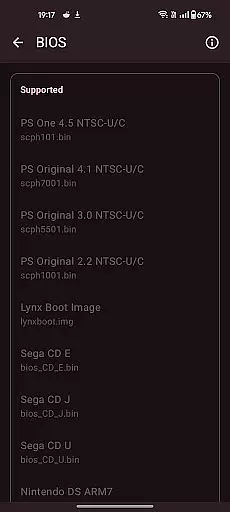
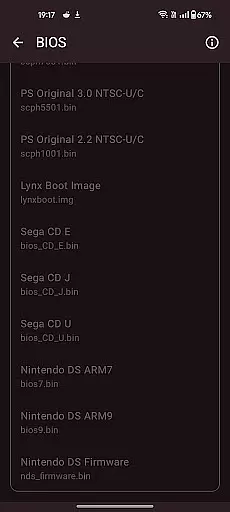
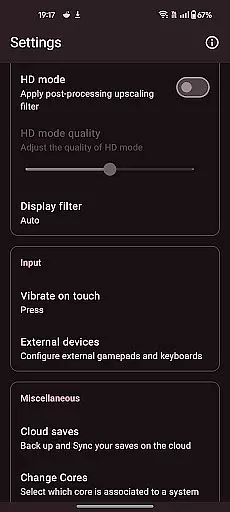
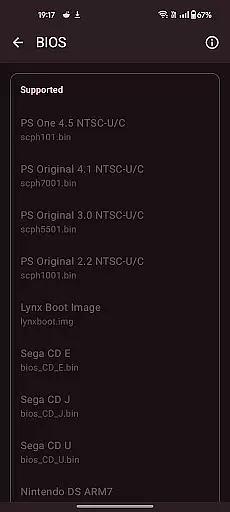
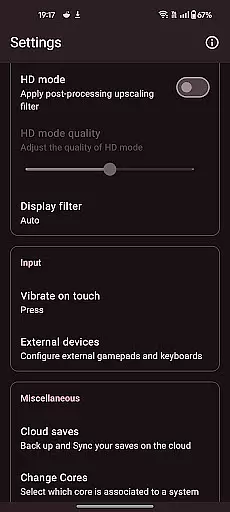

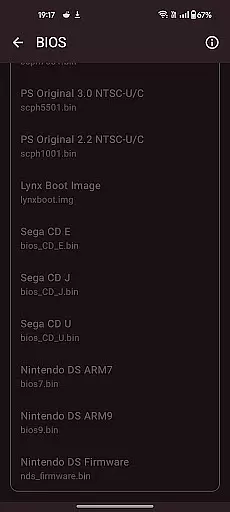
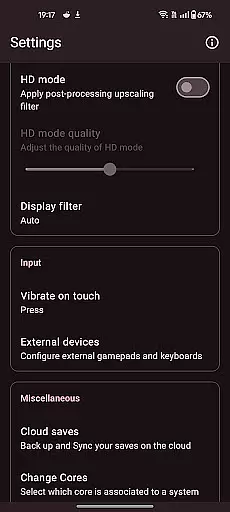
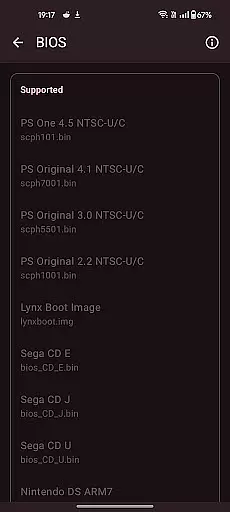

Retro emulator classic is an all-in-one emulator designed for Android users who want to relive the nostalgia of retro gaming. This app supports a wide range of systems including Atari, Nintendo, PlayStation, Sega, and more, making it versatile for different gaming preferences. Whether you're playing on a phone, tablet, or TV, Retro emulator classic offers smooth performance with an intuitive interface and no ads.
One of the standout features of this app is its support for multiple gaming systems, which allows users to enjoy games from various eras and platforms without needing separate emulators. The app also includes optimized touch controls, quick save/load options, and video filters that enhance the gaming experience. With cloud save sync and gamepad support, users can seamlessly switch between devices while maintaining their progress.
The app's value lies in its ability to consolidate numerous emulators into one package, simplifying the process for users who want access to a variety of games without managing multiple apps. Its ad-free environment ensures uninterrupted gameplay, providing a pure retro gaming experience on modern devices.
Retro emulator classic stands out due to its extensive list of supported gaming systems and advanced features tailored for an optimal user experience. The app supports systems like Atari 2600, NES, SNES, Game Boy, PlayStation, Sega Genesis, and many others. This broad compatibility makes it a comprehensive solution for retro gaming enthusiasts.
Key features include automatic save and restore states, ROM scanning, library indexing, and full customization of touch controls. These functionalities ensure that users can easily manage their game libraries and tailor the control schemes to their liking. Additionally, the app provides video filters and display simulations such as LCD/CRT, enhancing the authenticity of the gaming experience. Fast-forward support and local multiplayer capabilities further enrich gameplay, allowing users to speed through sections or enjoy cooperative play.
Another notable feature is the support for zipped ROMs and cloud save sync, which streamlines the management of game files and ensures that progress is not lost when switching devices. With gamepad and tilt-stick support, users can enjoy a console-like experience on their mobile devices. Overall, these features make Retro emulator classic a powerful tool for anyone looking to explore the world of retro gaming on Android.
Arcade authenticity and nostalgia are at the core of Retro emulator classic, offering users a genuine trip down memory lane. This app is designed to emulate a wide range of classic arcade systems, ensuring that the original gaming experience is preserved.
With support for numerous systems including Atari, Nintendo, PlayStation, Sega, and more, this emulator brings back the joy of classic gaming. The inclusion of video filters and display simulation further enhances the nostalgic experience by mimicking the original LCD or CRT displays.
Users benefit from not just the variety of games they can relive but also from features like automatic save and restore states, quick save/load slots, and optimized touch controls. These ensure that while the essence of arcade gaming is maintained, modern conveniences are not sacrificed.
The true value lies in its ability to provide an immersive experience that captures the spirit of the arcade era, making it an essential app for enthusiasts looking to relive the golden days of gaming on their Android devices.
Control responsiveness is crucial for an optimal gaming experience, and Retro emulator classic excels in delivering precise and immediate feedback. This ensures that every action taken in-game is accurately reflected without delay, enhancing overall gameplay.
The emulator supports fully customizable touch controls, allowing users to tailor the interface to their preferences. Whether using on-screen buttons or connecting external gamepads, the app guarantees smooth performance across phones, tablets, and TVs.
Additional features such as fast-forward support, tilt-stick functionality, and local multiplayer with multiple controllers make gameplay versatile and engaging. Players can enjoy seamless interactions whether playing solo or with friends.
Ultimately, the responsive controls contribute significantly to user satisfaction by providing a fluid and intuitive gaming session, which is especially important when revisiting beloved classics where timing and precision are key.
User-friendly interface
Wide system compatibility
No ads
Cloud save sync
Customizable controls
Device performance varies
ROMs not included
Advanced systems need powerful hardware
Limited touchscreen functionality
Complex setup for beginners

Genesis, Mega Drive, Mega CD, Master System, Game Gear Emulator!
 4.20
4.20
Gameboy Color Emulator
4.60
BallStack is a vibrant match-3 game where you stack and match colorful balls!
4.3
John GBC is GB/GBC emulator. This emulator is easy to use.
3.80
Protect the balloon! Only 1% of players can reach lvl 100 with all the balloons!
3.70
Create your restaurant story & make food on a crazy kitchen in this cooking game
4.70
Save the Galaxy from galaxiga alien - Classic arcade shooter game
4.60
This app is a very fast emulator
3.40
Draw your legs to win the race!
4.20
Shoot the web, jump and teleport! Be a stickman hero and destroy your enemies!
4.50
Motorcycle racing games! Prove your paperboy can win in the bike race 3D!
4.50
Epic offline war strategy game - build your city, train your army, conquer
4.20
It's quite possibly the world's hardest game!
3.90
Frenetic party game, pass the bomb to the other players!
3.80
John GBA is GBA emulator. This emulator is easy to use.
3.10
Turn-based pixel game where jumping is the only weapon!
4.4
Machine Gun Fire Rumbles in the Jungle
4.2
Fast reflexes, glowing obstacles, endless action.
4.1
Divine powers at your fingertips! An innovative and frantic shoot-'em-up!
4.2


User Reviews