
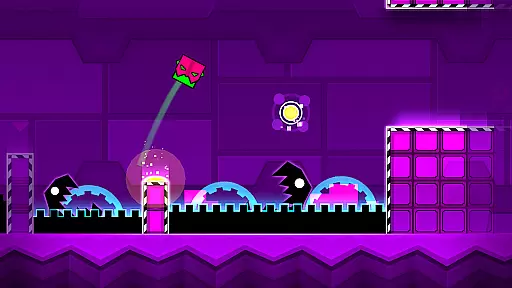
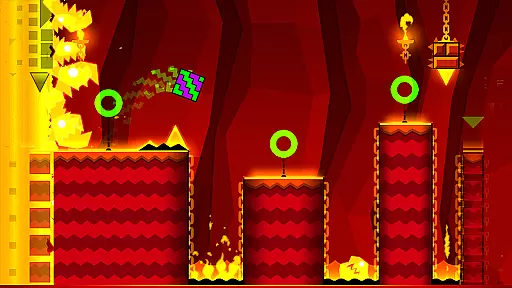
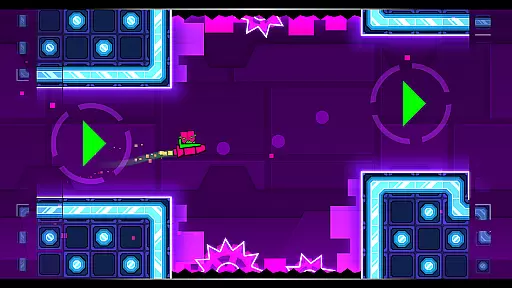
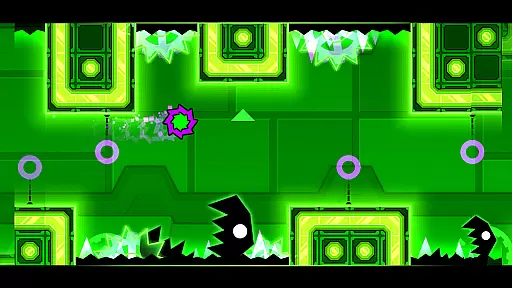
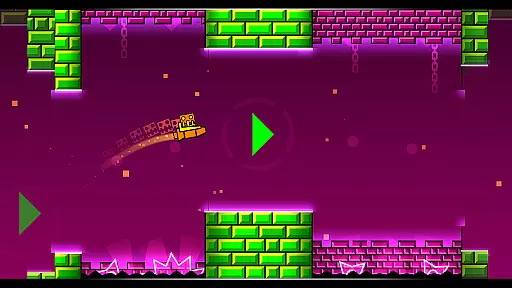
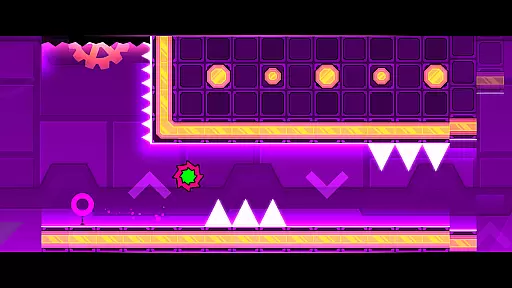
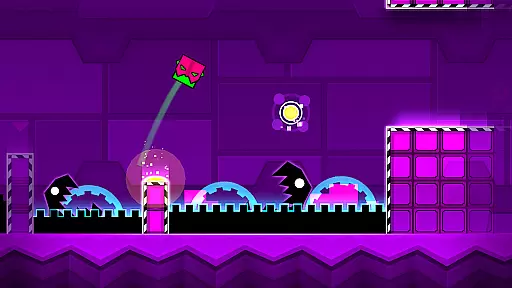
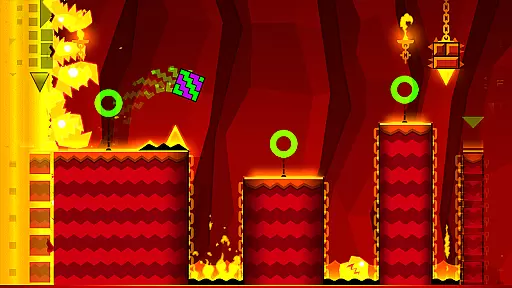
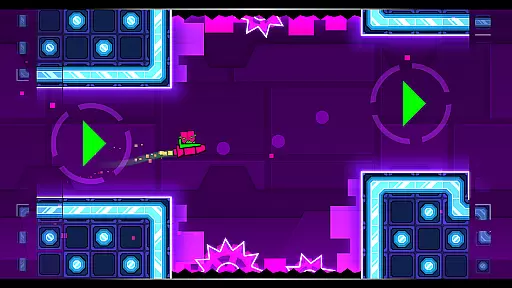

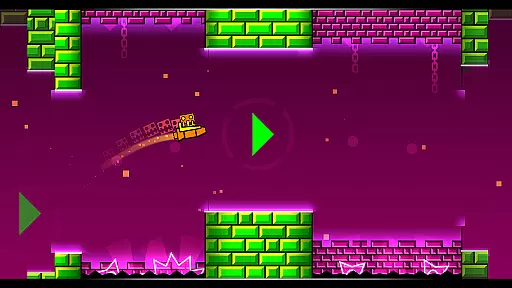
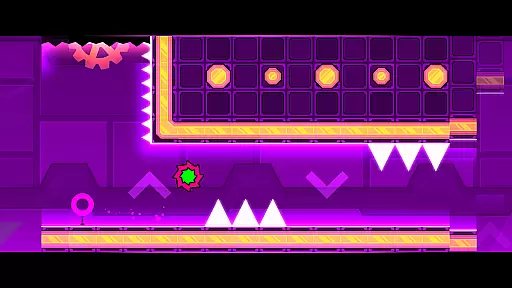
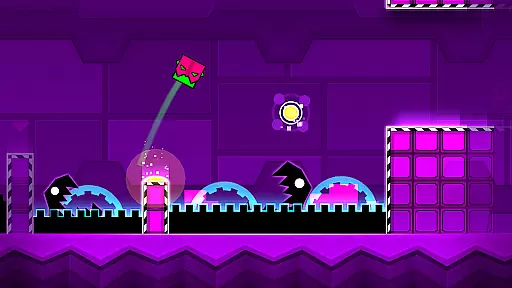
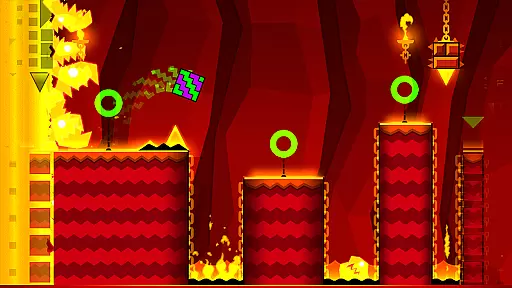
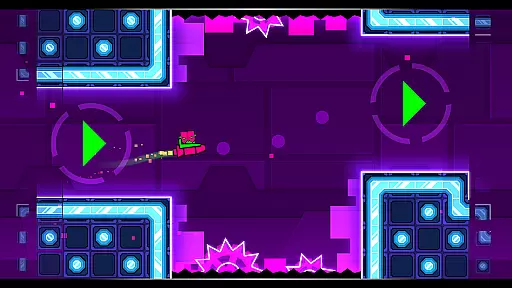
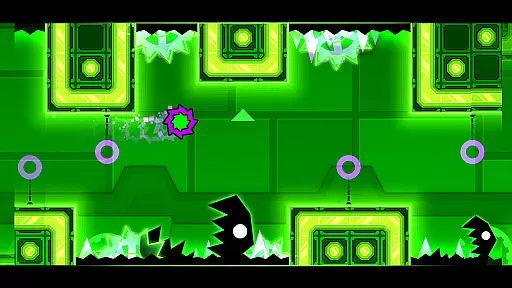
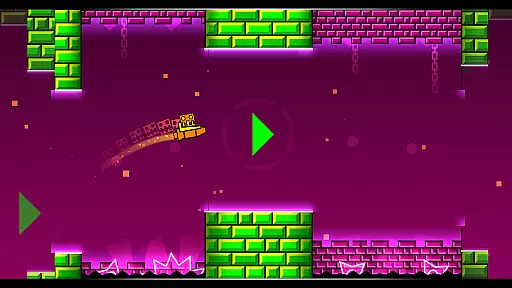
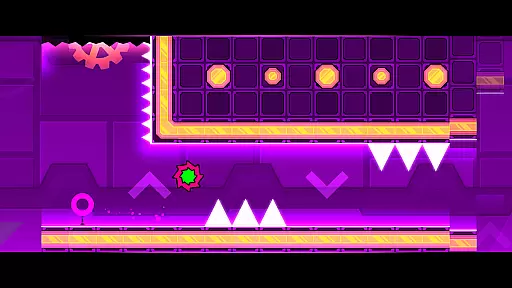
Geometry Dash Meltdown is an arcade game that combines rhythm-based platforming with challenging obstacles. Players navigate through dark caverns filled with spikes and monsters, requiring quick reflexes and precise timing. The game features three unique levels with music from F-777, offering an engaging audiovisual experience.
One of the standout features is the ability to customize characters with unique Meltdown icons and colors. With practice mode available, players can refine their skills before attempting the near-impossible challenges. This makes Geometry Dash Meltdown not only a test of agility but also a game of strategy and perseverance.
Geometry Dash Meltdown offers several distinctive features that set it apart in the arcade category. The rhythm-based action platforming requires players to jump, fly, and flip through dangerous terrains, keeping them engaged with dynamic gameplay. Each level presents its own set of challenges, enhanced by music tracks from F-777.
The game includes unlockable content such as unique Meltdown icons and colors, allowing for character customization. Additional elements like flying rockets and flipping gravity add layers of complexity. Practice mode provides a space for players to hone their skills, making the game accessible to both beginners and experienced gamers looking for a challenge.
Arcade authenticity in Geometry Dash Meltdown is brought to life through its vibrant mix of rhythm-based gameplay and vibrant visuals. The game pays homage to classic arcade games while infusing modern elements such as techno and dubstep music, creating a unique experience that resonates with both nostalgia and innovation.
Players will find themselves immersed in challenging levels filled with spikes and monsters, demanding quick reflexes and precision. This setup echoes the difficulty and excitement found in traditional arcade games, where mastering the controls and overcoming increasingly difficult challenges were part of the appeal.
The inclusion of features like gravity flipping and rocket flying adds layers of complexity and variety not typically found in retro arcade games. These elements ensure that while the game evokes nostalgia, it also offers fresh mechanics that keep the gameplay engaging and contemporary.
Control responsiveness in Geometry Dash Meltdown is key to navigating the game's intricate levels successfully. Players need to have precise control over their characteru2019s movements to jump, fly, and flip through dark caverns and spiky obstacles effectively. The game ensures that every tap and swipe translates immediately into in-game actions, providing a seamless and intuitive user experience.
This level of responsiveness allows players to execute complex maneuvers with ease, which is crucial when facing near-impossible challenges within the game. By honing their skills in practice mode, users can sharpen their reflexes and improve their timing, ensuring they are prepared for whatever the game throws at them.
Ultimately, the responsive controls contribute significantly to the overall enjoyment and satisfaction derived from playing Geometry Dash Meltdown. Whether you're casually jumping through levels or attempting to conquer the hardest sections, knowing that your inputs are accurately reflected enhances immersion and makes each success feel truly earned.
Engaging rhythm-based gameplay
Customizable character options
Challenging yet rewarding levels
Practice mode for skill improvement
Vibrant visual and audio design
Steep learning curve
Limited number of levels
Repetitive gameplay elements
Occasional performance issues
In-app purchases may be required

Use superpower in your magic hands. Defeat the enemies in a fun elemental game.
 4.50
4.50
Infinite Arcade
4.3
A fluid, action-packed arcade space shootout!
4.2
Reach high, and shine in the neon world in 3D!
4.2
Mine & Craft Block Mini World! Survival Crafting and Building & Creative Online.
4.30
Challenge your friends across the world to see who can jump the farthest!
4.50
Punch your way through the Streets of Rage once again!
4.80
NES Emulator
4.40
Train your Champ. Compete. Get rewards.
4.50
Join the breathtaking chase!
4.80
Flip and flail a rag doll through endless levels and plunge into outlandish fun!
4.60
Save the Galaxy from galaxiga alien - Classic arcade shooter game
4.60
Jump and fly your way through danger in this rythm-based action platformer!
4.50
Epic offline war strategy game - build your city, train your army, conquer
4.20
Get into your tractor to cut grass and harvest the crops in our mowing simulator
4.10
This app is a very fast emulator
3.40
Welcome back to Vice City. Welcome back to the 1980s.
3.30
Play retro games with ease – NES, SNES, PSX, PSP & more supported
4.3
A retro-flavoured infinite scroller Glyph toy for the Nothing Phone (3)
4.4


User Reviews