
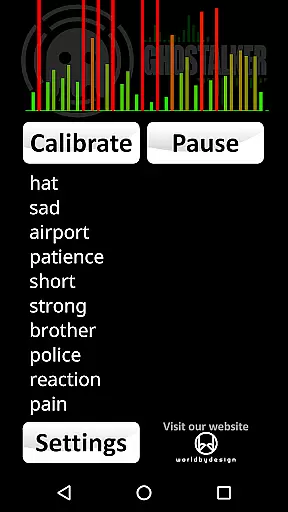


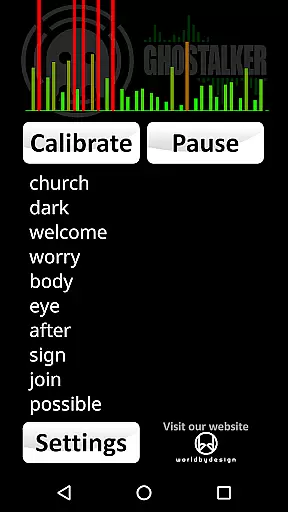

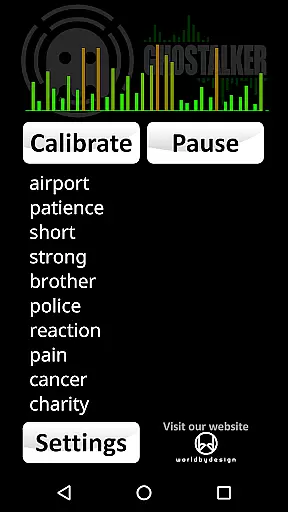
Ghostalker is a unique lifestyle app designed for paranormal enthusiasts and investigators. This innovative application functions as a 'Spirit Box', converting environmental energy into spoken words through the device's sensors. With over a thousand commonly used words in its database, Ghostalker utilizes various sensors such as vibration, rotation, GPS, gyroscope, light, magnetic fields, and proximity to detect changes in energy and translate them into meaningful words.
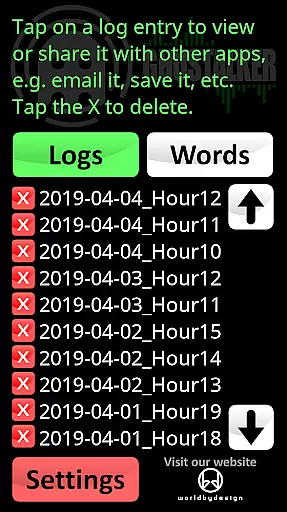
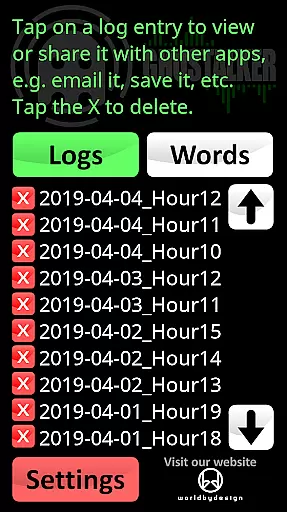
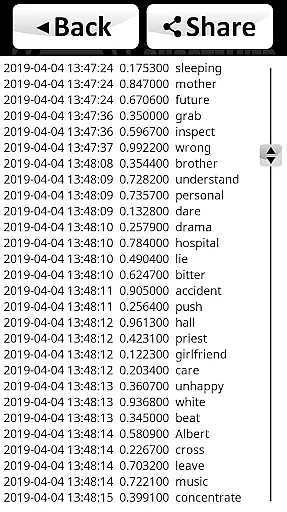
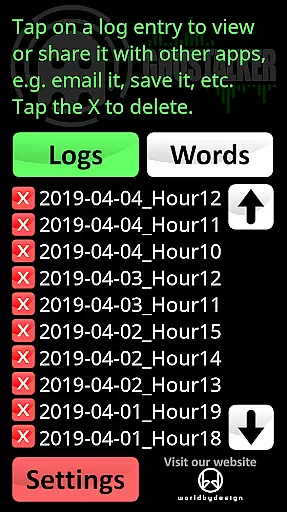
The app offers extensive logging capabilities, allowing users to review, save, email, or delete spoken word logs. These logs are timestamped and include sensor reading changes, providing valuable data for analysis. Additionally, Ghostalker features a customizable dictionary, enabling users to create personalized lists of up to 10,000 words. Whether you're conducting serious paranormal research or seeking an engaging experience, Ghostalker provides the tools necessary to explore the unknown.
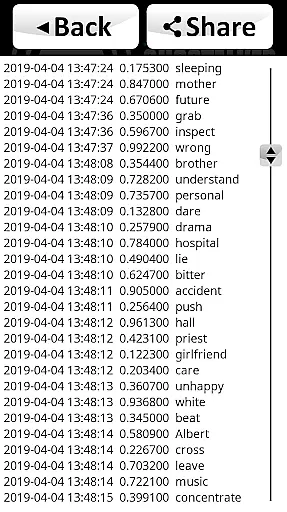
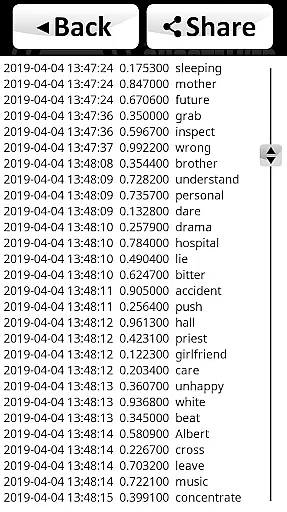
Ghostalker stands out with its comprehensive use of device sensors to detect minute environmental changes. The app employs a sophisticated algorithm that processes raw sensor data to generate relevant words, ensuring more accurate readings compared to random selection methods. Its logging feature records every spoken word along with the date, time, and sensor data changes, offering users detailed insights into their sessions.
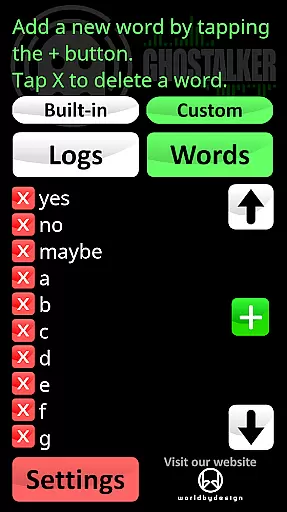
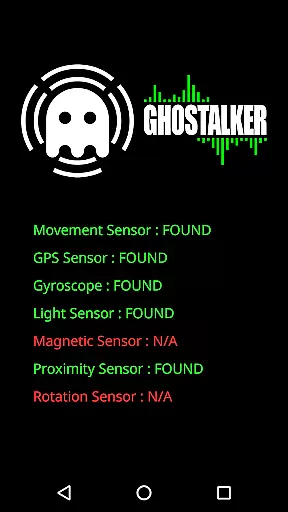
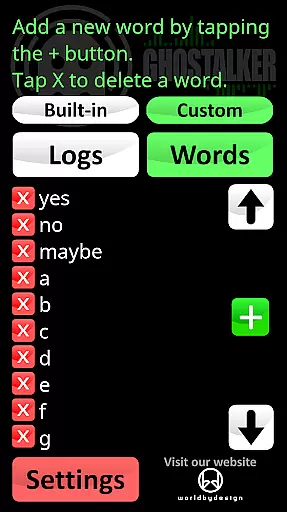
Customization is key in Ghostalker, allowing users to manage their own dictionaries. This flexibility lets you tailor responses to specific questions or themes, enhancing the interactive experience. Moreover, individual sensor management helps mitigate interference issues, ensuring reliable performance across different devices. Whether using high-end phones or tablets, Ghostalker adapts to available sensors, providing consistent functionality regardless of device specifications.
Ghostalker offers a unique approach to lifestyle applications by bridging the gap between technology and paranormal exploration. This app is designed for those intrigued by the supernatural, providing tools that cater to professional paranormal investigators, hobbyists, and curious users alike.
The application leverages over a thousand commonly used words and utilizes device sensors such as vibration, rotation, GPS, gyroscope, light, magnetic fields, and proximity to convert environmental changes into spoken words. This comprehensive sensor integration ensures that users can interact with their surroundings in a novel way, making it an innovative addition to the lifestyle category.
With features like logging, which allows users to save and review sessions, and a customizable dictionary supporting up to 10,000 words, Ghostalker provides flexibility and personalization options that enhance user engagement. These capabilities contribute to a diverse lifestyle app experience that adapts to individual preferences and investigative needs.
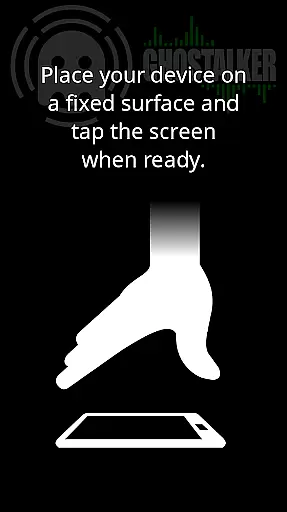
By offering specialized functions such as calibration for interference and the ability to manage custom word lists, Ghostalker demonstrates its commitment to covering various aspects of paranormal investigation within the lifestyle sector. The app's offline functionality further enhances accessibility, allowing use in remote locations without internet connectivity.
Authenticity and credibility are crucial components of Ghostalker's appeal. Unlike apps that randomly generate responses, Ghostalker uses actual raw data from device sensors to determine its output. This method ensures that the words displayed and spoken are based on real-time environmental interactions, lending a sense of legitimacy to each session.
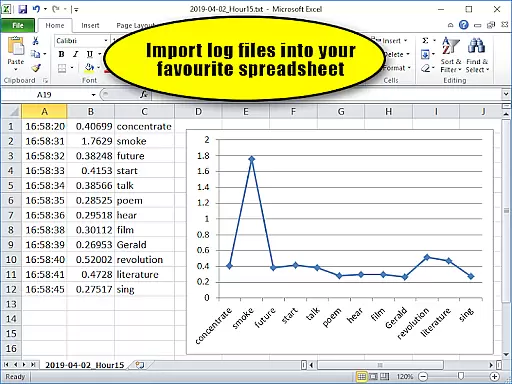
The app includes a built-in log viewer that records the date, time, sensor readings, and corresponding words, all formatted in CSV for easy import into spreadsheets. This feature not only adds transparency but also supports serious investigators who require detailed logs for analysis. Such rigorous documentation reinforces the app's authenticity and aids in building trust with its users.
Ghostalker's developer encourages feedback and provides support for any issues encountered, indicating a dedication to maintaining high standards of quality and reliability. Additionally, tips provided within the app help users optimize their experience, suggesting best practices informed by expert knowledge in paranormal investigation.
Furthermore, the absence of advertisements and the availability of a free version, Ghostalker Lite, demonstrate a user-centric approach focused on delivering genuine value rather than prioritizing monetization. By combining these elements, Ghostalker establishes itself as a credible tool within the lifestyle category, appealing to those seeking authentic paranormal experiences.
User-friendly interface
Comprehensive sensor utilization
Customizable dictionary options
Detailed session logging
No internet connection required
May require calibration
Sensor sensitivity varies
Not suitable for forming sentences
Limited free version
Potential interference issues

Healthy eating timer app to track meal pace, improve habits, and eat slowly.
 4.3
4.3
Big bold weather watch face with dynamic backgrounds and 3 complications
4.1
Immerse yourself in the serenity of lavender fields and white butterflies
4.0
Crochet made easy: step-by-step tutorials, beginner patterns & projects
4.60
Colorful selection floral watch face with gyro for Wear OS
4.60
Falling Fruit is a massive collaborative map of food in our cities.
3.20
Futuristic watchface inspired by Back to the Future: sleek, retro, timeless
4.3
Subwoofer school’s in session! You’ve now enrolled into KICKER U.
3.80
Decorate your home screen with custom icons, color widgets, themes & wallpapers
4.70
Daily lessons from A Course in Miracles with scheduled reminders
4.80
Your store’s deals, where you are.
4.80
Smart & Healthy Living
4.60
The App can control Roborock vacuum cleaners from anywhere with rich features.
4.60
This app is intended to support professional EMDR therapy.
4.50
Zodiac & Horoscope Launcher: Daily Sign Predictions & Astrology
4.40
Unique BIG BOLD TIME with amazing colors and customisations.
3.70
Paranormal EVP, Ghost Box, Spirit box, ITC, Haunted, Spirit communication device
3.70
Connect to your Shark ROBOT™ from anywhere using the SharkClean™ App.
3.60
Discover how to help puppies stay calm around noise with this helpful app.
4.2


User Reviews