
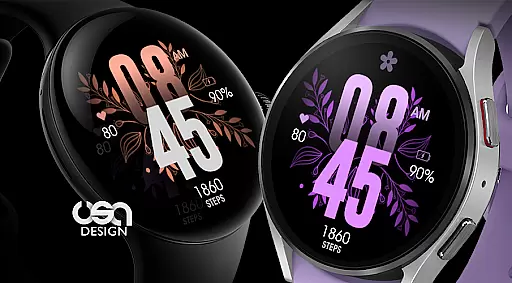
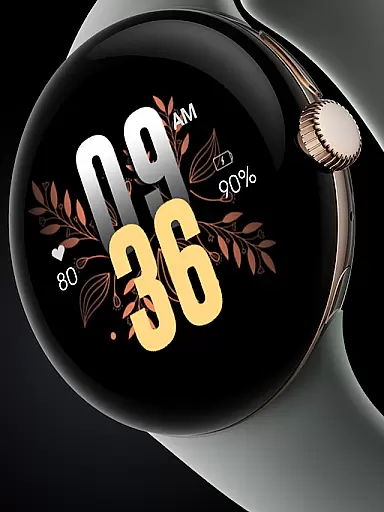
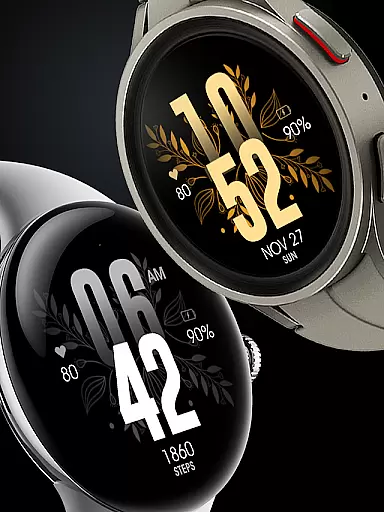
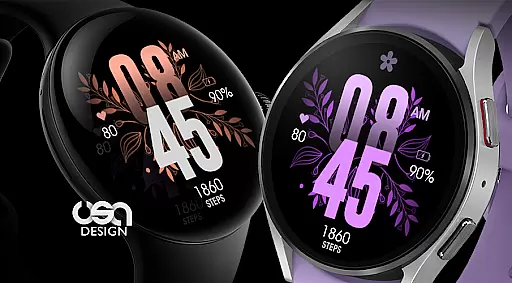
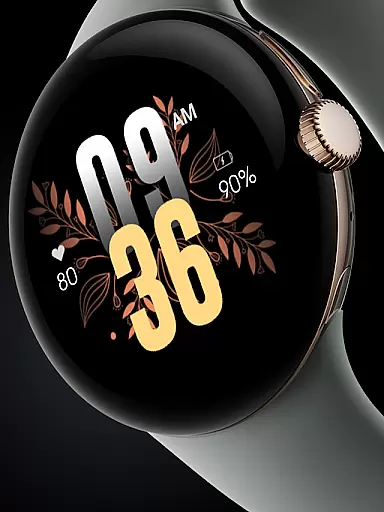
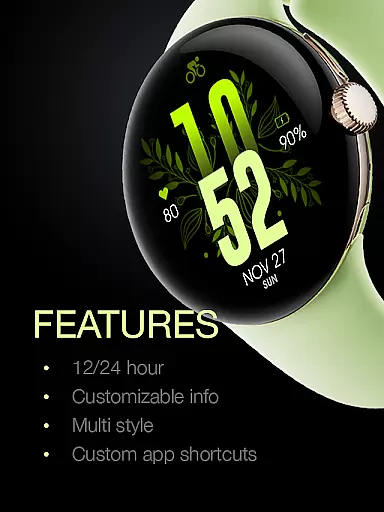
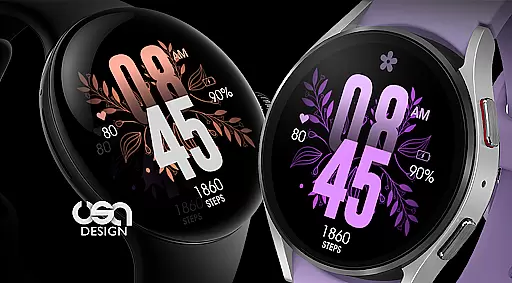
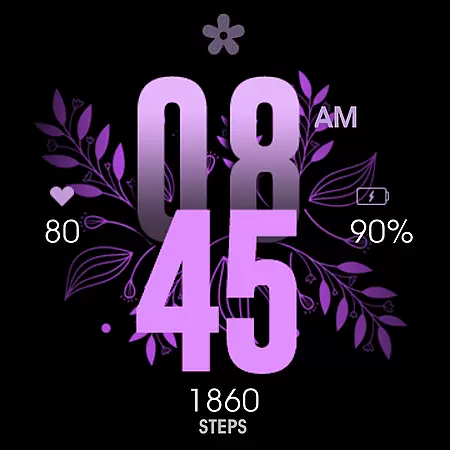
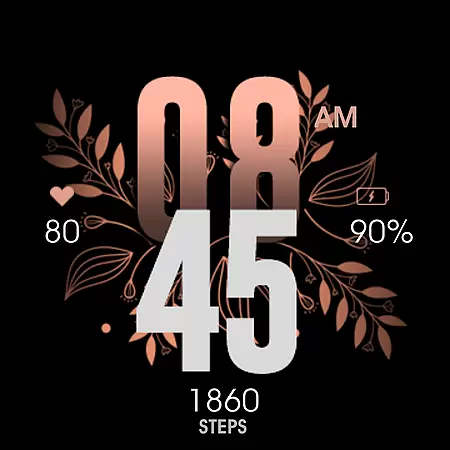
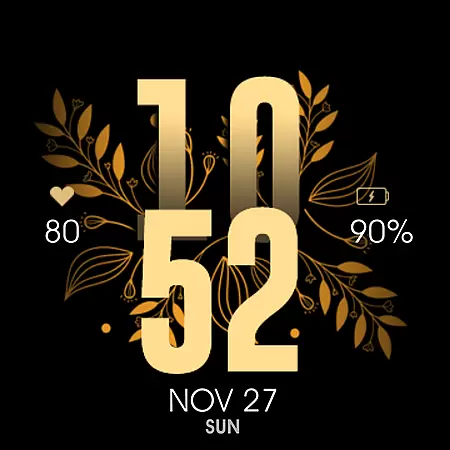
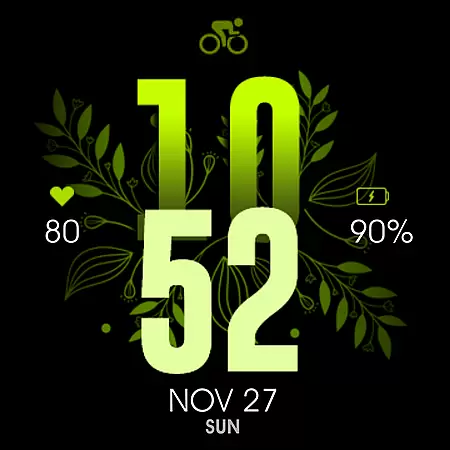
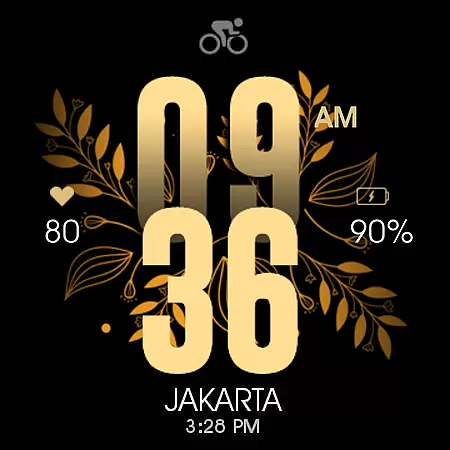
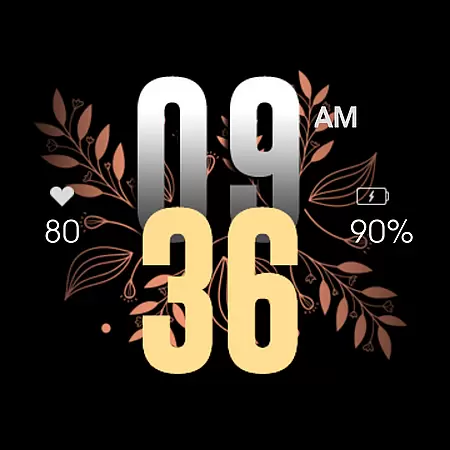
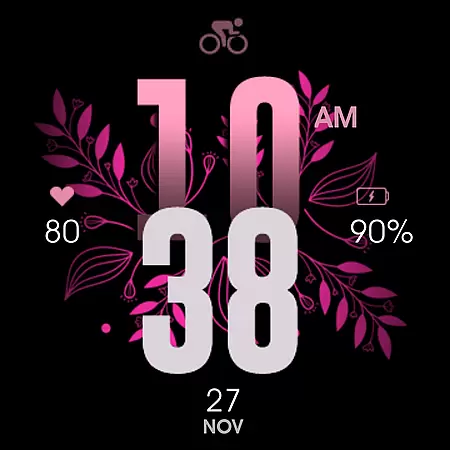
UsA Floral Color is a visually stunning watch face designed for Wear OS devices, offering users a gyro-animated floral display with multiple color combinations. Compatible with Galaxy Watch 4/5/6/7/8 Series, Pixel Watch series, and other Wear OS 4 or newer devices, this app brings both style and functionality to your smartwatch.
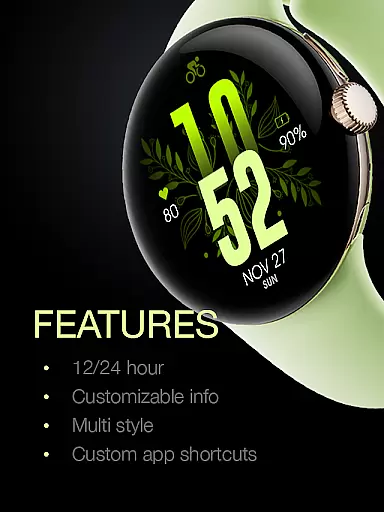
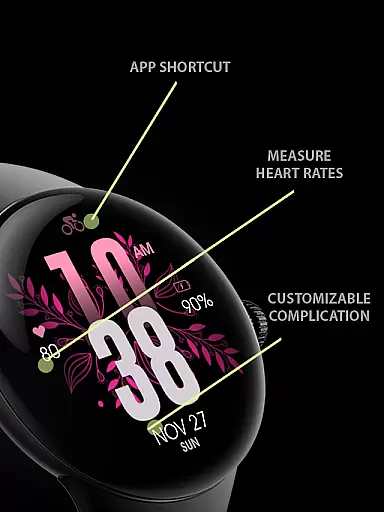
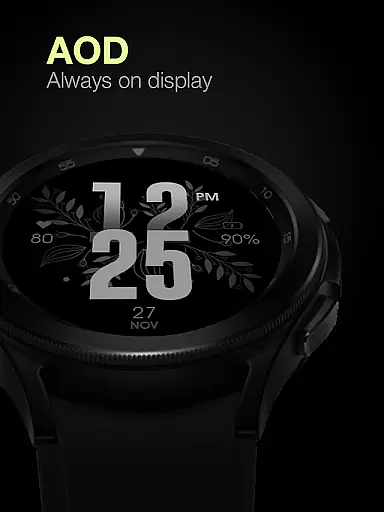
The watch face features an array of practical functionalities including heart rate monitoring synced with built-in settings, battery information, 12/24 hour mode synchronization with your phone, and custom app shortcuts. Its unique Always On Display ambient mode provides a low-power display even when idle, ensuring both aesthetics and usability are maintained.
Designed for users seeking a blend of beauty and utility, UsA Floral Color enhances the smartwatch experience by combining vibrant design with essential health and device information, making it perfect for everyday wear.
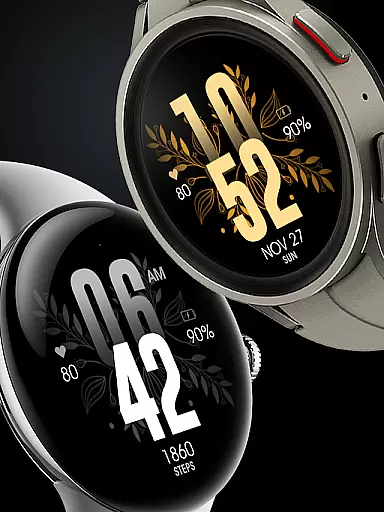
UsA Floral Color stands out with its gyro-animated floral design available in various color combinations such as purple, gold, silver, pink, and green. This feature ensures that users can personalize their watch faces to match their style while enjoying smooth animations.
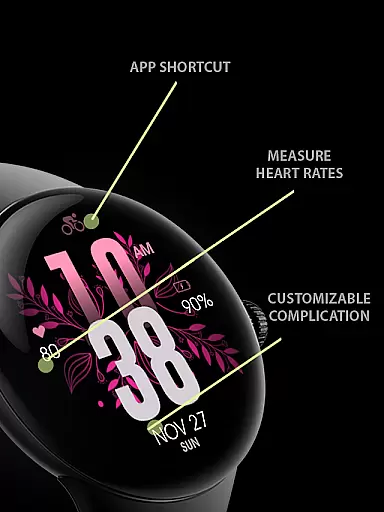
Functionality-wise, the app offers several key features including heart rate monitoring that syncs with the watch's built-in settings, battery information at a glance, and time display that adjusts based on the user's phone setting between 12/24-hour formats. Additionally, users can customize their experience further with custom app shortcuts and short complication info.
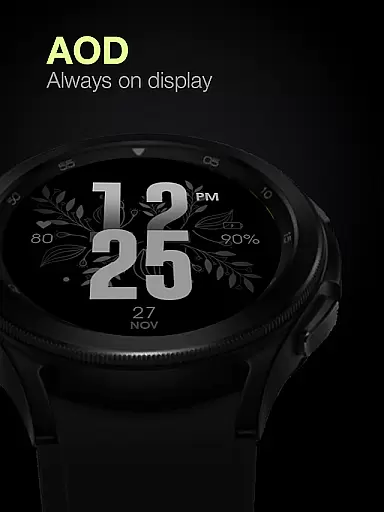
A special Always On Display mode allows for a low-power ambient display, keeping the watch face visible even when not in active use. This feature, combined with the ability to manage custom shortcut complications through the settings menu, ensures that users have both convenience and personalization options at their fingertips.
UsA Floral Color offers a comprehensive lifestyle experience through its diverse range of color combination styles. The watch face provides users with the ability to choose from various colors such as purple, gold, silver, pink, green, and more. This diversity ensures that users can personalize their smartwatch to match their unique style and mood.
The application extends beyond mere aesthetics by integrating practical features like heart rate monitoring synced with built-in settings, battery information, and 12/24 hour mode synchronization with phone settings. These elements are crucial for users who seek both functionality and personal expression in their wearable technology.
Compatibility with Wear OS API 33+ and newer devices, including Galaxy Watch 4/5/6/7/8 Series, Pixel Watch series, and others, guarantees that a wide array of users can enjoy this lifestyle-enhancing app. By ensuring broad device support, UsA Floral Color caters to the varied preferences of the smartwatch community.
Moreover, the inclusion of custom app shortcuts and short complication info adds another layer of personalization and convenience. Users can tailor their watch face to display the information most relevant to them, thus enriching their daily lifestyle management through thoughtful design and user-centric features.
Authenticity and credibility are at the forefront of UsA Floral Color's offerings. Each feature, from the gyro-animated floral design to the heart rate sync functionality, is crafted to provide an authentic and reliable user experience. The developers have paid meticulous attention to detail, ensuring that every aspect of the watch face operates seamlessly and accurately reflects real-time data.
Expertise shines through in the specialized Always On Display ambient mode, which is designed to conserve battery while maintaining accessibility to time and essential information. This feature exemplifies the developer's commitment to delivering a product that respects both form and function, optimizing the balance between visibility and power consumption.
Furthermore, the app's compatibility with a multitude of devices underlines the technical proficiency behind its development. By aligning with the latest Wear OS standards and offering support across Galaxy Watch and Pixel Watch series, UsA Floral Color demonstrates a dedication to quality assurance and expert integration within the smartwatch ecosystem.
For ongoing support and community engagement, users are invited to join a Telegram group. This direct line to live assistance and discussion not only fosters a sense of community but also reinforces the credibility of the app by providing transparent channels for feedback and improvement.
Visually appealing design
Multiple color options
Heart rate monitoring
Customizable shortcuts
Always On Display
Battery consumption
Limited compatibility
Premium cost
Complex setup
Fewer features

Unique BIG BOLD TIME with amazing colors and customisations.
 3.70
3.70
Get roadside help, discounts, travel tools & more — AAA is with you everywhere.
4.80
Cute animated Thanksgiving watchface for your WearOS smartwatch
4.0
Spirit Communicator is a real paranormal ghost hunting app with many fun modes.
3.90
Make money, get paid cash rewards & gift cards for every survey. Earn today!
4.60
The cutest Autumn watchface featuring the adorable Mr. Squirrel
4.0
Celebrate the holidays with Advent Calendar: daily surprises and festive fun!
4.5
DailyGift can help you record your habits and get rewards along the way!
4.60
Earn money for every survey and game you play, and get real rewards every time
4.50
Get the news, events and savings that matter to you with AARP Now.
4.80
Kasa Smart is your portal to your TP-LINK Smart Home.
4.70
Simple, stylish & fresh watch face. Customize colors, gradients & complications.
4.70
The all-new Cync app. The simple, connected app for Cync and C by GE.
4.50
Get your life organized with My Agenda!
4.30
Mixing Colors for Menswear
4.20
Fly your Solo like a boss.
4.10
Paranormal EVP, Ghost Box, Spirit box, ITC, Haunted, Spirit communication device
3.70
Connect to your Shark ROBOT™ from anywhere using the SharkClean™ App.
3.60
An Eerie Musical Trigger Toy for Spirits to Play with!
3.50


User Reviews