
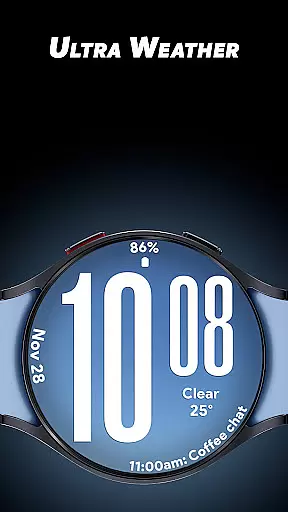
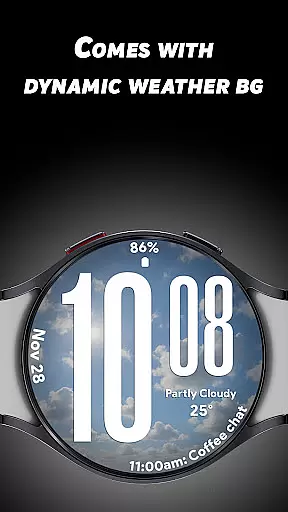
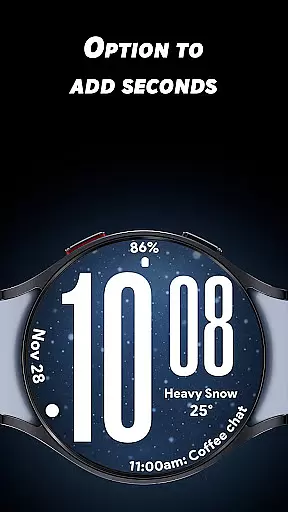
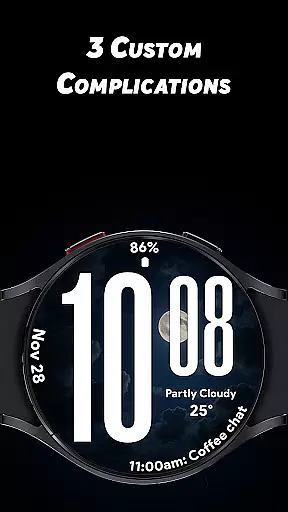
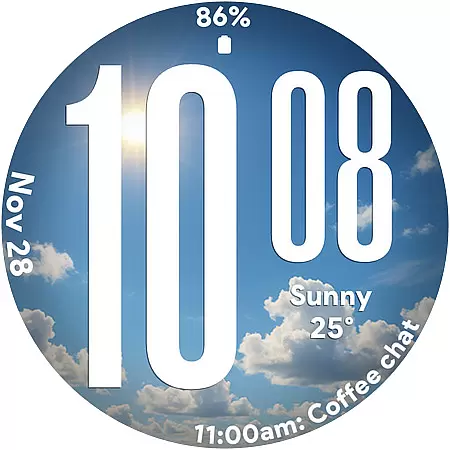
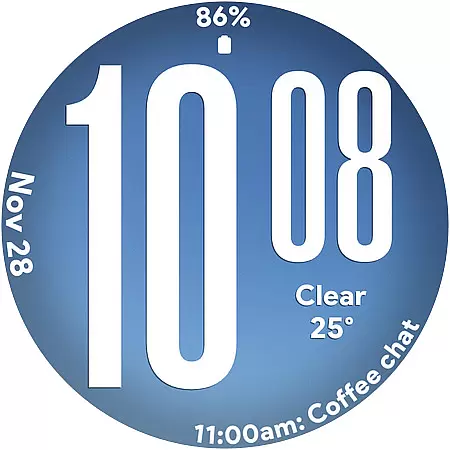
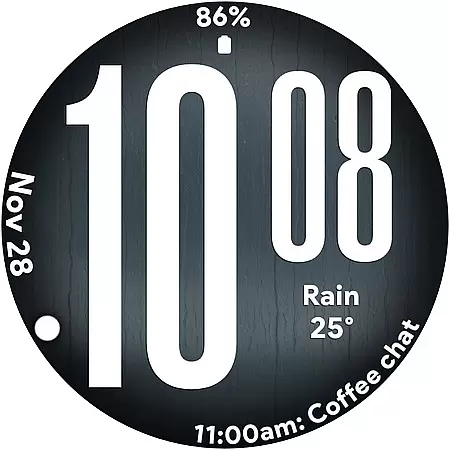
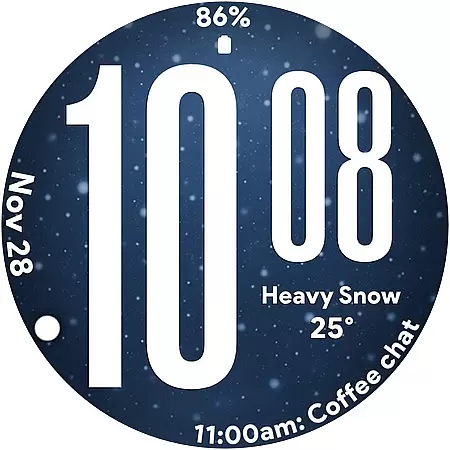
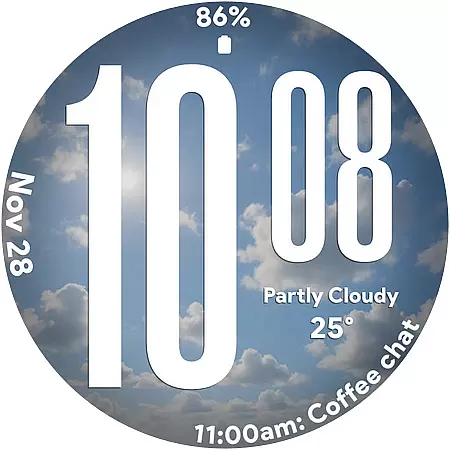
Ultra Weather is a dynamic and visually striking watch face designed specifically for Wear OS devices. This app transforms your smartwatch into a real-time weather display, with bold digital time visuals and adaptive backgrounds that change based on current weather conditions. Whether it's sunny, cloudy, or rainy, Ultra Weather ensures your watch face reflects the atmosphere outside while maintaining excellent readability.
The app combines style and functionality seamlessly, offering oversized time digits, customizable complications, and battery-friendly Always-On Display (AOD) optimization. With support for both 12-hour and 24-hour formats, it caters to users who prioritize clarity and personalization in their wearable experience. Perfect for everyday use, fitness tracking, or travel, Ultra Weather enhances your smartwatch with its vibrant design and practical features.
Ultra Weather stands out with its innovative combination of aesthetics and utility. The app features big, bold digital time displays designed for instant readability, ensuring users can check the time at a glance. Its standout feature is the dynamic weather backgrounds, which update in real-time based on live weather data, creating an immersive and context-aware experience.
Customization is key with Ultra Weather. Users can personalize their watch faces with three customizable complications, allowing them to display additional information such as weather details, step counts, heart rate, battery status, and more. The app also supports both 12-hour and 24-hour time formats, catering to global preferences. Additionally, its battery-friendly Always-On Display (AOD) ensures efficient performance throughout the day without compromising functionality.
Ultra Weather - Watch face offers a comprehensive approach to lifestyle management by integrating real-time weather updates directly into your Wear OS device. This application is not just about telling time; it's about enhancing your daily life with features that adapt to your environment.
The watch face provides dynamic weather backgrounds that change based on current conditions, ensuring you're always in touch with the outside world. Whether sunny, cloudy, rainy, or foggy, Ultra Weather transforms to reflect the sky outside, making it an essential tool for planning your day.
In addition to its aesthetic appeal, this app includes practical functionalities such as oversized time digits for instant readability and customizable complications. You can add details like weather, steps, battery status, calendar events, and heart rate monitoring, tailoring the experience to fit your lifestyle needs perfectly.
Authenticity and credibility are at the core of Ultra Weather - Watch face. The application pulls real-time weather data to ensure that the visuals you see on your smartwatch genuinely represent the atmospheric conditions outside. This commitment to accuracy ensures that users can trust the information displayed on their wrists.
Moreover, Ultra Weather is designed with input from experts who understand both technology and meteorology. This collaboration results in a product that not only looks good but also functions reliably. The integration of three customizable complications allows users to access critical data points such as weather details, health metrics, and more, all validated by industry standards.
Ultimately, Ultra Weather stands out by offering a blend of style and substance. Its visually dynamic design is matched by its reliable performance, making it a trustworthy companion for anyone looking to stay informed and stylish throughout their day.
Real-time weather updates
Bold and readable design
Customizable complications
Battery-optimized AOD
12/24-hour format support
Limited to Wear OS
Requires constant connectivity
No advanced widgets
Weather-dependent visuals
Premium features may cost extra

Chat, meet genuine singles in your area. Real connections start with being real.
 4.30
4.30
The all-new Cync app. The simple, connected app for Cync and C by GE.
4.50
A watch face with transparency and fluid visuals inspired by liquid glass design
4.1
A smart Siddur with halachic times
4.60
Good magnifier app to see tiny things bigger and more clearly!
4.80
Creativity and savings for kids, beginners and experts in arts and crafts
3.50
Retro animated weather with hourly forecast Watch Face for Wear OS
4.60
DailyGift can help you record your habits and get rewards along the way!
4.60
The Wyze app is your gateway to a smarter life and a safer home.
4.40
The Work of Byron Katie— the mobile app for inner peace.
4.40
This is a simple and highly functional alarm clock "Smart Alarm" paid version.
4.20
Discounts, savings, and rewards
4.20
SmartHQ: Your Connected Home Command Center
4.10
What is my face shape? Find out your face shape from picture, see fitting frames
3.90
Do you want to communicate with spirits?
3.80
Connect to your Shark ROBOT™ from anywhere using the SharkClean™ App.
3.60
BILT interactive 3D instructions help you get the job done right
3.50
LineLearner, the quick way to learn lines.
2.90
Customize your Wear OS watch with festive Christmas figures and colors!
4.2


User Reviews