
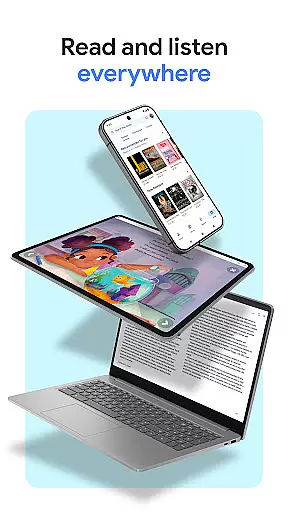
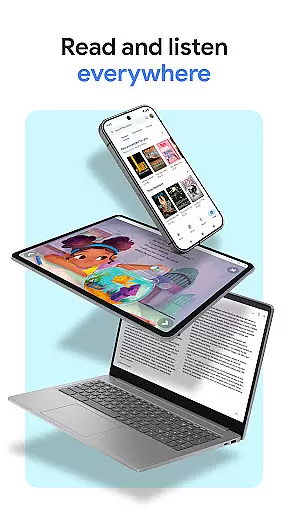
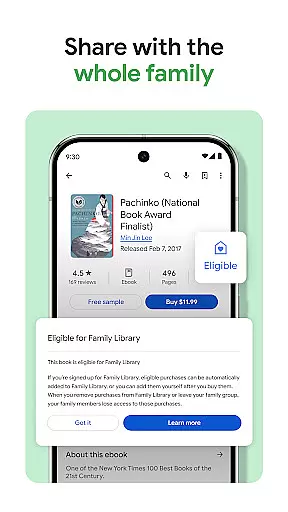
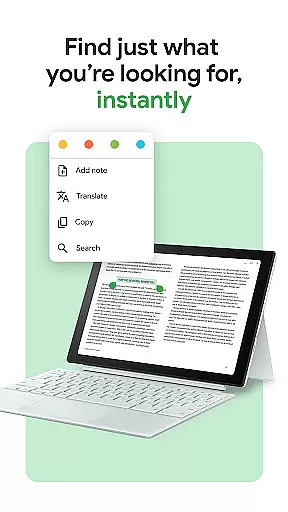
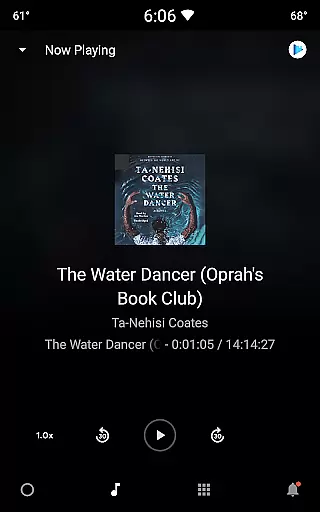
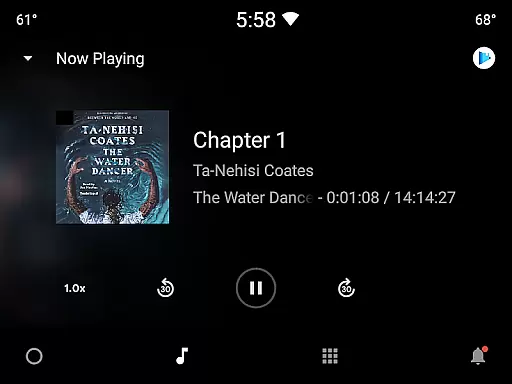
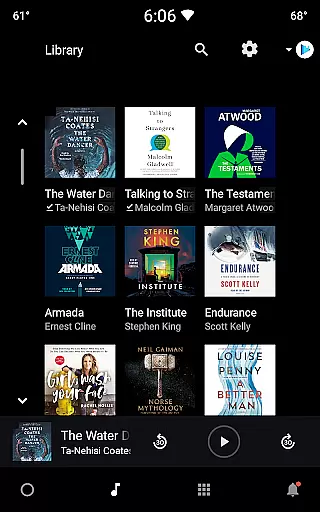
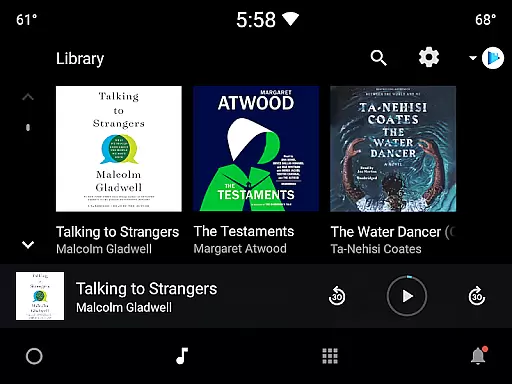
Google Play Books & Audiobooks is a comprehensive digital library app that offers millions of ebooks, audiobooks, comics, and manga. It allows users to access their entire library across multiple devices including smartphones, tablets, computers, and even in-car systems through Android Auto. The app supports offline reading by enabling book downloads, making it convenient for users on the go.
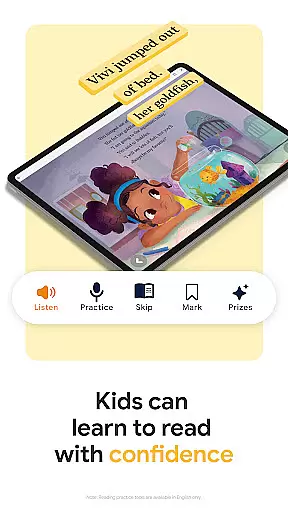
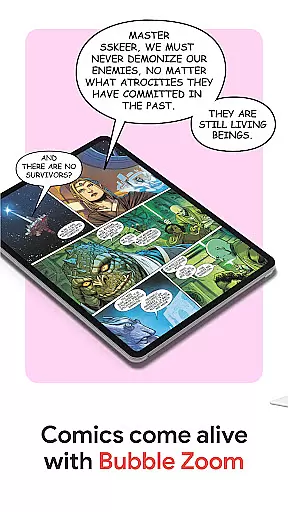
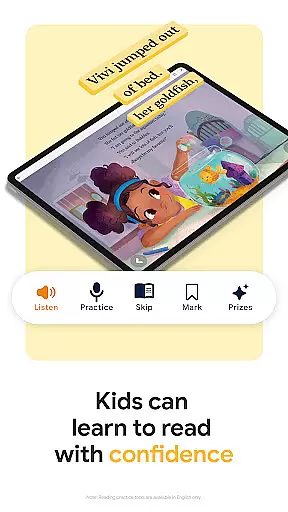
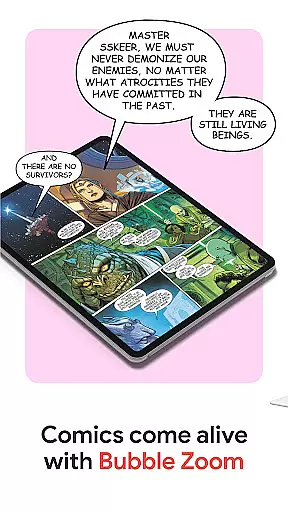
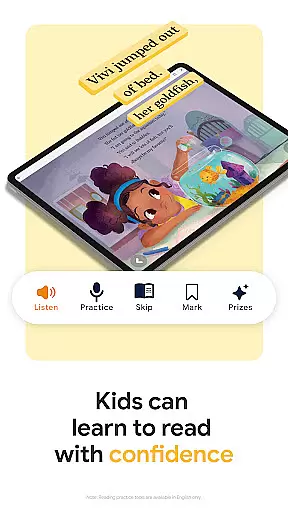
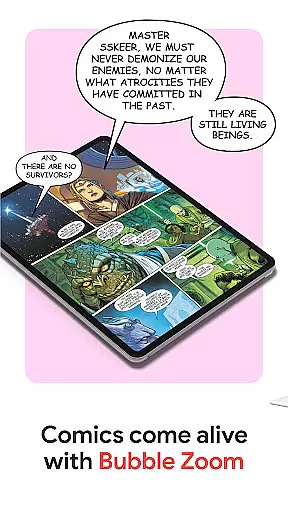
A standout feature is its customization options, allowing readers to personalize their experience by adjusting font styles, text sizes, and brightness levels. Additionally, the app provides specialized tools for comic and manga enthusiasts with Bubble Zoom technology, as well as kid-friendly features like word definitions and read-aloud capabilities. With smart notes syncing to Google Drive and custom shelves for organizing books, Google Play Books & Audiobooks delivers both functionality and flexibility.
This app is ideal for avid readers who want seamless access to a vast collection of reading materials while enjoying a personalized and immersive reading experience. Whether commuting, traveling, or relaxing at home, users can dive into their favorite stories anytime, anywhere.
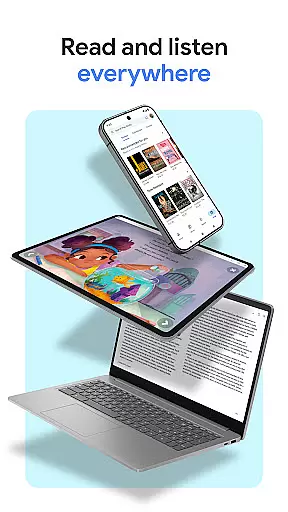
Google Play Books & Audiobooks stands out with its diverse range of features designed to enhance the reading experience. One key highlight is its cross-device compatibility, enabling users to sync their library across phones, tablets, computers, and cars via Android Auto. This ensures uninterrupted access to reading materials regardless of location or device.
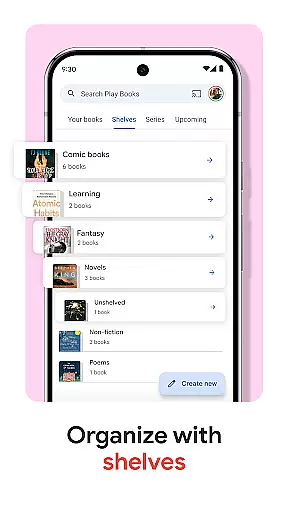
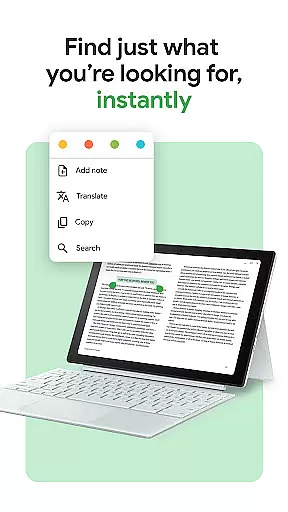
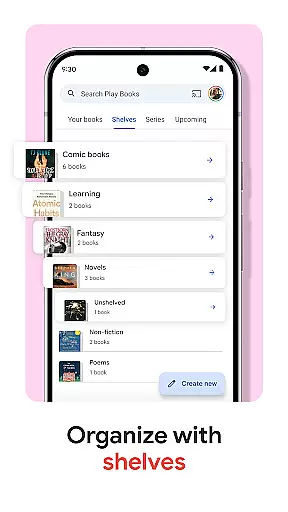
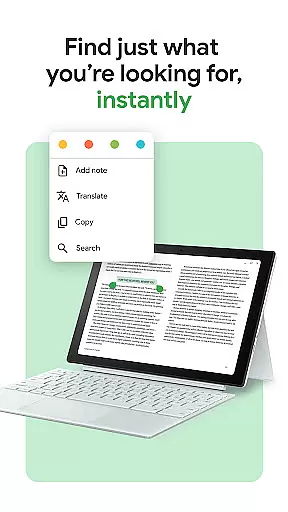
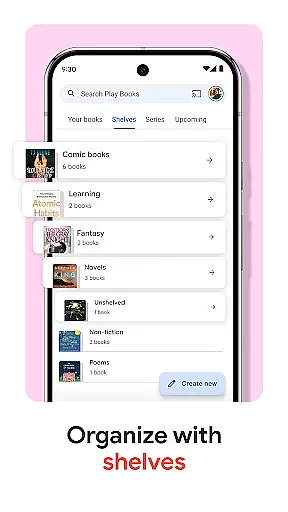
The app also incorporates innovative technologies such as Bubble Zoom for an immersive comic and manga experience, alongside hands-free audiobook controls powered by Google Assistant. For those who prefer physical adjustments, customizable settings allow changes to fonts, text sizes, and brightness levels. Furthermore, the inclusion of smart notes that sync with Google Drive facilitates collaboration and organization, while custom shelves help categorize books based on genres, authors, or themes.
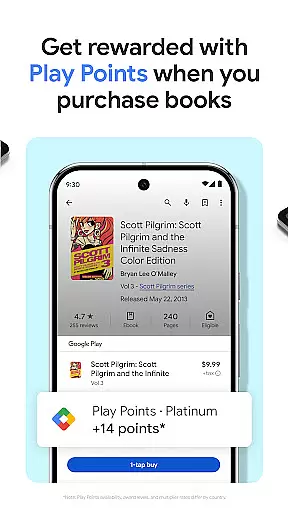
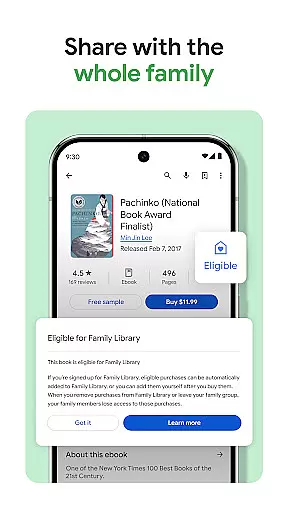
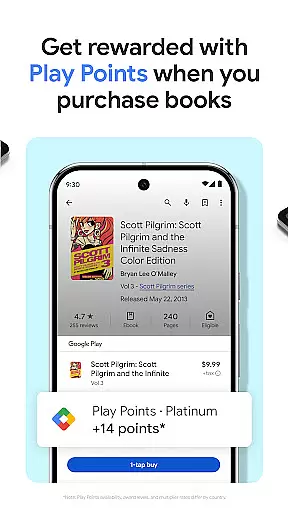
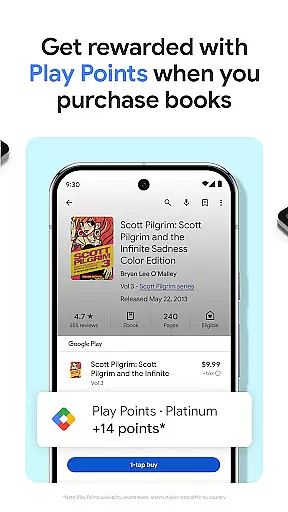
With no subscription required, users have the freedom to purchase individual titles at their convenience. Additional perks include earning Google Play Points on purchases and previewing samples before buying, ensuring satisfaction with every selection.
Google Play Books offers an extensive e-book library with millions of titles across various genres and categories. This vast collection ensures that readers of all interests can find books that suit their preferences. The platform partners with reputable publishers and authors to provide users with a diverse selection of reading materials.
Copyright authenticity is a crucial aspect of Google Play Books' offerings. Each book in the library is legally licensed, ensuring that users have access to legitimate content. This commitment to copyright compliance not only supports authors and publishers but also guarantees readers receive high-quality, authorized editions of their favorite books.
The app's robust search and filtering capabilities make it easy for users to navigate this massive library. Readers can explore curated collections, bestseller lists, and personalized recommendations. This comprehensive approach to content curation helps users discover new books while maintaining complete confidence in the authenticity of their purchases.
Furthermore, Google Play Books regularly updates its catalog with new releases and popular titles, keeping the library fresh and engaging. The platform's dedication to maintaining both quantity and quality in its e-book offerings makes it a reliable source for digital reading materials. Users can trust that their purchases contribute to supporting legitimate publishing practices while enjoying a wide selection of reading options.
Google Play Books excels in format compatibility, supporting multiple file types including EPUB, PDF, and its proprietary audiobook format. This versatility allows users to access their purchased books across various devices without worrying about format restrictions. The app automatically optimizes each book's display regardless of its original file type, ensuring consistent reading experiences.
The platform's adaptive technology enables seamless conversion between formats when necessary. For instance, users can download books for offline reading in optimized mobile formats while maintaining the original layout and formatting of complex publications such as textbooks or graphic novels. This flexibility extends to both ebooks and audiobooks, providing uninterrupted access to content.
Advanced formatting features include customizable text display options that work across all supported formats. Readers can adjust font sizes, styles, and background colors without affecting the book's original structure or layout. This level of format compatibility ensures that technical publications, illustrated books, and traditional texts all display properly on any device.
Additionally, Google Play Books maintains synchronization across devices regardless of format differences. Whether accessing books through the mobile app, web browser, or Android Auto, users experience consistent formatting and can seamlessly switch between devices while maintaining their place in the book. This comprehensive approach to format compatibility enhances the overall reading experience while preserving the integrity of the original publications.
User-friendly interface
Offline reading support
Cross-device synchronization
Customizable reading settings
Extensive content library
Limited free content
Points system varies by region
No subscription option
Kid tools English-only
Occasional sync issues

This is the pro version King James bible Offline that we have
 4.70
4.70
The dynamic dictionary/reference app for piano chords and scales!
4.80
Holy Bible with verses and audio for studying and prayer
4.30
Daily rosary and gospel reflections for catholic
4.90
Read Trending Romance Stories
4.00
Enjoy daily devotionals, Bible verses, audio courses, and more.
4.80
Build family tree & discover DNA, family history heritage, origins and ancestors
4.60
Learn to tie more than 200 knots in 3D!
4.90
Follow complex state CCW permit laws and lawfully carry firearms in each state.
4.80
Bible, Catechism, Study, Saints, Mass Readings, Rosary, Prayer, Bible in a Year
4.80
Read and study the Bible and other content in over 1,000 languages.
4.80
Liturgy of the Hours totally off-line
4.80
8 Dr. Seuss short stories in 1 app!
4.70
The Original & Authentic Crystals, Gemstones, Rocks & Minerals Encyclopedia.
4.60
Offline translator from english to spanish, and from spanish to english.
4.50
“There was one last piece of cake. My little sister said ‘Me too!’”
4.00
All in one Calibre libraries on your phones and tablets.
3.80
Battle Royale Chapter 5 Season 2 HD Wallpapers Emotes Skins and BattlePass
3.00
The Psalms for singing
4.5


User Reviews