
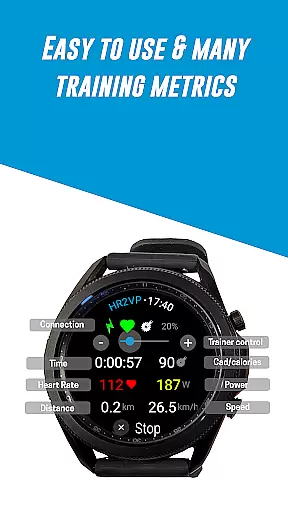
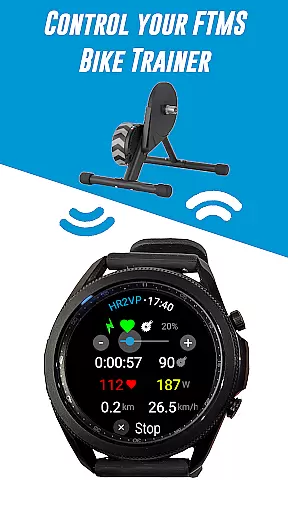
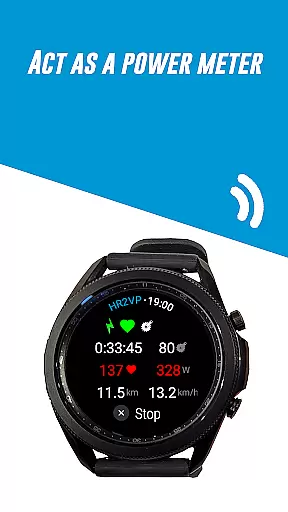
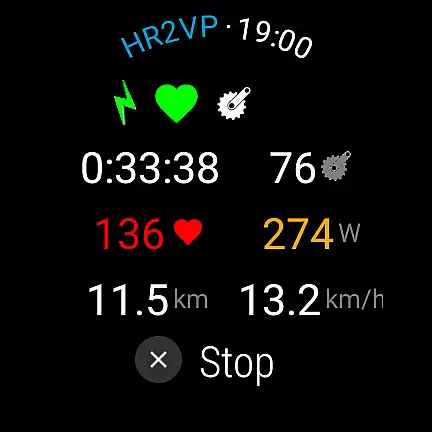
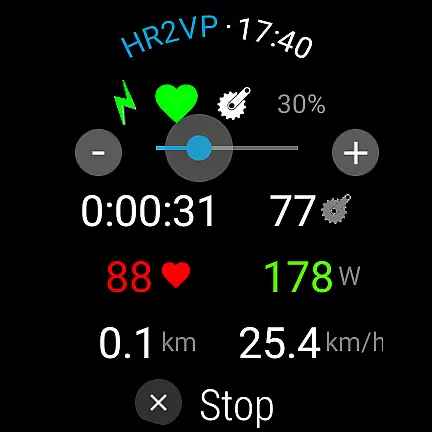
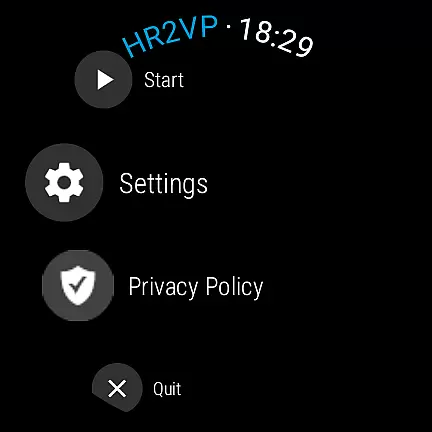
HR2VP Watch Bike Computer is a cutting-edge application designed to transform your Wear OS watch into a powerful heart rate monitor and cycling tracker. This app allows cyclists to connect their smartwatches with bike computers or indoor training platforms, broadcasting vital stats such as heart rate and power over Bluetooth Low Energy or ANT+. Whether you're training indoors or outdoors, HR2VP provides essential metrics that enhance your cycling experience.
The app's standout feature is its ability to compute power based on heart rate through an advanced algorithm, factoring in individual parameters like FTP, resting heart rate, and maximum heart rate for improved accuracy. Additionally, users can upload their ride data directly to Strava, making it easy to visualize workouts on a map and track progress over time. With compatibility across various sensors and devices, HR2VP ensures a seamless integration into any cyclist's training regimen.
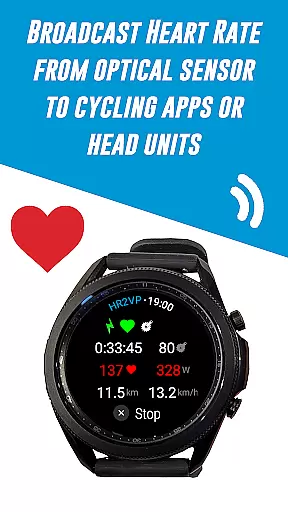
HR2VP Watch Bike Computer offers a comprehensive suite of features tailored for avid cyclists. One of the primary functionalities is the ability to use your Wear OS watch as a BLE heart rate monitor. The app leverages the built-in optical sensor to measure heart rate and broadcasts this data via Bluetooth Low Energy, functioning as a standalone heart rate monitor during workouts.
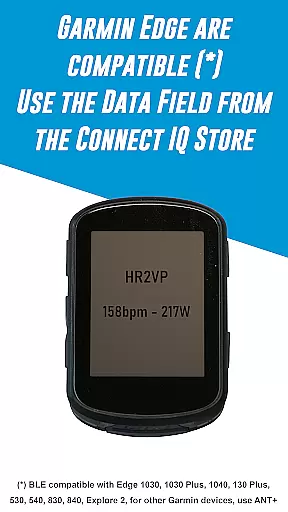
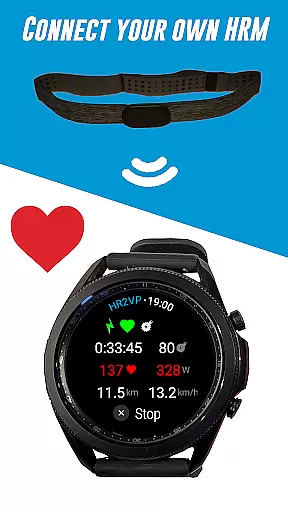
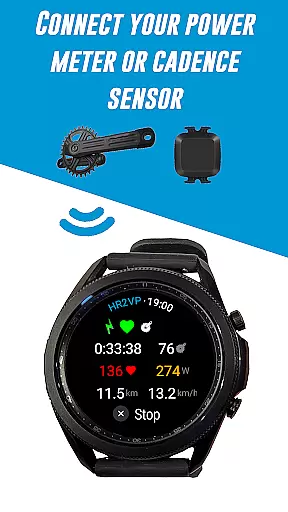
Another significant feature is the connectivity options provided by HR2VP. Users can link their watches to Garmin Edge bike computers by downloading the HR2VP data field from the Connect IQ store. For those who prefer using external sensors, the app supports connections with Bluetooth Smart power meters, cadence sensors, and heart rate monitors. Moreover, the app includes an advanced algorithm that calculates power output based on heart rate, offering insights into calorie expenditure and overall fitness levels. These capabilities ensure that athletes have access to detailed performance metrics both indoors and outdoors.
Personalized planning in fitness applications refers to the ability to tailor workout metrics and goals according to individual user parameters. HR2VP Watch Bike Computer excels in this area by integrating advanced algorithms that compute power output based on heart rate. This is achieved through the watch's optical sensor or an external chest strap, ensuring personalized data tracking.
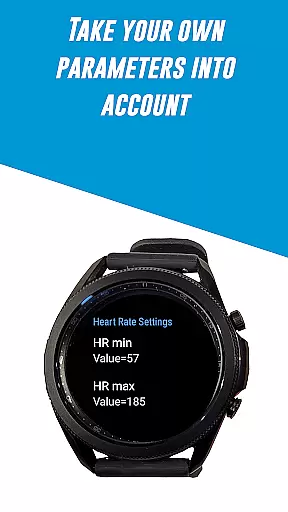
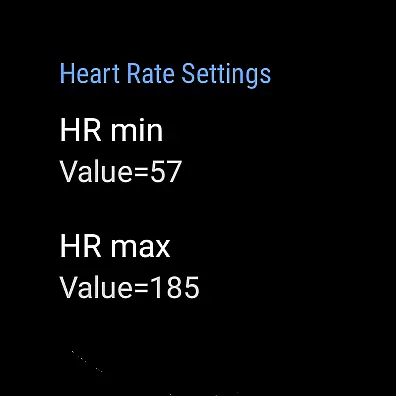
The application takes into account various individual parameters such as Functional Threshold Power (FTP), resting heart rate, and maximum heart rate. These metrics are crucial for providing accurate and adaptive training plans. By considering these factors, HR2VP ensures that each workout is specifically optimized for the user's current fitness level and goals.
Users benefit from this personalized approach as it allows them to monitor their fitness progress effectively. The app provides insights into calorie expenditure and overall fitness monitoring, which are essential for achieving long-term health objectives. This tailored experience ensures users remain engaged and informed throughout their fitness journey.
Ultimately, the personalized planning feature of HR2VP Watch Bike Computer empowers users to take control of their fitness routines with precise, data-driven insights. This leads to improved performance and better health outcomes, making every ride a step towards achieving personal fitness milestones.
Progress visualization is a critical component of any fitness app, allowing users to see their advancements over time. HR2VP Watch Bike Computer offers robust features in this domain by enabling users to visualize their rides, complete with power metrics, on platforms like Strava. This functionality helps users understand their performance trends and make necessary adjustments to their training regimens.
The app facilitates automatic uploads of ride data to Strava, where users can view their workouts on detailed maps. This not only provides a visual representation of each ride but also includes comprehensive data such as power outputs and heart rate statistics. Such detailed analytics empower users to track their improvements and maintain motivation.
Additionally, HR2VP incorporates advanced matching algorithms that estimate power based on heart rate, albeit with certain limitations. Despite a slight lag in heart rate response, these estimations offer valuable insights into workout intensity and energy expenditure. Users can thus gain a clearer understanding of their physical capabilities and limitations.
By leveraging these visualization tools, users can celebrate their achievements and identify areas for improvement. The ability to visually track progress serves as a powerful motivator, encouraging consistent engagement with the app and fostering a deeper commitment to personal fitness goals.
Advanced power calculation
Seamless device integration
Comprehensive sensor support
Direct Strava uploads
User-friendly interface
Limited device compatibility
Occasional disconnections
Dependent on phone for ANT+
Power estimation lag
No offline mode

The Wear OS BeechBand app is designed to alleviate anxiety and other conditions
 4.0
4.0
Chair Workout: Women's Edition for safe, flexible, and personalized fitness.
4.40
sobriety counter app to help and motivate people to stop drinking alcohol.
4.90
Build Healthy Habits!
4.60
Easy reconstitution calc for mixing peptides and creating protocols
4.70
Get alert about getting out of desired heart rate zone.
4.10
Binaural Beats - Fully Customizable Waves - Pure Sound - No Loops
4.50
Find Paid Clinical Trials In Your Area
3.70
Comprehensively record and manage your health
4.50
Power-lifting, weightlifting and Wendler 531 app to track your workout program.
4.90
Show your support for the development of FitNotes - Gym Workout Log
4.90
The Official Blood Type Diet® App - know your categorized foods anytime.
4.50
The OFFICIAL Couch to 5K® running training app! A 9 week walk-run workout plan.
4.50
Relax. Sleep Better. Feel Better.
4.50
FODMAP, Gluten, Allergy, Vegan
4.50
Relax to calm sounds, white noise, music, guided meditation and bedtime stories
4.40
Turn your steps into cash, gift cards & rewards with our step counting pedometer
3.80
Your plan in your pocket 24/7
3.00
Insanity blocks of intense physical activity, short breaks of 30 seconds.
4.3


User Reviews