
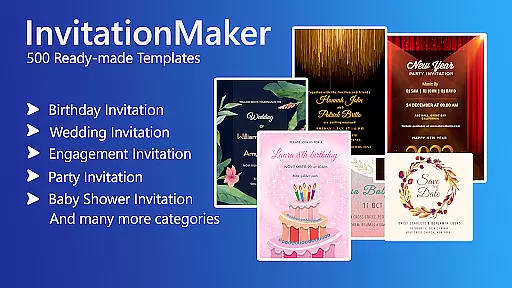

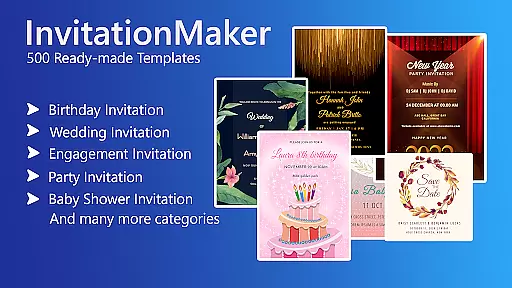

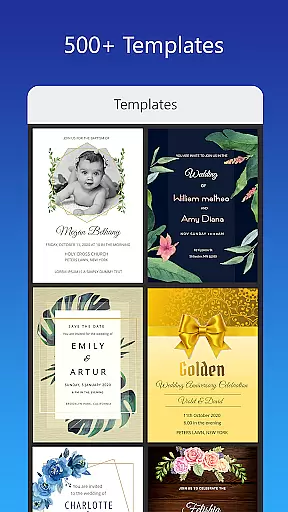
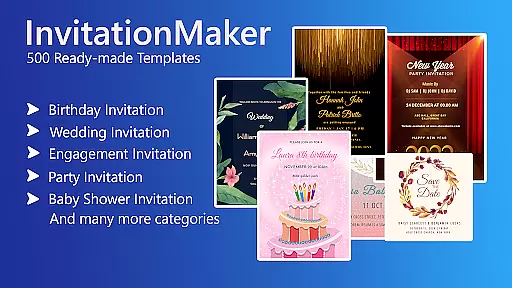

Invitation Card Maker, Design is a versatile app that allows users to create personalized invitations and greeting cards for various events such as birthdays, weddings, engagements, anniversaries, and baby showers. With over 200 ready-made templates, it simplifies the design process, enabling users to craft unique invitations in just minutes.
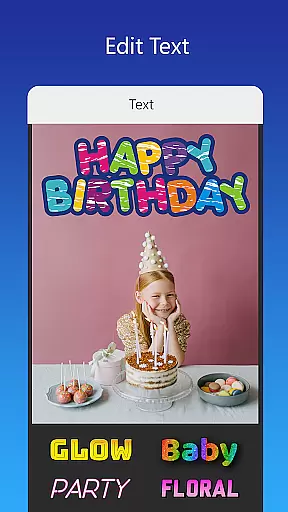
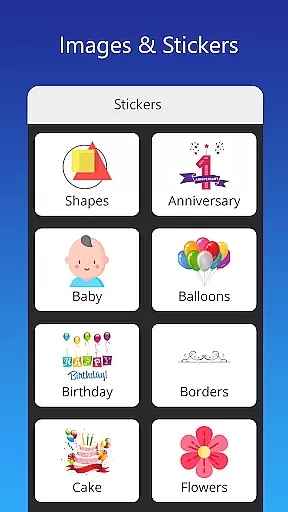
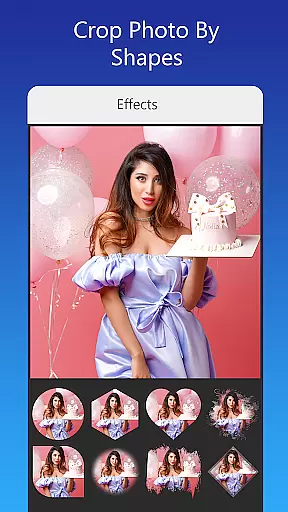
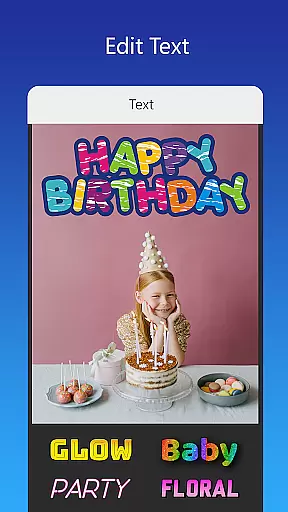
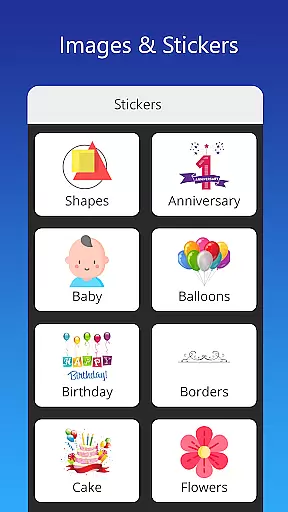
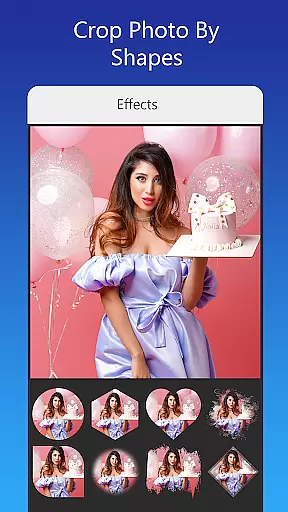
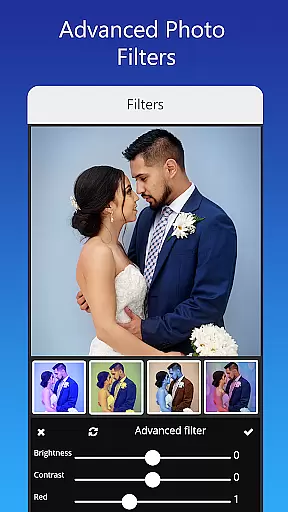
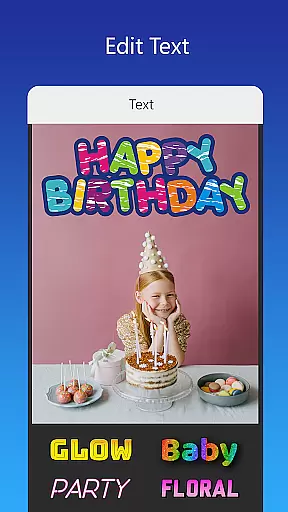
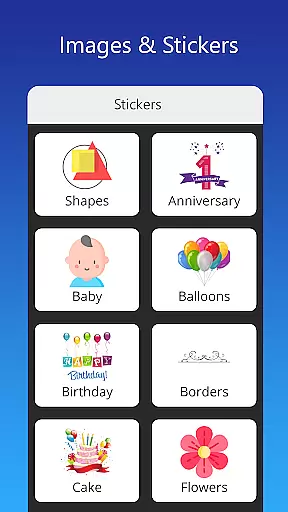
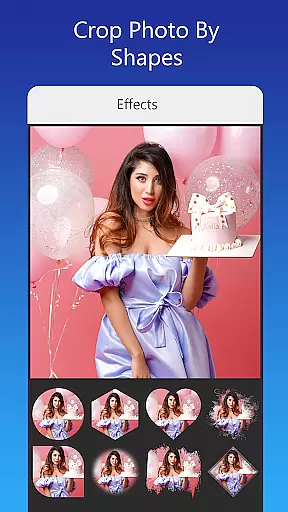
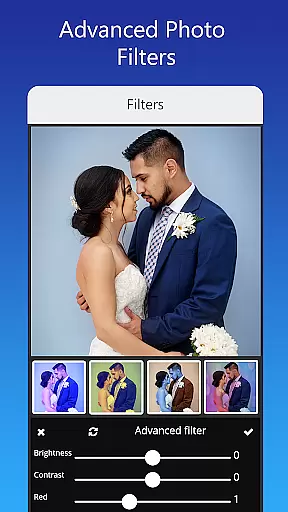
The app provides an extensive range of customization options including background images, gradient colors, photo frames, and unlimited stickers. Users can easily edit text, names, event locations, and timings with diverse font styles. The ability to upload personal fonts or download new ones adds another layer of personalization. Additionally, advanced editing features like brightness adjustment, contrast, overlay images, and cropping by shape ensure professional-quality designs.
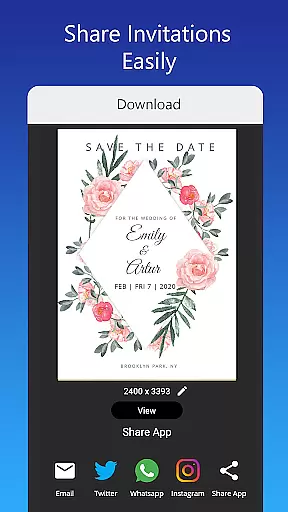
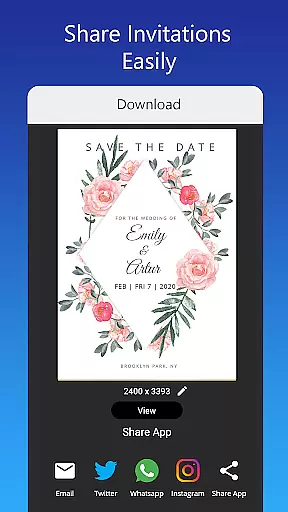
Whether you're planning a themed birthday party, a traditional wedding, or a virtual greeting card, this app caters to all your needs. It supports sharing on social networks, saving projects for future edits, and downloading digital copies or printing them. This makes it an invaluable tool for anyone looking to add a personal touch to their special occasions.
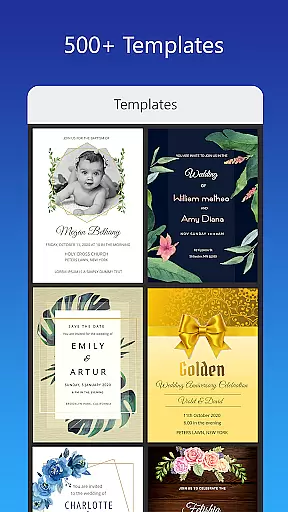
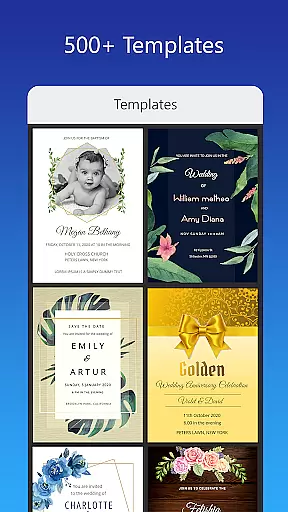
One of the standout features of Invitation Card Maker, Design is its vast library of ready-made templates and resources. Users have access to more than 200 templates specifically designed for different types of events. These templates cover themes ranging from animation movie characters for kids' birthdays to classic and modern designs suitable for weddings.
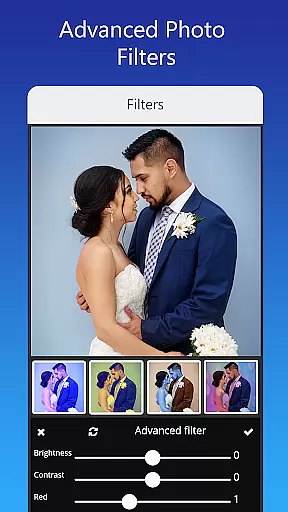
The app offers comprehensive editing tools that allow users to customize every aspect of their invitation. From replacing images with a single tap to adjusting brightness, contrast, and applying beautiful photo filters, the app ensures that each invitation looks polished and professional. Moreover, users can resize their cards to fit various formats and even upload their own images to integrate into the design.
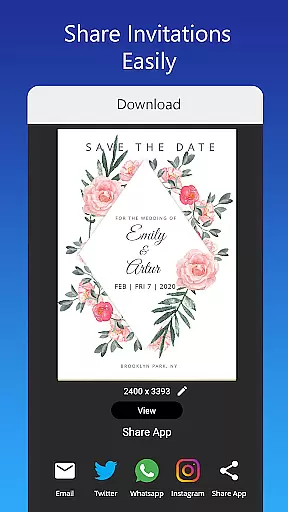
Sharing and saving options are also robust. Users can share their digital invitations directly on platforms like Facebook, Instagram, Snapchat, WhatsApp, and Twitter. The app allows saving projects for future modifications and downloading high-quality digital copies. Whether you need to design an engagement invite, a baby shower announcement, or a virtual greeting card, this app provides all the necessary tools to bring your vision to life.
Task creation and detail customization are essential features for any event planning application. The Invitation Card Maker, Design app excels in providing users with the ability to create personalized invitations tailored to various events such as birthdays, weddings, and baby showers. With over 200 ready-made templates, users can quickly customize every aspect of their invitation cards.
The level of detail available for customization within this app is impressive. Users can modify text, names, event locations, and timings easily. Additionally, a wide variety of font styles are at disposal, which can be further expanded by uploading custom fonts or downloading new ones that fit specific language requirements or decorative themes.
Moreover, the app allows for the effortless replacement of images with a single tap, ensuring design integrity while personalizing visuals. This feature-rich environment empowers users to craft unique invitations that resonate with their envisioned theme and personal touch, making each created piece not just an invite but a memorable keepsake.
Reminder settings in event applications ensure that users never miss an important date or occasion. While Invitation Card Maker, Design focuses primarily on the creation process, it indirectly supports reminder settings through its comprehensive design options that include save-the-date features within wedding invitations and timely event details across all card types.
Although direct reminder alerts might not be its core function, the app's ability to save projects for future editing plays a crucial role. This means users can plan ahead and revisit their designs as the event approaches, effectively serving as a manual reminder system enhanced by creative control over their projects.
Furthermore, once completed, these digital cards can be shared across social networks like Facebook, Instagram, Snapchat, WhatsApp, and Twitteru2014platforms often equipped with native reminder features themselves. Thus, while crafting visually stunning invitations, users also set the stage for timely reminders through modern communication channels.
User-friendly interface
Extensive template library
Advanced customization options
Seamless social media integration
Offline functionality
Limited free templates
In-app purchases required
Occasional bugs
Ads can be intrusive
Learning curve for beginners

Create Birthday Cards in Birthday Invitation Maker and Birthday Card Creator App
 3.00
3.00
PheedLoop Go! is the mobile event app for events powered by PheedLoop.
4.40
Buy event tickets easily with our user-friendly App. Stay updated on hot events
4.1
It is an Event Planning Application.
4.3
Purchase line-skip passes, drinks, cover, and more at bars and clubs
3.50
Rocket Monkey - Space rocket launch schedule for launch sites around the world
4.20
Get live football here
4.30
The world's largest selection of tickets is now at your fingertips
3.90
Freebie Games for Epic Games, Steam, Amazon, Rockstar etc.
4.40
TodayTix is the easiest way to get tickets to the best shows in your city.
4.90
Plan your wedding for free on the go: vendors, budget, website and checklists!
4.80
Fast Scans. Happy Fans. For Every Hometown!
4.60
Connect with an ecosystem of 5M+ eventgoers and organizers.
4.50
Meet people over dinner
4.40
Buy tickets for any event!
3.90
Audio guide companion APP for SEE's Michelangelo's Sistine Chapel
3.50
The Official App
4.0
The official app of the Carmel Christkindlmarkt!
4.5
The Official Football Ticketing App for Fans in Qatar
4.3


User Reviews