

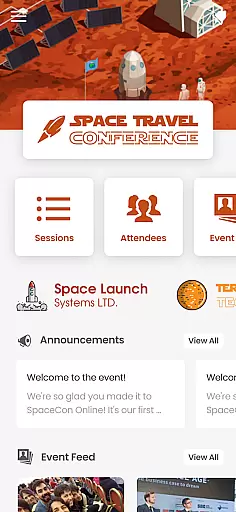
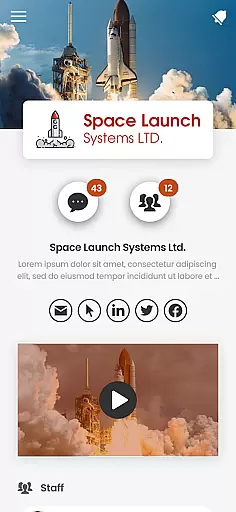
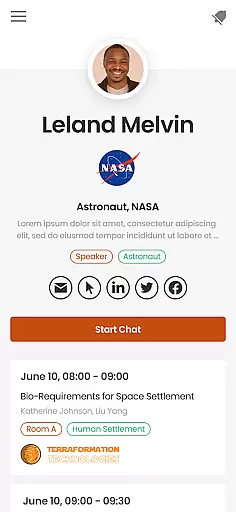
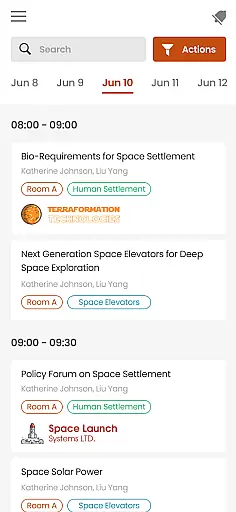

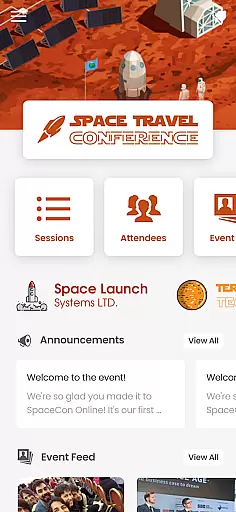
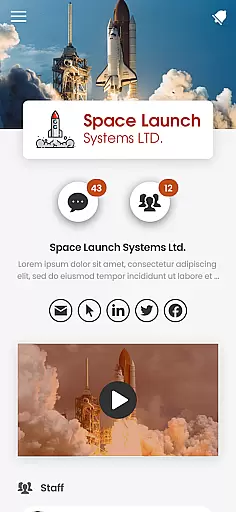
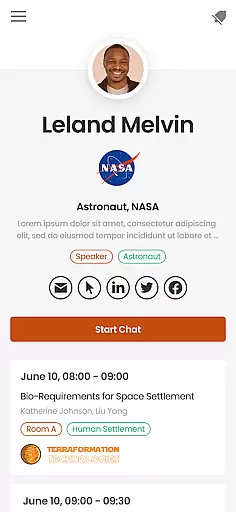
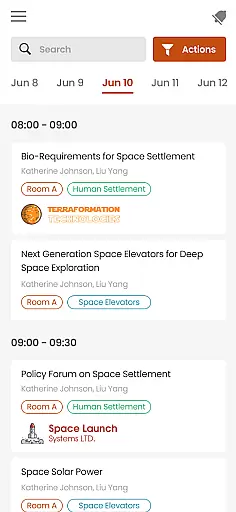

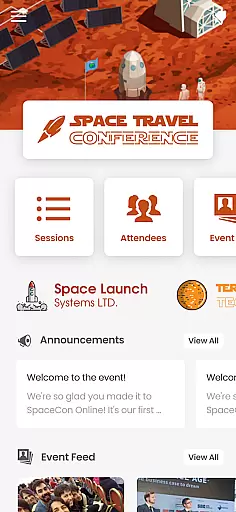
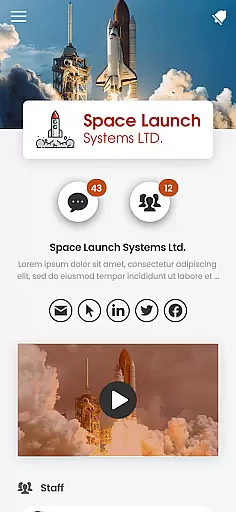
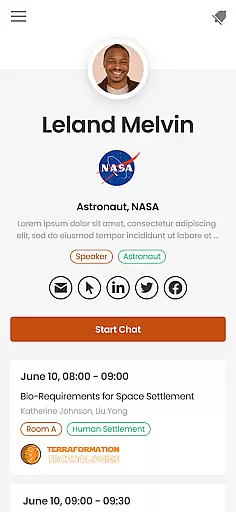
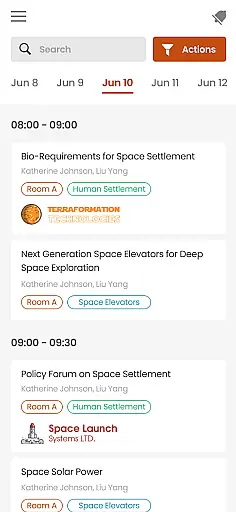
PheedLoop Go! is a comprehensive mobile application designed specifically for event attendees, exhibitors, speakers, and sponsors. This app serves as the ultimate companion for anyone participating in events powered by PheedLoop, offering a wide range of functionalities to enhance the event experience.
With features focused on networking, interaction, gamification, and easy access to information, PheedLoop Go! encapsulates all necessary tools into one sleek, user-friendly interface. Whether you're preparing for an upcoming event, actively participating, or reflecting afterward, this app ensures you have continuous engagement and access to valuable resources.
The true value of PheedLoop Go! lies in its ability to seamlessly integrate various aspects of event participation into a single platform, making it indispensable for modern event-goers who seek convenience and enriched interaction.
PheedLoop Go! boasts an array of sophisticated features tailored to meet the diverse needs of event participants. One standout feature is its robust networking capability, which allows users to connect with fellow attendees, exhibitors, and speakers effortlessly.
In addition to networking, the app offers interactive elements such as live polling and Q&A sessions, enhancing real-time engagement during events. Gamification features are also integrated, providing fun and competitive activities that keep users engaged and motivated throughout the event duration.
Furthermore, PheedLoop Go! prioritizes accessibility to information, ensuring that users can easily retrieve schedules, speaker bios, and other essential details. These features collectively contribute to a dynamic and enriching event experience, setting PheedLoop Go! apart from other event applications.
Task creation and detail customization are essential features for event management applications like PheedLoop Go! This functionality allows users to create, modify, and manage various tasks associated with their events. The ability to customize task details ensures that each event can be tailored to the specific needs of attendees, exhibitors, speakers, and sponsors.
PheedLoop Go! implements this by offering a comprehensive suite of tools within its mobile application. Users can easily set up tasks related to networking opportunities, session reminders, or exhibition visits. Each task can be personalized with specific times, locations, and notes, ensuring that all participants have a clear and organized schedule.
The benefits to users are significant. Attendees can optimize their time at events by planning their activities in advance. Exhibitors and sponsors can schedule meetings and promotional activities more effectively. Speakers can receive timely reminders about their presentations. Overall, this feature enhances the event experience by providing structure and personalization.
This level of customization adds real value by improving user engagement and satisfaction. It empowers users to take control of their event experience, making it more productive and enjoyable. With PheedLoop Go!, managing event tasks becomes an intuitive and efficient process.
Reminder settings play a crucial role in ensuring that users do not miss important event activities. For an application like PheedLoop Go!, which serves as a mobile event companion, having robust reminder functionalities is vital. These settings help keep attendees, exhibitors, speakers, and sponsors on track with their schedules.
PheedLoop Go! excels in this area by providing flexible and customizable reminder options. Users can set multiple reminders for different sessions, meetings, or networking opportunities. The app supports various notification methods, including push notifications and email alerts, ensuring that users receive timely updates regardless of their device preferences.
The practical advantages for users are numerous. Reminders reduce the likelihood of missing key events, thereby enhancing the overall event experience. They also contribute to better time management, allowing users to balance their participation in multiple activities seamlessly. Additionally, the ability to customize reminder times and frequencies caters to individual preferences and schedules.
By incorporating advanced reminder settings, PheedLoop Go! sets itself apart from other event apps. This feature not only boosts user productivity but also increases engagement by keeping participants informed and prepared. Ultimately, it transforms the way users interact with event schedules, making every moment count.
User-friendly interface
Comprehensive networking tools
Engaging gamification features
Real-time interaction capabilities
Easy access to event information
Limited to PheedLoop events
Requires stable internet connection
Some features may need subscriptions
Occasional performance issues
Learning curve for new users

Manage all your events, leads, ticketing, payments and check-ins.
 4.30
4.30
Some connections are better kept private
4.4
Watch live football matches and streaming events on our Arabic TV app!
3.50
Listen Full Quran MP3 Offline - Qibla Compass, Salah Timing & 99 Names of Allah
4.60
Get live football here
4.30
Track birthdays, habits & goals. Unlimited countdowns and count-ups
4.20
The KRUU app - plan, celebrate, remember
4.80
Beautiful invitation cards + easy RSVP tracking for any event. Design Invites.
4.80
Buy tickets for any event!
3.90
Invitation card maker for birthday party & Wedding. Digital greeting card editor
4.90
CUE Live utilizes ultrasonic sound waves to sync devices at CUE enabled events
4.80
Buy and Sell Tickets for Concerts, Sports, and Theater.
4.70
Greeting card maker with photos best app| Birthday cards| All wishes eCards FREE
4.50
Microsoft Build is an annual developer conference hosted by Microsoft
4.20
The official app for Sched events! View your event schedule here.
4.20
Instant photo sharing for every occasion
3.80
Local events, contests, and giveaways for local dads
3.70
Audio guide companion APP for SEE's Michelangelo's Sistine Chapel
3.50
TV.Garden is a video player to play your own TV streams from around the world!
3.40


User Reviews