
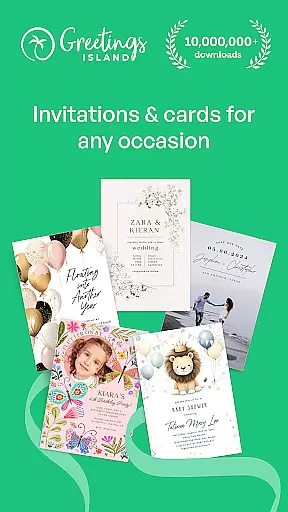



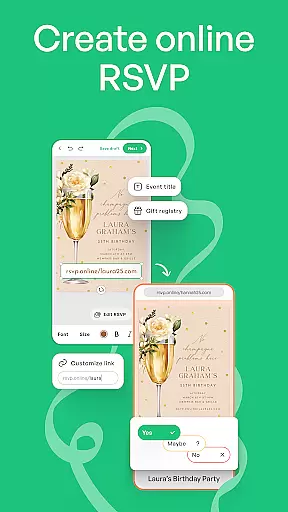
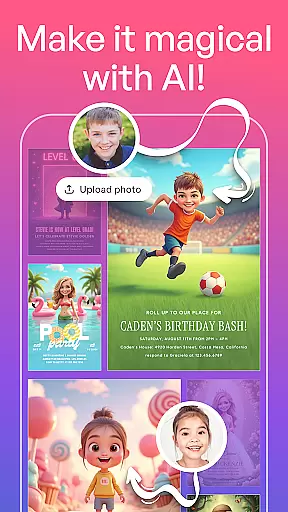



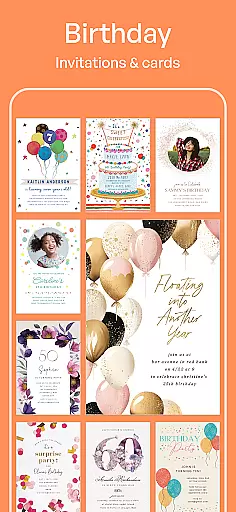

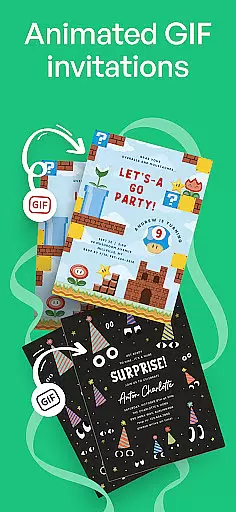
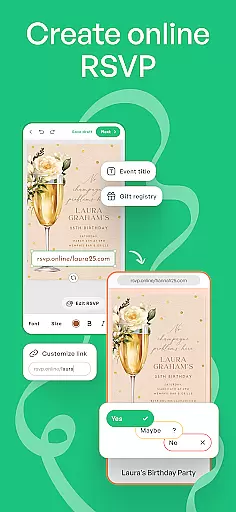
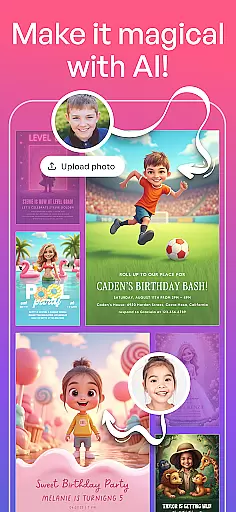


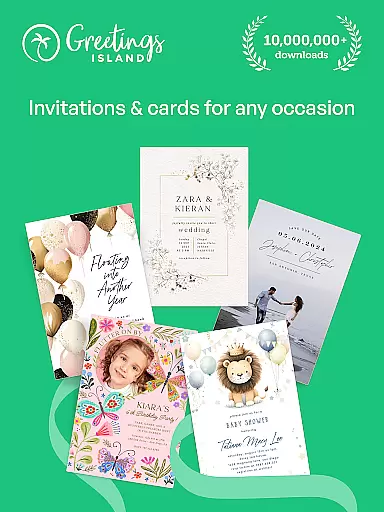
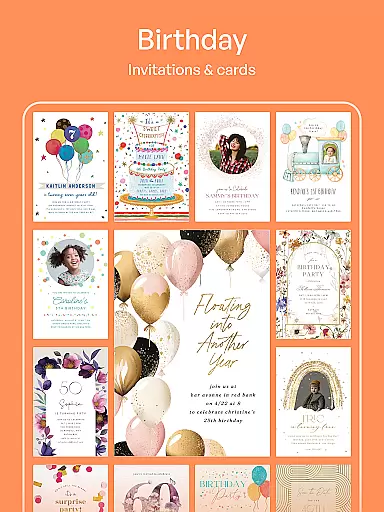
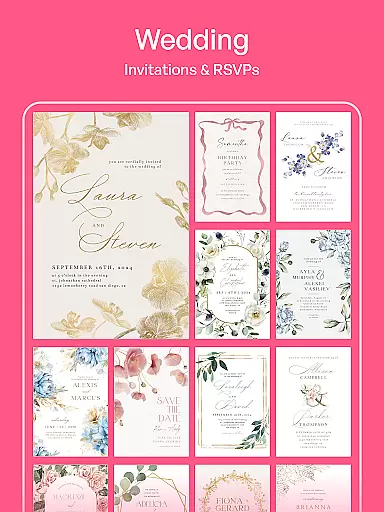
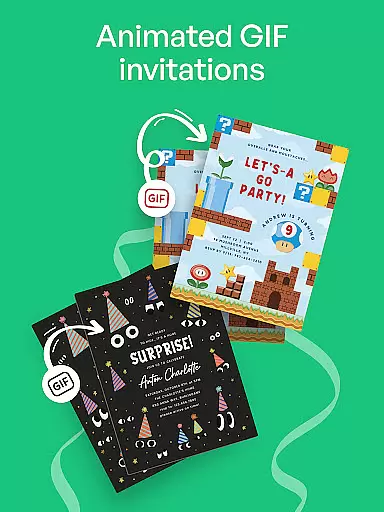
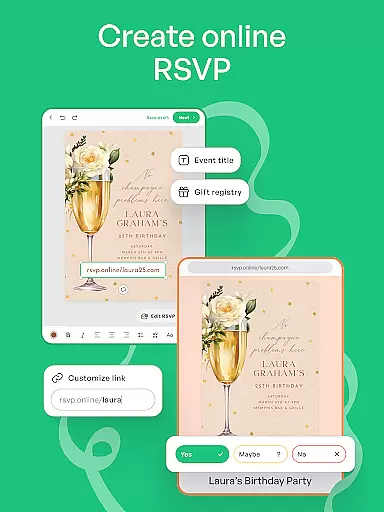
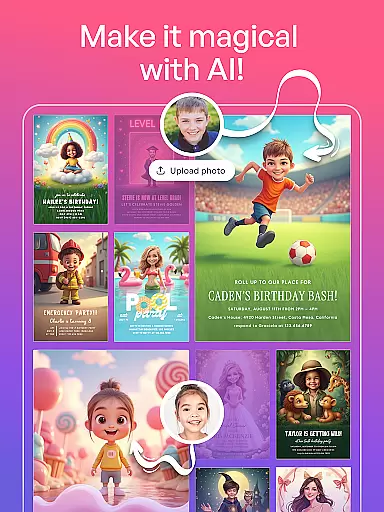
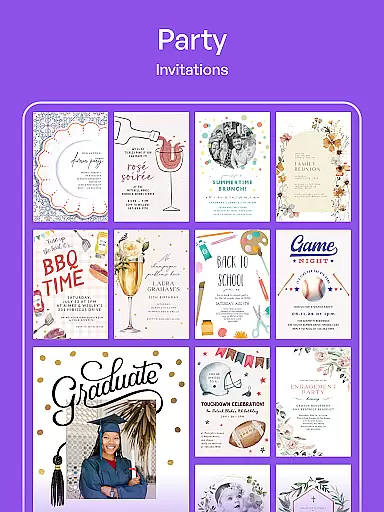
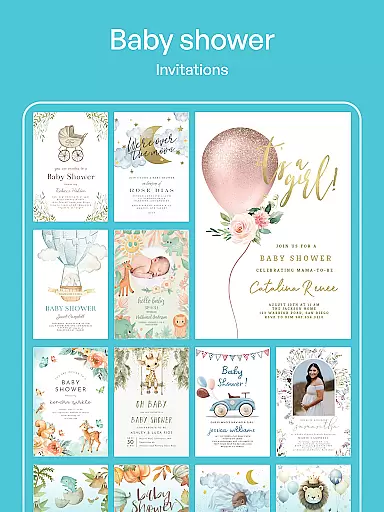
Invitation Maker is a specialized app for creating personalized digital invitations and greeting cards for various events. With an intuitive interface, users can effortlessly design stunning invitations for weddings, birthdays, baby showers, parties, and more.
The app offers full customization options, allowing users to personalize every detail including text, colors, and photos. Its all-in-one platform supports creating party invitations, RSVPs, save-the-dates, flyers, and greeting cards. Users can share their creations instantly via email or social media as paperless invites.
With both free and premium versions available, Invitation Maker caters to different user needs, from casual creators to professional event planners seeking exclusive templates and an ad-free experience.
Invitation Maker stands out with its wide variety of professionally designed templates suitable for any event occasion. The app's effortless design process begins by selecting a template, then customizing it through an easy-to-use editor.
Key features include comprehensive customization capabilities where users can modify text styles, color schemes, and add personal photos. The app's all-in-one nature allows creation of multiple card types beyond just invitations, such as save-the-dates and flyers.
Premium subscribers gain access to an extended library of 5,000+ designs, enjoy an ad-free interface, and can export creations without watermarks. This tiered approach provides flexibility while maintaining core functionality in the free version.
Creating tasks and customizing their details is a crucial aspect of any event planning application. Invitation Maker excels in this area by providing users with an intuitive interface to effortlessly design invitations for various occasions. The app offers a wide array of professionally crafted templates, ensuring that every event, from weddings to baby showers, is covered.
The level of customization available within Invitation Maker allows users to tailor each invitation to their specific needs. You can easily modify text, adjust colors, and incorporate personal photos, making each card a unique reflection of the event it represents. This flexibility ensures that whether you're organizing a casual get-together or a formal affair, your invitations will always match the occasion's tone perfectly.
Moreover, Invitation Maker supports the creation of various types of cards beyond just invitations, including save-the-dates, flyers, and greeting cards. This all-in-one capability streamlines the process of managing different aspects of your event communications, saving time and effort while maintaining a cohesive look across all materials.
Setting reminders is essential for keeping track of important dates and deadlines related to events. Invitation Maker understands this need and provides robust reminder functionalities to ensure you never miss a critical moment. By integrating reminder settings into the app, users can manage their schedules more effectively and stay on top of event preparations.
The app allows users to configure reminders for sending out invitations, following up with RSVPs, and even scheduling the day of the event itself. These reminders can be customized according to your preferences, whether you need notifications days in advance or last-minute alerts. Such versatility helps maintain organization and reduces stress when coordinating multiple events simultaneously.
In addition to basic reminders, Invitation Maker also supports sharing these alerts via email or social media platforms. This feature not only keeps you informed but also ensures that your guests are equally aware of upcoming events. With reliable reminder settings, Invitation Maker becomes an indispensable tool for anyone looking to host successful gatherings without overlooking any details.
User-friendly interface
Wide template selection
Comprehensive customization
Paperless sharing options
Free version available
Premium features locked
Limited free templates
Watermark on free plans
Ads in free version
Internet connection required

Audio guide companion APP for SEE's Michelangelo's Sistine Chapel
 3.50
3.50
For weddings, parties & events
4.60
The official app for Sched events! View your event schedule here.
4.20
Digital Income Wallet of the Final Libertadores 2025
4.5
The official app of the Carmel Christkindlmarkt!
4.2
Find EDM shows near you! See your favorite artists live, and discover new music.
4.90
Meet people over dinner
4.40
Find Live Event Ticket Deals to Sports, Concerts, Festivals, & Comedy For Less!
4.80
Discover events & experiences in NYC, LA, Chicago, DC, Miami and more!
4.70
Fantasy of Lights Event App
5.00
Clubs, Festivals, Discounted Tickets, Guest Lists & VIP Tables
4.90
CUE Live utilizes ultrasonic sound waves to sync devices at CUE enabled events
4.80
Create invitation cards for birthdays, weddings, Christmas and more.
4.80
Greeting card maker with photos best app| Birthday cards| All wishes eCards FREE
4.50
Everything you need for the Best Thursday Ever.
4.40
Rocket Monkey - Space rocket launch schedule for launch sites around the world
4.20
Buy tickets for any event!
3.90
Purchase line-skip passes, drinks, cover, and more at bars and clubs
3.50
Browse events, find transportation, keep up with the latest news from your team
4.5


User Reviews