
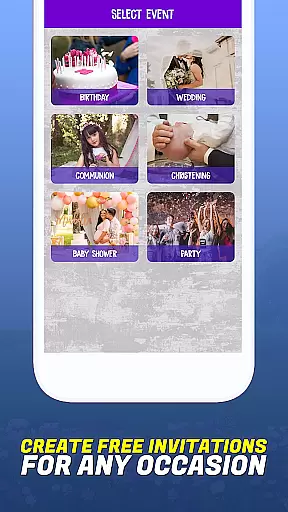
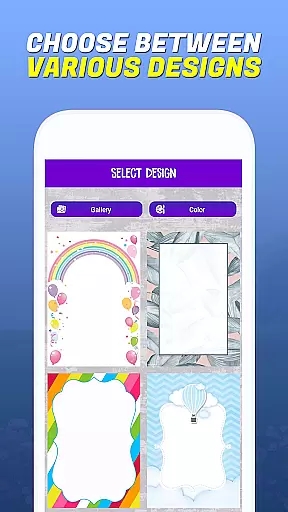
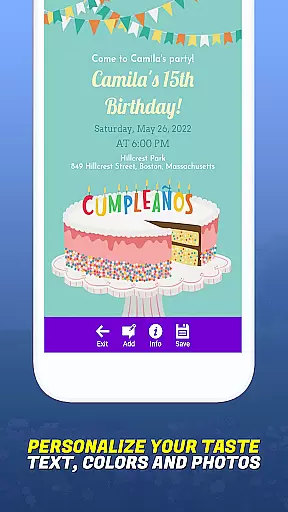
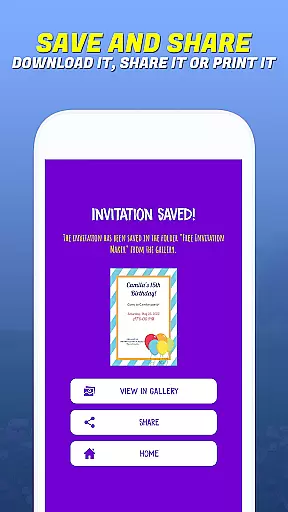
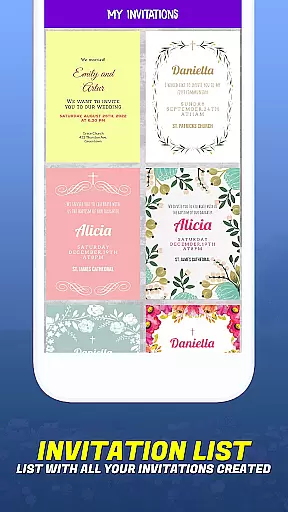
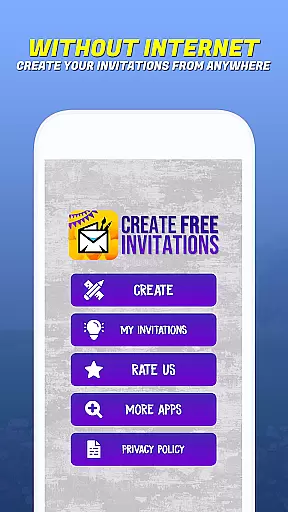
Invitation Maker - Card Creator is a versatile digital solution for creating paperless invitations and cards. This app allows users to design elegant wedding invitations, playful birthday cards, baby shower invites, and more, all with an easy-to-use interface. The app eliminates the need for physical paper while offering extensive customization options, including layout, fonts, and personal images. With its focus on eco-friendly solutions, Invitation Maker enables users to send beautifully designed invitations via email or social media, reducing waste without compromising style.
The app's standout feature is its ability to streamline event planning by allowing users to create professional-looking designs from their mobile devices. Whether it's for a formal event like a communion or baptism or a casual party, this app ensures every occasion is marked with personalized, memorable invitations. Its convenience and accessibility make it ideal for modern users who value sustainability and creativity in equal measure.
Invitation Maker offers a comprehensive suite of features that cater to diverse design needs. One of its key strengths is the wide selection of templates tailored for various events, such as weddings, birthdays, and baby showers. Users can customize these templates extensively, altering fonts, colors, layouts, and text styles to match their unique vision. The ability to upload personal images adds another layer of personalization, ensuring each invitation reflects the sender's individuality.
In addition to its creative tools, the app provides seamless sharing capabilities. Once an invitation is crafted, it can be sent directly to guests via email or shared on social media platforms with just a few clicks. This functionality not only simplifies the process but also enhances accessibility, allowing users to manage their event planning anytime, anywhere. Furthermore, the app promotes sustainability by encouraging paperless posts, aligning with environmentally conscious practices while maintaining elegance and sophistication in every design.
Task creation and detail customization are essential features for any event planning application. Invitation Maker - Card Creator excels in this area by providing users with a comprehensive set of tools to create personalized invitations. The app offers an extensive selection of templates tailored for various events, including birthdays, weddings, baby showers, and more.
The level of detail customization available within the app is impressive. Users can modify layouts, choose from a variety of fonts, and apply unique color schemes that align perfectly with their event's theme or personal taste. This flexibility ensures that each invitation not only conveys necessary information but also reflects the sender's individual style and the nature of the occasion.
Moreover, Invitation Maker allows users to incorporate personal images into their designs, adding another layer of personalization. By enabling such detailed adjustments, the app empowers users to craft invitations that truly resonate with their vision, making every event feel special and thoughtfully planned.
This focus on customization provides significant value to users who seek to make a lasting impression with their invitations. It streamlines the process of creating distinctive and memorable invites, which can enhance guest engagement and anticipation for the upcoming event.
Reminder settings play a crucial role in event management applications, ensuring that both hosts and guests stay informed about upcoming events. Invitation Maker - Card Creator enhances user experience by integrating practical reminder functionalities within its platform. Once invitations are crafted, users have the option to send them out digitally via email or social media, directly from the app.
Upon sending, the app facilitates setting up timely reminders for recipients. These notifications help ensure that invitees do not miss important details regarding the event date, time, and venue. Such features contribute significantly to better event organization and attendance rates as they keep participants well-informed throughout the planning process.
In addition to external reminders for guests, creators of the invitations may also benefit from internal alerts concerning key milestones in their preparation timeline. This dual approach supports thorough event coordination while reducing last-minute rushes or oversights.
By offering robust reminder settings alongside its creative design capabilities, Invitation Maker - Card Creator proves itself as an all-encompassing solution for modern digital event planners seeking efficiency without compromising on style or functionality.
User-friendly interface
Extensive customization options
Eco-friendly solution
Convenient sharing tools
Versatile template library
Limited free features
Requires internet connection
Premium upgrades needed
Occasional bugs reported
Learning curve for beginners

CUE Live utilizes ultrasonic sound waves to sync devices at CUE enabled events
 4.80
4.80
Listen Full Quran MP3 Offline - Qibla Compass, Salah Timing & 99 Names of Allah
4.60
Get live football here
4.30
Wedding planner app with wedding venues, wedding checklist, countdown & budget.
4.60
TV.Garden is a video player to play your own TV streams from around the world!
3.40
For weddings, parties & events
4.60
The Official Football Ticketing App for Fans in Qatar
4.5
Fast Scans. Happy Fans. For Every Hometown!
4.60
Birthday Greetings provides Birthday Card, Frames, Gifs & Father's day Wishes
4.80
Design Invitations & Cards for Any Occasion
4.80
Discover events & experiences in NYC, LA, Chicago, DC, Miami and more!
4.70
Octrober 2025: We've updated the MyGenMobile App with a new look and feel!
4.40
Manage all your events, leads, ticketing, payments and check-ins.
4.30
Introducing the official Magic: The Gathering app for mobile.
4.20
The world's largest selection of tickets is now at your fingertips
3.90
Instant photo sharing for every occasion
3.80
No invest, Easy way to earn USDT through crypto cloud mining
3.80
Purchase line-skip passes, drinks, cover, and more at bars and clubs
3.50
An App for Bhutanese
4.0


User Reviews