
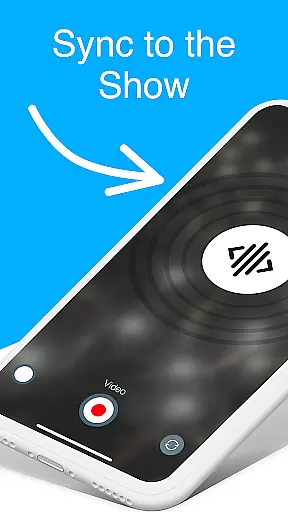
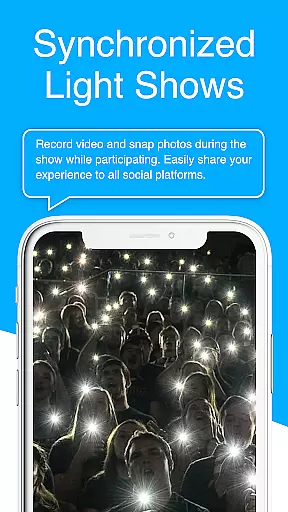
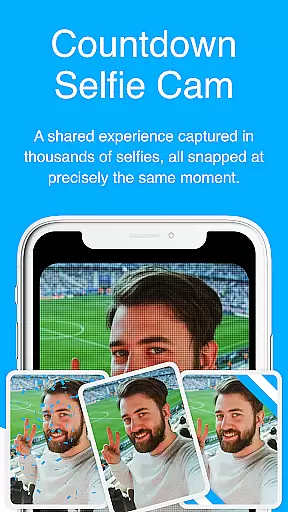
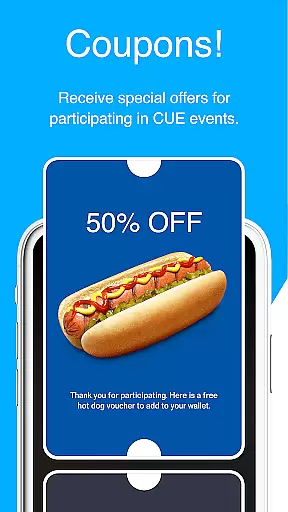
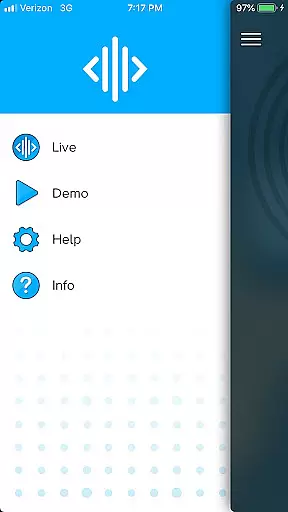
CUE Live is an innovative mobile application designed specifically for enhancing event experiences through the use of inaudible, ultrasonic sound waves. This technology facilitates the transmission of data and synchronization of devices at events enabled with CUE technology. Attendees can activate their smartphones to participate actively in the event, making it a memorable experience by becoming part of the show itself.
One of the standout features of CUE Live is its ability to allow users to trigger various visual effects on websites with just a click of a button during live demos. Additionally, the app offers UPN and DJ modes that elevate the overall event atmosphere, providing both attendees and remote participants with an immersive experience that blends digital interaction with live events.
The hallmark of CUE Live lies in its sophisticated use of ultrasonic sound waves to synchronize devices seamlessly without any perceptible audio disturbance. This feature enables real-time interaction between the event and personal devices, creating a cohesive and engaging environment for all participants.
Beyond synchronization, CUE Live provides unique modes such as UPN and DJ Mode which are tailored to enrich the event's vibrancy and interactivity. These modes empower users to influence the ambiance and flow of the event, whether they are physically present or participating remotely, thus offering a versatile toolset for event organizers aiming to deliver unparalleled experiences.
Task creation and detail customization are essential features for event applications, allowing users to tailor their experiences. CUE Live excels in this area by enabling users to activate their phones using inaudible, ultrasonic sound waves at events enabled with CUE technology.
This app allows users to not only participate but also become an integral part of the show. By simply clicking a button on the website, users can trigger various colors and visual effects, enhancing the overall event atmosphere. This interactive feature ensures that every participant's experience is unique and personalized.
The ability to customize details extends to different modes like UPN and DJ mode, which take the event experience to the next level. These options provide users with the tools needed to create a more engaging and memorable event. Such customization empowers users to control specific aspects of the event, making it truly their own.
Reminder settings play a crucial role in ensuring that users do not miss out on important event activities. CUE Live incorporates these settings to keep users informed and engaged throughout the event duration.
By utilizing reminder settings, users can receive timely notifications about upcoming highlights or changes within the event schedule. This feature helps maintain user interest and participation by keeping them updated with real-time information. As a result, attendees can fully immerse themselves in the event without worrying about missing key moments.
Moreover, reminders can be customized according to user preferences, adding another layer of personalization. Whether it's for live demos or special segments like UPN and DJ modes, these reminders ensure that users make the most out of their experience with CUE Live. This functionality ultimately enhances user satisfaction and engagement levels.
User-friendly interface
Innovative ultrasonic tech
Enhances live events
Real-time interaction
Engages remote users
Limited to CUE-enabled events
Requires compatible device
Dependent on event setup
Potential connectivity issues
Specific use case only

Mobile Event Guide for Greater NY Dental Meeting
 4.5
4.5
Audio guide companion APP for SEE's Michelangelo's Sistine Chapel
3.50
Local events, contests, and giveaways for local dads
3.70
Soft Proxy for Your Online World
4.1
The Official App
3.70
Microsoft Ignite is an event that showcases latest advancements in technology
4.00
Birthday Greetings provides Birthday Card, Frames, Gifs & Father's day Wishes
4.80
Plan your wedding for free on the go: vendors, budget, website and checklists!
4.80
Buy and sell tickets to sports, concerts, theater, festivals, and comedy events
4.10
Find EDM shows near you! See your favorite artists live, and discover new music.
4.90
Design Invitations & Cards for Any Occasion
4.80
For weddings, parties & events
4.60
Create Wedding Invitation and Wedding Anniversary Cards using our app
4.60
Events, Meetings, Photo Shoots
4.50
Manage all your events, leads, ticketing, payments and check-ins.
4.30
The calendar app in this 2026 year see all dates.
4.20
Instant photo sharing for every occasion
3.80
The Official App
4.4
Some connections are better kept private
4.1


User Reviews