
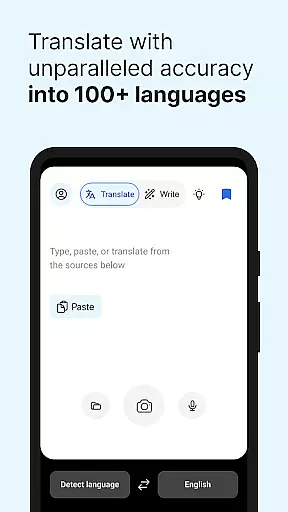
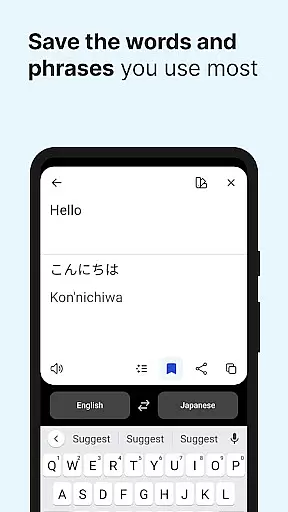
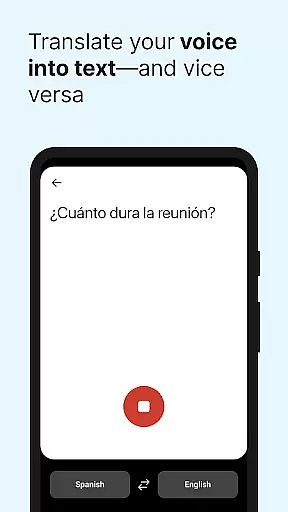
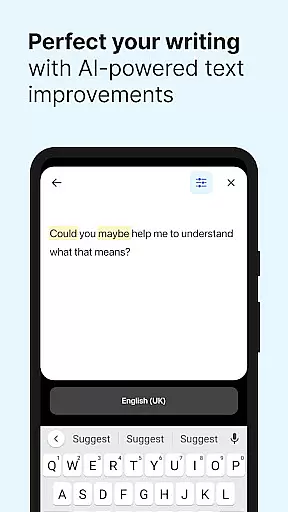
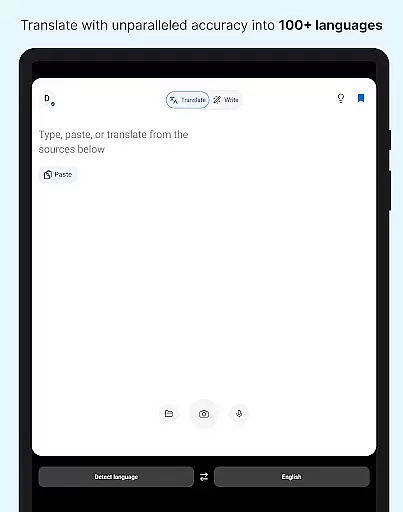
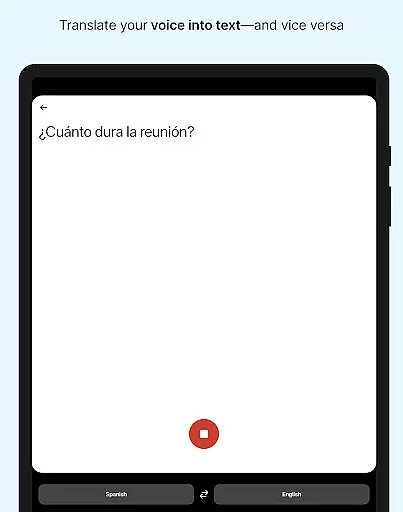
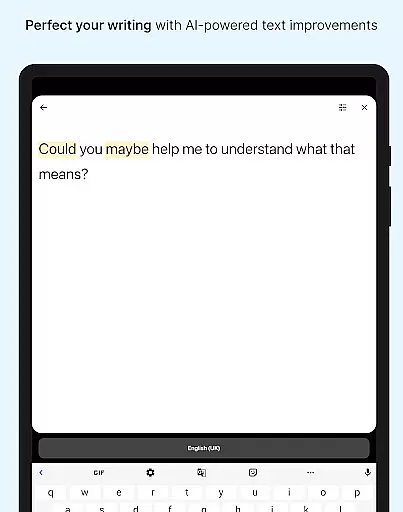
DeepL Translate is a powerful translation tool designed for seamless cross-language communication. The app offers multiple translation methods including camera translation, photo translation, dictation, and file translation. Users can enjoy features like quick detection, alternative translations, text-to-speech, transliteration, and a customizable glossary with paid plans.
The application supports over 70 languages, making it versatile for both personal and professional use. With functionalities such as DeepL Write, users can receive intelligent writing suggestions to create clear and impactful texts. Whether you need translations for travel, work, or study, DeepL Translate provides an intuitive solution that bridges language barriers effectively.
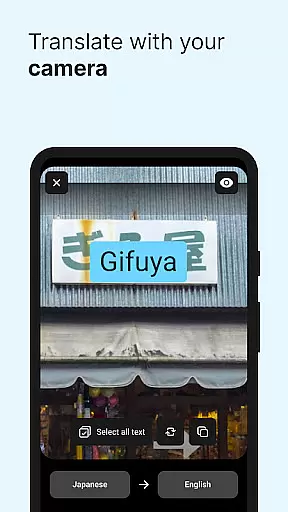
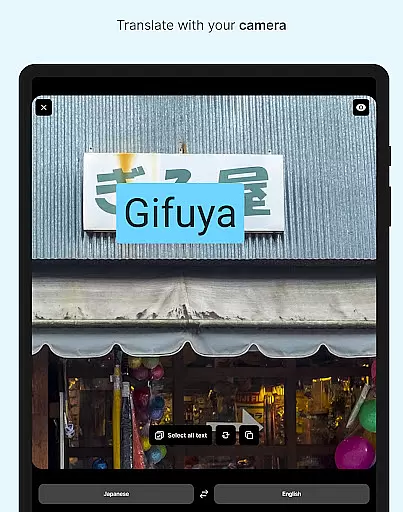
DeepL Translate stands out with its diverse range of translation features. The camera and photo translation options allow users to instantly translate text from images, while the dictation feature translates spoken words in real-time. File translation enables users to translate documents directly, maintaining the original format.
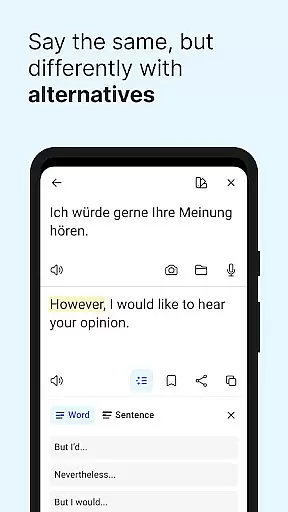
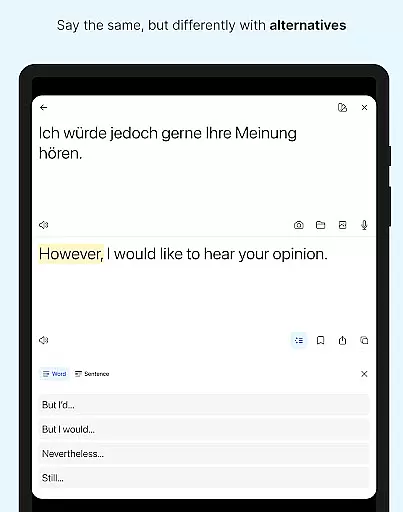
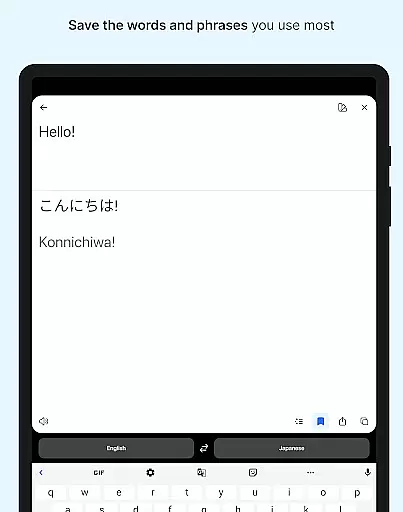
Additional notable features include quick detection which starts translations as you type, and alternative translations offering different options for words and phrases. The app also includes favorites and history functions for saving and reusing translations. For users requiring advanced features, paid plans provide access to tone selection, glossary customization, and DeepL Write for enhanced writing assistance.
DeepL Translate offers an extensive range of language support, acting as a comprehensive e-book library for translations. With over 70 languages available, users can access translations in widely spoken languages such as English, Spanish, and Mandarin, as well as lesser-known ones like Acehnese and Basque.
The app ensures copyright authenticity by providing high-quality, reliable translations that respect intellectual property rights. This is crucial for users who require accurate translations for professional or educational purposes.
By leveraging DeepL's advanced translation technology, the app delivers precise and contextually appropriate translations. Users benefit from having a trustworthy tool that supports their global communication needs without legal concerns.
Furthermore, DeepL Translate's commitment to authenticity means users receive translations that are not only linguistically correct but also culturally sensitive, enhancing cross-cultural interactions.
DeepL Translate excels in format compatibility, allowing users to translate text from various sources including camera images, photos, spoken words, and files. This versatility ensures that no matter the input method, users can expect seamless translation experiences.
The app supports multiple file types for translation, making it easy for users to work with documents in different formats. Whether it's a PDF, Word document, or plain text file, DeepL Translate handles them all with ease.
Additionally, features like transliteration and text-to-speech enhance the user experience by providing alternative ways to consume translated content. These options cater to diverse user preferences and accessibility needs.
With its broad format compatibility, DeepL Translate empowers users to communicate effortlessly across language barriers, ensuring that language differences do not hinder productivity or understanding.
Wide language support
Accurate translations
User-friendly interface
Advanced writing tools
Real-time dictation
Paid features necessary
Limited offline use
Some bugs reported
Occasional slow load
Ads in free version

Contains the 365 daily readings and everything other thing needed for catholics
 4.70
4.70
Pretty Moon information App with Complications and Tile
4.30
Track your Star Wars book collection across Canon & Legends
4.80
Read the romance stories on the go. Take my breath away, The Spoiled Girl
4.30
Improve your vocabulary and grammar with the 15 biggest Oxford Dictionaries.
4.30
My Bible offers a comprehensive app by providing offline access, daily verses.
4.80
A companion for prayer, with Azan alarm, Quibla direction, and Holy Quran book
4.10
World's most comprehensive dictionary app: 13 languages, all online or offline!
4.80
A KJV Bible with Apocrypha and precept-based study concordance
5.00
The Bible Audio Guide
4.80
Audiobook player with cross-device progress sync, playlists, and widget support.
4.80
Learn Thai with 195,000+ entries, crisp Thai sounds, big text; works offline.
4.80
Master AKC Rally signs with in-depth hints, diagrams, and expert guidance.
4.50
Offline translator from english to spanish, and from spanish to english.
4.50
Essential Technical Rescue Field Operations Guide 6, the Industry Standard Guide
4.20
Unlock more features in Lithium and show your support. Expand for details.
4.00
America's best dictionary and thesaurus - with premium content and no ads
3.40
Sea tide predictions for all coastal U.S. locations.
4.4
University of North Carolina Herbarium presents the flora of TN, AL, & MS.
4.3


User Reviews