
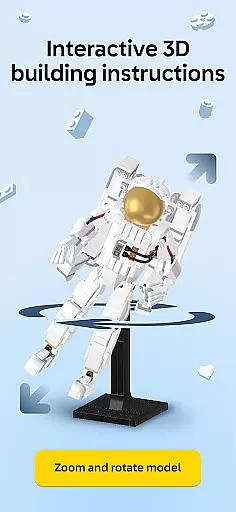
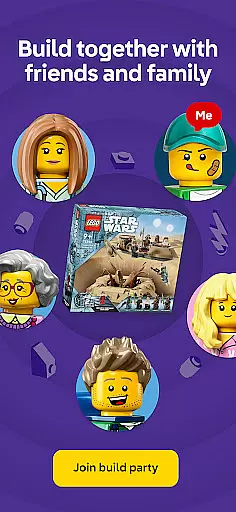

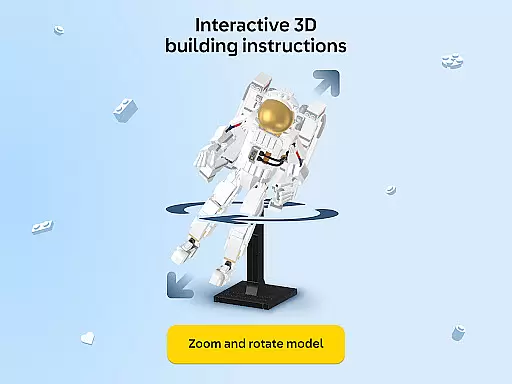
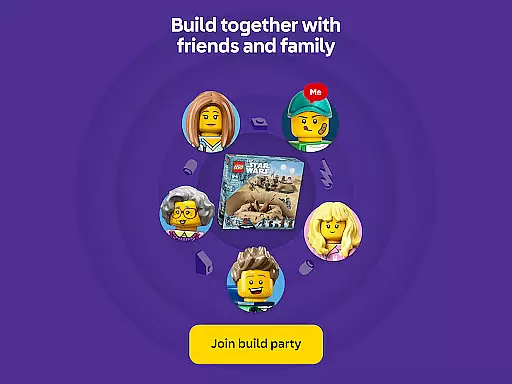

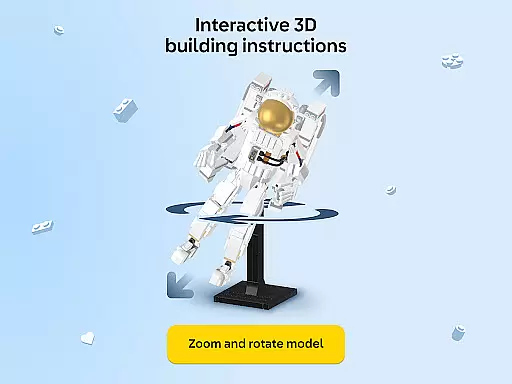
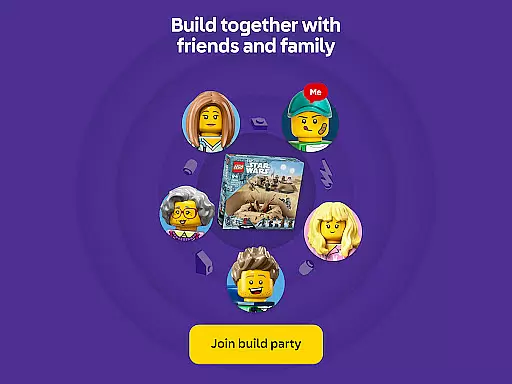
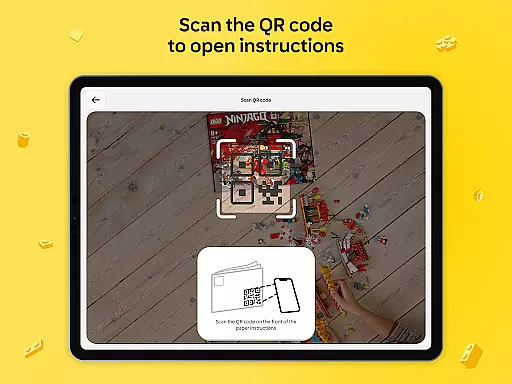

LEGO Builder is the official app for LEGO enthusiasts seeking an enhanced digital building experience. This application offers intuitive 3D instructions that allow users to zoom, rotate, and view models from any angle, making the process of assembling LEGO sets more engaging and precise. The app also supports a collaborative feature called Build Together, enabling multiple users to work on the same project, which is ideal for family activities or group events.
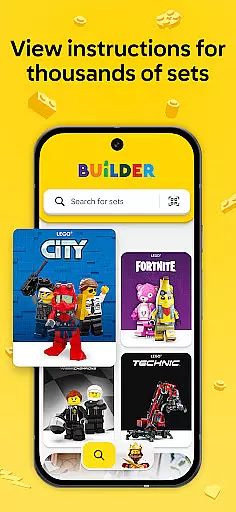
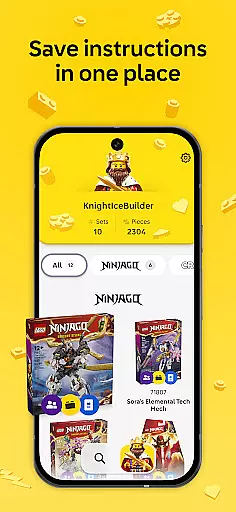
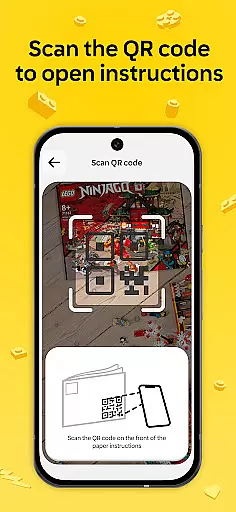
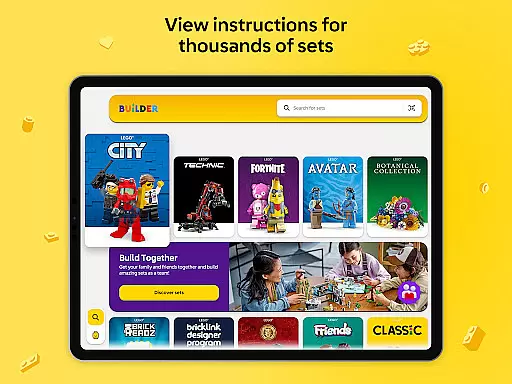
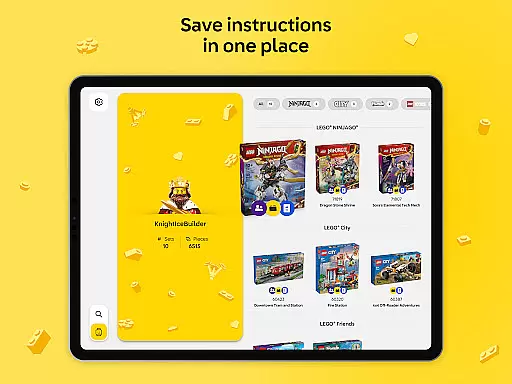
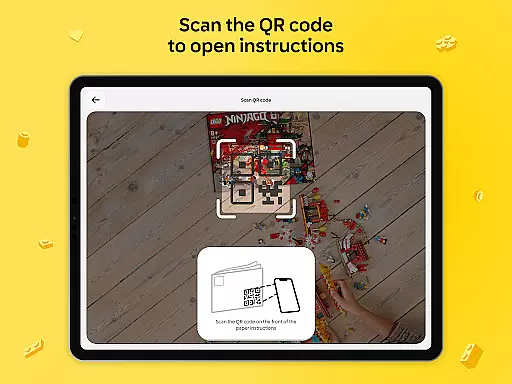
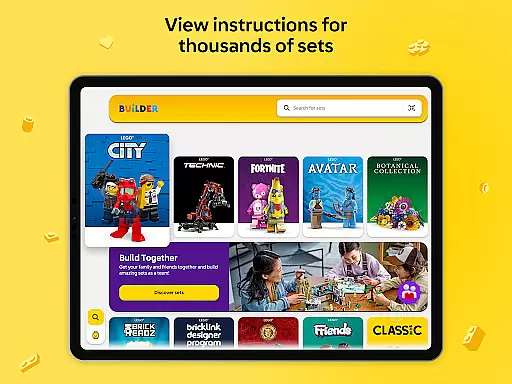
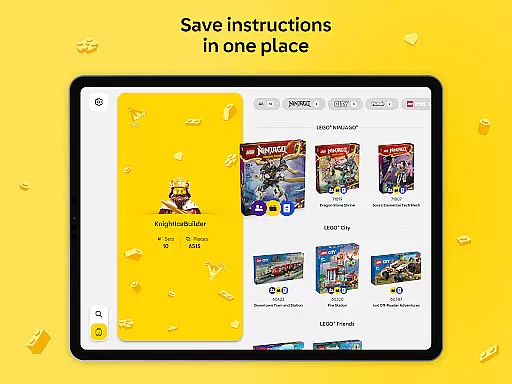
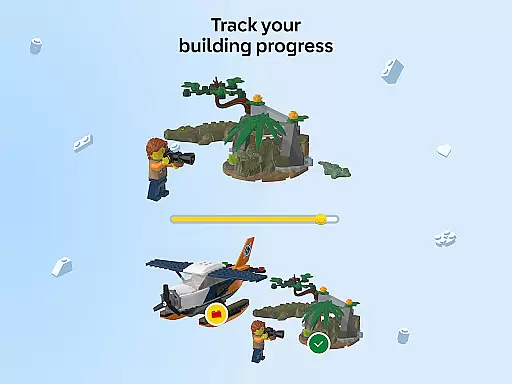
In addition to its interactive building instructions, LEGO Builder provides access to thousands of LEGO set instructions dating back to 2000. Users can search by set name or number, or scan QR codes from physical manuals to instantly access digital guides. By creating a LEGO account, builders can save their progress, track completed sets, and maintain a digital collection of their creations. With features like enriched content for select themes and the ability to monitor one's building journey, this app adds a new dimension to the LEGO building experience.
LEGO Builder stands out with its innovative features designed to enrich the LEGO building process. One of the key highlights is the 3D building instructions, which offer a dynamic and interactive way to assemble LEGO sets. Users can manipulate the view to see every detail clearly, ensuring accurate and enjoyable construction. The Build Together mode takes this a step further by allowing multiple builders to collaborate in real-time, assigning tasks and taking turns to complete steps, fostering teamwork and social interaction.
Beyond its core functionalities, the app boasts a comprehensive digital library containing thousands of LEGO instructions. Builders can easily find guides by searching specific set details or scanning QR codes. For those who create a LEGO account, additional benefits include saving progress, tracking collections, and unlocking enriched content for certain themes. These features not only streamline the building process but also add educational and entertainment value, appealing to both children and adults alike.
In the realm of digital entertainment, content variety and freshness are paramount to maintaining user engagement. LEGO Builder excels in this area by offering a vast digital library of LEGO building instructions that span from the year 2000 to the present day. This extensive collection ensures that users have access to a diverse range of sets, catering to different interests and skill levels.
Moreover, the app provides an enriched building experience for select LEGO themes, integrating storytelling elements that bring imagination and fun into the 3D building process. By regularly updating its database with new instructions and features like Build Together mode, LEGO Builder keeps its content fresh and exciting, encouraging builders to continually explore new projects and challenges.
The ability to search for instructions by set name or number, or even scan a QR code from an instruction manual, adds another layer of convenience and modernity to the user experience. These features not only streamline the process of finding specific sets but also enhance the overall accessibility and usability of the app.
User engagement duration and retention are critical metrics for any entertainment app, and LEGO Builder addresses these aspects through several innovative features. The app's step-by-step digital building instructions provide a clear and confident building process, which helps maintain user interest and encourages longer sessions within the app. By allowing users to zoom, rotate, and view their LEGO sets from every angle, it creates an immersive and interactive environment that captivates builders of all ages.
Additionally, the Build Together feature fosters social interaction and collaboration among friends and family, promoting extended use of the app during group activities such as family nights or special occasions. This collaborative aspect not only enhances user engagement but also aids in retention by creating memorable shared experiences associated with the app.
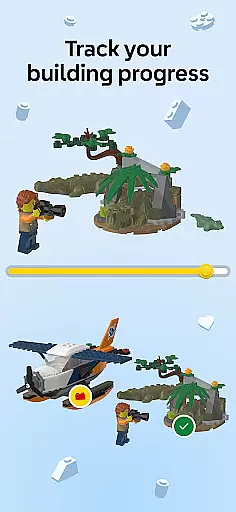
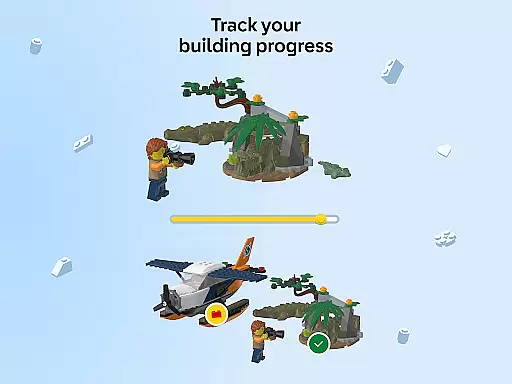
LEGO Builder further supports user retention by enabling progress tracking and the creation of a digital collection of completed sets. Users can see their total bricks built and celebrate their progress, which serves as a motivational factor to continue using the app and expanding their LEGO collection. With stable internet connectivity, users can pick up where they left off anytime, anywhere, ensuring that their engagement with LEGO Builder remains consistent over time.
User-friendly interface
Interactive 3D instructions
Collaborative Build Together mode
Extensive digital library
Progress tracking system
Requires stable internet
Limited offline functionality
Premium features need account
Some sets lack digital support
Occasional loading issues

Tarot & Oracle Card Readings
 4.50
4.50
Exclusive creator communities
4.70
Create and play realistic-looking mock Emergency Alert System messages.
4.30
Stream live TV shows, sports, news, movies & more - all without cable.
3.00
Necrophone is spirit box ghost hunting app made for spirit communication.
3.70
See the frequencies! Watch the magic!
4.5
Premium version to enjoy your favorite anime
4.60
Bold original series & hit movies that don't hold back.
4.40
Earn big rewards like PayPal & Amazon gift cards by playing games you love!
4.30
Pathfinder 2e initiative tracker with bestiary, HP, reaction, conditions, etc
4.80
Time tracking, lap counting and much more for Carrera® Digital 132/124
4.80
Original short dramas with diverse genres for a rich viewing experience!
4.80
Live TV, sports & holiday movies — stream on phone, tablet & TV
4.60
Underrated short-drama gems that hit hard and keep your heart hooked.
4.50
* Multiple Matches * Intuitive UI * Scoring Made Easy!
4.40
Create melty bead designs by numbers, photos or your imagination
4.40
Come and watch short dramas, reels with diverse genres!
4.40
Atomus is a 10-finger multi-touch interactive visualizer.
4.30
Binge-worthy short dramas on DramaRush—engaging stories that fit your day.
3.90


User Reviews