
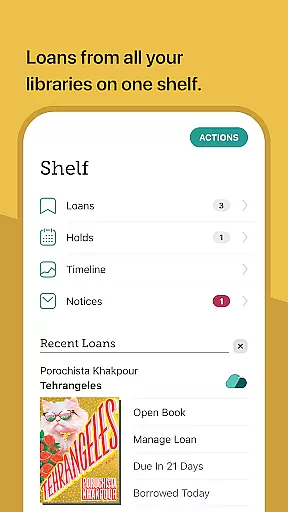
Libby is an award-winning app designed for library enthusiasts who want instant access to millions of ebooks, audiobooks, and magazines. With a simple library card, users can borrow these resources for free, making it an essential tool for avid readers. The app offers a seamless experience across devices, allowing you to browse catalogs, download titles for offline use, or stream them directly.
One standout feature is its compatibility with Kindle for U.S. libraries and Android Auto for audiobooks. Libby also provides advanced reading tools like customizable text settings, automatic syncing of reading positions, and intuitive tagging options for organizing your library. Whether you're reading classics or NYT best-sellers, Libby ensures a smooth and enjoyable experience tailored to your preferences.
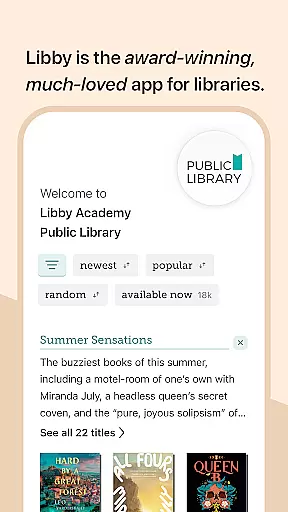
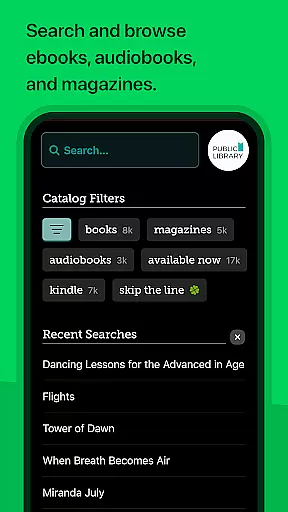
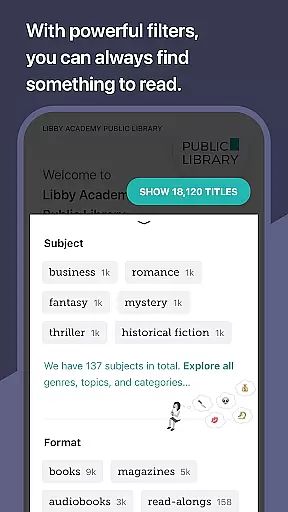
Libby stands out with its robust set of features that cater to both casual and serious readers. The app allows users to browse their local library's digital catalog, which includes everything from timeless classics to modern best-sellers. Borrowing and enjoying ebooks, audiobooks, and magazines is made easy through a user-friendly interface. Additionally, the ability to download titles for offline reading or stream them saves valuable device space.
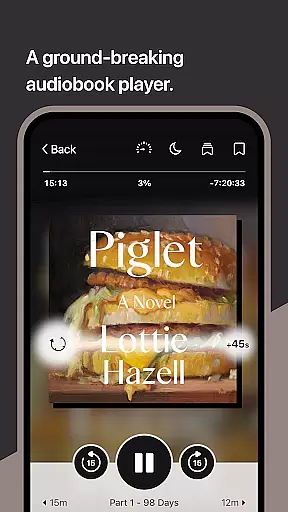
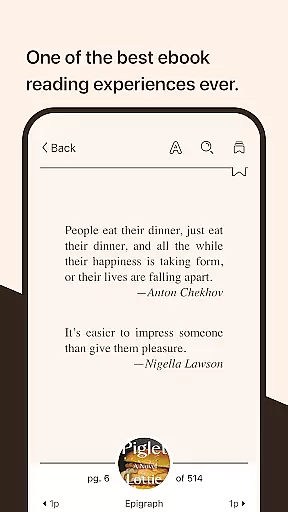
For enhanced accessibility, Libby supports sending ebooks to Kindle (for U.S. libraries) and listening to audiobooks via Android Auto. Its innovative audio player lets users adjust playback speed, set sleep timers, and easily navigate through content. The ebook reader offers customization options such as text size adjustment, background color changes, and zoom functionality for magazines and comic books, ensuring a personalized reading experience.
Libby, the Library App offers an extensive e-book library that includes everything from timeless classics to current New York Times best-sellers. This vast digital catalog is made available through local libraries worldwide and provides users with millions of e-books and audiobooks to choose from.
The app ensures copyright authenticity by partnering directly with libraries and publishers. This guarantees that all materials accessed through Libby are legitimate and legally obtained, giving users peace of mind while they browse and borrow content.
For readers, this means access to a diverse range of reading material that is both expansive and trustworthy. Whether you're interested in fiction, non-fiction, or magazines, Libby's comprehensive library has something for everyone, all available for free with a library card.
One of Libby's strengths is its exceptional format compatibility, allowing users to enjoy content in various forms. The app supports ebooks, audiobooks, and magazines, which can be downloaded for offline reading or streamed directly within the app to save device space.
For users with Kindle devices, Libby facilitates sending ebooks directly to their Kindle, although this feature is currently limited to U.S. libraries. Audiobook lovers can take advantage of Android Auto support, making it easy to listen on the go.
Additionally, Libby's built-in ebook reader and audio player offer features like adjustable text settings, zoom capabilities for magazines and comic books, and playback speed adjustments for audiobooks. These ensure a seamless experience across different types of media, catering to a wide array of preferences and needs.
User-friendly interface
Wide selection of books
Offline reading mode
Syncs across devices
Customizable settings
Limited to library holdings
Kindle support restricted
Requires library card
Occasional bugs
No direct purchase option

Novels, audiobooks, ebooks & fanfiction. Read anytime, anywhere!
 3.40
3.40
The ultimate military vehicle identification (Equipment ID) guide.
4.40
Pretty Moon information App with Complications and Tile
4.30
This is the pro version King James bible Offline that we have
4.70
7 Languages, Google, Wiki, Vocabulary.com, Cambridge & Urban Dictionary!
4.50
“It is fun to have fun, but you have to know how!”
4.40
Research your family history to explore ancestors and search for your heritage
4.50
Build family tree & discover DNA, family history heritage, origins and ancestors
4.60
A KJV Bible with Apocrypha and precept-based study concordance
5.00
"When tweetle beetles fight, it's called a tweetle beetle battle."
4.90
The Bible Audio Guide
4.80
Universal Zoom, learn about sizes & distances of the universe and microcosmos
4.80
World's most comprehensive dictionary app: 13 languages, all online or offline!
4.80
"Do you like green eggs and ham?"
4.70
Unlock unlimited access to bestselling ebooks, novels, stories, and audiobooks
4.60
Shop over 13 million new and used books at up to 80% off list price
4.20
Read popular romance books and web novels on the fantastic ebook reader
3.50
A guide for the Court of Atonement spiritual healing process.
4.5
The Psalms for singing
4.4


User Reviews