
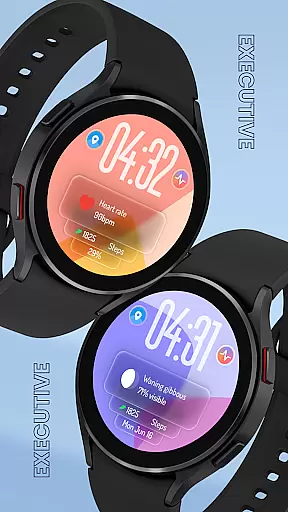
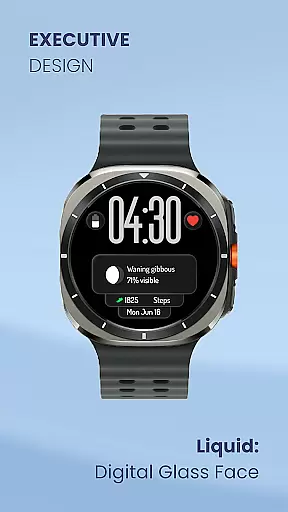
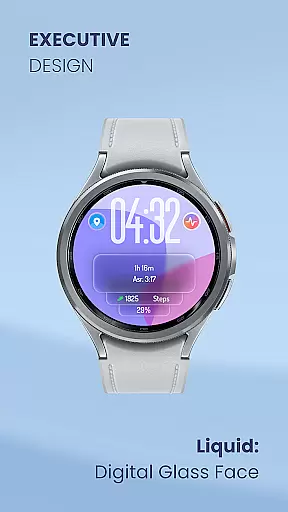
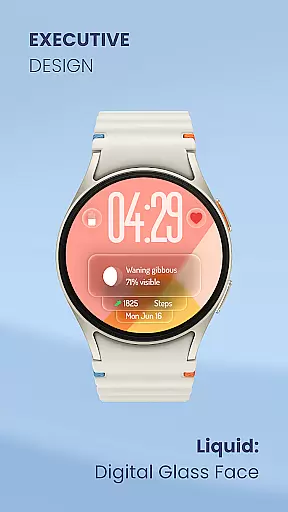
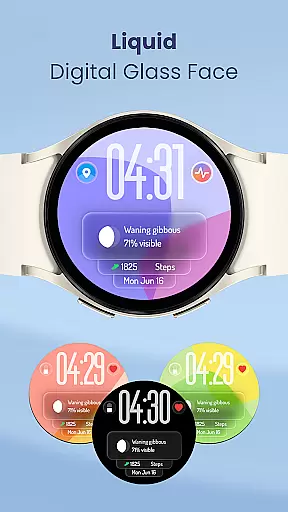
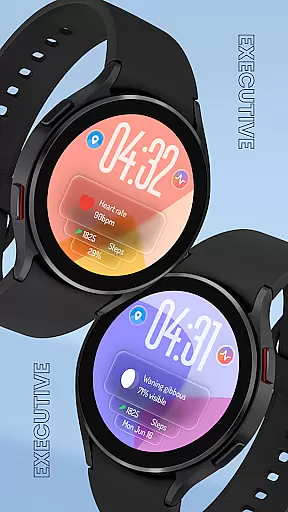
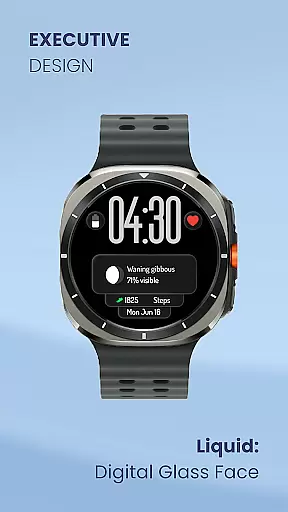
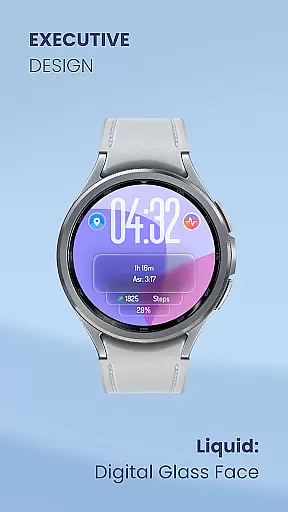
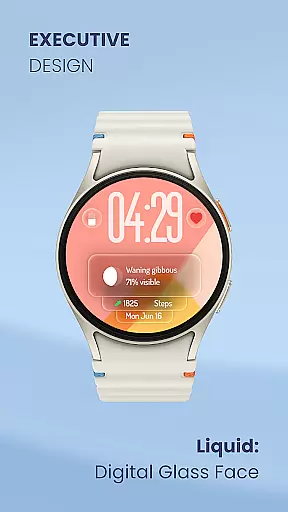
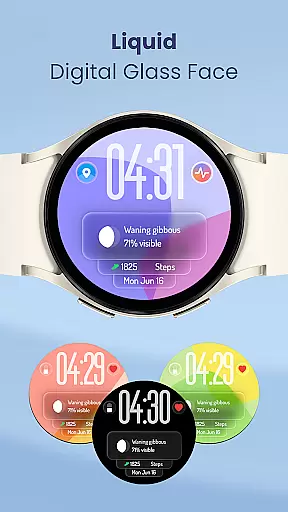
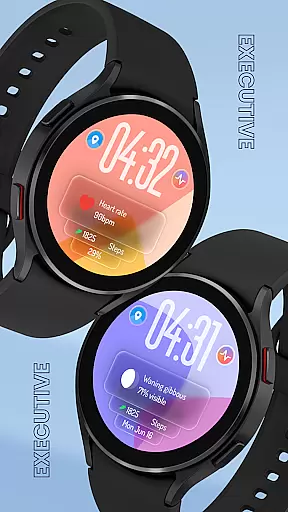
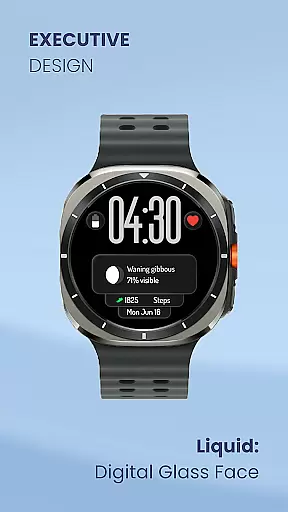
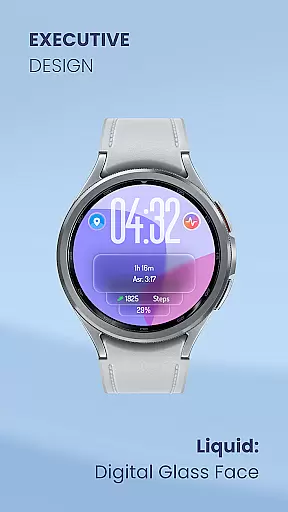
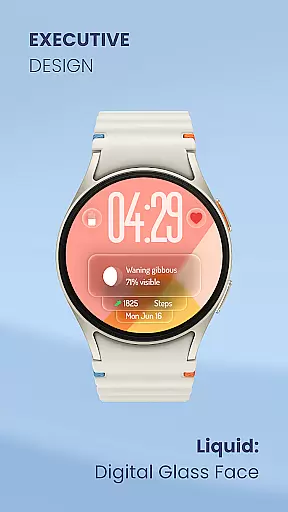
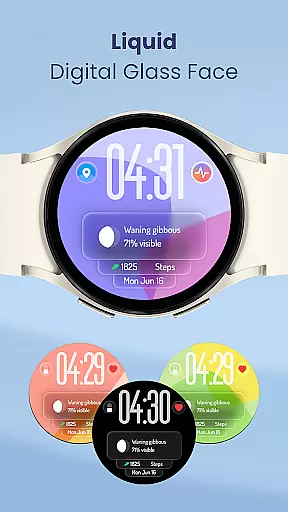
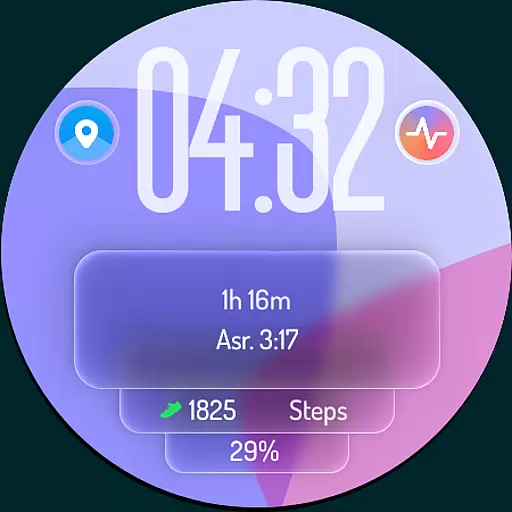
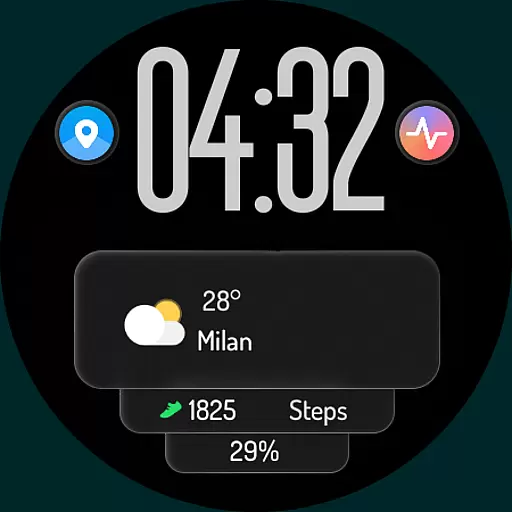
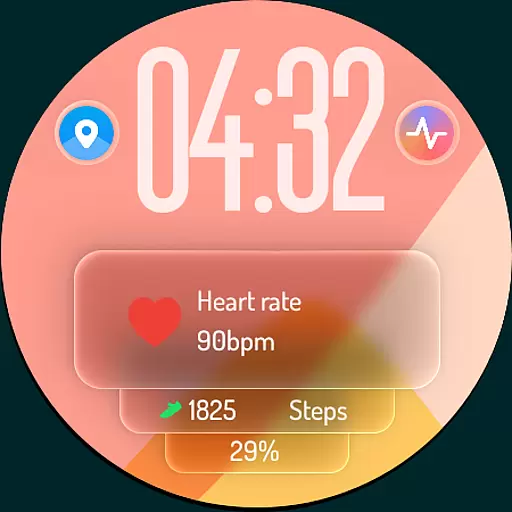
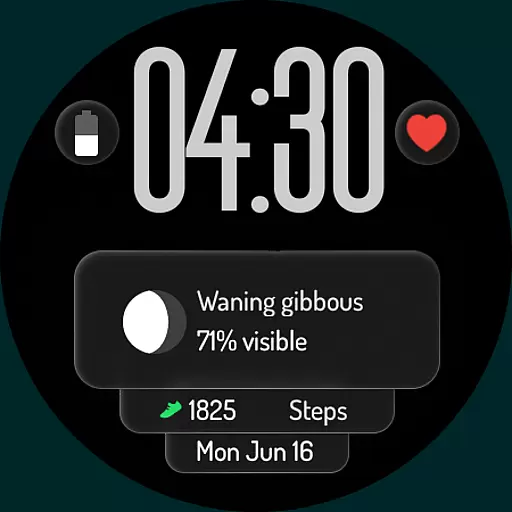
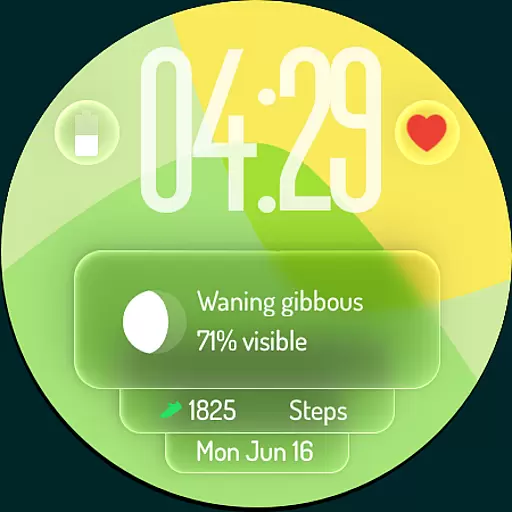
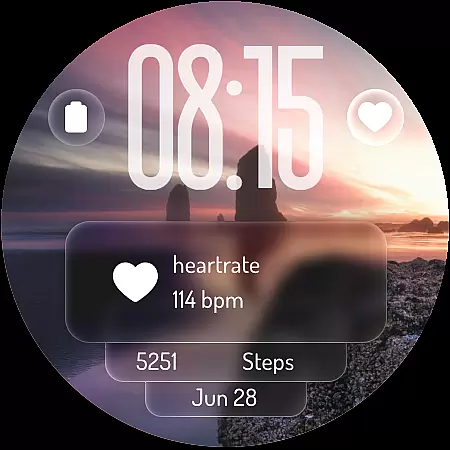
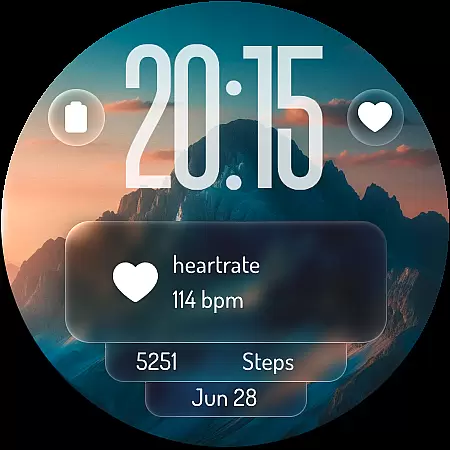
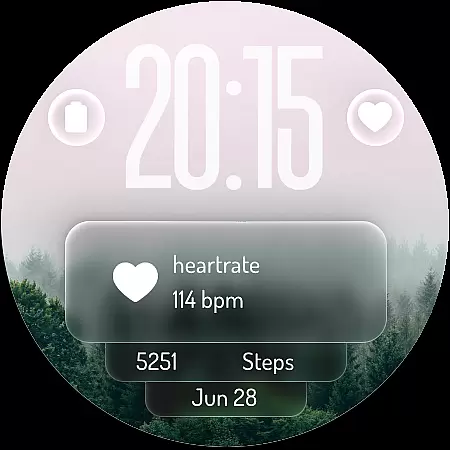
Liquid: Digital Glass Face redefines the Wear OS experience with its futuristic design inspired by Apple's Liquid Design. This revolutionary watch face brings stunning transparency and fluid visuals to your wrist, creating a modern and elegant aesthetic that stands out from traditional watch faces.
The app offers a unique combination of style and functionality. Users can enjoy crystal-clear digital time display, customizable complications for weather, steps, battery level, and heart rate monitoring, as well as personalized shortcuts for quick access to frequently used apps. Its mesmerizing liquid glass background presets and optimized Always-On Display (AOD) further enhance both usability and visual appeal.
Whether you're looking to personalize your smartwatch or stay productive on the go, Liquid: Digital Glass Face is an ideal choice. It seamlessly blends cutting-edge aesthetics with practical features, making it perfect for tech enthusiasts who value both form and function in their wearable devices.
Liquid: Digital Glass Face boasts a range of innovative features designed to elevate your smartwatch experience. At its core is the dynamic "liquid glass" effect, which creates an immersive visual flow that reacts to your watch's movements. This feature ensures a captivating look while maintaining clarity and usability.
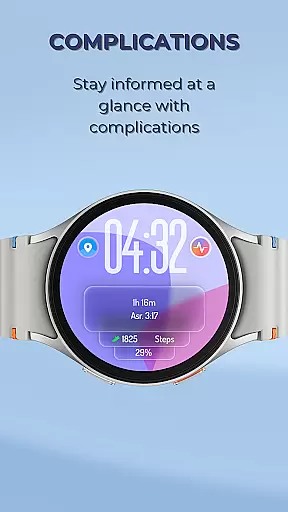
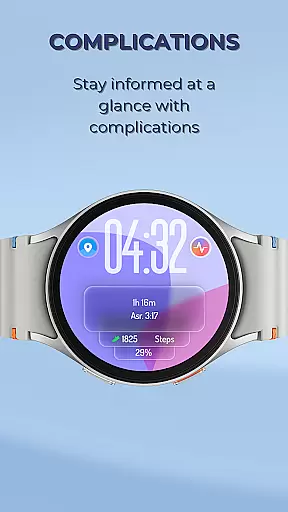
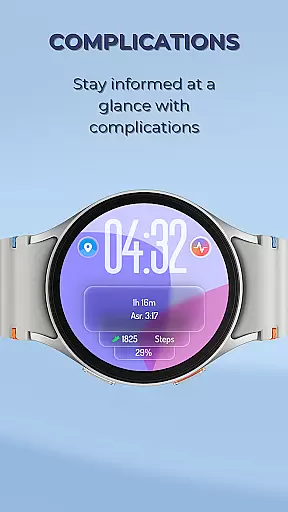
Customization is at the heart of this app. With support for customizable complications, users can display essential information such as weather updates, step counts, battery levels, and heart rate readings directly on their watch face. Additionally, shortcut functionality allows one-tap access to favorite apps like alarms, timers, workout trackers, and music controls, streamlining daily interactions.
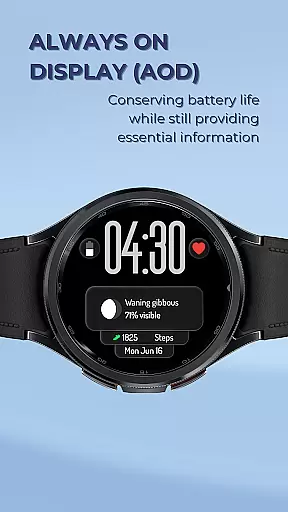
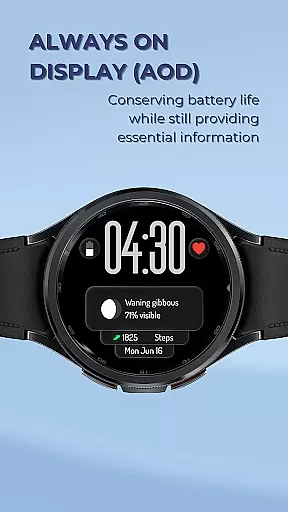
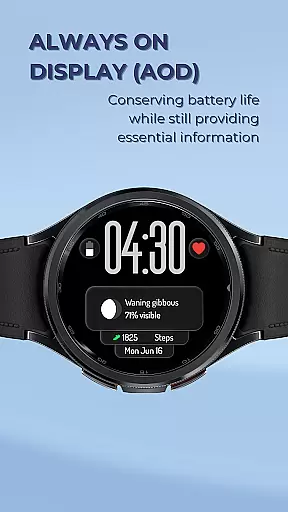
Beyond aesthetics, Liquid: Digital Glass Face prioritizes efficiency. The optimized Always-On Display mode ensures critical information remains visible without excessive battery drain. Combined with a variety of visually striking background presets, this app delivers a perfect balance of style, personalization, and performance.
In the realm of wearable technology, lifestyle applications play a crucial role in personalizing user experiences. Liquid: Digital Glass Face stands out by offering an extensive range of customization options that cater to diverse user preferences and needs. The watch face supports both 12-hour and 24-hour time formats, ensuring global usability while accommodating individual time display preferences.
One of the key aspects of its lifestyle coverage is the ability to integrate various data points through customizable complications. Users can track essential metrics such as weather conditions, daily step counts, battery levels, heart rate readings, and upcoming events. This comprehensive approach to information presentation allows users to maintain awareness of their surroundings while monitoring personal health and productivity goals.
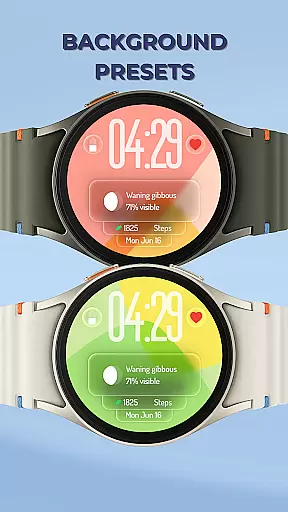
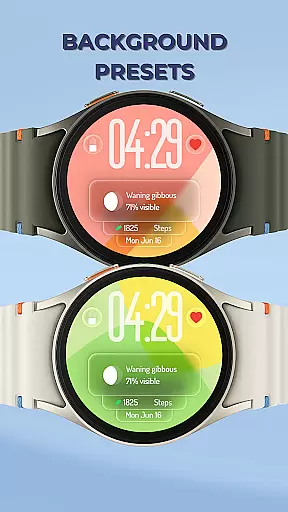
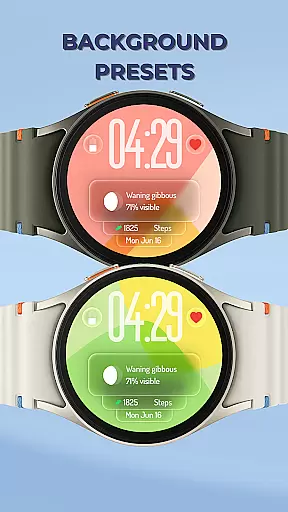
The application goes beyond basic functionality by providing mesmerizing liquid glass background presets. These dynamic visual effects not only enhance aesthetic appeal but also create an engaging user interface that reacts to movement. Such features demonstrate how Liquid: Digital Glass Face successfully bridges the gap between fashion and technology, making it suitable for various occasions and personal styles.
When evaluating digital products, content authenticity and expert credibility are paramount considerations. Liquid: Digital Glass Face establishes its authority through design elements inspired by Apple's Liquid Design language. This demonstrates the developers' understanding of contemporary UI trends and their commitment to delivering high-quality, visually appealing interfaces that resonate with modern consumers.
The application's credibility is further reinforced by its attention to detail in implementing professional-grade features. For instance, the optimized Always-On Display (AOD) mode showcases technical expertise in balancing visual functionality with power efficiency. This careful consideration of battery consumption while maintaining essential information visibility reflects a deep understanding of user needs and device limitations.
Moreover, the inclusion of customizable shortcuts for frequently used applications indicates that the development team has conducted thorough research on user behavior patterns. By providing quick access to alarms, timers, workout apps, and music controls, Liquid: Digital Glass Face demonstrates its commitment to enhancing practical usability while maintaining its sophisticated aesthetic. These thoughtful design choices contribute to the overall perception of authenticity and expertise behind the product.
Modern and sleek design
Highly customizable interface
Efficient Always-On Display
Dynamic liquid effects
Comprehensive health tracking
Limited to Wear OS
Premium subscription required
Battery usage varies
Complex setup process
Fewer options for analog fans

The Work of Byron Katie— the mobile app for inner peace.
 4.40
4.40
Unique Dual Colors with 6 Custom Complications for Wear OS watches!
3.40
Connect to your Shark ROBOT™ from anywhere using the SharkClean™ App.
3.60
Earn money & gift cards when you take surveys, play games, scan receipts & more.
4.50
Falling Fruit is a massive collaborative map of food in our cities.
3.20
Simple, stylish & fresh watch face. Customize colors, gradients & complications.
4.70
Mixing Colors for Menswear
4.20
Remotely monitor the time and temperature of food cooking on your grill.
4.60
Decorate your home screen with custom icons, color widgets, themes & wallpapers
4.70
Your store’s deals, where you are.
4.80
Make money, get paid cash rewards & gift cards for every survey. Earn today!
4.60
Get your life organized with My Agenda!
4.30
Smart controls for your Ember Smart Mugs
4.10
Do you want to communicate with spirits?
3.80
Paranormal EVP, Ghost Box, Spirit box, ITC, Haunted, Spirit communication device
3.70
Unique informative Dial with Live Moon Phase at a glance!
3.60
Going above and beyond known spirit communication
3.60
Big bold weather watch face with dynamic backgrounds and 3 complications
4.3
Unique Dark Analog style for Wear OS watches.
4.5


User Reviews