
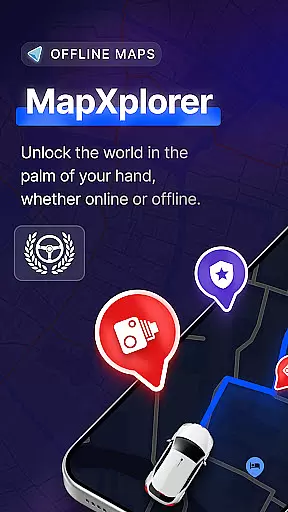
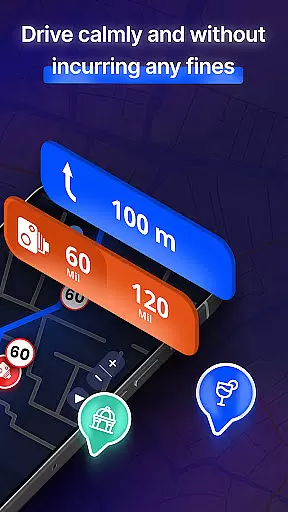
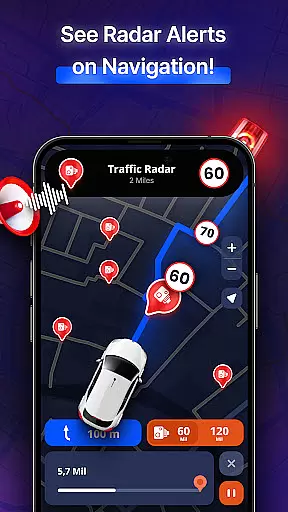


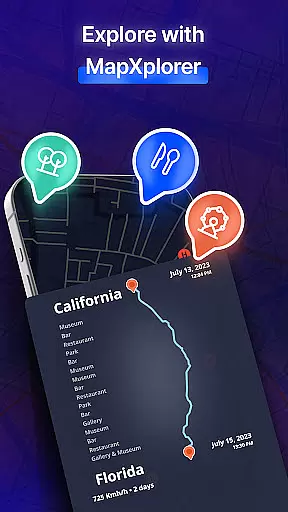
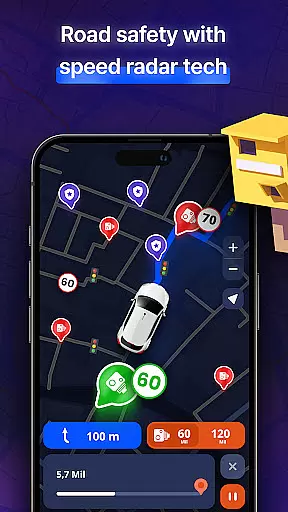
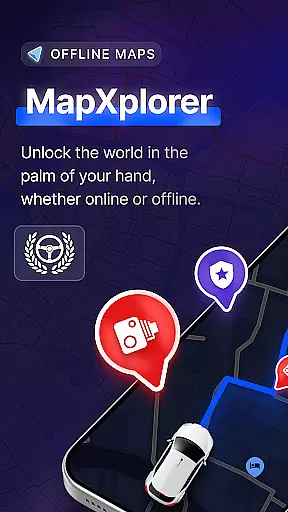
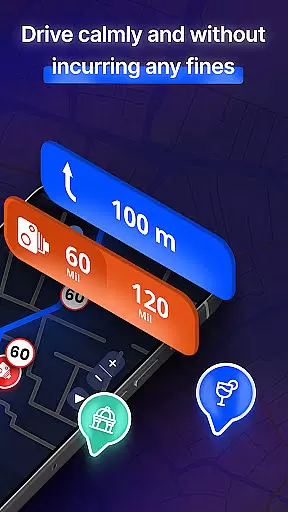

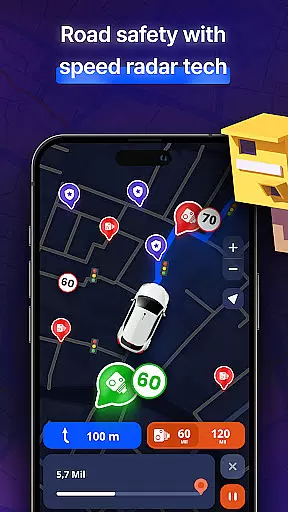
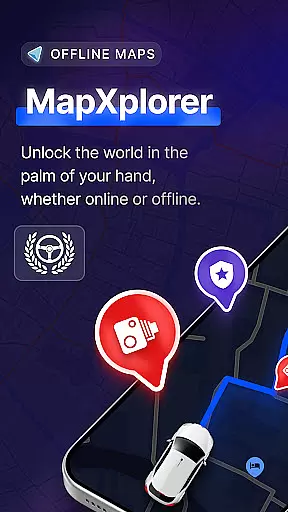
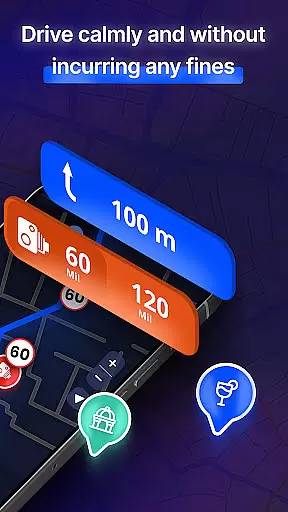

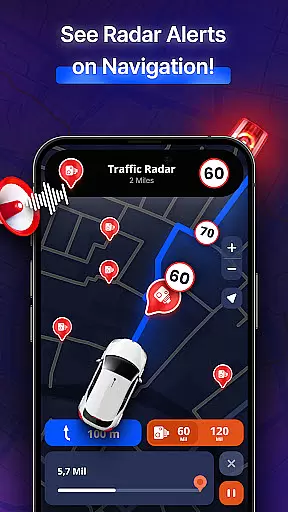
MapXplorer is a cutting-edge offline 3D map application designed to revolutionize your travel experience. This app combines advanced navigation tools with user-friendly features, ensuring seamless journeys even without an internet connection. Key functionalities include offline maps, radar systems, and AI-powered guidance.
The application's robust feature set makes it ideal for various scenarios, from urban exploration to remote adventures. Whether you're driving through busy city streets or navigating rural roads, MapXplorer provides reliable support through its comprehensive mapping system and real-time alerts. The app's value lies in its ability to deliver accurate location data while maintaining user privacy and security.
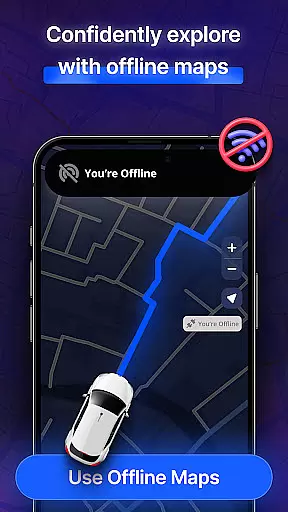
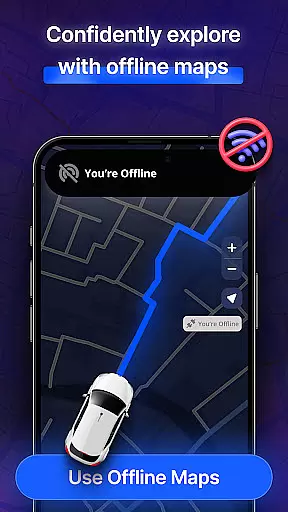
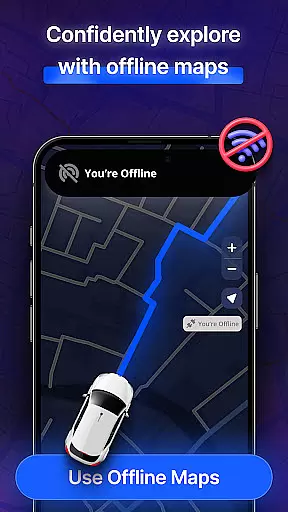
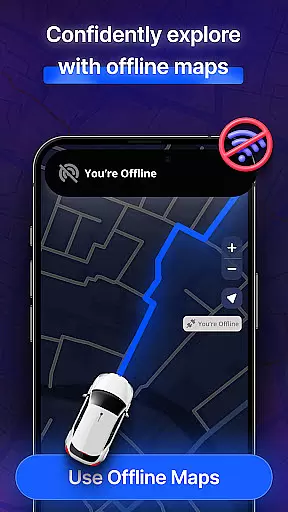
MapXplorer distinguishes itself through innovative mapping solutions and intelligent navigation assistance. The app's offline capabilities allow users to download detailed maps for any region, ensuring uninterrupted access to crucial location information regardless of connectivity.
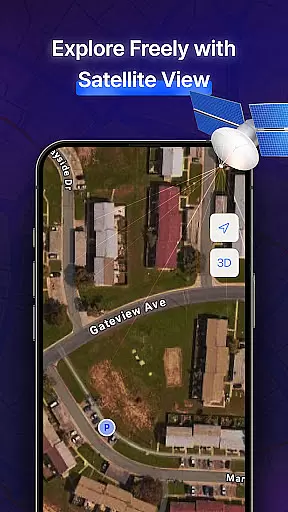
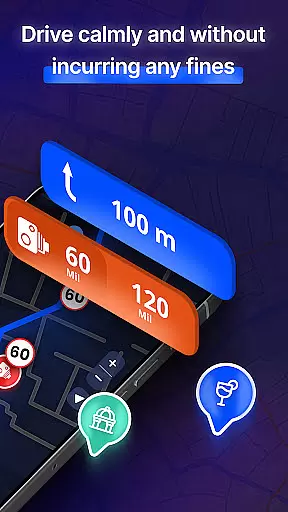
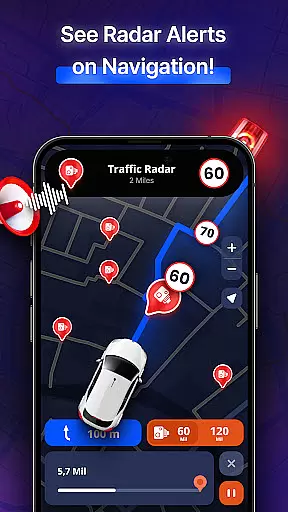
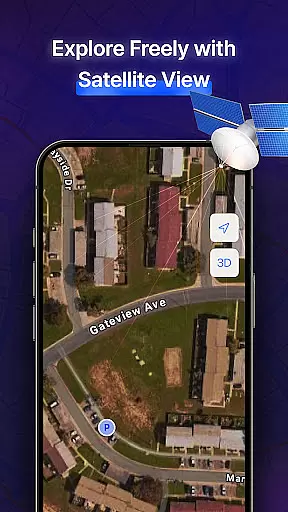
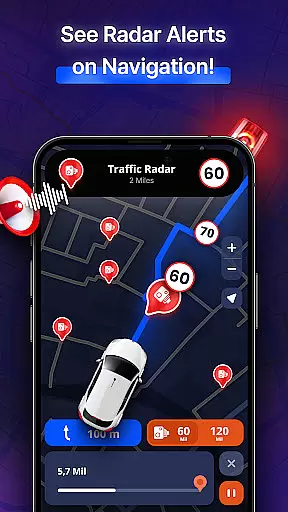
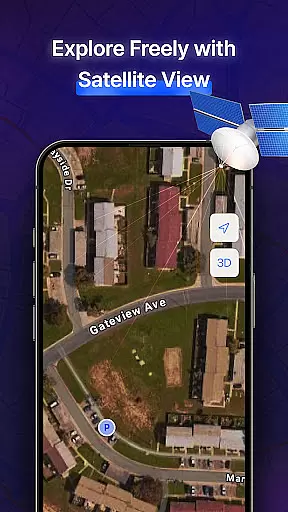
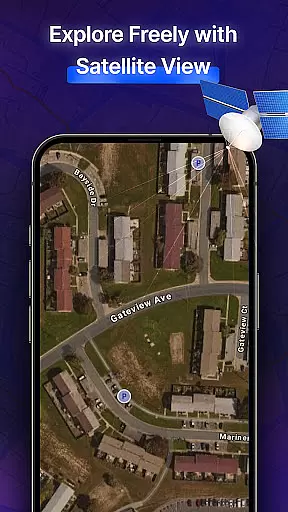
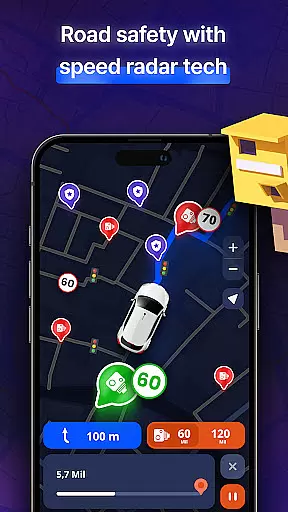
A standout feature is the integrated AI Co-Pilot, which offers personalized driving guidance through voice commands and smart route suggestions. The radar functionality provides real-time awareness of surrounding points of interest and potential road hazards. Additionally, the app supports multiple vehicle types and offers both 3D and satellite views, giving users flexible options for exploring their surroundings.
These features collectively enhance the navigation experience by combining technological sophistication with practical usability. The app's commitment to data security and intuitive interface design further demonstrates its dedication to user satisfaction and safety.
Map accuracy is a critical feature for any navigation app, and MapXplorer excels in this area. The application provides detailed 3D maps and satellite views that allow users to explore cities and roads with realistic representation. This ensures that users can trust the map data when planning their routes or navigating through unfamiliar areas.
The offline maps functionality of MapXplorer guarantees that even without an internet connection, the accuracy of the maps remains uncompromised. Users can download high-quality maps for their destinations and access them anytime, anywhere. This feature is particularly beneficial when traveling in remote areas where network coverage might be limited or nonexistent.
With its commitment to reliable and secure navigation, MapXplorer uses location information solely for navigation purposes, ensuring peace of mind regarding privacy concerns. The precision of the mapping data combined with real-time alerts about road conditions makes every journey safer and more efficient.
Route planning is made effortless with MapXplorer's intelligent AI Co-Pilot feature. This advanced tool offers real-time voice guidance, smart route recommendations, and personalized driving tips tailored to individual driving styles. Whether commuting through city traffic or embarking on a long road trip, users receive adaptive assistance that enhances safety and convenience.
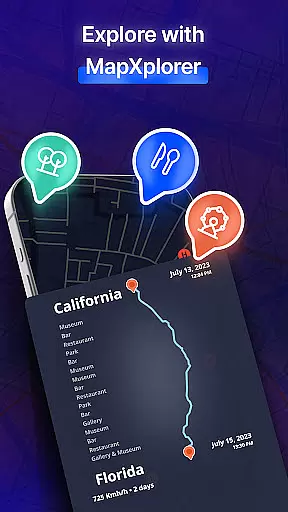
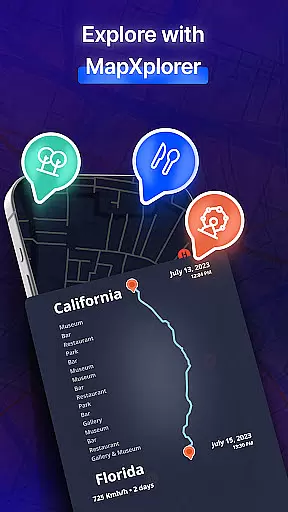
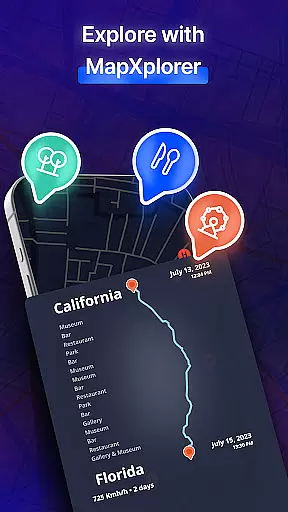
MapXplorer supports various vehicle types including cars, trucks, and motorcycles, allowing for customized route planning based on specific needs. Detailed points of interest along with comprehensive information enhance trip experiences by helping users discover new places and essential amenities en route.
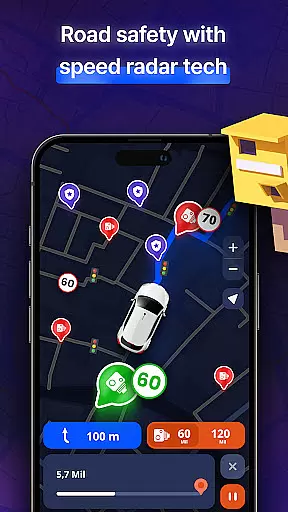
In addition to traditional route options, MapXplorer provides alternative routes considering current traffic situations such as jams, hazards, accidents, mobile radars, police presence, helicopters, drones, etc., ensuring optimal travel paths are always available. Such dynamic route adjustments not only save time but also contribute significantly towards stress-free travels.
Offline functionality
AI-powered navigation
Real-time alerts
Multiple view modes
User-friendly design
Premium subscription required
Occasional accuracy issues
Limited free features
High storage usage
Complex interface

This app is military GPS coordinate systems helper. (MGRS, UTM & DMS Maps)
 4.80
4.80
America’s largest public fast charging network, with over 500 charging stations.
4.50
Plan routes, share locations, and set custom alert zones
4.40
Parcel map, property lines, owner, acres, land use, zoning and more from Regrid.
4.60
LIRR and Metro-North tickets and trips
4.80
ParkWhiz, an Arrive Mobility brand, part of the Arrive Network
4.30
Get route, find shortest path, near by places and weather update
3.90
Ride or drive at YOUR price
4.70
Avoid delays. Get real-time GPS navigation, safety alerts and live traffic.
4.10
Get there with the Waymo Driver — The World’s Most Experienced Driver™
4.90
Find shortest way and save energy . Distance and area calculator.
4.70
Navigate confidently with our precise Digital Compass app & Direction Compass!
4.70
Explore with GPS Navigation with GPS offline, voice GPS, speed camera radar
4.60
Instant diesel discounts - save big with each fill up!
4.40
GPS navigation offers route finder, compass, translator, currency converter, etc
4.30
TACNAV-X: Precision MGRS navigation, built specifically for the military.
4.00
Your guide to the recreational opportunities of the Bureau of Land Management!
3.40
Off-Roading Navigation App With Trails, Public Lands, & Private Property Info
3.30
Compass is an accurate compass and a great tool for any outdoor activities
4.1


User Reviews