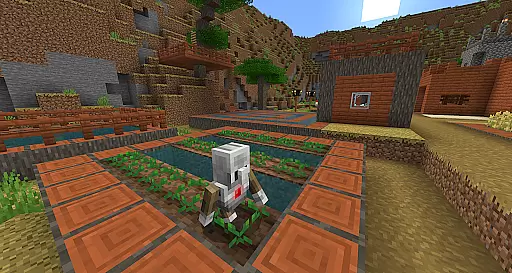
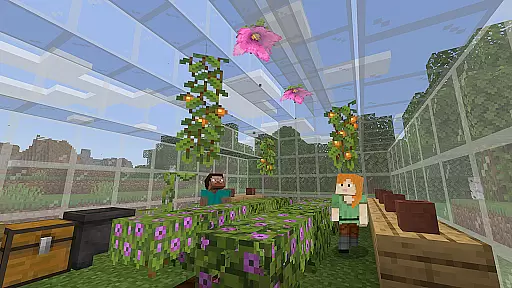
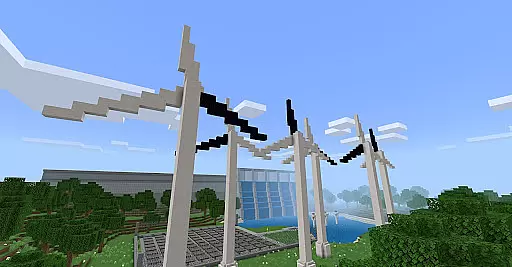
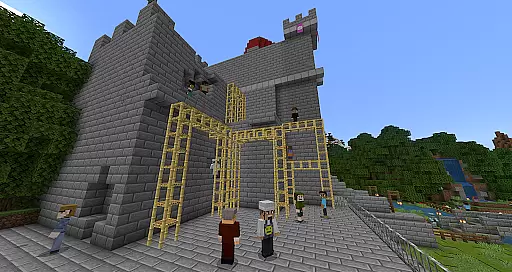
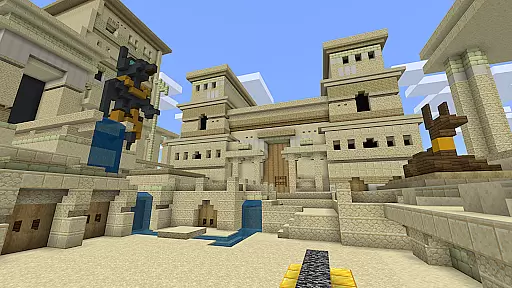
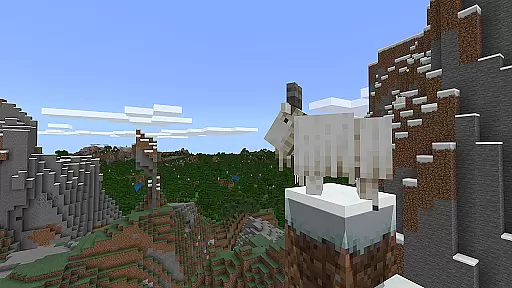
Minecraft Education is a game-based learning platform designed to inspire creative and inclusive education through interactive play. This educational tool allows students and educators to explore blocky worlds that present innovative ways to engage with any subject or challenge. From math and history to coding and STEM topics, the app provides a dynamic environment for all types of learners.
The platform offers hundreds of ready-to-teach lessons and open-world environments, making it adaptable to various teaching styles. Minecraft Education helps students develop essential skills such as problem-solving, collaboration, and critical thinking, preparing them for future success. With features like multiplayer collaboration, in-game coding, and integration with Microsoft tools, this app transforms traditional learning into an immersive experience.
Minecraft Education stands out with its diverse set of features tailored for both educators and students. One key feature is the multiplayer mode, which enables seamless collaboration across different platforms, devices, and hybrid learning environments. This ensures that students can work together regardless of their physical location.
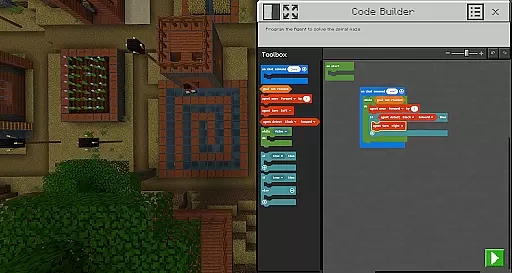
Another notable feature is Code Builder, which supports block-based coding, JavaScript, and Python. This intuitive interface allows students to practice coding directly within the game. Additionally, tools like Immersive Reader help players read and translate text, while the Camera and Book & Quill items let users document and export their creations. Integration with Microsoft Teams and Flipgrid enhances teacher controls and assessment capabilities, making classroom management more efficient.
Minecraft Education stands out for its commitment to content accuracy and authority, ensuring that the educational material provided is both reliable and credible. The platform collaborates with renowned organizations such as BBC Earth, NASA, and the Nobel Peace Center to create immersive learning experiences that are not only engaging but also grounded in real-world knowledge.
Lessons and standardized curriculums available on Minecraft Education cover a wide array of subjects including reading, math, history, and coding. These resources are meticulously designed to cater to all types of learners, making sure that every student can benefit from them regardless of their learning style or pace.
The inclusion of culturally relevant lessons and build challenges further enhances the authenticity of the content. By integrating scenarios and topics that resonate with students' backgrounds and interests, Minecraft Education fosters an inclusive environment where learning is both meaningful and enjoyable.
Moreover, the platform's alignment with educational standards and its support from Microsoft Teams and Flipgrid for assessment and teacher controls ensure that educators have the tools they need to maintain high standards of teaching quality. This comprehensive approach guarantees that Minecraft Education remains a trusted resource for educators worldwide.
One of the key strengths of Minecraft Education is its ability to offer personalized learning paths, adapting to the unique needs and preferences of each learner. Through a combination of ready-to-teach lessons, creative challenges, and open-ended worlds, the platform provides a versatile canvas for educators to tailor learning experiences to their students' individual requirements.
The game-based learning environment encourages exploration and creativity, allowing students to engage with subjects at their own pace and according to their interests. Whether itu2019s through structured lessons or free-form building projects, Minecraft Education supports diverse learning styles, helping to spark a passion for STEM subjects and beyond.
Features like Code Builder, which supports block-based coding, JavaScript, and Python, empower students to develop crucial programming skills in a fun and interactive way. Meanwhile, Immersive Reader helps players read and translate text, breaking down language barriers and making content accessible to a broader audience.
By enabling collaboration across platforms, devices, and hybrid environments via multiplayer mode, Minecraft Education promotes social learning and teamwork. Students can work together on projects, share ideas, and solve problems collectively, mirroring real-world collaborative scenarios and preparing them for future workplace dynamics.
Engaging learning environment
Multiplayer collaboration
In-game coding support
STEM-focused lessons
Microsoft tool integration
Requires Microsoft 365
Subscription-based pricing
Complex setup for beginners
Limited offline functionality
Device compatibility issues

Watch and Play Elmo's World!
 4.00
4.00
Learning the ancient Viking language made simple
4.70
The Only Official DVSA Theory Test Kit App
4.50
The official CCM Glossary app, including 700+ terms and definitions.
2.90
Pass your FAA written with flying colors - Study Buddy can help.
4.30
Master note reading with StaffWars….
4.00
THE ESTABLISHED "GO TO" ARMY BOARD PREPARATION APP!
4.30
Your best partner for learning Japanese words. Based on a best-selling textbook.
2.80
Reading for kids has never been easier. Learn phonics, letter tracing & more!
4.70
Perform physics experiments with your phone. (by the RWTH Aachen University)
4.70
Guitar chord finder, analyzer, smartly visualized theory, progressions, quizzes.
4.70
Turn scrolling hours into improving your knowledge, communication, intelligence
4.50
Latest TLC Practice Questions! Multiple languages available!
4.50
The Fighter Verses Bible memory system helps you memorize God's Word.
4.50
An aviator’s preparation, study and test tool for FAA Knowledge Exams.
4.00
Our most popular app series returns, better than ever!
3.90
An animated storybook app to help ease your child through toilet training.
3.70
Enrich the experience of your visit to the Pantheon with our audiotour.
1.60
Grazing Risk Monitoring Service
4.2


User Reviews