
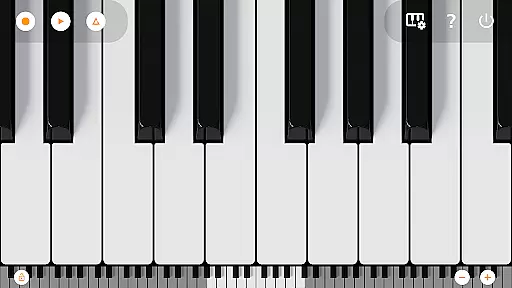
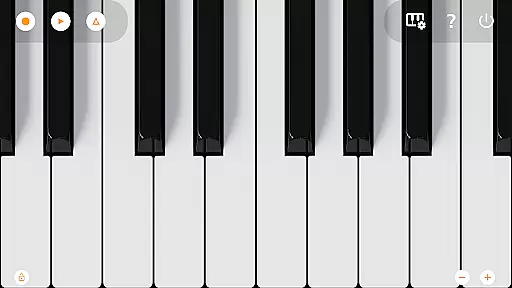
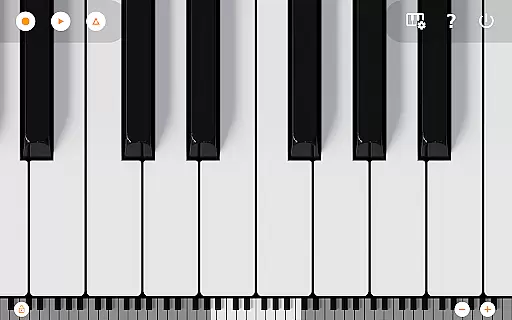
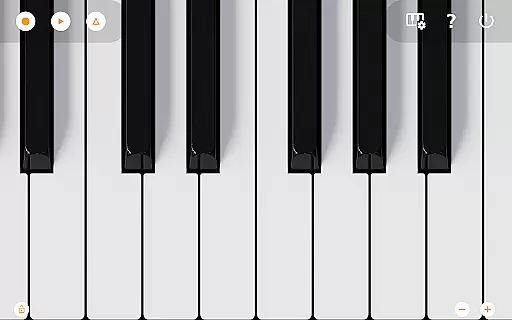
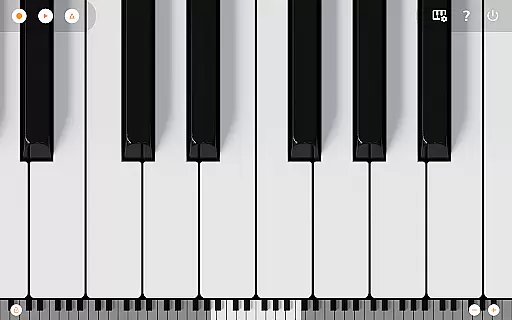
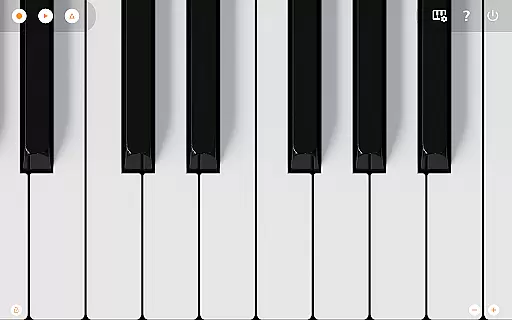
Mini Piano Pro is a premier piano application designed for Android devices, offering an immersive and realistic playing experience. The app features an 88-key fully functional keyboard that mimics a real piano, providing users with the ability to zoom and scroll through keys effortlessly. Its optimization ensures minimal install size while maintaining high responsiveness, making it ideal for musicians on the go.
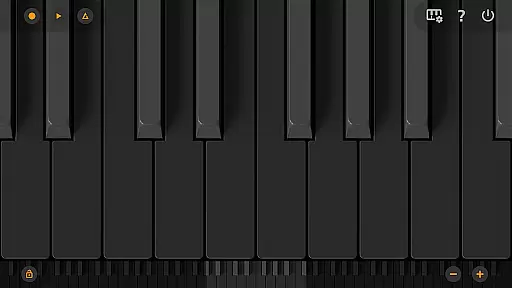
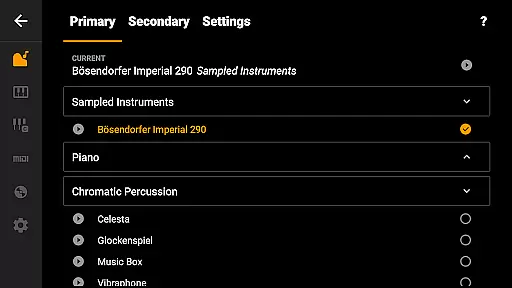
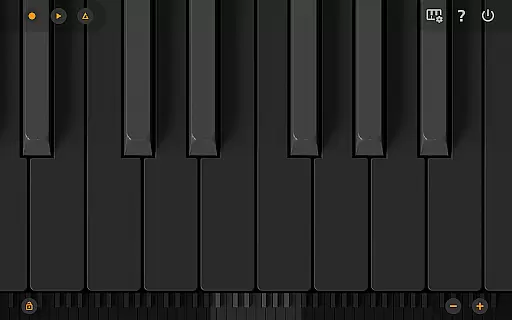
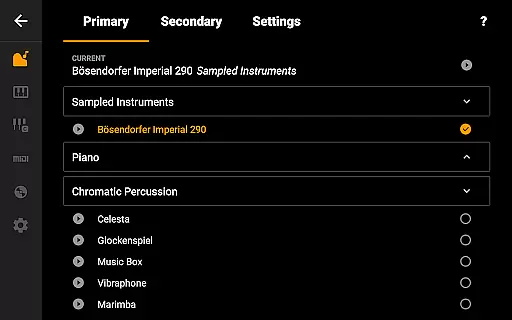
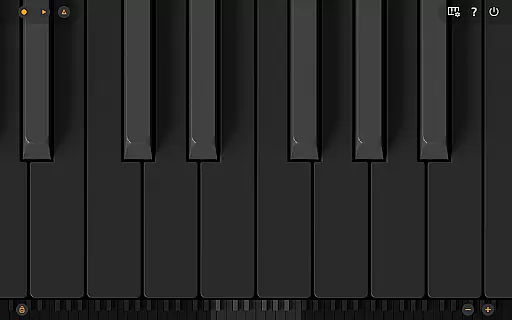
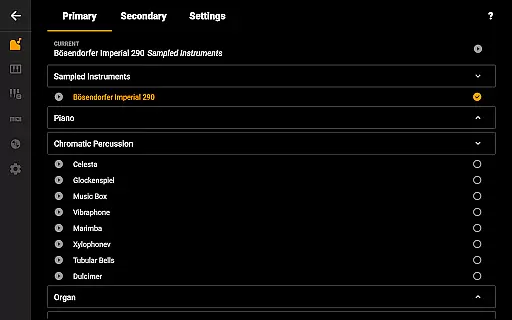
In addition to its core piano functionality, Mini Piano Pro includes 128 different instruments, allowing users to explore various sounds beyond traditional piano tones. With support for Dark Mode, multitouch gestures, and MIDI in/out capabilities, this app caters to both casual players and professional musicians. Whether you're composing music or learning new songs via falling blocks, Mini Piano Pro delivers a seamless blend of power and portability.
Mini Piano Pro stands out with its comprehensive feature set tailored for music enthusiasts. The app offers a beautifully sampled piano sound that closely resembles an acoustic piano, ensuring an authentic auditory experience. Users can also access 128 MIDI sounds, covering a wide range of instrument types, enhancing creative possibilities.
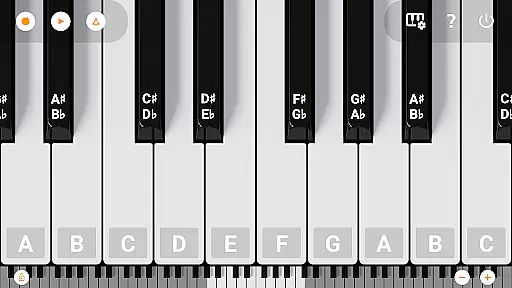
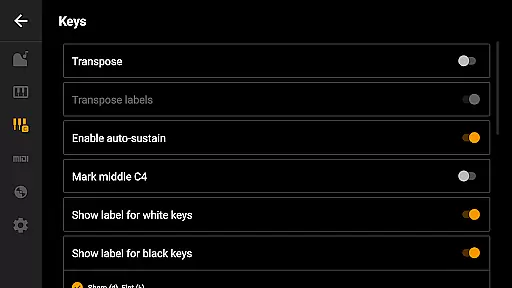
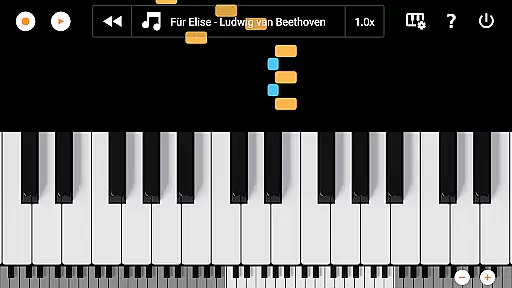
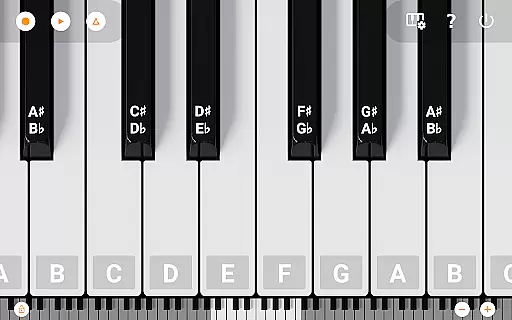
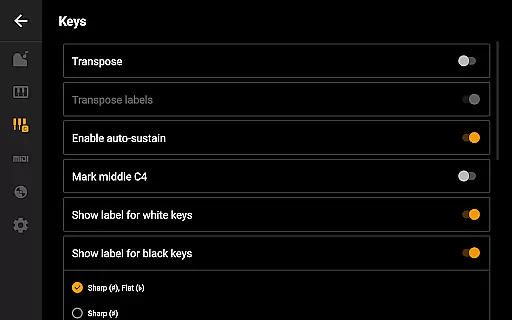
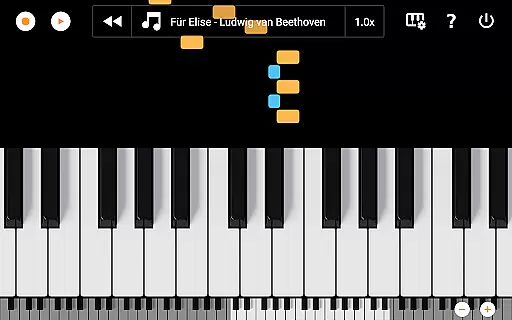
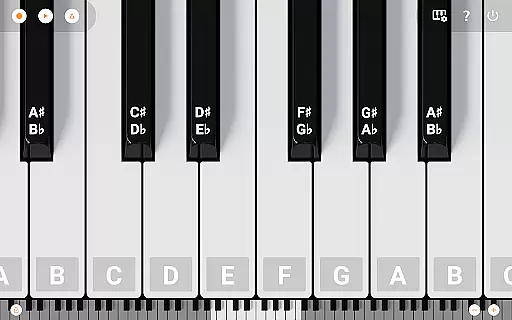
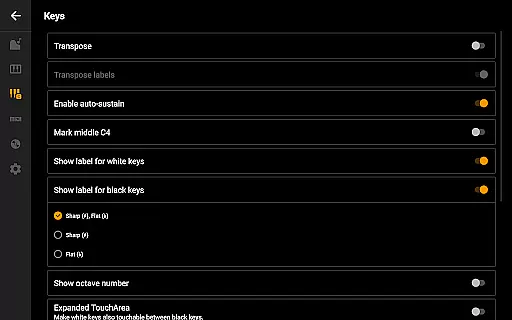
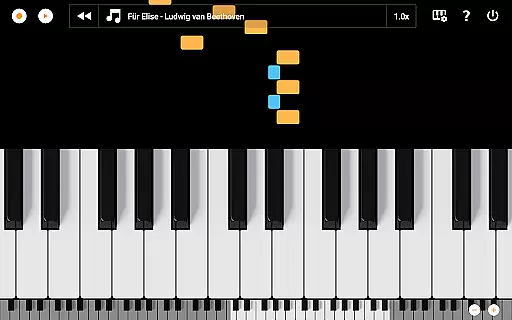
One of the standout features is the song mode with falling blocks, which helps users learn new compositions interactively. Additionally, the app supports recording sessions as MIDI files, with options to export them into MP3, AAC, or WAV formats. Advanced customization options include note labeling, metronome settings, and keyboard transposition, giving users full control over their musical journey.
The app's design emphasizes usability, featuring a minimalistic interface that stays out of the way during performances. Optimized for phones, tablets, and even Chromebooks, Mini Piano Pro ensures a consistent experience across devices. With no ads and no internet permission required, users can focus solely on their music without interruptions.
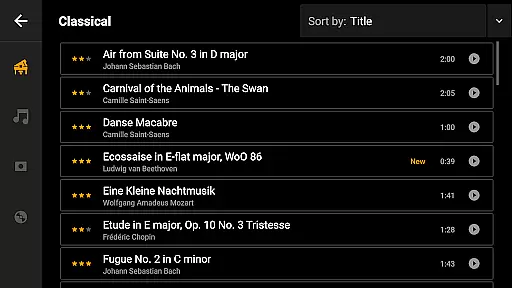
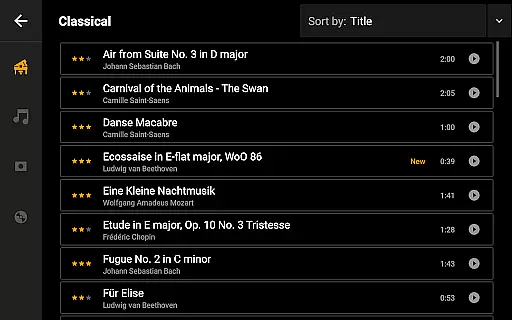
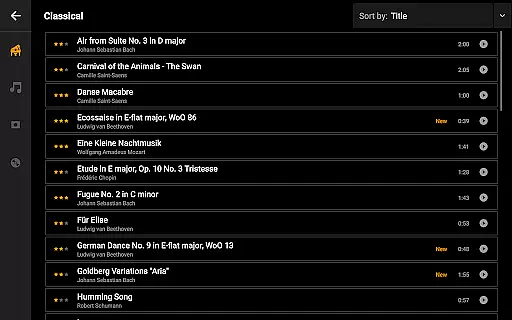
Mini Piano Pro offers an extensive music library that caters to a wide array of musical preferences. With 128 different MIDI sounds, the app provides users with a rich selection of instrument types, ensuring there is something for everyone.
The app's default instrument is a beautifully sampled piano sound that closely mimics the real deal. This attention to detail in sound sampling underlines the app's commitment to copyright authenticity and delivering genuine musical experiences.
Users can trust that the sound library has been carefully curated, respecting copyright laws while providing high-quality audio. This dedication to legal compliance and sound quality enhances the credibility of Mini Piano Pro as a top-tier music application.
By offering such a diverse and authentic music library, Mini Piano Pro empowers musicians to explore new genres and styles, thus enriching their creative process within a legally sound framework.
Audio quality is paramount in music applications, and Mini Piano Pro excels in this domain by providing pristine sound output. The app's default piano sound is not only beautiful but also incredibly realistic, capturing the nuances of an actual piano.
With support for exporting recordings to high-quality formats such as MP3, AAC, or WAV, users can enjoy professional-grade audio files that preserve the integrity of their performances. These options ensure that the final output meets industry standards.
Furthermore, the app's optimization for various devices guarantees consistent audio quality across phone, tablet, and Chromebook platforms. This cross-device reliability allows musicians to create and share their work without worrying about compromising on audio fidelity.
Whether practicing, performing, or recording, Mini Piano Pro ensures that every note played is of the highest quality, making it an indispensable tool for both amateur enthusiasts and seasoned professionals alike.
Realistic piano sound
Wide range of instruments
Excellent customization options
No ads or internet permission
Cross-device compatibility
Limited free version features
Advanced tools may overwhelm beginners
Occasional performance issues on older devices
Learning curve for MIDI functionalities
Exporting requires additional steps

The Skullcandy App Experience
 3.20
3.20
The Music Journey in Your Hands
4.30
The Cubase remote control app
3.60
24,000 free audio books and no ads!
4.90
Recording studio w/ 10k beats, pro vocal FX and a network of 20M rappers & fans!
4.60
Play your hearts out on TouchTunes jukeboxes & connect with fellow music lovers.
4.80
Sheet music reader, piano & music note player. Play music score & learn to read.
3.90
MilkDrop for Android TV
3.00
Travel To The Music Universe
3.40
Reverse your voice & songs instantly! Fun singing challenge with cool effects.
4.60
Fun & Easy Voice Changer – Record, Edit & Add Hilarious Effects!
4.50
A synth that really lets you shape your sounds!
4.50
Visualize the guitar fretboard, master scales & play through changes like a pro!
4.50
DJ Music Mixer Pro is a real DJ controllers and DJ Music Studio to remix DJ.
4.40
Help you quickly get started with Shokz headphones
4.40
Time Guru will strengthen your internal sense of musical time via random muting.
4.30
Master Salsa Rhythm quickly and with a lot of fun!
4.30
Learn to play the piano using falling notes!
3.80
The Minimalistic Premium Music Player. Handmade with passion for music
2.20


User Reviews