
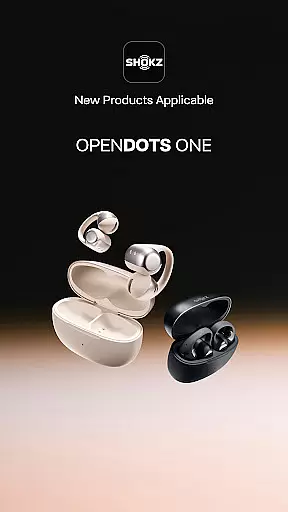
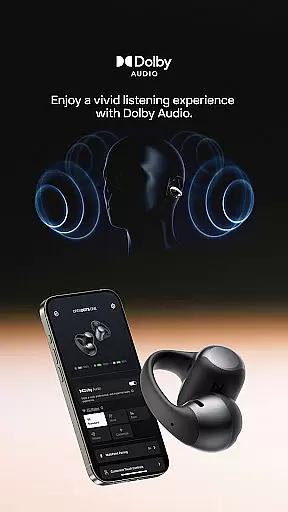
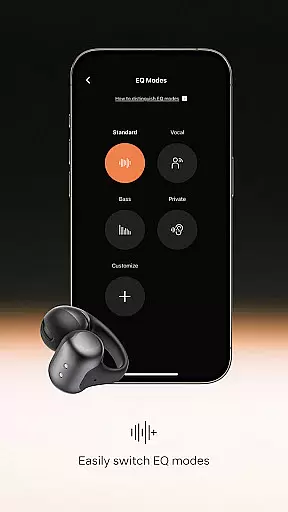
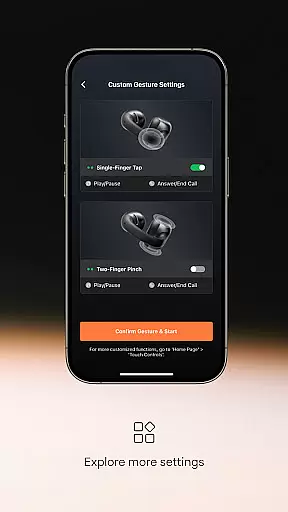
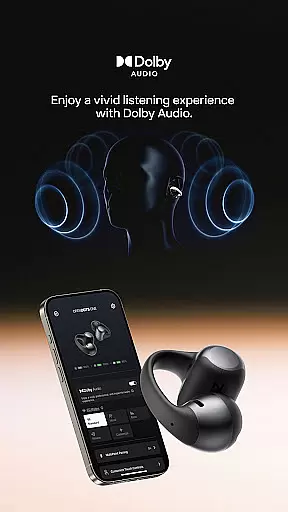
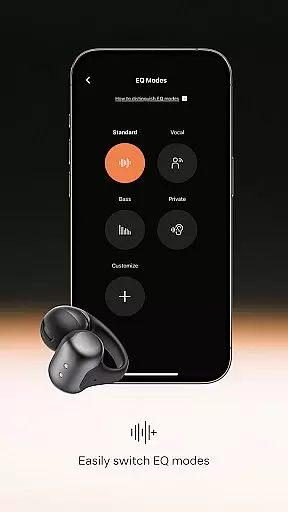

Shokz is a feature-rich music and audio management app designed to enhance your headphone experience. The app offers advanced sound customization options, including built-in tuning for easy switching between sound modes and a customizable equalizer that lets you tailor your music preferences. Additionally, it supports programmable touch buttons, allowing users to assign frequently used functions to physical controls.
Another standout feature is effortless multipoint pairing, which enables simultaneous connection of one pair of headphones to two Bluetooth devices. Firmware upgrades ensure your headphones remain in optimal condition, while playback controls let you manage volume, pause/play music, skip songs, and choose playback modes directly through the app. Shokz also provides access to essential information such as battery status, user manuals, serial numbers, and brand-related content.
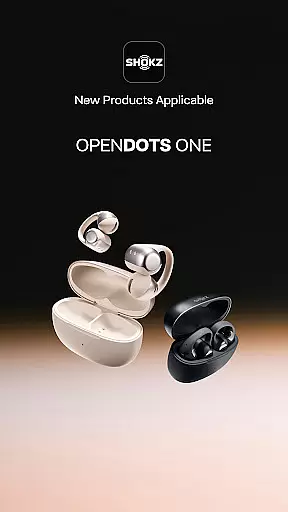
This app is ideal for users who want seamless control over their audio devices and seek an enhanced, personalized listening experience. Compatible with products like OpenRun Pro, OpenFit, and OpenSwim Pro, Shokz delivers both convenience and functionality, making it a must-have for audio enthusiasts.
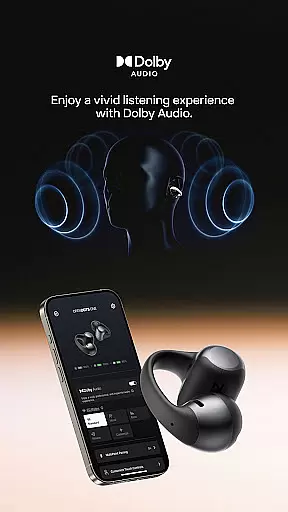
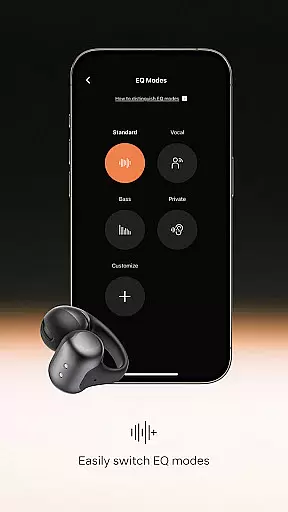
Shokz stands out with its rich and diverse feature set tailored for music and audio lovers. One of its key highlights is the advanced sound customization, which includes built-in tuning for switching between sound modes and a fully customizable equalizer. This allows users to fine-tune audio output according to their preferences, ensuring an immersive listening experience.
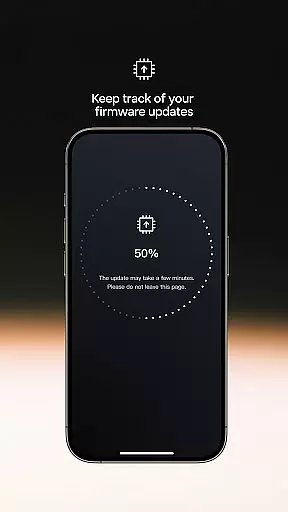
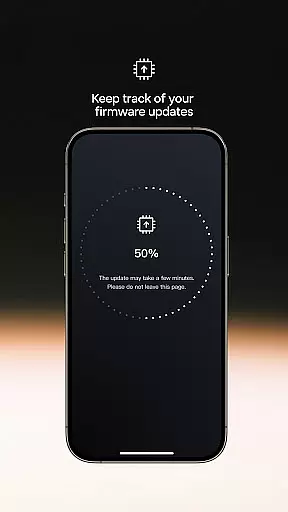
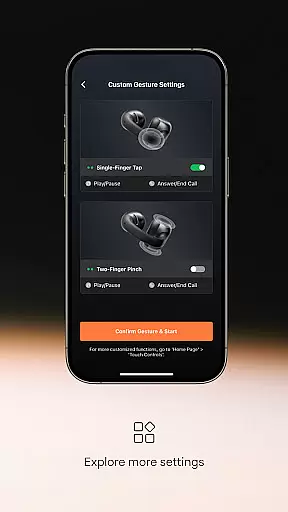
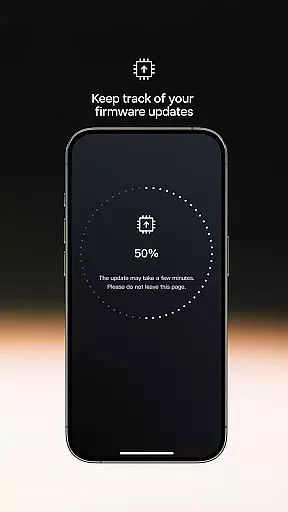
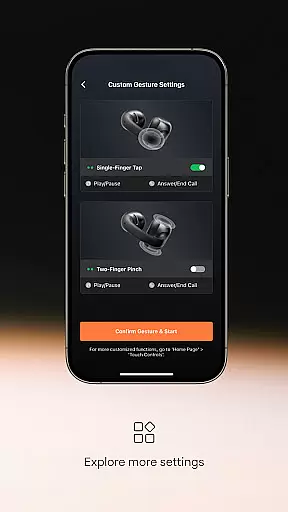
The app also offers programmable buttons, enabling users to assign frequently used functions to touch controls on their headphones. Effortless multipoint pairing is another innovative feature, allowing users to connect one pair of headphones to two Bluetooth devices simultaneously. This ensures uninterrupted audio streaming across multiple devices. Additionally, firmware upgrades are seamlessly integrated into the app, keeping your headphones up-to-date and optimized for performance.
Playback controls provide further convenience, letting users adjust volume, pause/play music, skip tracks, and select playback modes directly from the app interface. Furthermore, users can access detailed information about their headphones, including battery status, user manuals, and serial numbers, as well as explore brand-related content like the Shokz story and service policies. These features collectively enhance usability and deliver a superior audio experience.
When it comes to music applications, the size and authenticity of the music library are crucial factors that determine user satisfaction. Shokz app offers a rich and powerful sound experience with built-in tuning for easy switching between sound modes. This ensures that users have access to a wide range of music options tailored to their preferences.
The customizable equalizer feature allows users to adjust their music settings according to their liking, providing a personalized listening experience. With this level of customization, users can enjoy a diverse music library while being assured of the authenticity of the content they are accessing.
Furthermore, the firmware upgrades available through the Shokz app ensure that users always have access to the latest features and improvements. This commitment to keeping the headphones in optimal condition guarantees that users receive the best possible audio experience without worrying about outdated software or limited music selections.
Audio quality is a key consideration for any music enthusiast, and the Shokz app excels in providing various options to enhance playback controls. Users can adjust volume levels, pause/play music, skip songs, and choose different playback modes directly through the app interface. These features give users full control over their listening experience.
In addition to playback controls, the Shokz app also provides access to important information about your headphones. This includes details such as battery status, user manual, serial number, and more. By having all this information readily available within the app, users can ensure their devices are functioning optimally while enjoying high-quality audio output.
Moreover, with effortless multipoint pairing capabilities, users can connect one pair of headphones to two Bluetooth devices simultaneously. This seamless connectivity enhances convenience and flexibility when using different devices for music playback. Overall, these audio quality options make Shokz an excellent choice for those seeking superior sound performance combined with practical functionality.
Advanced sound customization
Effortless multipoint pairing
Firmware upgrade support
Programmable button options
Comprehensive device info
Limited device compatibility
No offline mode available
Occasional connectivity issues
Interface not very intuitive
High system requirements

Make music anywhere. Turn your device into an instrument.
 4.4
4.4
Offline and always ad-free - stream in the highest quality available.
4.10
Simple & Intuitive Metronome
4.70
More downloads than any other metronome. Includes drum machine & tempo trainer.
4.80
The only true audiophile music player with Hi-Fi audio rendering and DSP engine
3.90
Record, Mix & Master with all n-Track effects, 64-bit audio and Stem Separation.
4.70
Voice recorder - Audio recorder. Best recorder for recording
4.90
The official Sonos app
4.10
Master Salsa Rhythm quickly and with a lot of fun!
4.30
Your song collections with lyrics and chords on Android smartphones and tablets.
4.80
Make songs with AI! Any genre, custom lyric, song generator for music creation!
4.80
Bass Booster & Volume Equalizer Pro improves your music and video sound quality
4.60
A complete sound package for the sound engineer or enthusiast
4.60
Reverse your voice & songs instantly! Fun singing challenge with cool effects.
4.60
Play KORG’s revolutionary touch-based instrument on a variety of devices.
4.40
Offline Tunes, Unlimited Vibes
3.90
Background pads for your band
3.80
The iconic iOS metronome app is now on Android.
3.70
Control your MIDI USB or Bluetooth devices in app and avoid some trampling
3.30


User Reviews