
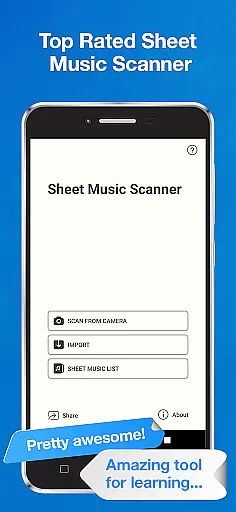
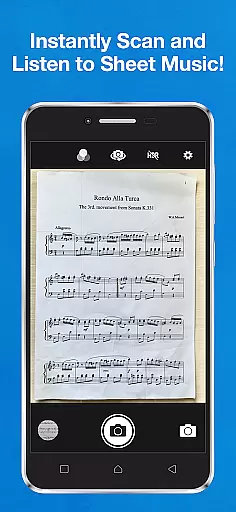
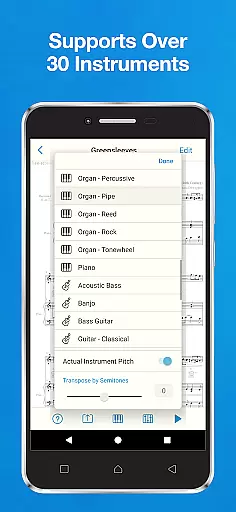
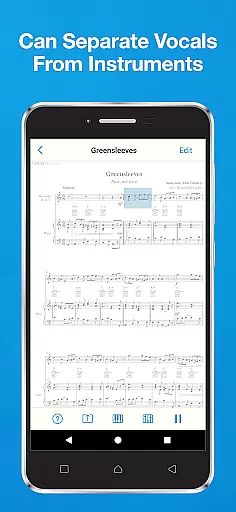
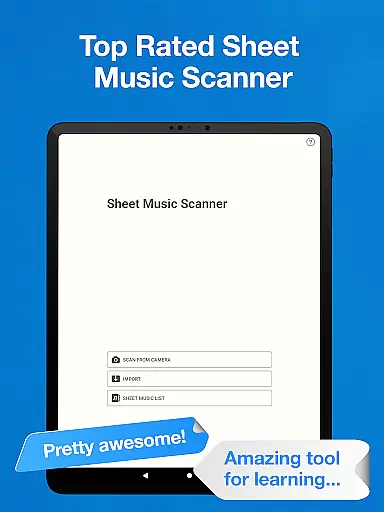
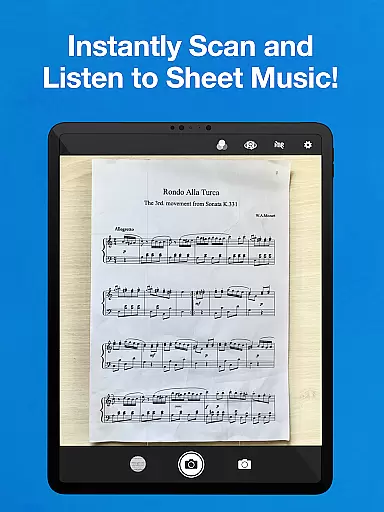
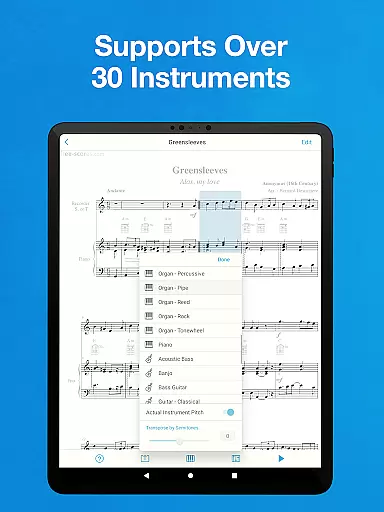
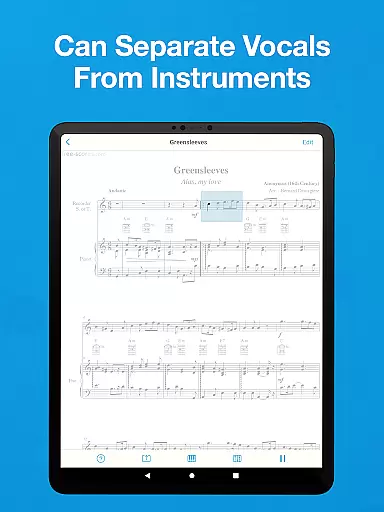
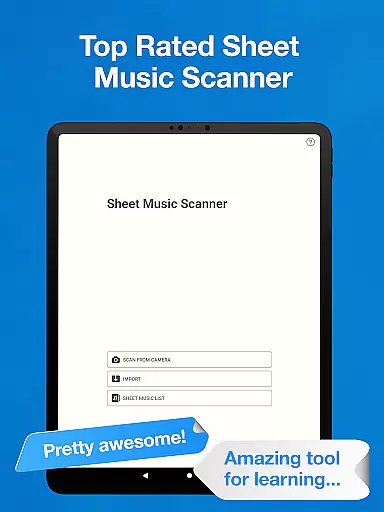
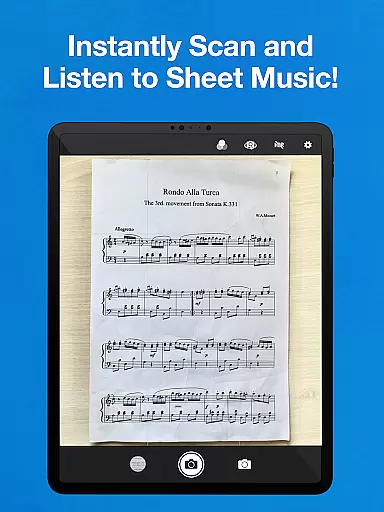
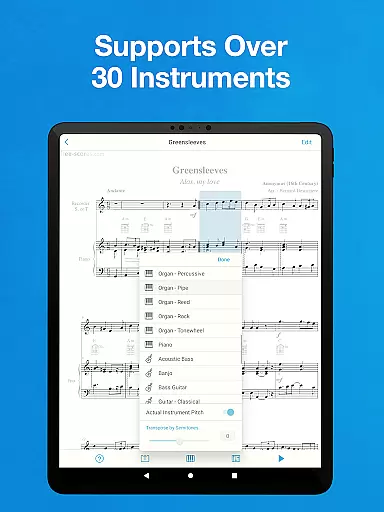
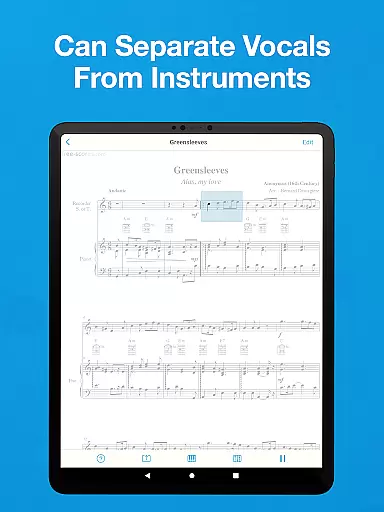
Sheet Music Scanner & Reader is a premier music application designed for musicians and learners alike. This app allows users to scan printed sheet music using their device's camera, transforming it into playable scores. With support for over 30 instruments, including piano, violin, and trumpet, the app provides an interactive way to learn and practice music.
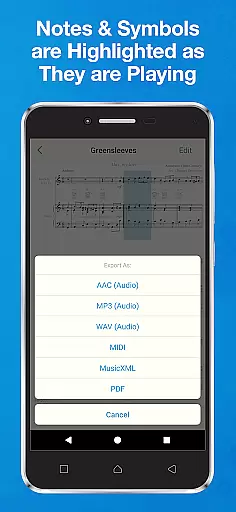
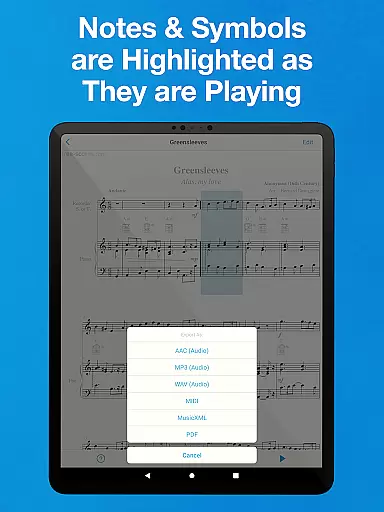
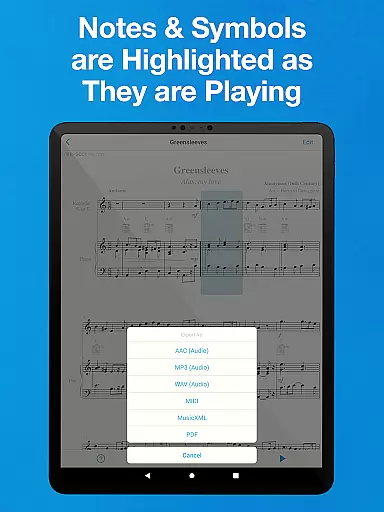
The app highlights music notes as they are played, making it an excellent tool for those wanting to understand music notation. Users can adjust playback speed, choose specific measures, and even export files in various formats such as MIDI, MusicXML, and audio types. The ability to change pitch and accommodate different instrument transpositions adds to its versatility.
Ideal for both beginners and professional musicians, Sheet Music Scanner & Reader bridges the gap between traditional sheet music and modern technology. Whether you're learning a new piece or analyzing complex compositions, this app offers valuable assistance through its innovative features and user-friendly interface.
Sheet Music Scanner & Reader boasts a comprehensive set of features that cater to a wide range of musical needs. One standout feature is its Optical Music Recognition (OMR) technology, which instantly scans and interprets printed sheet music. This functionality supports multiple clefs and symbols, allowing users to explore melodies, harmonies, and rhythms with ease.
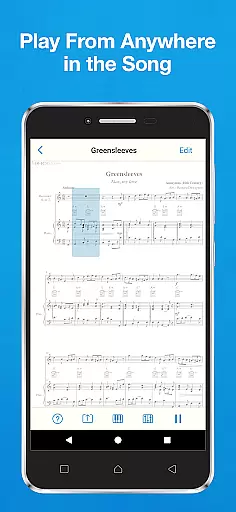
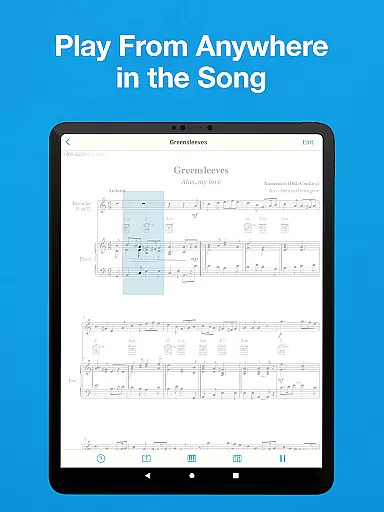
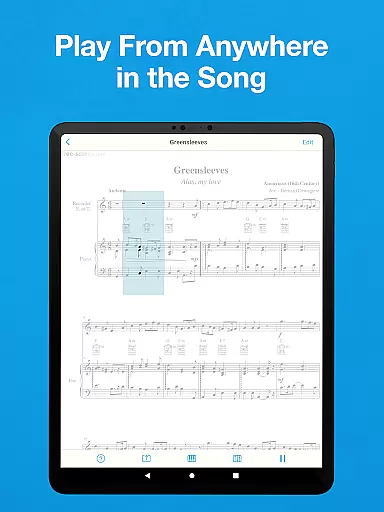
In addition to scanning capabilities, the app offers robust playback options. Users can start playback from any part of the score, with highlighted notes aiding in the learning process. The app also supports exporting scanned music into various formats, including MIDI, MusicXML, and audio files, facilitating integration with other music software and cloud storage services.
Customization is another key aspect, with adjustable playback speeds, pitch shifting, and transposition features. These tools make the app adaptable to different instruments and learning styles. Whether you're practicing alone or preparing for an ensemble performance, Sheet Music Scanner & Reader provides the flexibility and precision needed to enhance your musical journey.
Sheet Music Scanner & Reader offers an extensive virtual music library that supports over 30 instruments, providing users with a rich selection of musical scores to choose from. This vast library includes piano, violin, trumpet, flute, and many more, catering to musicians of all kinds.
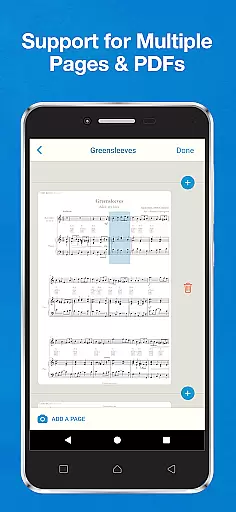
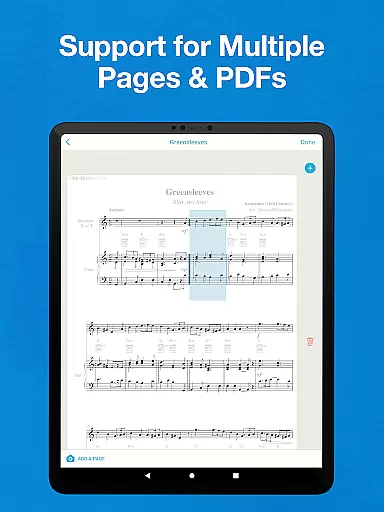
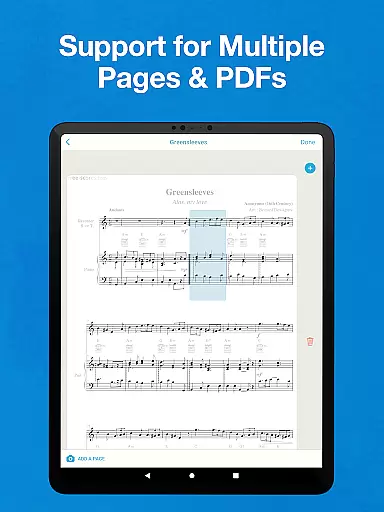
The app ensures copyright authenticity by allowing users to scan printed sheet music through the built-in camera or upload PDFs and image files. By doing so, it respects the originality and intellectual property of music composers and publishers while offering a seamless experience for learning and playing music.
Users benefit from the ability to export scanned music sheets in various formats such as MIDI, MusicXML, audio (M4A / AAC, MP3, WAV), and PDF. These files can be saved to cloud storage services like Google Drive, Dropbox, and OneDrive, ensuring that their music library is both personal and shareable.
With its optical recognition technology (OMR/OCR), Sheet Music Scanner & Reader transforms any music sheet into an interactive experience. The app highlights music notes and notation symbols as they are played, making it an excellent tool for those who wish to learn and practice music with authentic materials.
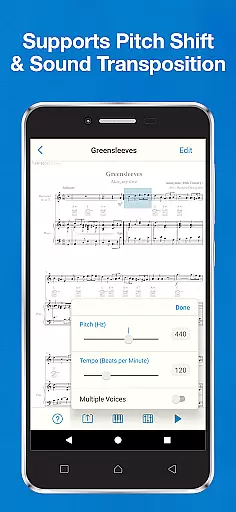
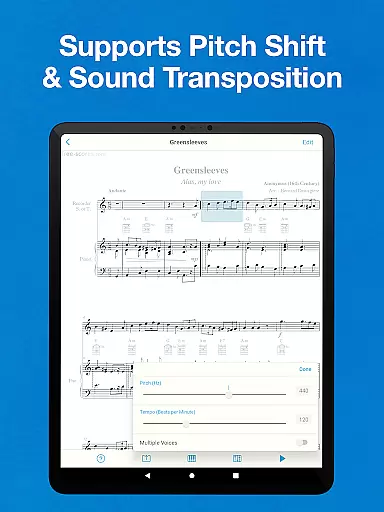
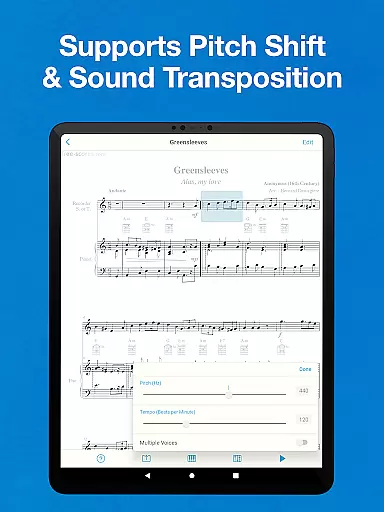
Sheet Music Scanner & Reader places a strong emphasis on audio quality, providing options that cater to audiophiles and casual listeners alike. Users can enjoy high-quality playback with adjustable speeds ranging from 50 to 330 beats per minute, accommodating different tempos and styles of music.
The app supports pitch shift and sound transposition by semitones, allowing adjustments up to two octaves up or down. This feature is particularly beneficial for transposing instruments and for musicians who need to adapt pieces to suit their vocal range or instrumental tuning.
For an even more customized experience, users can change the pitch standard based on the instrument they are using, varying from the standard 440Hz to a range of 380-480 Hz. This flexibility ensures that the audio output is always in harmony with the musician's requirements.
Whether you're a beginner learning to play an instrument or a professional perfecting your craft, Sheet Music Scanner & Reader delivers pristine audio quality that enhances the learning process. Its compatibility with a wide array of instruments makes it an indispensable tool for anyone serious about music education and performance.
Instant sheet music scanning
Supports 30+ instruments
Interactive playback feature
Export options in multiple formats
User-friendly interface design
Doesn't support handwritten sheets
Limited to standard note heads
No support for certain symbols
Older prints may not be recognized
Requires good lighting conditions

Turn your phone into a musical instrument from the future!
 3.90
3.90
Formerly known as Spotistats! View your top tracks, artists, albums and more!
4.40
Listen to live FM radio stations, sports, music and news on global radios online
4.70
Permanently backup Now Playing. Maps, filters & listening stats.
4.00
Guzheng Master supports many playing techniques as an acoustic Guzheng
4.50
A sleek, no-frills player designed for true music lovers.
4.20
Learn and play 2M+ music tabs & chords on guitar, ukulele, bass, and more
4.30
Full featured mp3 and audio player with Chromecast and Android Auto support.
4.40
Customize Your Favorite Songs and Videos with booster.
4.70
Record, Mix & Master with all n-Track effects, 64-bit audio and Stem Separation.
4.70
Over 100 million tracks available for high quality streaming and download
4.60
Taal player that lets you sing any Indian & Western song with Tabla & Tanpura
4.60
Reverse your voice & songs instantly! Fun singing challenge with cool effects.
4.60
Fun & Easy Voice Changer – Record, Edit & Add Hilarious Effects!
4.50
A synth that really lets you shape your sounds!
4.50
Help you quickly get started with Shokz headphones
4.40
Powerful 10-Band equalizer pro with sound booster improves Android audio quality
4.30
Master Salsa Rhythm quickly and with a lot of fun!
4.30
Powerful beat maker & DJ mixer to remix tracks, make music, & perform DJ mix
3.70


User Reviews