
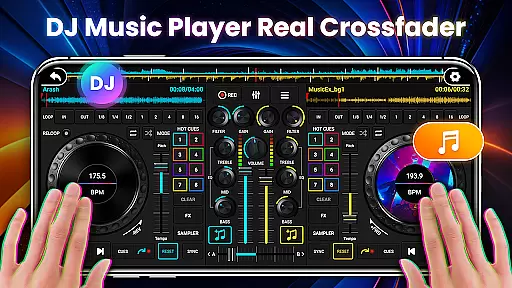
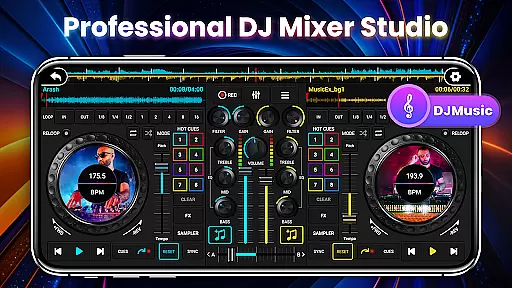
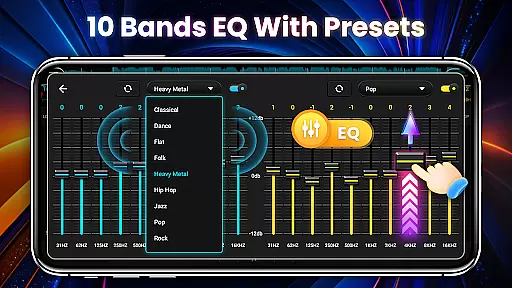
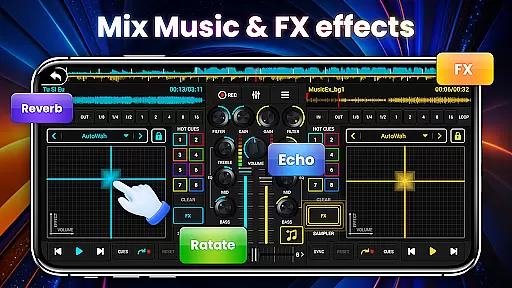
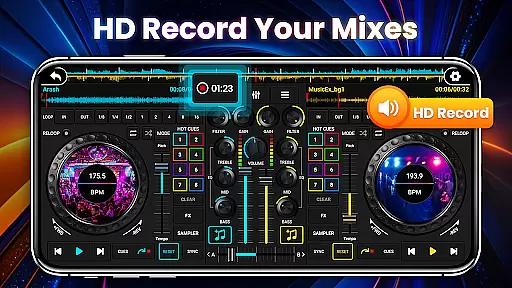
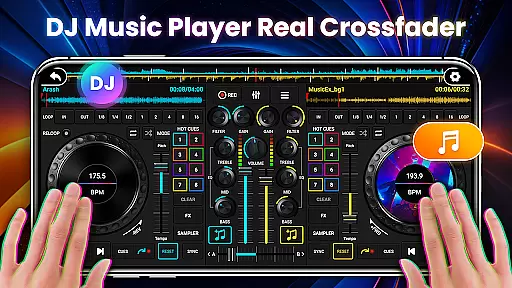
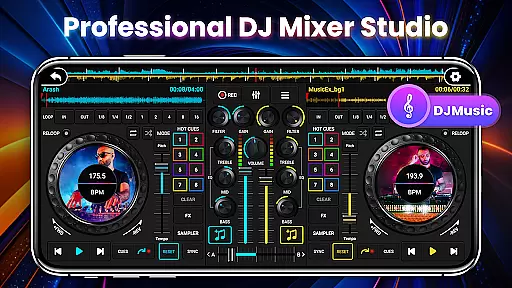
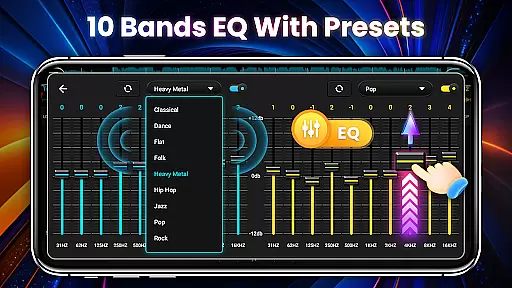
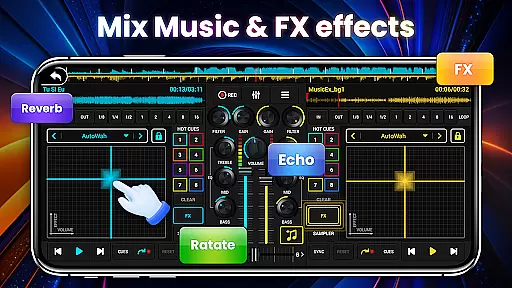
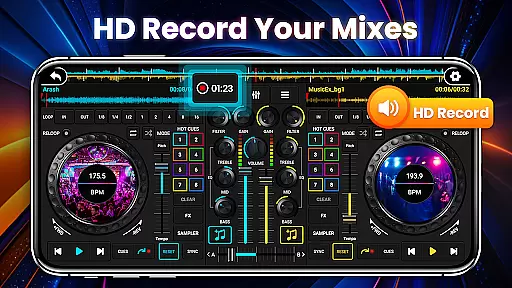
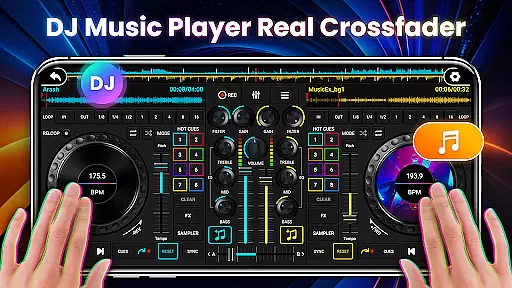
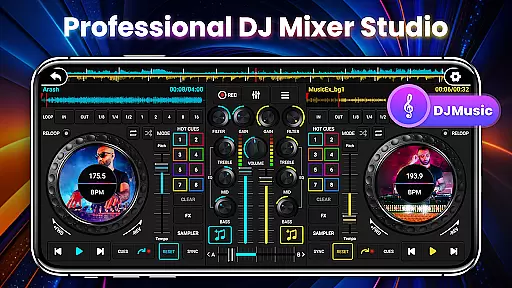
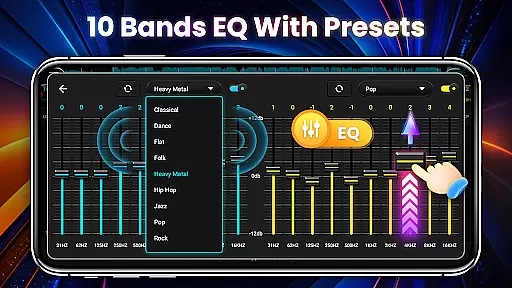
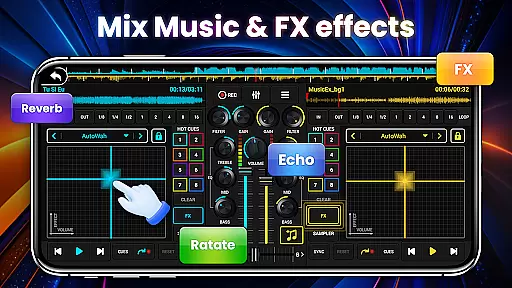
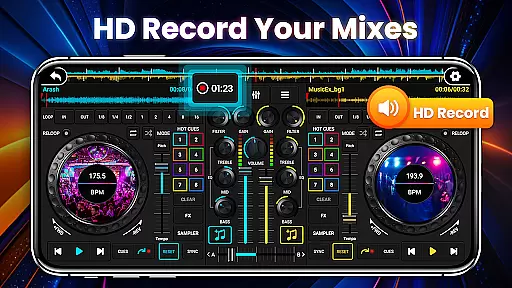
DJ Mixer Studio Pro is a professional-grade virtual DJ console designed for both beginners and experienced DJs. The app offers an immersive music mixing experience with its realistic interface that simulates real-world DJ equipment. Users can enjoy features like 3-band EQ mixer, FX effects, and a 10-band equalizer with bass booster without any ads.
The app supports simultaneous playback on two decks, allowing users to create seamless transitions and stunning remixes. With precise BPM synchronization, high and low pass filters, and crossfader functionality, it provides all the tools needed for professional-quality music mixing. Whether you're practicing basic skills or mastering advanced techniques, DJ Mixer Studio Pro delivers an engaging and interactive DJ experience.
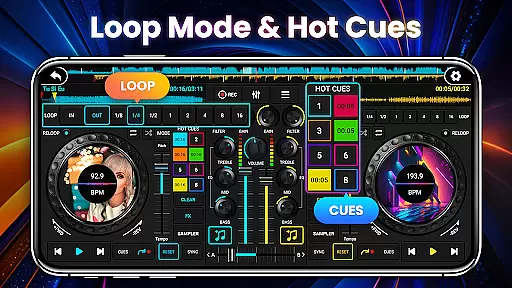
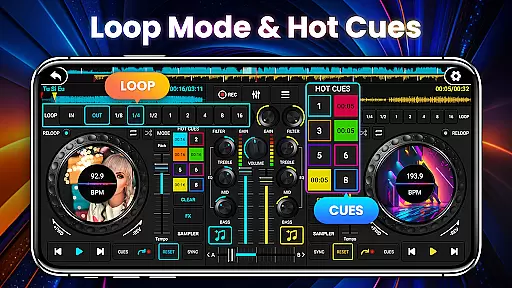
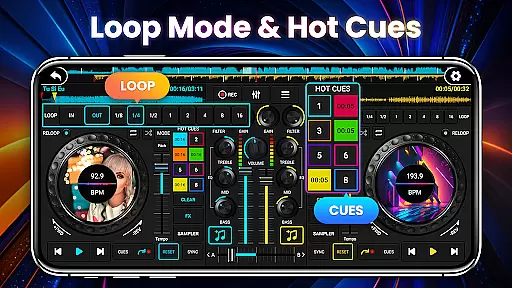
DJ Mixer Studio Pro stands out with its comprehensive feature set tailored for professional DJs. The app includes seven FX effects processors such as AutoWah, Echo, and Reverb, along with eight loop modes ranging from 1/8 to 16 beats. These features allow for intricate sound manipulation and creative mixing possibilities.
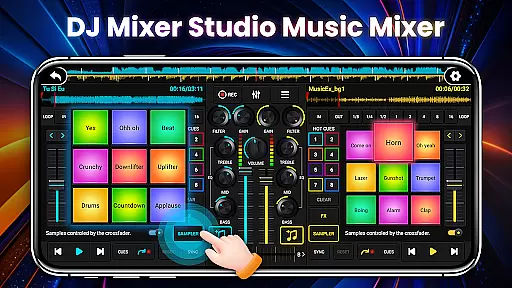
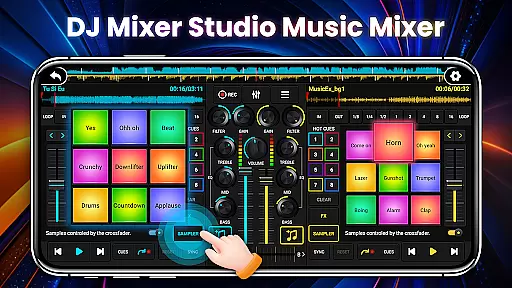
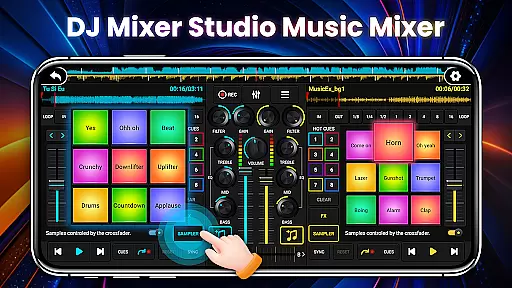
One of the key highlights is the ten-segment equalizer with precise adjustment capabilities, enabling users to fine-tune their mixes with accuracy. The app also offers 27 free sample packages with impressive sound effects, up to 8 hot cue points per track, and advanced functions like BPM proofreading and tone locking. These professional-grade tools make it easy to create polished and dynamic DJ performances.
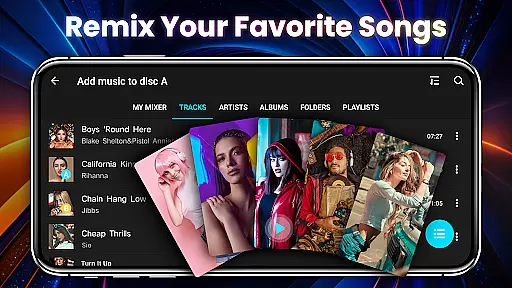
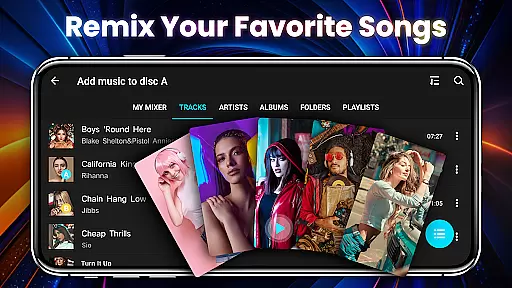
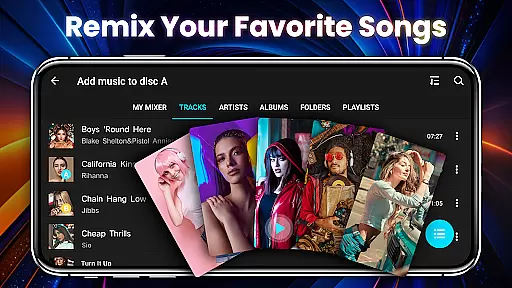
In the realm of DJ Mixer Studio Pro, users are granted access to an extensive music library that caters to all their mixing needs. This vast collection is not just about quantity but also quality, ensuring that every track is licensed and free from copyright infringements.
The application meticulously sources its music, providing a diverse range of genres and styles that inspire creativity and innovation in music mixing. Users can explore various sounds and beats, knowing that each piece is authentic and legally usable in their mixes.
Furthermore, the app's commitment to copyright authenticity means peace of mind for DJs who wish to share or monetize their creations. With verified licenses for each track, creators can focus on honing their craft without worrying about legal repercussions.
This dedication to a rich and lawful music library empowers users to experiment with confidence, pushing the boundaries of music production while respecting intellectual property rights.
DJ Mixer Studio Pro stands out by offering unparalleled audio quality options that cater to both amateur enthusiasts and professional DJs. The app provides multiple settings for adjusting sound output, ensuring crystal-clear playback at any volume level.
With advanced equalizer settings, including 10 bands EQ mixer and bass booster, users have precise control over the auditory experience. These tools allow for detailed sound shaping, enabling DJs to fine-tune every aspect of their mix with accuracy.
Moreover, the inclusion of high and low pass filters ensures seamless transitions between tracks, preserving the integrity of each song while blending them into a cohesive set. Such features are crucial for maintaining listener engagement during live performances.
Ultimately, DJ Mixer Studio Pro's emphasis on superior audio quality options elevates the standard for mobile DJ applications, making it an indispensable tool for anyone serious about music mixing.
User-friendly interface
Comprehensive FX effects
Precise EQ controls
Real-time BPM display
Professional sample library
No free version available
Steep learning curve
High system requirements
Limited customer support
Occasional performance issues

Over 100 million tracks available for high quality streaming and download
 4.60
4.60
Save hundreds of dollars for a physical strobe tuner and instead use this app.
4.50
Permanently backup Now Playing. Maps, filters & listening stats.
4.00
Network/Cloud Streaming, Visualization, Graphic Equalizer and Sound Effects.
4.20
A complete sound package for the sound engineer or enthusiast
4.60
PowerAudio is a powerful offline music player.
4.20
The iconic iOS metronome app is now on Android.
3.70
Offline Tunes, Unlimited Vibes
3.90
Customize Your Favorite Songs and Videos with booster.
4.70
24,000 free audio books and no ads!
4.90 4.70
4.70
Reverse your voice & songs instantly! Fun singing challenge with cool effects.
4.60
Ringtone Maker is free app create ringtone from music files or your recording.
4.40
Full featured mp3 and audio player with Chromecast and Android Auto support.
4.40
Your HD audio recorder on the go for music, meetings, ambience, animal sounds…
4.30
Advanced 10-Band Audio Graphic Equalizer Sound Booster Pro
4.30
Master Salsa Rhythm quickly and with a lot of fun!
4.30
Powerful beat maker & DJ mixer to remix tracks, make music, & perform DJ mix
3.70
Simple mp3 and mp4 player with advanced features.
3.40


User Reviews