
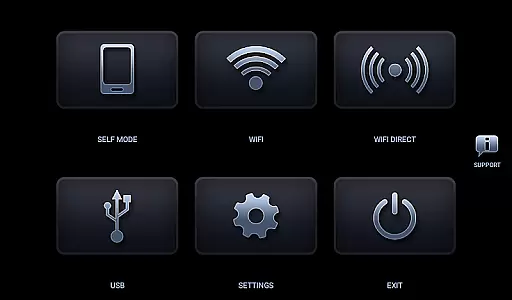
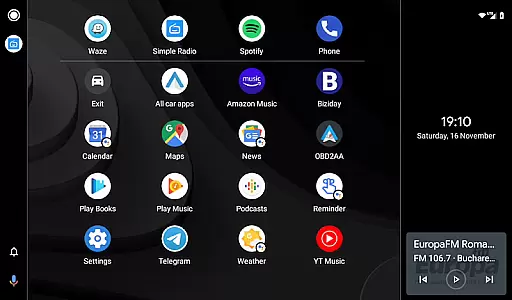
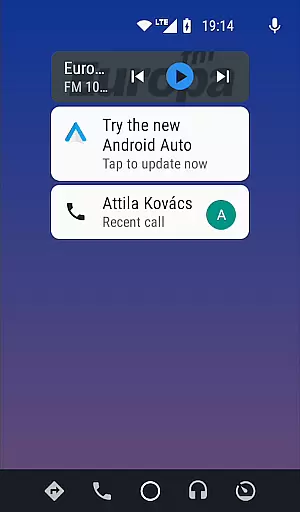
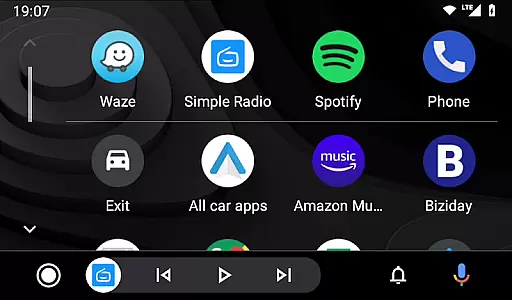

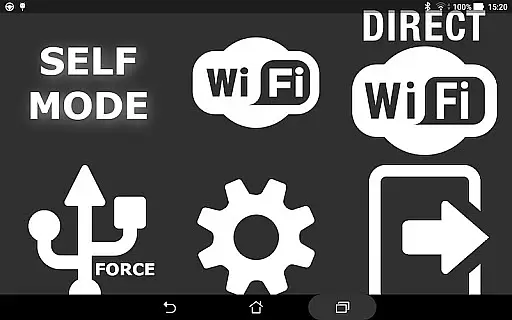
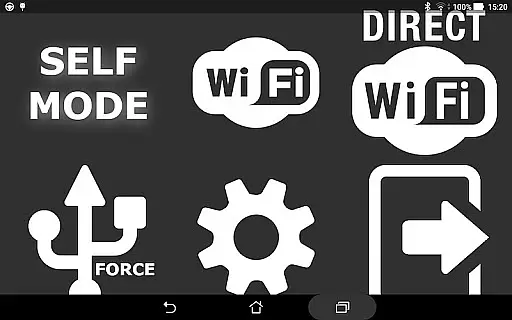
Headunit Reloaded Emulator HUR is a specialized application designed to emulate Android Auto on compatible head units. This app bridges the gap between mobile devices and car infotainment systems, allowing users to enjoy Android Auto's features directly on supported head units.
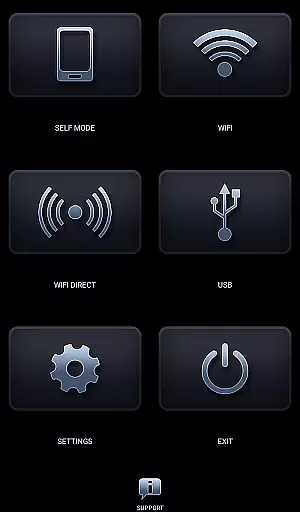
The core functionality of HUR includes USB mode for direct connection, WiFi mode for wireless operation, and Self Mode for running Android Auto on the same device. It supports various hardware configurations including Joying, Eonon, Xtrons, and other Android-powered head units, making it versatile for different vehicle setups.
This emulator is particularly useful for users who want to enhance their driving experience with modern navigation and entertainment features without needing a dedicated Android Auto device. By enabling software decoding and video playback during drive, it ensures smooth performance even in demanding conditions.
Headunit Reloaded Emulator HUR offers several distinctive features that set it apart from similar applications. The app provides multiple connection modes including USB, WiFi, and Self Mode, catering to different user preferences and hardware capabilities.
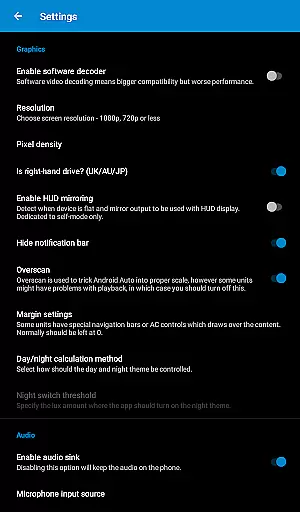
A key feature is its compatibility with various Android-powered head units such as Joying, Eonon, Grom Vline, Xtrons, PX5, and PX3 units. The application also supports RK3188 and RK3066 units, ensuring broad hardware support. Additionally, users can customize their experience through detailed settings, including software decoding options and black screen troubleshooting solutions.
The app's ability to automatically start through WiFi Launcher and its support for hardware key intents make it highly convenient for daily use. These features, combined with comprehensive FAQ and troubleshooting resources available on XDA Developers forum, ensure users can maximize their Android Auto experience across different vehicle configurations.
Map accuracy is crucial for any navigation app, and Headunit Reloaded Emulator HUR excels in this area. The application ensures precise positioning by leveraging the native GPS capabilities of your Android device.
The emulator supports a wide range of Android-powered head units, including Joying, Eonon, Grom Vline, Xtrons, PX5, and PX3 units. This compatibility ensures that users receive accurate map data regardless of their specific hardware configuration.
By allowing various connection methods such as USB, WiFi, and Self Mode, HUR maintains consistent location tracking. This versatility contributes to reliable map accuracy, whether you're using an OTG cable with a tablet or connecting through a mobile hotspot.
Users can also adjust settings like software decoding to optimize performance on different devices. These customization options help ensure that map data remains accurate even under varying driving conditions.
Effective route planning is essential for a seamless driving experience, and Headunit Reloaded Emulator HUR offers robust features in this domain. The app allows drivers to select optimal routes based on real-time traffic updates and road conditions.
With support for multiple connection modes including USB, WiFi, and Self Mode, HUR ensures uninterrupted route guidance. Users can rely on the app to provide timely directions regardless of how they choose to connect their devices.
The emulator's compatibility with various Android-powered head units enhances its route planning capabilities. Whether you're using a Joying or Xtrons unit, HUR delivers accurate and up-to-date navigation information tailored to your specific hardware.
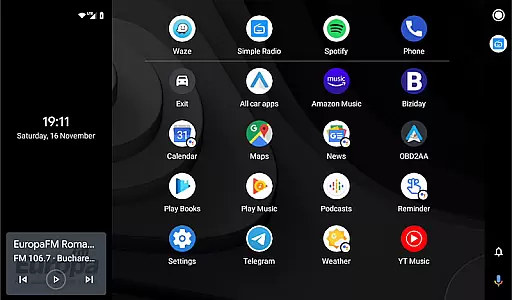
Additionally, the app's integration with Android Auto provides access to advanced routing features. Drivers can benefit from alternative route suggestions and estimated arrival times, making their journeys more efficient and stress-free.
User-friendly interface
Multiple connection modes
Broad hardware compatibility
Customizable settings
Comprehensive support resources
Requires technical knowledge
Device compatibility issues
Occasional connection problems
Limited official support
Complex setup process

Route schedules, maps, and real-time tracking of MTA buses in New York City.
 4.20
4.20
Play in the outdoors with Android as your Handheld GPS and offline topo maps!
3.50
Parcel map, property lines, owner, acres, land use, zoning and more from Regrid.
4.60
NJ TRANSIT information and ticketing at your fingertips
3.70
Gas Station & Fuel Rewards Points
3.70
Explore offline maps with radar, satellite view, and real-time alerts.
3.60
Simple & easy to use a compass app. Get accurate directions.
4.20
Track friends in real-time and explore worldwide live cameras.
4.60
Lets explore the world's famous places by using Live Cams, GPS & Satellite View.
4.20
Airport parking, with airport shuttle (TPS shuttle), reservations, and Spot Club
4.80
GPX Viewer PRO shows tracks, routes and waypoints from gpx and kml files.
4.60
Track accurate speed & distance with GPS Speedometer. Check speed limit & time.
4.50
Maps, Driving Directions & GPS navigation using directions app & GPS App
4.30
Get matched with a nearby driver — you’ll be on your way in minutes.
4.30
Get directions, Maps, GPS navigation & GPS Maps using GPS App
4.10
Use GPS Maps and GPS Voice Navigation to find your way and get directions
4.10
Get real-time bus and train schedules for easy, hassle-free city transportation.
3.90
Drive safe with real-time speed camera radar, police, and traffic alerts
3.80
Compass is an accurate compass and a great tool for any outdoor activities
4.0


User Reviews