
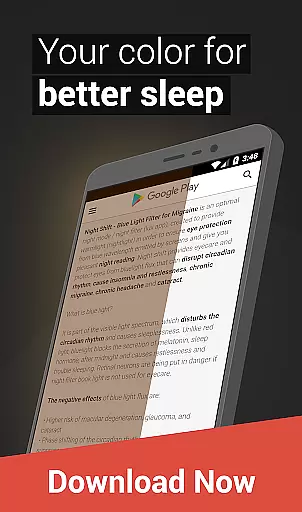
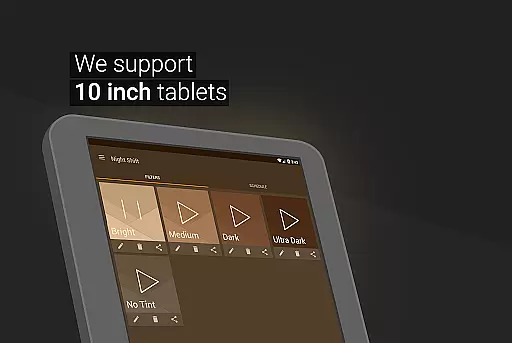
Night Shift is a comprehensive eye care solution designed to protect users from the harmful effects of blue light exposure during nighttime device usage. This Health & Fitness app serves as an essential tool for anyone looking to improve their sleep quality and maintain good eye health.
The application's core functionality revolves around its ability to filter blue light, reduce screen brightness below system minimums, and provide customizable display options. These features work together to create an optimal viewing experience that minimizes eye strain and helps prevent potential vision problems.
Users can particularly benefit from Night Shift when working late at night or using their devices in dark environments. The app's intelligent scheduling system automatically adjusts display settings based on user-defined preferences, making it an indispensable tool for maintaining both productivity and health.
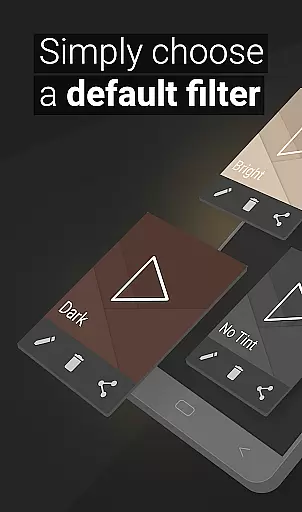
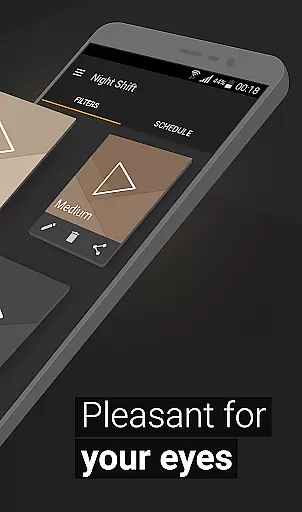
Night Shift distinguishes itself through a robust set of features designed to enhance user comfort and eye protection. The app offers premade filters alongside advanced customization options, allowing users to create personalized blue light filters that suit their specific needs.
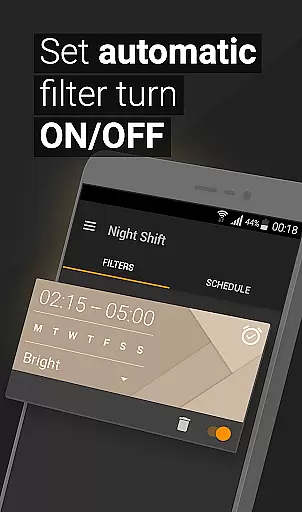
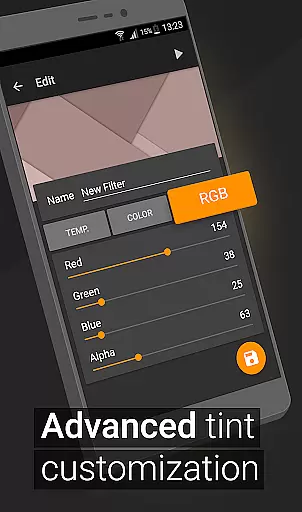
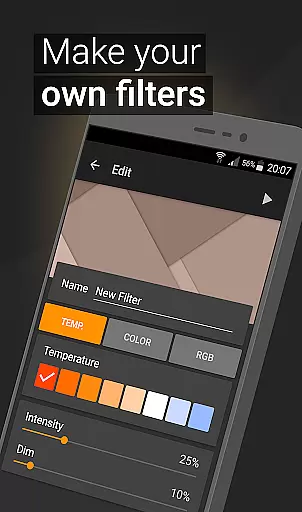
One of the application's standout capabilities is its comprehensive customization system. Users can adjust color temperature, intensity, and RGB values with precision. This level of control enables the creation of optimal viewing conditions for various activities, whether reading, gaming, or browsing. The app also includes an innovative automatic scheduling feature that activates the night mode based on user-defined times.
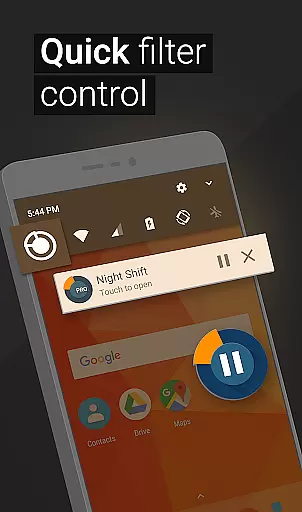
The implementation of Accessibility Service further enhances the app's functionality by enabling notification and lock screen filtering without compromising user privacy or data security. This thoughtful design approach ensures that users receive continuous protection while maintaining complete control over their personal information.
In the realm of eye care and sleep improvement, Night Shift stands out by offering personalized planning tailored to individual needs. This feature allows users to customize their screen's light settings according to specific times and activities.
By utilizing premade filters and customizable options for temperature, color, and RGB settings, users can create a unique night mode that adapts to their daily routines. This ensures that whether you're reading, gaming, or browsing at night, your eyes are protected from harmful blue light.
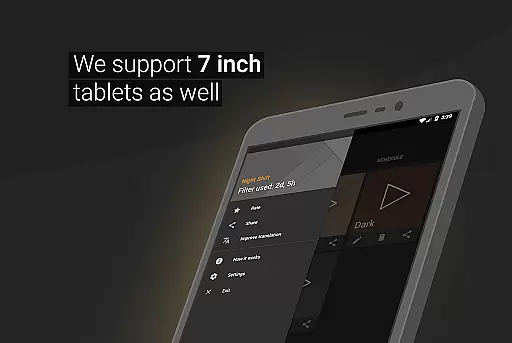
The automatic filter schedule further enhances this personalization by enabling users to set specific times for their chosen filters to activate. This means your device will automatically adjust its display settings without any manual input, ensuring continuous protection.
Ultimately, personalized planning in Night Shift not only helps reduce headaches and insomnia but also contributes significantly to maintaining good eye health. By tailoring these settings to fit your lifestyle, you ensure optimal care for your vision around the clock.
Night Shift provides an essential feature known as progress visualization, which is crucial for tracking improvements in sleep patterns and eye health over time. This tool empowers users with insights into how effectively they are managing their exposure to blue light.
Through detailed analytics and feedback mechanisms within the app, users can monitor changes in their sleep quality and overall well-being. The ability to visualize progress serves as a motivational factor, encouraging consistent use of the app's protective features.
Moreover, by observing trends and patterns through progress visualization, individuals can make informed decisions about adjusting their screen time habits or tweaking filter settings for better results. This data-driven approach fosters a proactive attitude towards maintaining ocular health.
With clear indicators of improvement or areas needing attention, Night Shift transforms simple usage statistics into actionable insights. Users gain a comprehensive understanding of how small adjustments lead to significant benefits, reinforcing the importance of sustained eye care practices.
Effective blue light filtering
Customizable display options
Automatic scheduling system
Comprehensive eye protection
User-friendly interface
May affect color accuracy
Requires regular adjustment
Initial setup time needed
Limited daytime functionality
Premium features locked behind paywall

The app helps you address digestive symptoms based on the Fast Tract Diet.
 3.50
3.50
Effortlessly and naturally release anxiety by harnessing the power of your brain
4.60
Get alert about getting out of desired heart rate zone.
4.10
Using Recognise™ has been shown to reduce pain and improve performance
4.4
The OFFICIAL Couch to 5K® running training app! A 9 week walk-run workout plan.
4.50
Turn your steps into cash, gift cards & rewards with our step counting pedometer
3.80
FODMAP, Gluten, Allergy, Vegan
4.50
Fast Body building & Weight Loss. Home Workouts with Daily Coach, No Equipment.
4.30
Lazy home workouts with your virtual fitness coach for weight loss.
4.30
Show your support for the development of FitNotes - Gym Workout Log
4.90
Protect your healthy sleep
4.80
This is an application that serves as a companion app for smart watch.
4.20
Looking to take control of your health? Our psychology-based programs can help.
4.10
Create powerful subliminal audio with custom affirmations and background music.
4.00
Your Health Has Met Its App (℠)
3.90
Find Paid Clinical Trials In Your Area
3.70
Dexcom G7 Continuous Glucose Monitoring
3.70
Enjoy the Gluten Free living with the best app. SCAN the barcodes & SEARCH.
3.60
GloryFit is a companion app for the smart bracelet.
3.60


User Reviews