
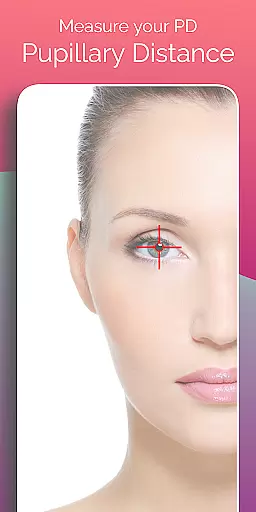
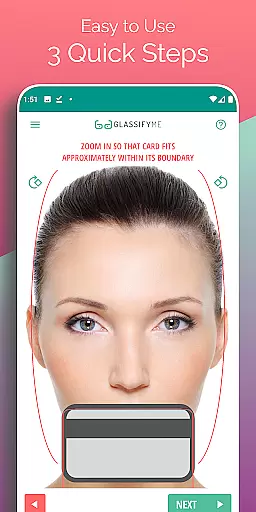
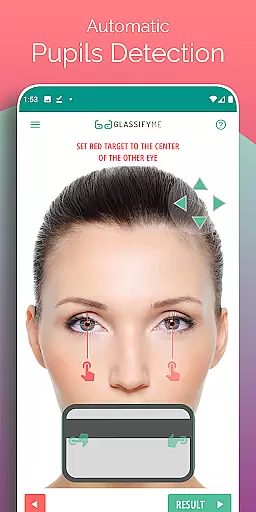
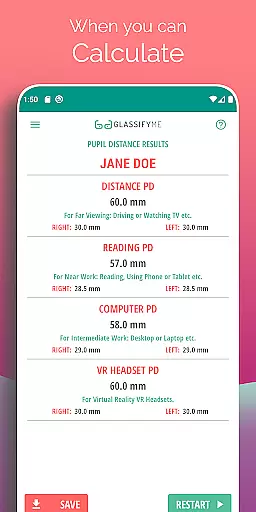
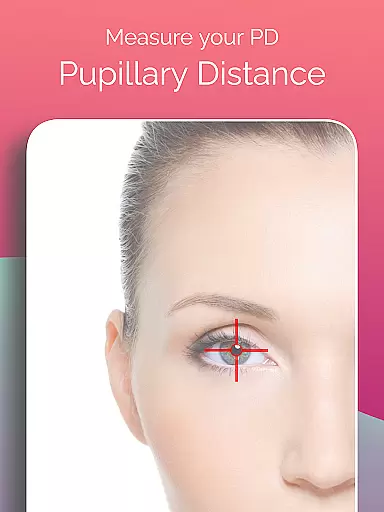
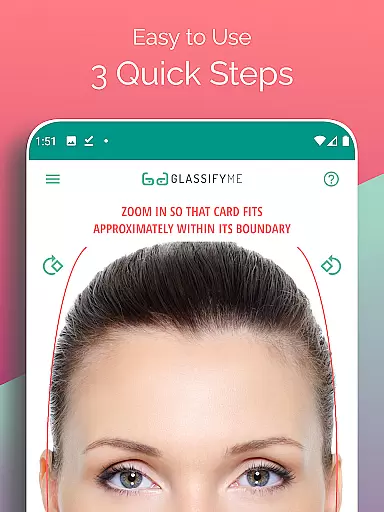
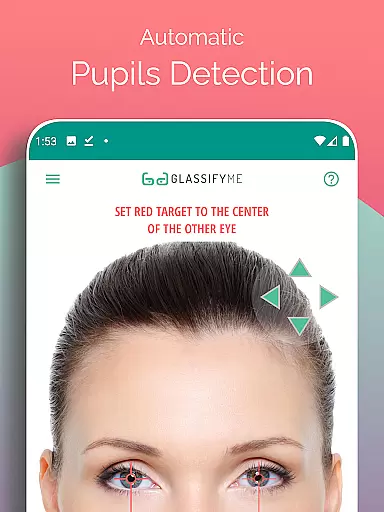
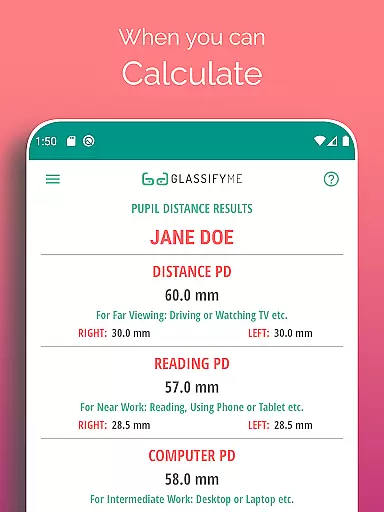
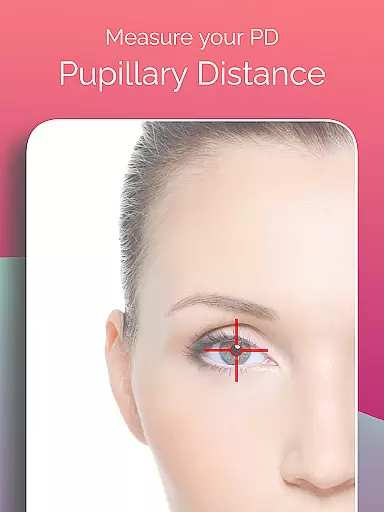
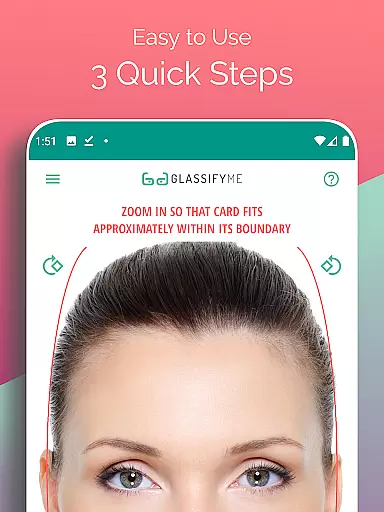
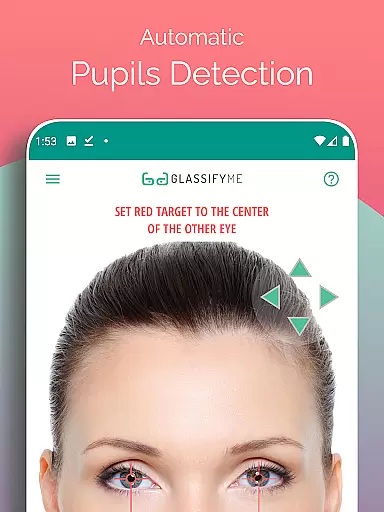
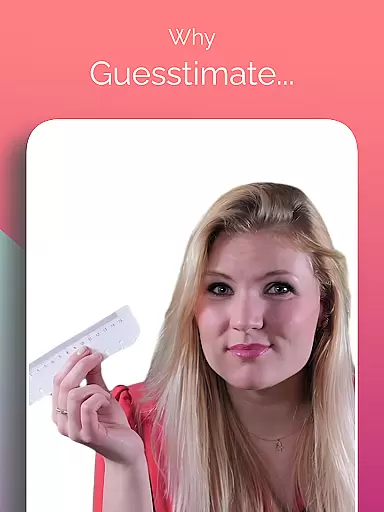
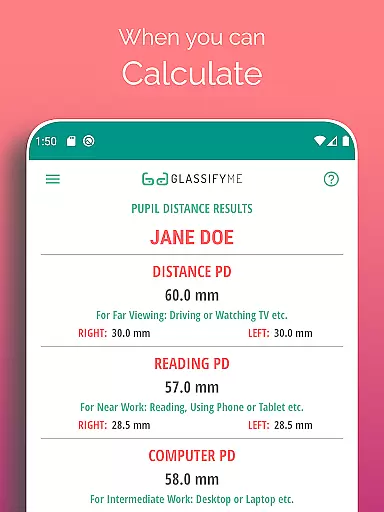
Pupil Distance PD Glasses & VR is a leading health and fitness application designed to accurately measure your Pupillary Distance (PD). This crucial measurement, essential for prescription glasses and VR headsets, is captured using advanced algorithms that automatically detect your eyes and pupils. By simply taking a picture with a standard-sized card, users can quickly obtain precise PD measurements in millimeters.
The app stands out through its innovative approach to eye measurement, offering both Distance and Reading PD modes. Whether you're taking a selfie or importing an image from your gallery, the app's intuitive design ensures accurate results every time. Its ability to assist in proper vision correction makes it an invaluable tool for anyone requiring precise eyewear fittings.
This Health & Fitness app offers several notable features that enhance user experience. First, its advanced algorithm automatically detects pupil positions and calculates the distance between them with remarkable accuracy. The app supports multiple methods of capturing images - users can take a new photo, have someone else take their picture, or import existing photos from their gallery.
Another key feature is its dual-mode functionality, allowing users to measure both Distance PD and Reading PD. The app also includes detailed video tutorials and comprehensive guidance throughout the measurement process. Additionally, it maintains privacy by not requiring any personal information beyond the basic photo input, making it a secure solution for managing your optical measurements.
Personalized planning in the context of measuring Pupillary Distance (PD) involves tailoring the measurement process to suit individual needs. The PD Meter App by GlassifyMe offers a customized approach to determining your PD, which is crucial for prescription glasses and VR headsets.
The app's advanced algorithm automatically detects your eyes and pupils, providing a bespoke experience that adapts to each user's unique facial structure. This ensures that whether you are taking a selfie, asking a friend to take your picture, or importing a photo from the gallery, the app adjusts its calculations accordingly.
Users benefit from this personalized planning as it simplifies what could be a complex optometric procedure into an accessible, at-home solution. By following three quick steps, users can measure both their Distance and Reading PD with precision.
This level of personalization not only makes the process more efficient but also enhances comfort and accuracy when using prescription glasses or engaging in virtual reality experiences. With PD Meter App, individuals receive tailored results that cater specifically to their visual requirements.
Progress visualization within the PD Meter App provides users with clear insights into their pupillary distance measurements. As PD is a critical factor for proper vision correction and optimal VR headset alignment, being able to see and understand these metrics visually can greatly enhance user comprehension.
Upon capturing an image, the app processes the data and presents it in an easily digestible format. Users are not just given numbers; instead, they receive visual feedback that helps them grasp how their PD will affect their eyewear or VR experience. This feature demystifies the technical aspect of PD measurement through graphical representation.
The advantage of such visualization is two-fold: it empowers users by making information more accessible, and it allows for quick verification of accuracy before proceeding with purchasing decisions. If there's any discrepancy, users can immediately identify and rectify it.
Ultimately, progress visualization stands out as a key component of the PD Meter Appu2019s value proposition. It transforms raw data into meaningful visuals, ensuring that users have confidence in their measurements and can make informed choices regarding their optical and virtual needs.
User-friendly interface
Accurate measurement results
Multiple capture options
Comprehensive tutorial support
Privacy-focused design
Requires reference card
Limited to optical use
Internet connection needed
Premium features locked
Occasional detection errors

SportWerks - Workout Tracker for Wear OS Watches
 3.90
3.90
Your Health Has Met Its App (℠)
3.90
The Wear OS BeechBand app is designed to alleviate anxiety and other conditions
4.4
Relax to calm sounds, white noise, music, guided meditation and bedtime stories
4.40
Control your sleep in real-time wearing Garmin device
3.60
Pack of 66 calming lullabies for smooth fall asleep and relaxation
4.10
Easy reconstitution calc for mixing peptides and creating protocols
4.70
Pupillary distance PD with camera quick and easy, checking glasses frames on you
3.70
Step Counter, track steps when you walk or run
4.70
Meditation app, head space app provides calm music to help you meditate & sleep
5.00
A brain game that moves you
4.70
Load the bar with this barbell & plate calculator. It's leg day, not brain day!
4.70
Your AI pet BFF. Talk, play, and beat anxiety in this calming game.
4.60
Chair Workout: Women's Edition for safe, flexible, and personalized fitness.
4.40
“Overcoming pain based on EMDR” helps you to alleviate chronic pain and stress.
4.10
Monitor, analyze, track, and convert blood sugar & help you control diabetes.
4.10
Enjoy the Gluten Free living with the best app. SCAN the barcodes & SEARCH.
3.60
HRV4Training helps you optimize goals and improve performance. No sensors needed
3.30
Measure real-time wrist & ambient temperature with your Galaxy Watch (Wear OS)
3.20


User Reviews