
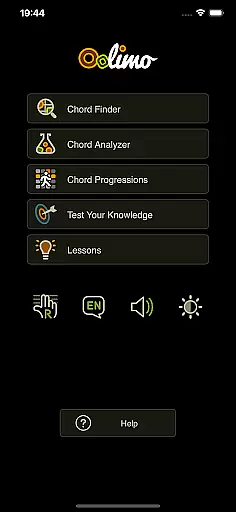
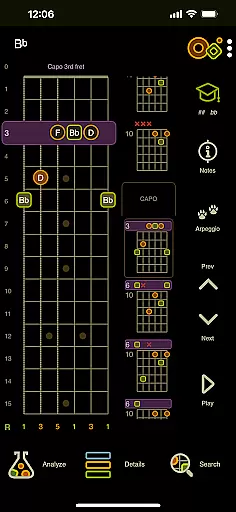
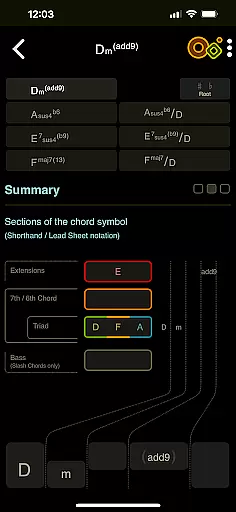
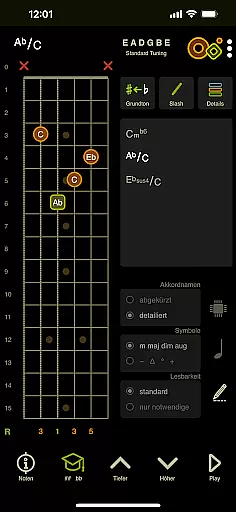
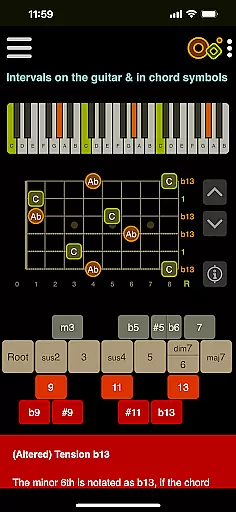
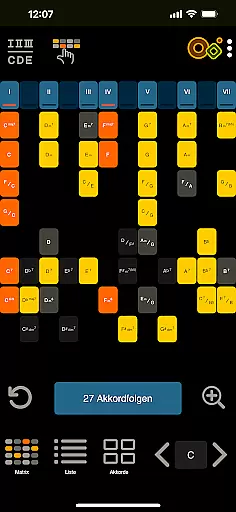
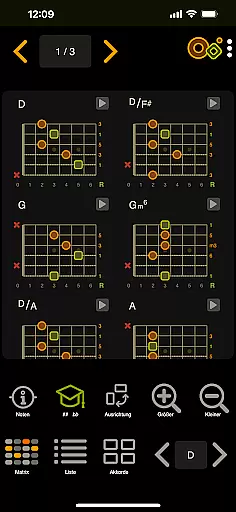
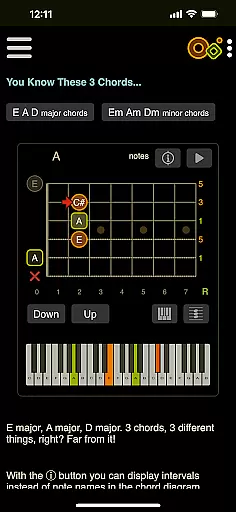
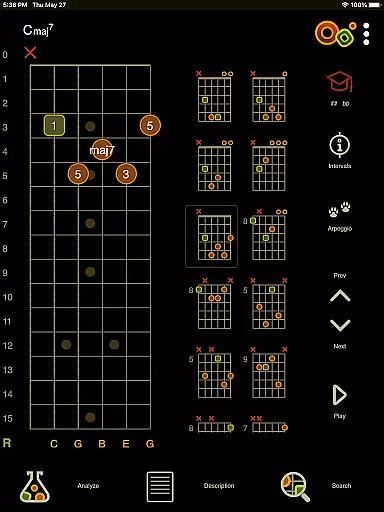
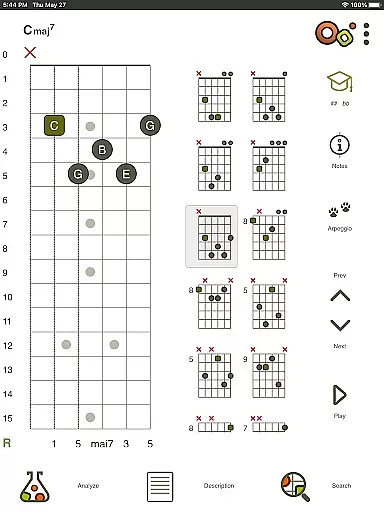
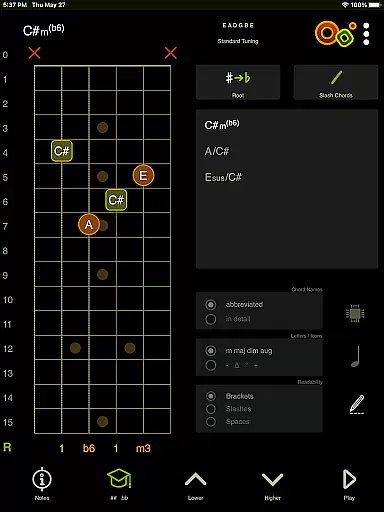
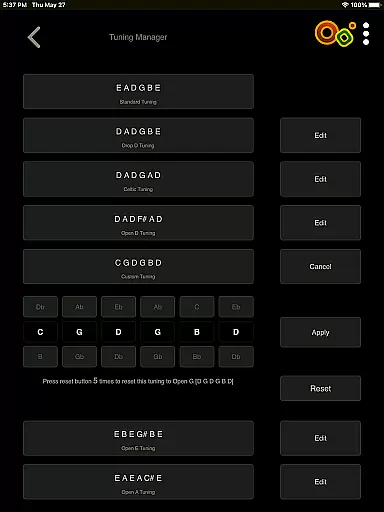
Oolimo Guitar Chords is an innovative educational app designed to deepen your understanding of guitar chords and harmonic relationships. This interactive learning tool goes beyond basic chord charts, offering a structured approach to mastering chord theory through its curated database of usable voicings and intelligent transposition algorithms.
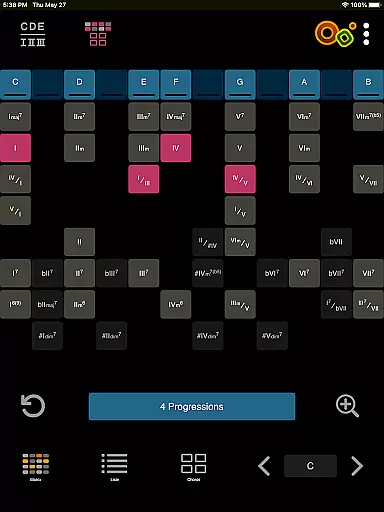
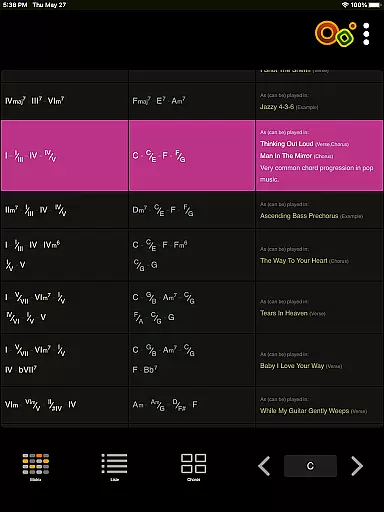
The app's core modules include a sophisticated Chord Finder, an accurate Chord Analyzer supporting various tunings, and an intuitive Chord Progression matrix that visualizes harmonic functions. With 22 interactive theory lessons and engaging quizzes, Oolimo transforms complex musical concepts into easily digestible content that benefits both beginners and experienced players.
Whether you're practicing in your studio or learning on the go, Oolimo's comprehensive features like playback functionality, interval display, and multiple viewing modes make it an invaluable companion for guitarists seeking to elevate their musical knowledge and skills.
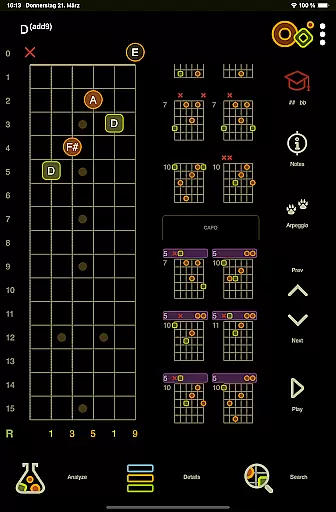
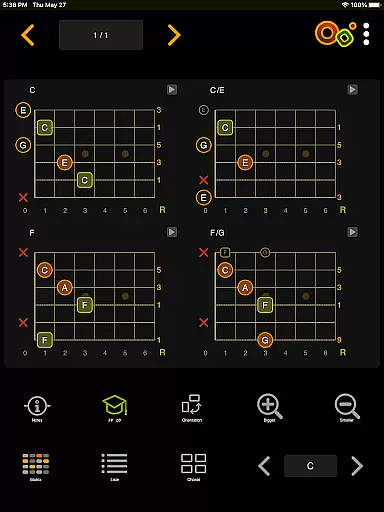
Oolimo distinguishes itself through its meticulously designed features that cater to guitar enthusiasts' educational needs. The app's Chord Finder utilizes a manually curated database combined with intelligent algorithms to provide contextually relevant chord suggestions that adapt to your selected key.
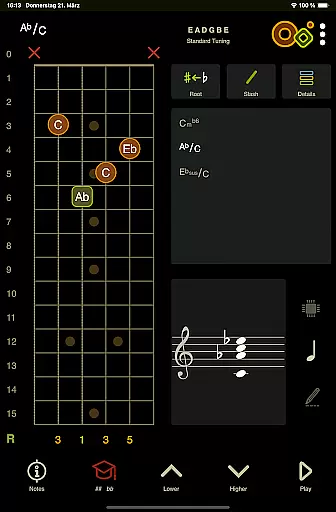
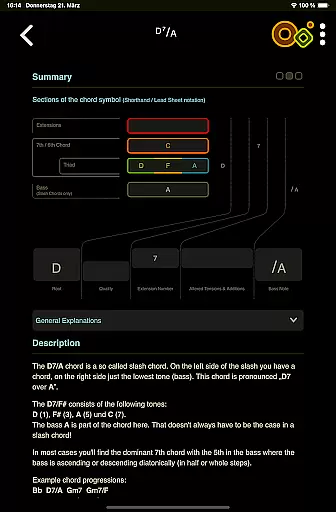
The Chord Analyzer demonstrates exceptional accuracy by instantly recognizing any fingering on its virtual fretboard, while supporting both standard and open tunings. Its advanced notation system handles complex musical elements like slash chords and double accidentals, displaying results on the staff for better visualization.
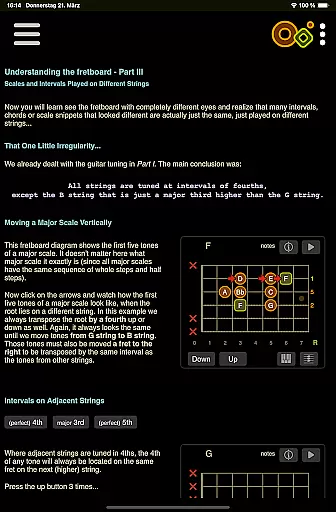
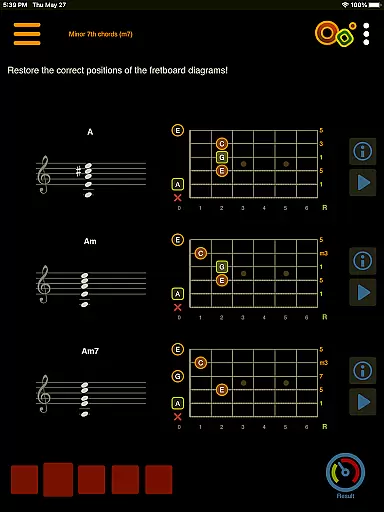
Unique to Oolimo is its innovative approach to teaching through interactive theory lessons and quizzes. The app's 22 lessons incorporate smart visualizations to explain complex concepts, while the quiz system trains both theoretical knowledge and practical ear training. Additional features like day/night mode, left-handed support, and multilingual interface further enhance its usability across different user preferences and environments.
When it comes to learning guitar chords, the accuracy and authority of the content are paramount. Oolimo Guitar Chords offers a meticulously curated database of chord voicings that ensures every piece of information is both reliable and educationally sound. The app's creator, Oliver Mochmannu2014a guitarist and developeru2014has infused his expertise into a system that doesn't just show how to play chords but explains why they work within musical contexts.
The app's Chord Finder and Analyzer modules exemplify this commitment to precision. With intelligent algorithms backing a manually selected array of usable voicings, users can explore chords that make musical sense, adapting automatically to any selected key. This feature not only aids in accurate learning but also enhances the understanding of harmonic relationships on the guitar.
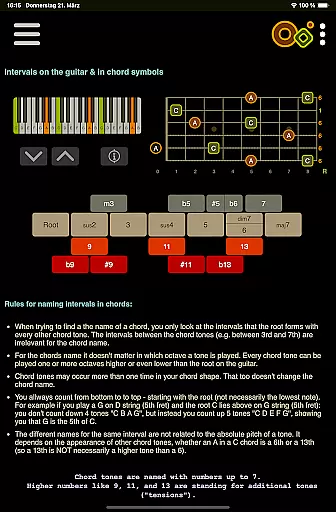
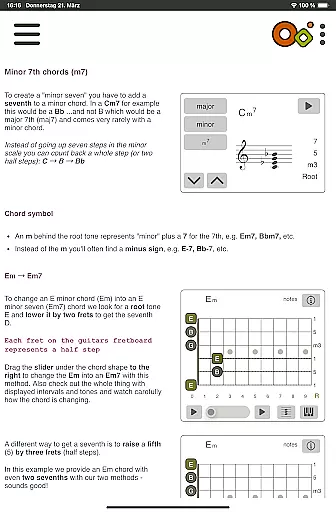
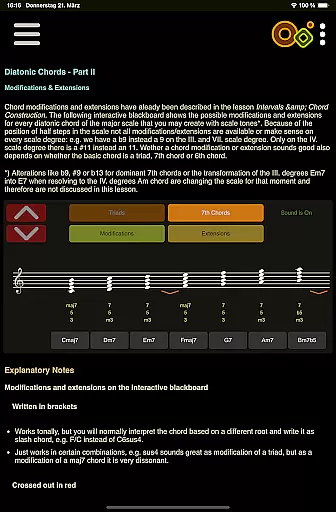
Furthermore, Oolimo includes 22 interactive theory lessons with smart visualizations covering essential topics such as intervals, chord construction, and diatonic harmony. These lessons provide clear explanations that help demystify complex concepts for players at all levels. By grounding its teachings in real-world theory and practical application, Oolimo transforms abstract music theory into tangible skills.
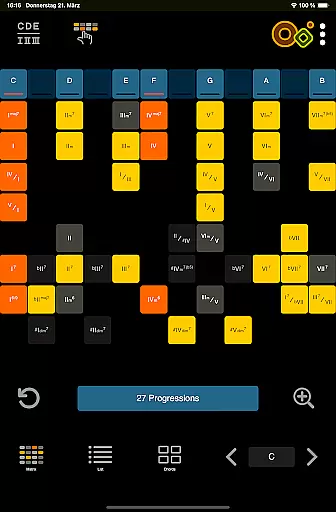
Oolimo Guitar Chords distinguishes itself by offering personalized learning paths tailored to individual progress and preferences. Through its innovative matrix for exploring chord progressions, users can visualize harmonic functions and relationships, which is crucial for developing a deeper understanding of music theory. This matrix allows learners to practice common progressions across different keys and contexts, effectively customizing their educational journey based on personal interests or areas needing improvement.
In addition to structured lessons, Oolimo features quizzes designed to test knowledge and train the earu2014an integral part of personalized learning experiences. Covering topics from chord construction to harmonic context, these quizzes adapt to each useru2019s level, providing challenges that are neither too easy nor overwhelmingly difficult. Such adaptive testing ensures continuous engagement while reinforcing learned material through active recall.
Moreover, the app supports various modes including day/night mode and left-handed mode adjustments alongside multiple language options like German, English, and Spanish. These customization features ensure accessibility for diverse learners worldwide, making Oolimo an inclusive tool for anyone looking to master guitar chords at their own pace with guidance tailored specifically for them.
Comprehensive chord database
Accurate chord analysis
Interactive learning modules
Intelligent transposition
Multilingual support
Steep learning curve
Premium price point
Complex interface
Limited advanced tunings
No video tutorials

Turn scrolling hours into improving your knowledge, communication, intelligence
 4.50
4.50
Universe simulator: Find & explore planets system, outer space, astronomy events
4.60
The official CCM Glossary app, including 700+ terms and definitions.
2.90
Your best partner for learning Japanese words. Based on a best-selling textbook.
2.90
The Fighter Verses Bible memory system helps you memorize God's Word.
4.50
Explore the City of the Sun in Augmented Reality
3.70
An aviator’s preparation, study and test tool for FAA Knowledge Exams.
4.30
Learn to make peaceful contact with extraterrestrial civilizations
4.10
Memorize anything efficiently with AnkiDroid! Many pre-built decks available.
4.80
Learn Words Daily in Just Minutes - Boost Your Language Skills Fast!
4.60
Monkey Preschool Lunchbox: 7 exciting educational games for your preschooler.
4.30
Build math skills in: addition, subtraction, multiplication and division.
4.10
Break Language Barriers with AI—Learn Language Anytime, Anywhere!
4.00
An aviator’s preparation, study and test tool for FAA Knowledge Exams.
4.00
FAR/AIM, FAR for Flight Crew and FAR for Aviation Maintenance Technicians
3.80
An aviator’s preparation, study and test tool for FAA Knowledge Exams.
3.80
Your best partner for learning Japanese words. Based on a best-selling textbook.
2.80
Hasbro’s classic CANDY LAND game is now a gorgeous interactive storybook app.
2.30
A 2024 digital study guide for the Expert Infantryman and Expert Soldier's Badge
4.0


User Reviews