

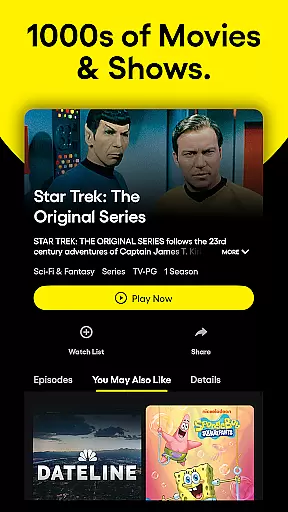
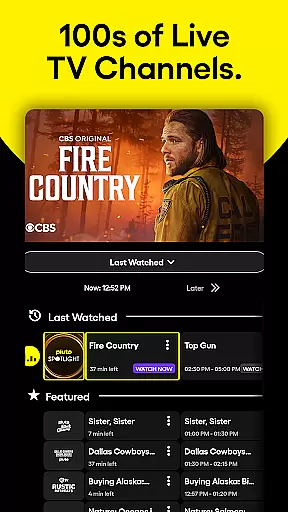
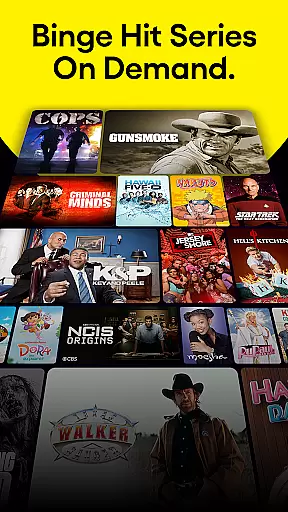




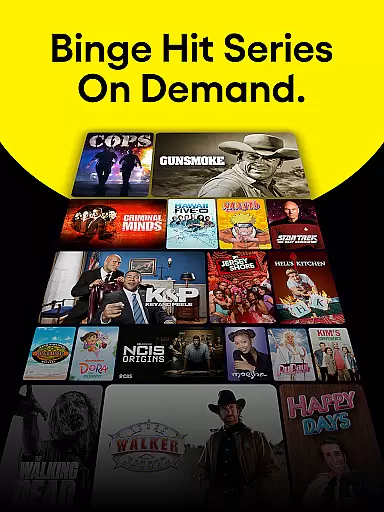

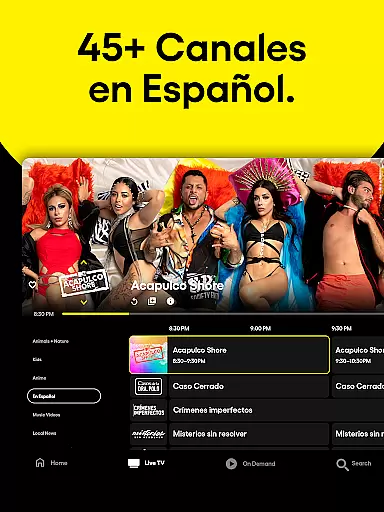
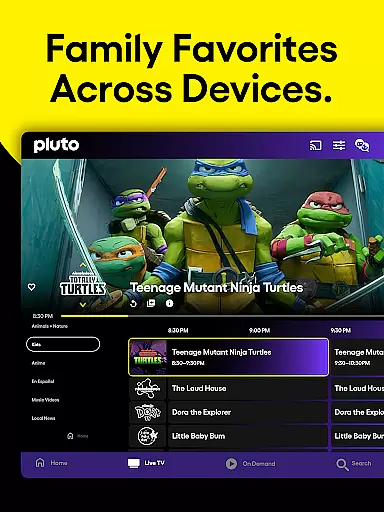
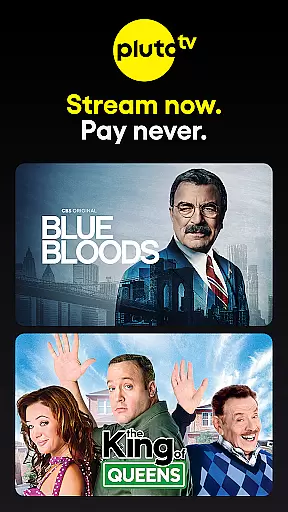
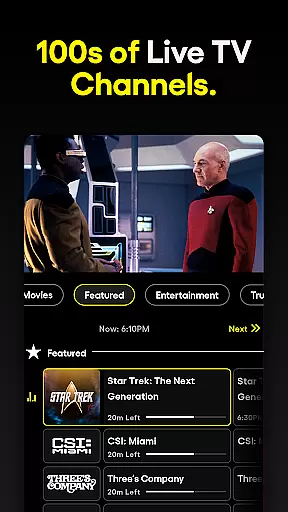
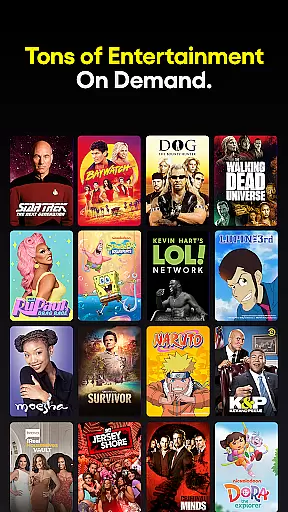


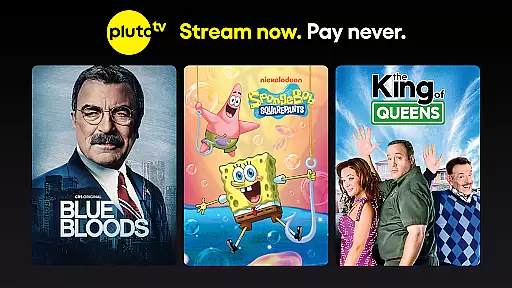
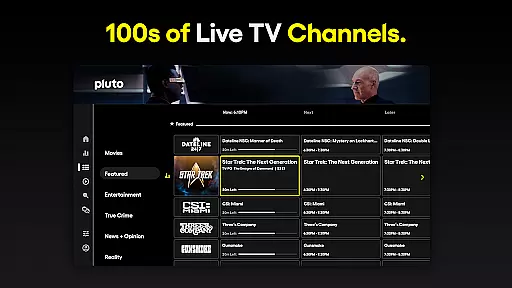
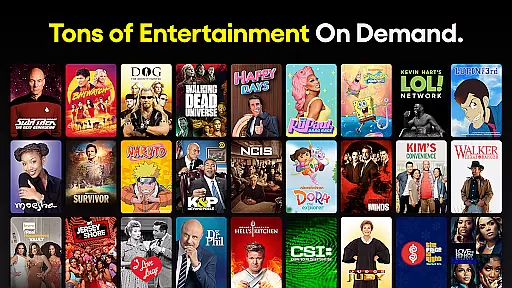
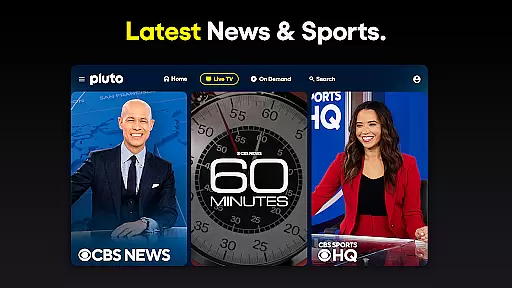
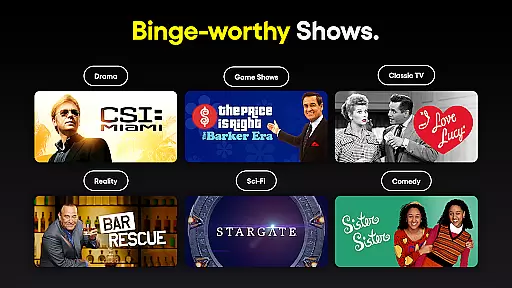
Pluto TV stands as a premier free streaming service, offering users the ability to watch full blockbuster movies and hit TV shows without any cost. Available across various devices, it provides an extensive selection of entertainment options including live TV channels, movies, and TV network shows. The platform is designed for easy access, ensuring that users can enjoy their favorite content anytime, anywhere.
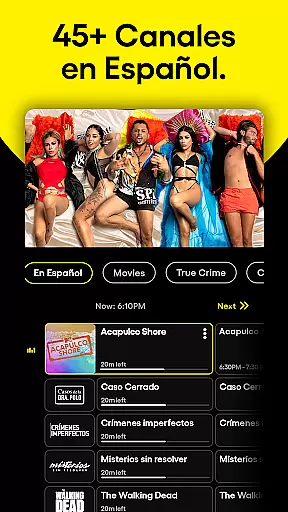
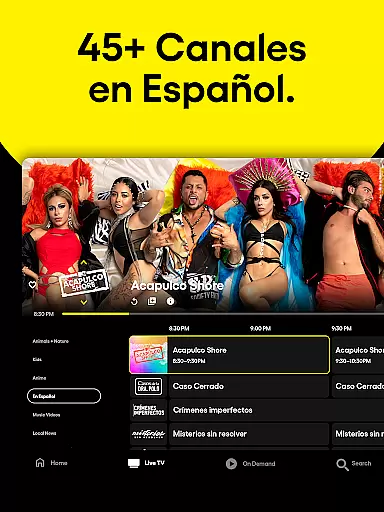
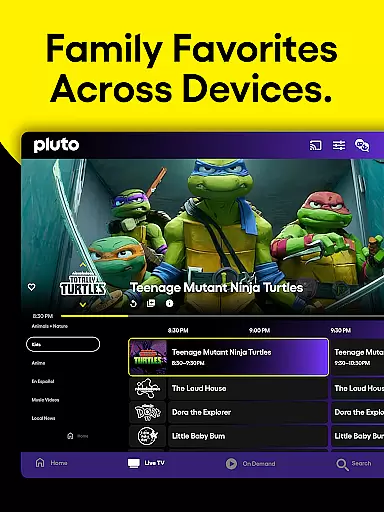
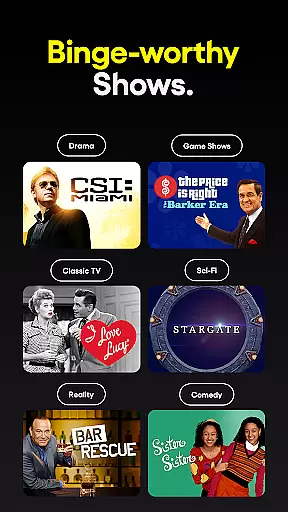
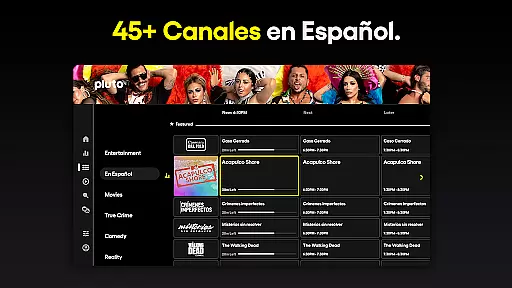
With Pluto TV, users can explore a wide array of genres such as action, anime, comedy, true crime, horror, romance, sports, and family favorites. It also features content in Spanish, catering to a diverse audience. Whether you're interested in live sports, news, or romantic comedies, Pluto TV has something for everyone, making it a versatile choice for streaming entertainment.
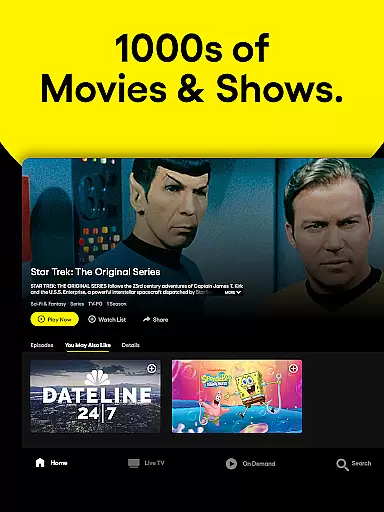
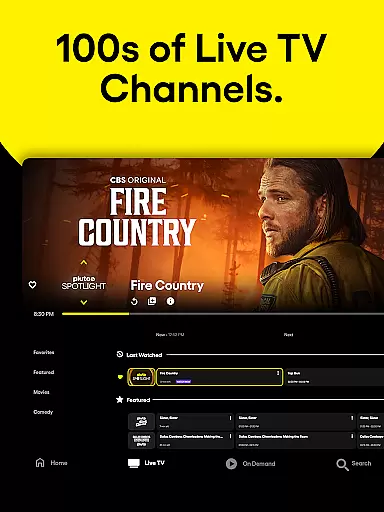
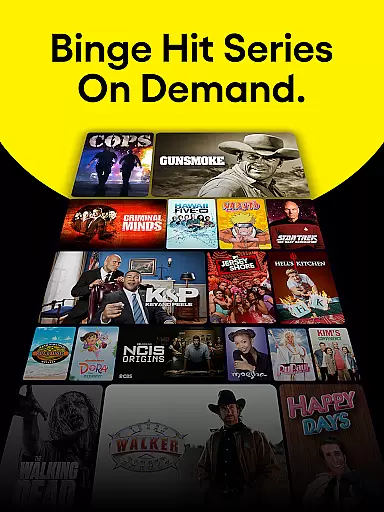
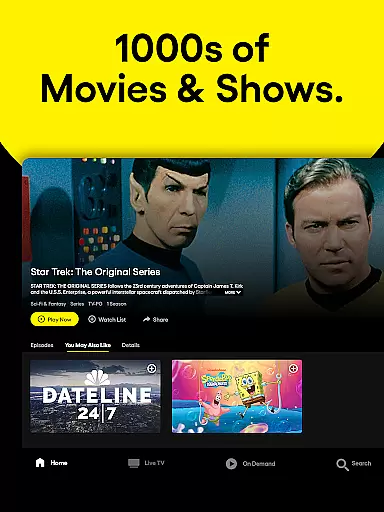
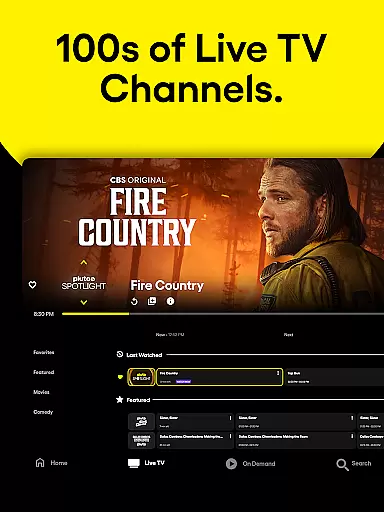
Pluto TV boasts an impressive range of features that enhance the user experience. One of its standout capabilities is the vast number of free live TV streaming channels covering sports, crime, comedy, anime, and more. Additionally, it offers thousands of free movies and TV shows from top content providers like NFL, Paramount, BET, CBS, Comedy Central, Lionsgate, MGM, MTV, NBC, Nickelodeon, SHOWTIME, Sony Pictures, and Warner Bros. Discovery.
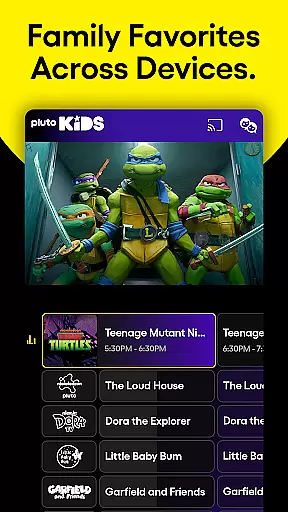
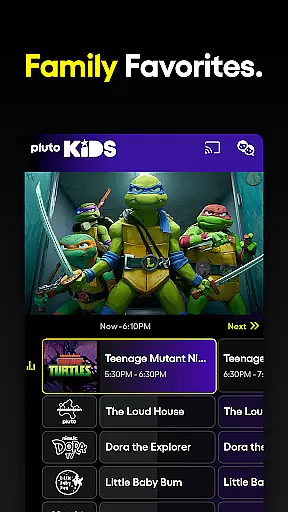
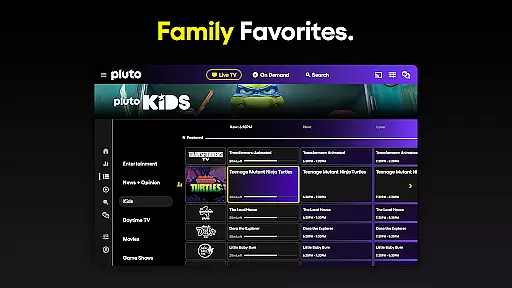
The app includes personalized features such as the Favorites List, allowing users to save frequently watched channels. For families, Kids Mode filters content to display only family-friendly programming. Users can also share what they are watching on social media directly from their device. With over 250 live channels and a regularly updated library, Pluto TV ensures there's always something new to watch.
In the realm of digital entertainment, content variety and freshness are paramount to maintaining user engagement. Pluto TV excels in this area by offering an extensive array of channels and programs that cater to diverse interests. With over 250 live channels and a library that includes blockbuster movies, hit TV shows, sports, news, and more, there is always something new to capture the viewer's attention.
Pluto TV ensures its content remains fresh by regularly updating its library with the latest movies and TV shows. This constant influx of new material means users can always find something current and engaging to watch. Whether it's the latest sports coverage, breaking news, or newly added series, Pluto TV keeps its audience informed and entertained.
The platform also features exclusive movie channels and special genre-based collections, such as action, anime, comedy, true crime, horror, romance, and Spanish TV. This diversity not only attracts a wide audience but also encourages users to explore different types of content, enhancing their viewing experience.
By partnering with top content providers like NFL, Paramount, BET, CBS, Comedy Central, Lionsgate, MGM, MTV, NBC, Nickelodeon, SHOWTIME, Sony Pictures, and Warner Bros. Discovery, Pluto TV guarantees high-quality and popular content. These partnerships ensure that users have access to well-known and beloved programming, making every streaming session both familiar and exciting.
User engagement duration and retention are critical metrics for any entertainment platform, and Pluto TV has implemented several features to enhance these aspects. One key feature is the Favorites List, which allows users to save frequently watched TV channels in the Live TV section. This personalization makes it easier for viewers to return to their preferred content, increasing the likelihood of longer viewing sessions.
Another significant aspect is the Kids Mode, which filters content to show only family-friendly programming. This feature is particularly useful for parents who want to ensure their children are watching appropriate content. By providing a safe and engaging environment, Pluto TV encourages families to spend more time on the platform, thus improving retention rates.
Pluto TV also supports social media sharing, enabling users to share what they are streaming with friends and followers. This social integration not only promotes the platform but also creates a community around shared viewing experiences. When users share their favorite shows or movies, it generates interest among their peers, potentially bringing new users to the platform.
Finally, the sheer volume and variety of content available on Pluto TV contribute to prolonged user engagement. With hundreds of free live TV streaming channels, thousands of free movies, and a rotating selection of new and classic TV shows, users have countless options to explore. This abundance of choice ensures that viewers can always find something that piques their interest, encouraging them to stay longer and return frequently.
User-friendly interface
Wide variety of content
No subscription fees
Regular updates
Multi-device support
Limited original content
Ads between shows
Variable video quality
Regional restrictions
Occasional buffering

Create, chat & bond with AI souls who truly listen.
 4.50
4.50
Play games. Earn real rewards. Cash out in 3hours via PayPal or gift cards.
4.40
Live TV, sports & holiday movies — stream on phone, tablet & TV
4.60
Watch short films, dramas, reels, series and movies anytime on Micro Drama.
4.60
Triple A is a highly complex, kinetic, and interactive visualizer.
4.50
Time tracking, lap counting and much more for Carrera® Digital 132/124
4.80
Just play games to earn gift cards. Keep playing, keep earning.
4.50
See the frequencies! Watch the magic!
4.3
Catch the latest episodes of The Voice or live stream NFL games with The NBC App
4.20
Stream Live TV, News & Documentaries. Watch Full Seasons with PBS Passport.
4.80
Stream Movies & TV Series: Original Shows, Family Movies & New Releases Weekly
4.60
Practice and master your ESP and intuition with five mode trainer.
4.20
Binge-worthy short dramas on DramaRush—engaging stories that fit your day.
3.90
Real ghost box scanner with echo, reverb, EMF, & multi-stream channels.
3.80
Alice Box is an Instrumental Trans Communication app.
3.80
Daily immersive workout plan: Body warm up & finger yoga exercises
3.80
NFL, NBA, NHL, MLB, local sports coverage, shows, movies & news!
3.20
Simulation of Dashboard / Touch Screen for Tesla. (Works without actual Tesla).
4.0
Journey to the world’s oldest rainforest and meet its Indigenous Custodians.
4.5


User Reviews