
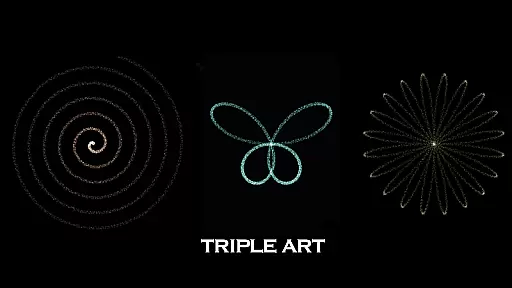
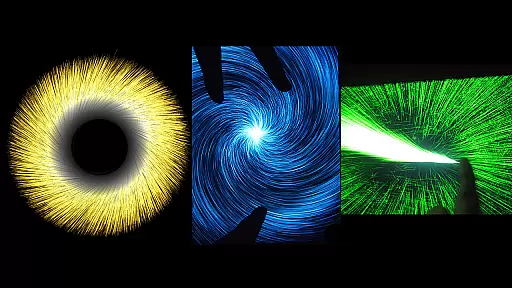
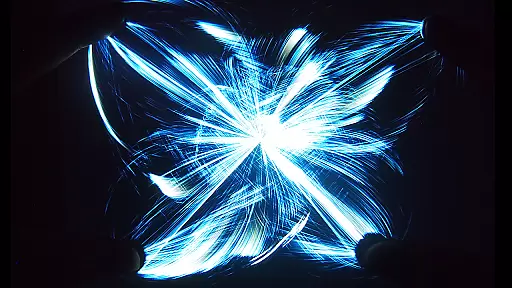
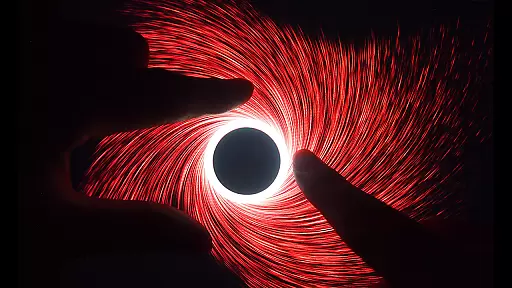
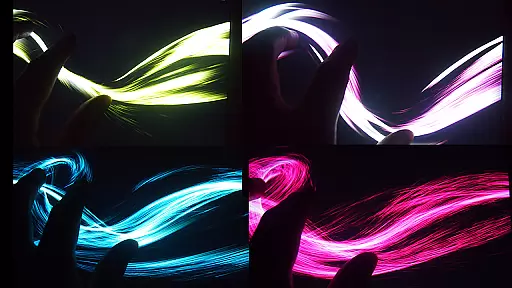
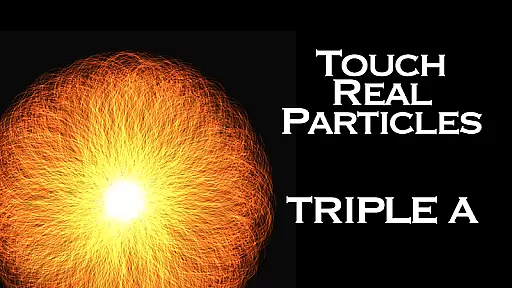
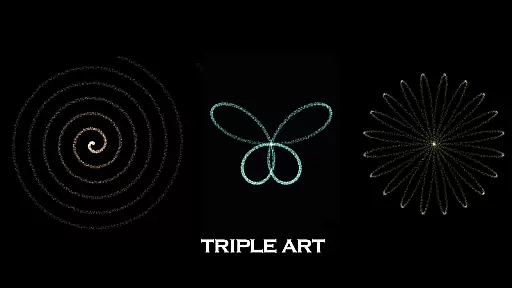
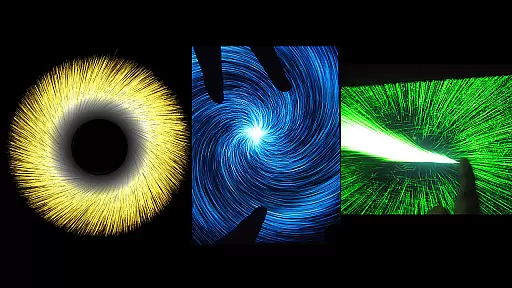
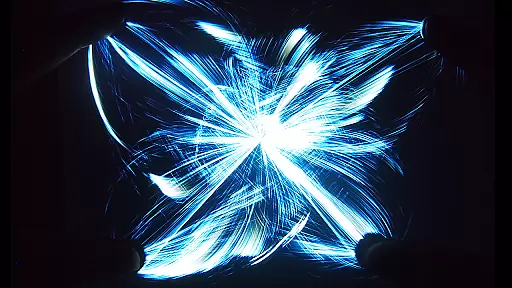
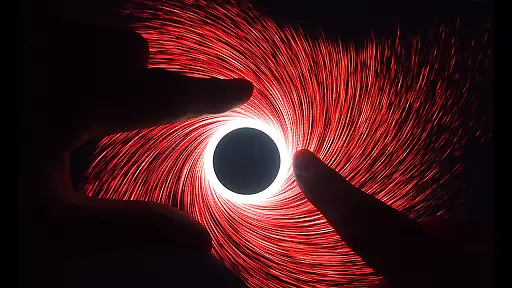
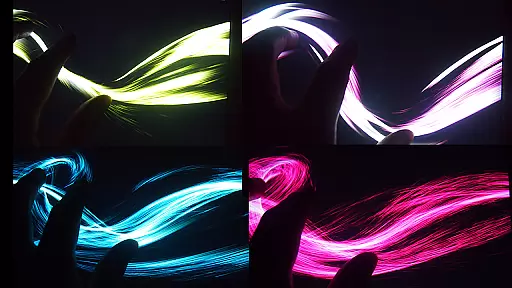
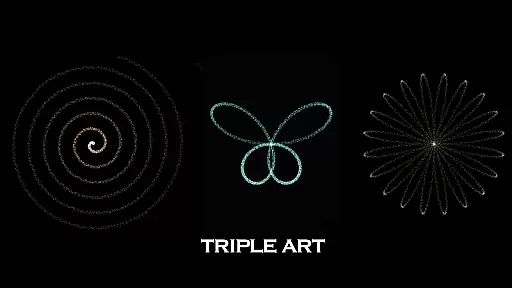
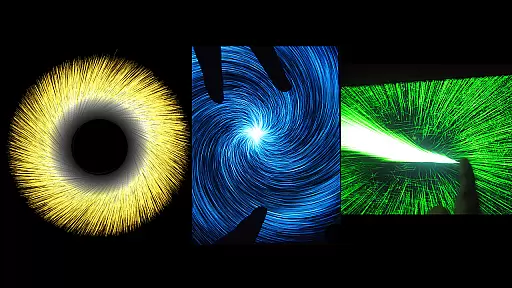
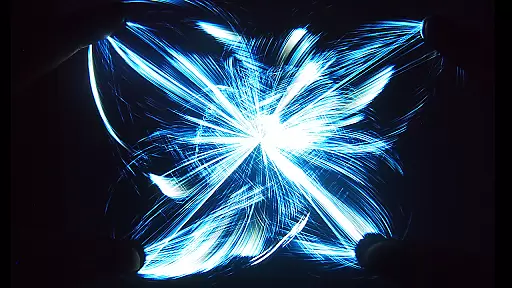
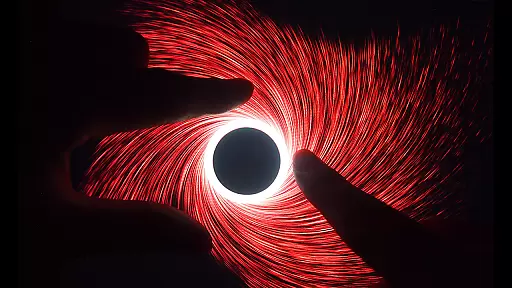
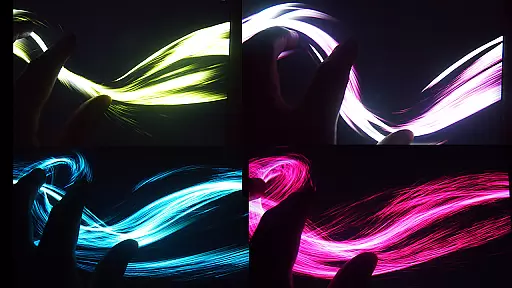
Triple A HD is an innovative entertainment app that combines interactive visual art with relaxation techniques, making it a unique digital experience for users of all ages. The app integrates five distinct art modes - Art Particle, Art Wave, Art Gravity, Art Linear, and Art Lightning - each offering six unique effects, resulting in 25 mesmerizing visualizations. These effects include stunning particle explosions, vortex patterns, and nature-inspired designs like flowers and butterflies.
Designed by SungLab, Triple A HD serves as both a meditative tool and a creative outlet. With built-in music tracks that can be toggled on or off, the app provides a soothing environment ideal for stress relief, focused thinking, or even as a digital toy for children and pets. Its advanced features include 5-finger, 2-hand multi-touch functionality, customizable particle settings, and an impressive performance speed of 60 FPS, capable of rendering up to 100,000 particles on screen.
This app is perfect for individuals seeking relaxation, creative inspiration, or simply a visually captivating experience. Whether you're looking to unwind after a long day or explore new forms of digital art, Triple A HD offers an engaging and enjoyable escape into the world of interactive visuals.
Triple A HD stands out with its rich feature set designed to provide an unparalleled interactive experience. One of its core highlights is the inclusion of five distinct art modes - Art Particle, Art Wave, Art Gravity, Art Linear, and Art Lightning - each comprising six unique effects, totaling 25 mesmerizing visualizations. These effects range from explosive particle displays to intricate patterns resembling natural elements such as flowers, leaves, and rainbows.
The app leverages advanced technology to deliver smooth and responsive interactions. It supports 5-finger, 2-hand multi-touch gestures, allowing users to manipulate visuals in real-time with precision. Additionally, Triple A HD achieves an impressive rendering speed of 60 FPS, enabling seamless animations even when displaying up to 100,000 particles simultaneously. Users can customize particle attributes such as length, quantity, and size, tailoring the experience to their preferences.
Another notable feature is the inclusion of ten original music tracks composed by Aden, which enhance the app's relaxing atmosphere. For those who prefer silence, the music can be easily turned off. The HD version further elevates the experience by providing an ad-free environment and tripling the particle count through optimized calculations, ensuring smoother and more detailed visuals compared to the standard version.
Triple A HD stands out in the Entertainment category by offering an impressive variety of content that ensures users have a fresh and engaging experience every time they use the app. With five distinct Art Modes - Art Particle, Art Wave, Art Gravity, Art Linear, and Art Lightning - each containing six unique effects, the app provides a total of 25 mesmerizing visual effects to explore.
The application goes beyond just the core effects by incorporating additional features that evoke images of vortexes, flowers and leaves, butterflies, rainbows, and much more, creating an ever-changing canvas of digital art. This vast array of options allows users to immerse themselves in New Media Art Appreciation Aesthetic Experiences tailored to their preferences.
Moreover, Triple A HD enhances user engagement with built-in music tracks that complement the visualizer effects, providing a multi-sensory experience that is both relaxing and enjoyable. The combination of interactive visuals and soothing sounds makes it ideal for focused meditation, creative thinking, or simply unwinding after a long day.
User engagement duration and retention are critical factors for any entertainment app, and Triple A HD excels in these areas by delivering high-quality interactive content that keeps users coming back. The app's ability to emit 100,000 particles at 60 FPS ensures smooth animations that captivate users' attention and encourage longer play sessions.
Customization plays a significant role in retaining user interest over time. Triple A HD allows users to adjust particle length, quantity, and size, giving them control over their experience and enabling personalization that suits individual tastes. This level of customization helps maintain user interest as they can continually tweak settings to create new experiences.
In addition to its captivating effects, Triple A HD offers an ad-free environment which contributes positively to user satisfaction and retention. By removing interruptions from advertisements, users can fully immerse themselves in the app's offerings without distraction, leading to increased session lengths and repeat usage.
Visually Stunning Effects
Relaxing Built-in Music
Customizable Particle Settings
Smooth Multi-Touch Gestures
Ad-Free Experience
High Device Performance Required
Limited Practical Use Cases
No Advanced Editing Tools
Premium Price Tag
Occasional Lag on Older Devices

Exclusive creator communities
 4.70
4.70
Open-source, fast, simple and powerful IPTV app
4.90
Fun brain twisting challenge with trending Whirlpool Filter.
4.70
Underrated short-drama gems that hit hard and keep your heart hooked.
4.50
Necrophone is spirit box ghost hunting app made for spirit communication.
3.70
See the frequencies! Watch the magic!
4.2
Alice Box is an Instrumental Trans Communication app.
3.80
Premium version to enjoy your favorite anime
4.60
Hand-drawn, cartoon OC creator - original character creator
4.70
The OFFICIAL PeeWee Purpdrank Soundboard!
4.80
Wodfix Air aggregates popular online content for you.
4.80
Classic dynamic pixel art from Mark Ferrari.
4.70
Unleash Your AI Imagination
4.60
Your Avatar, Endless Fun
4.60
Chat with AI characters! Anime, games, roleplay & more.
4.50
The Xbox app keeps you connected to your gaming community.
4.50
Music visualizer and party effects for Hue
3.90
Connect. Discover. Control.
3.60
Neon Christmas Tree Animated: Festive Wear OS watch face with fitness info
4.3


User Reviews