
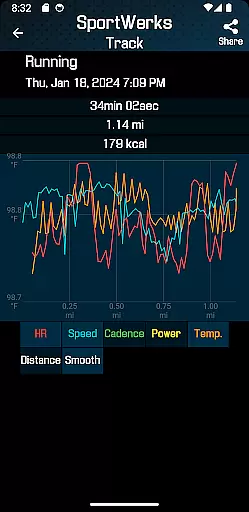
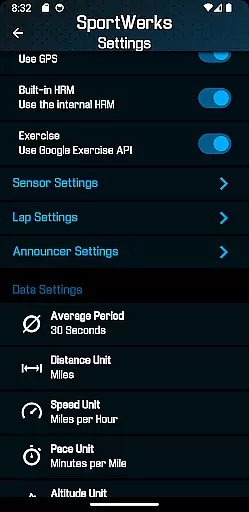
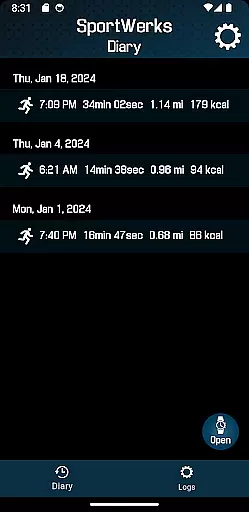
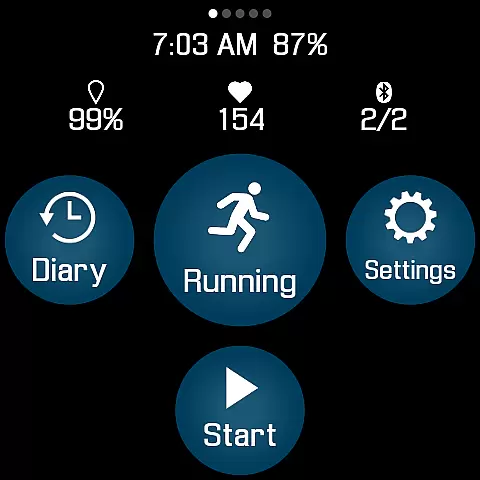
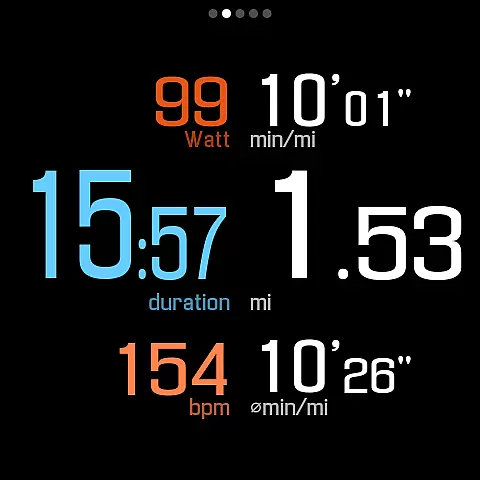
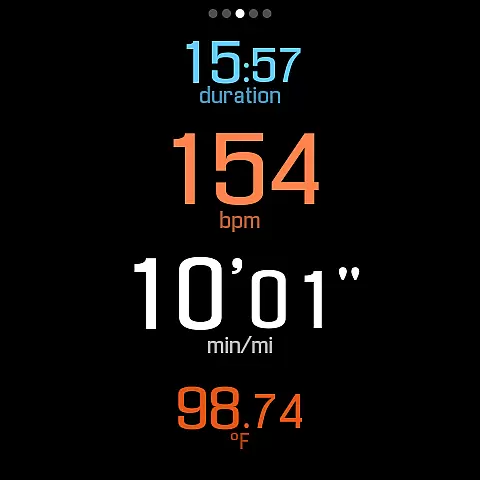
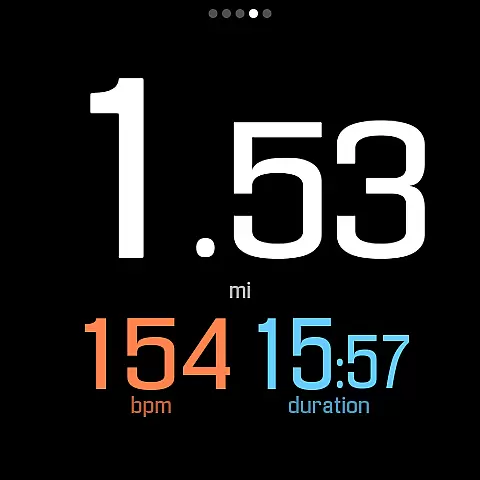
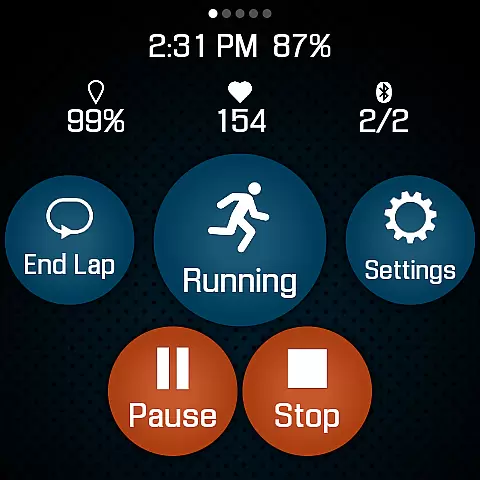
SportWerks is a comprehensive workout tracker designed specifically for Wear OS watches, offering users the ability to customize their workout screens with large, easy-to-read numbers. This app stands out by providing accurate tracking of various workouts and seamless integration with popular fitness platforms like Strava, FinalSurge, and TrainingPeaks.
The app supports an extensive range of activities from the Google Exercise library, including running, cycling, swimming, and more. It tracks essential metrics such as heart rate, location, pace, and power, ensuring users have all the data they need at their fingertips. With its innovative features and compatibility with leading fitness devices, SportWerks is the ultimate tool for fitness enthusiasts who demand precision and flexibility in their tracking solutions.
SportWerks boasts an impressive array of features that cater to diverse workout needs. Users can choose from multiple workout screen layouts, including 6-value, 4-value, and 3-value displays, and toggle these screens on or off with a single tap. The app connects seamlessly with Bluetooth Low Energy (BLE) devices from top fitness brands like Stryd, Wahoo, and Polar, enhancing data accuracy and reliability.
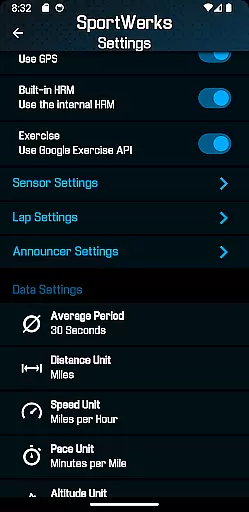
In addition to tracking workouts, SportWerks automatically uploads data to Strava, FinalSurge, and TrainingPeaks, while also providing .FIT files for use with any fitness management system. The companion app for Android phones allows real-time adjustments to settings and efficient management of .FIT files. With customizable lap lengths and timed announcements, SportWerks ensures users stay informed without distraction, making it an indispensable tool for serious athletes.
Personalized planning in fitness applications refers to the ability to tailor workouts according to individual preferences and goals. SportWerks - Workout Tracker excels in this area by offering users the flexibility to customize their workout screens, displaying data that aligns with their specific needs. This customization includes choosing from multiple workout screens, each presenting different metrics such as heart rate, pace, or power, ensuring that users can focus on the stats that matter most to them.
The app supports a wide range of activities from the Google Exercise library, allowing users to track any kind of workout they prefer, whether it's running, cycling, or even alpine skiing. By integrating with various Bluetooth-Low-Energy (BLE) devices, SportWerks provides accurate tracking of all workout aspects, including location, stride rate, and elevation. This comprehensive tracking empowers users to create personalized plans that adapt to their performance and progress.
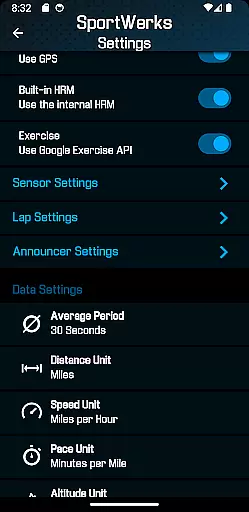
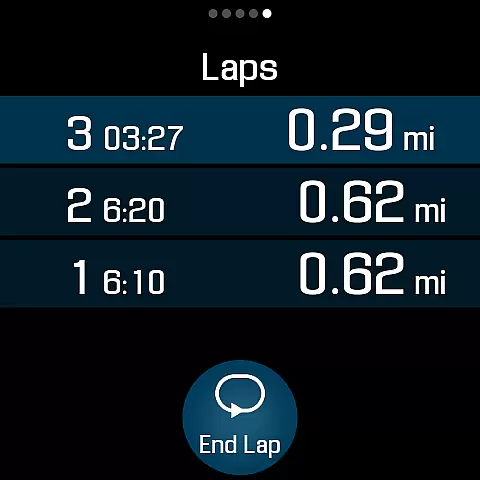
Moreover, SportWerks goes beyond simple activity tracking by enabling users to set lap lengths and timed intervals for announcements. These features ensure that users receive real-time feedback without needing to look at their watch, enhancing safety and convenience during workouts. The ability to choose preset durations for announcements further refines the personalized experience, catering to individual preferences for feedback frequency.
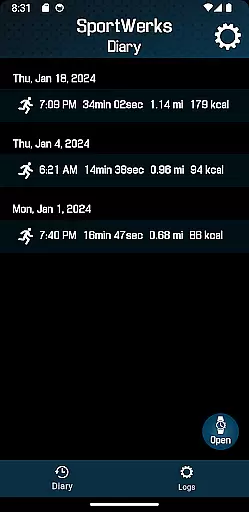
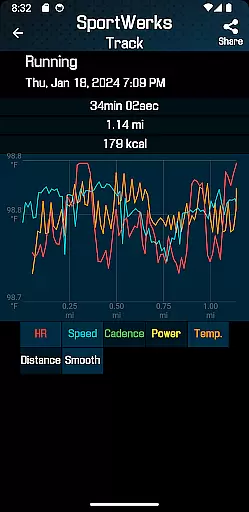
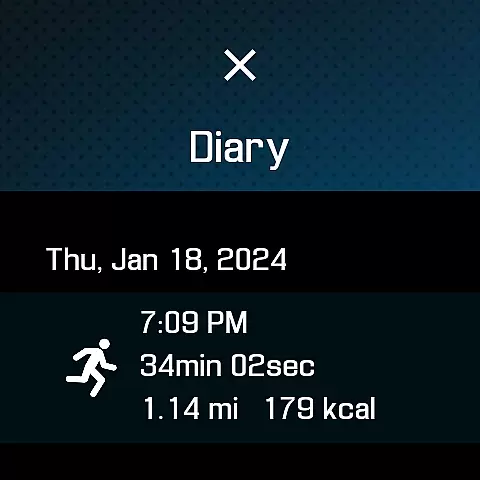
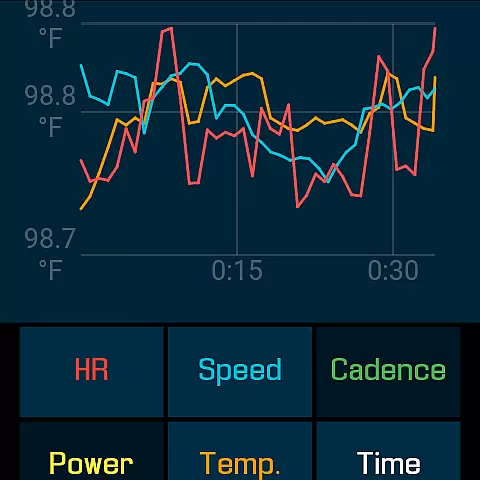
Progress visualization is crucial for maintaining motivation and understanding improvements over time. SportWerks - Workout Tracker offers robust tools for visualizing progress through detailed tracking and analysis of workouts. Users can view comprehensive data on their activities, including heart rate, pace, and power, which are essential metrics for evaluating performance trends.
In addition to tracking, SportWerks automatically sends workout data to popular fitness platforms like Strava, FinalSurge, and TrainingPeaks. This seamless integration allows users to visualize their progress across different platforms, gaining insights into their overall fitness journey. The provision of .FIT files for each workout also enables users to import data into any fitness management system, ensuring that they have complete control over how their progress is visualized and analyzed.
SportWerks' companion app enhances progress visualization by allowing users to manage settings and .FIT files from their Android-based phone. This real-time synchronization ensures that users can make adjustments on the go and see immediate updates on their Wear OS watch. With constant improvements and support for contacting developers for special needs, SportWerks remains committed to providing top-notch progress visualization tools for its users.
User-friendly interface
Comprehensive workout tracking
Seamless platform integration
Real-time data updates
Wide device compatibility
Limited to Wear OS
Premium features may require subscription
Occasional syncing issues
Complex setup for beginners
Battery consumption concerns

Weight loss app: home workout for women to lose weight & burn calories.
 4.80
4.80
a fun app full of surprises :)
4.70
Enjoy the Gluten Free living with the best app. SCAN the barcodes & SEARCH.
3.60
Build Healthy Habits!
4.60
Period Tracker, the easiest way to track your periods!
4.50
Measure your Pupil Distance for Eyeglasses and VR headsets in 3 quick steps.
4.70
Walk. Earn: Get rewarded for every step! Walk, move, and earn real rewards.
4.70
This is an application that serves as a companion app for smart watch.
4.20
Jogging app for calorie counter and distance tracker. Running app to lose weight
4.20
Easy to use step counter, calorie counter helps lose weight, count steps offline
4.80
Drink water reminder app. Track water intake. Smart simple hydration tracker.
4.70
Memory, mind & logic exercises. Puzzle games, IQ & brain test for kids & adults
4.50
FODMAP, Gluten, Allergy, Vegan
4.50
The most accurate heart rate app to monitor and track your heart rate & pulse.
4.40
Get alert about getting out of desired heart rate zone.
4.10
Understand your body’s most meaningful messages and transform your health.
3.90
Control your sleep in real-time wearing Garmin device
3.60
GloryFit is a companion app for the smart bracelet.
3.60
Live Heart Rate Pro - Real Time Heart & Workout Data For Wear OS & Bluetooth BLE
3.20


User Reviews