
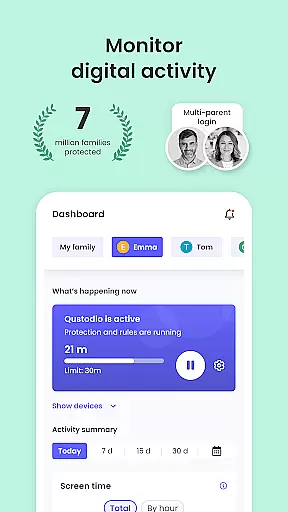
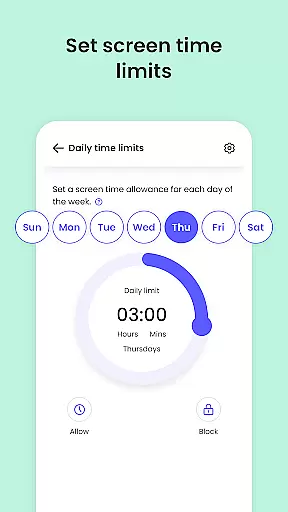
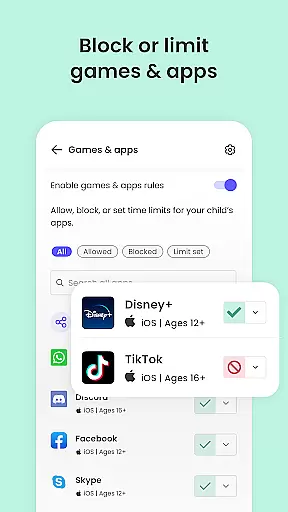
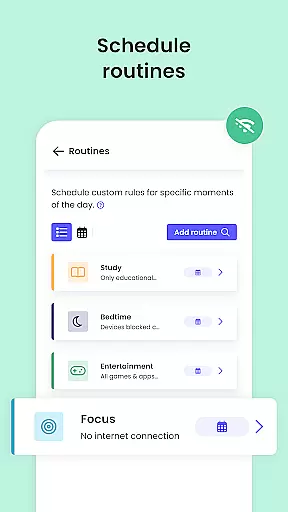
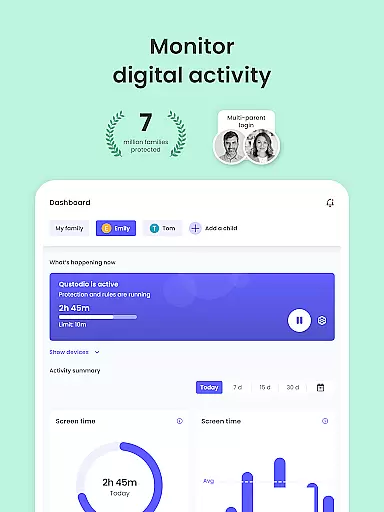
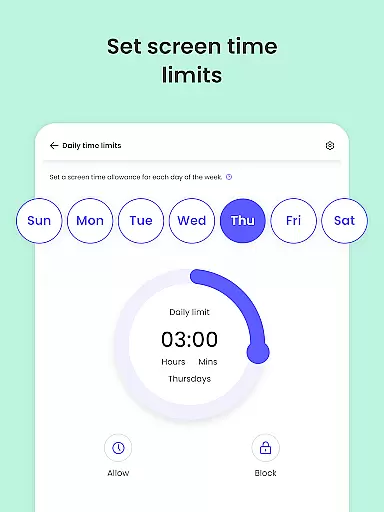
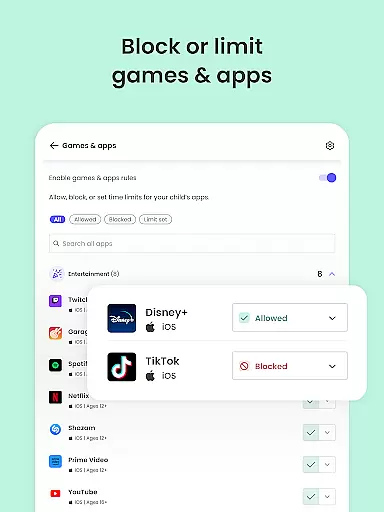
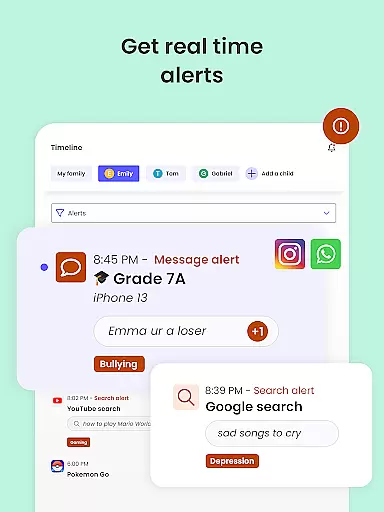
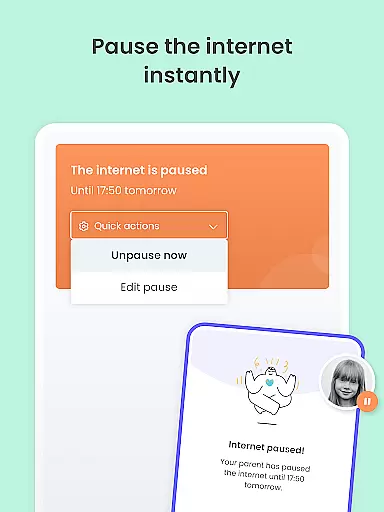
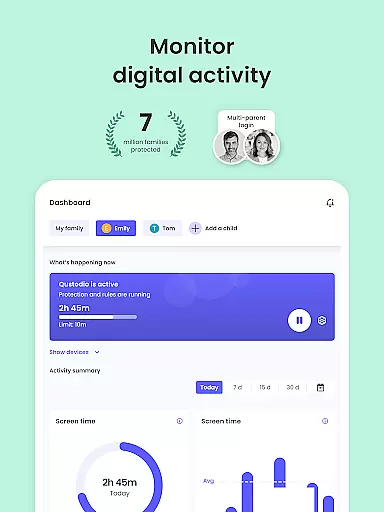
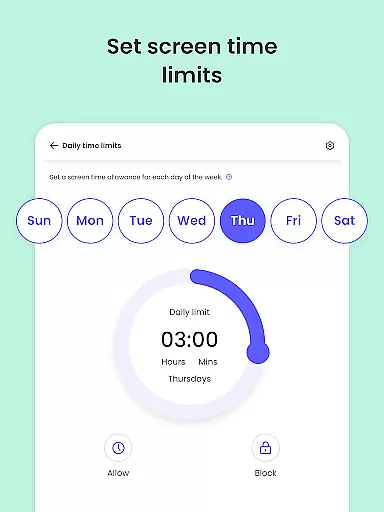
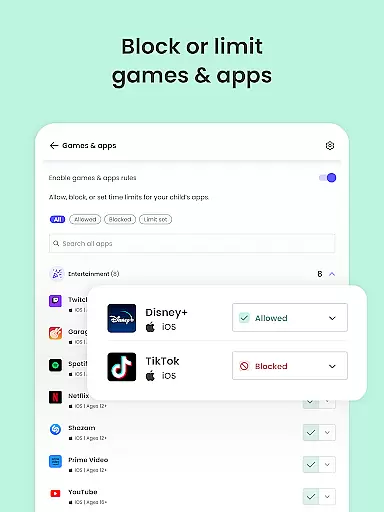
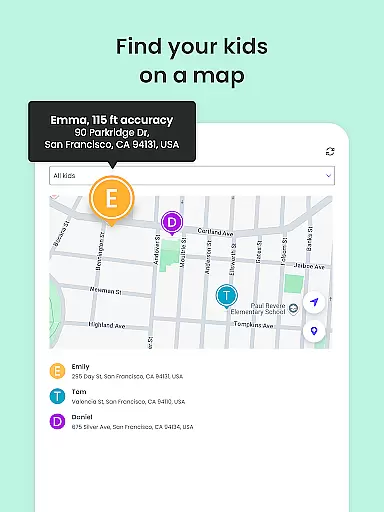
Qustodio Parental Control App is a comprehensive parenting solution that helps parents manage their children's digital lives. The app offers daily screen time limits, app blocking, location tracking, AI-powered search and message alerts, social media monitoring, and porn blocking. It ensures a safe online environment by filtering harmful content and providing detailed activity reports.
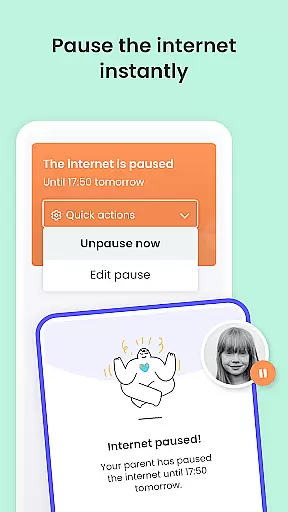
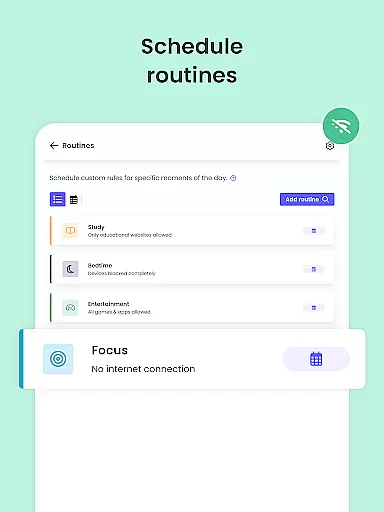
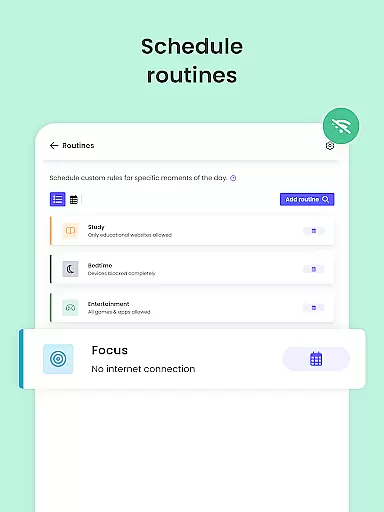
The app works in tandem with the Kids App Qustodio, allowing parents to control multiple devices across various platforms including Android, iOS, and others. With features like safe search enforcement, custom routines for apps, and website blocking, it nurtures healthy digital habits while giving parents full visibility of their child's online activities.
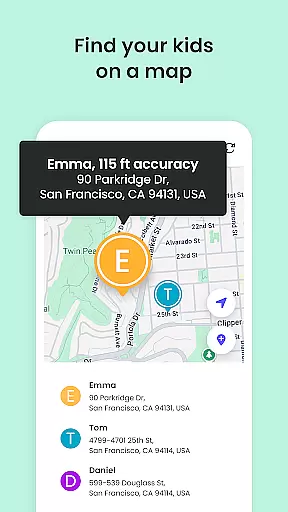
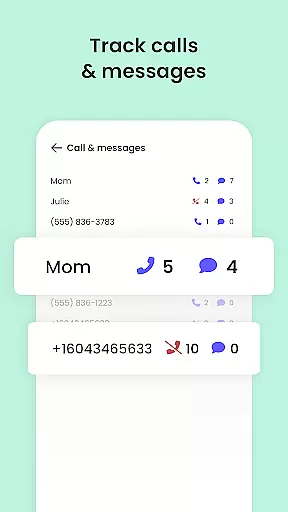
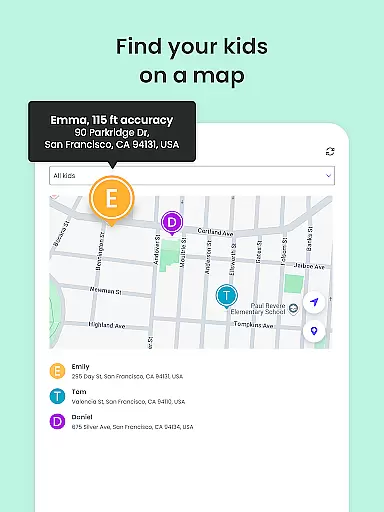
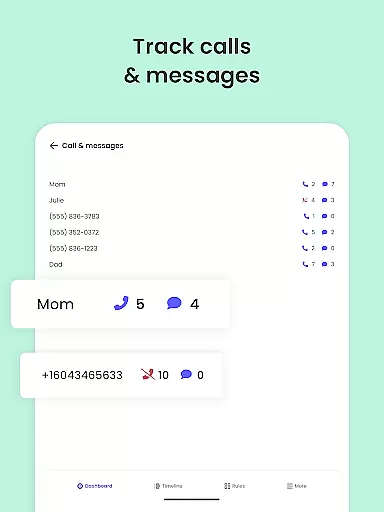
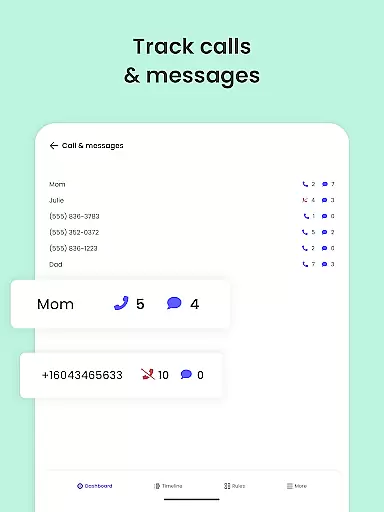
Parents can locate their family members using GPS tracking, receive alerts on suspicious activities, and even monitor calls and messages. Qustodio is available in multiple languages and supports various platforms, making it a versatile tool for modern parenting challenges.
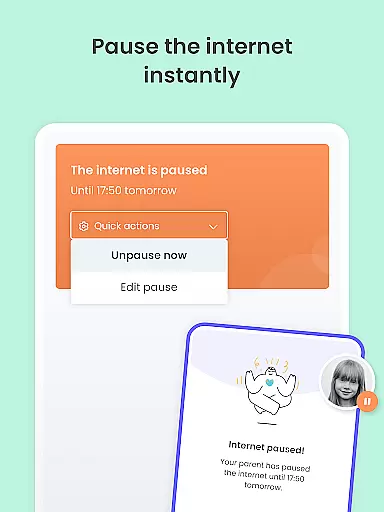
Qustodio Parental Control App stands out with its robust feature set designed to give parents peace of mind. One of its core functionalities is the ability to set automatic screen time limits, ensuring that children do not overuse their devices. This feature alone promotes healthier tech habits among kids.
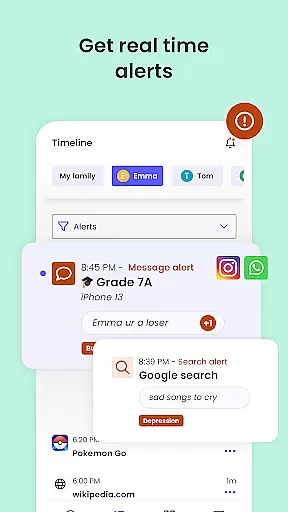
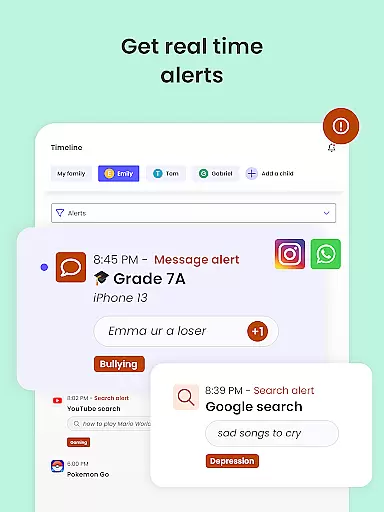
Beyond screen time management, the app provides AI-powered alerts for any inappropriate browsing or messaging activities. Parents can track their child's location using GPS, block unwanted calls and messages, and even receive notifications about new app downloads. These capabilities ensure comprehensive protection and monitoring.
Additionally, Qustodio offers social media monitoring, YouTube activity oversight, and weekly activity reports sent directly to parents' inboxes. Its multi-platform support and co-parenting features make it an indispensable tool for families looking to navigate the digital world safely and responsibly.
When it comes to parenting apps, the credibility of content and expert validation are paramount. Qustodio Parental Control App excels in these areas by providing features that are designed and endorsed by child safety experts. The app's ability to filter harmful content, monitor online activity, and provide alerts on suspicious behavior is backed by research and recommendations from leading child psychologists and digital safety advocates.
The app offers a comprehensive suite of tools including AI-powered message alerts, social media monitoring, and daily screen time limits. These features are not only effective but also grounded in expert advice on nurturing healthy digital habits among children. By setting safe search filters and blocking inappropriate websites, Qustodio ensures that parents can trust the app to protect their children from online threats.
Parents benefit greatly from Qustodio's commitment to expert-validated solutions. The app provides detailed reports on children's online activities, which are presented in an understandable format. This transparency allows parents to make informed decisions about their child's digital environment. With features like geolocation tracking and panic buttons, Qustodio empowers parents with peace of mind and actionable insights.
Growth tracking accuracy is essential for parenting apps aiming to support child development. Qustodio Parental Control App addresses this need by offering precise monitoring tools that track various aspects of a child's digital behavior. The app records activities such as web browsing, app usage, and social media interactions, presenting the data in easy-to-understand reports.
One of the standout features of Qustodio is its ability to provide 30-day online activity reports, along with daily and weekly summaries sent directly to parents' inboxes. This consistent tracking allows parents to observe patterns in their child's digital habits over time. Additionally, the app sends real-time alerts for specific activities, ensuring that parents are always aware of significant changes or potential risks.
The benefits of accurate growth tracking extend beyond mere observation. With Qustodio, parents can set custom routines for app and website usage, helping children develop balanced digital habits. The app's detailed insights into app downloads and YouTube activity enable parents to guide their children toward appropriate content. Overall, Qustodio's growth tracking features offer parents the tools they need to foster a safe and healthy digital environment for their children.
Comprehensive parental controls
Multi-platform compatibility
AI-powered activity alerts
Detailed usage reports
Real-time location tracking
Premium features require subscription
Complex setup process
Limited free version functionality
Occasional performance issues
Device-specific limitations

Comprehensive Parental Control & Child Safety — Hear & Protect Your Child World
 4.30
4.30
Block apps, set screen time limits, and customize usage schedules
4.50
Family parental control app: limit screen time, block apps, GPS tracker.
4.20
Kids story books for children. Baby reading books with audio for pre-k toddlers
4.70
It is a screen time management tool for games and mobile applications
4.50
Keep track of your stored breastmilk
4.40
Track pregnancy health and wellness with pregnant tracker from healthcare advice
4.4
GeoLog - Real-Time Location Tracker
4.40
All-In-One Pregnancy Tracker, Your Baby's Milestones, Growth Stages & Parenting.
4.90
Track your labor contractions
4.90
Pregnancy+ App has helped 80m moms track their pregnancy with info & support!
4.80
Advanced baby tracking, expert sleep help & parenting support for every stage.
4.80
All-In-One Pregnancy Tracker, Your Baby's Milestones, Growth Stages & Parenting
4.70
Fun Ideas for Parents
4.70
Free symptom & med tracker with expert-reviewed tips.
4.30
Find unique + popular baby names for your little peanut.
4.30
Learn according to the age of your child and consult with other moms.
4.20
Monitor screen time and build healthy habits with Family Safety
3.90
Little loved one's monitoring, Sleep tracking and Parenting content.
3.80


User Reviews