



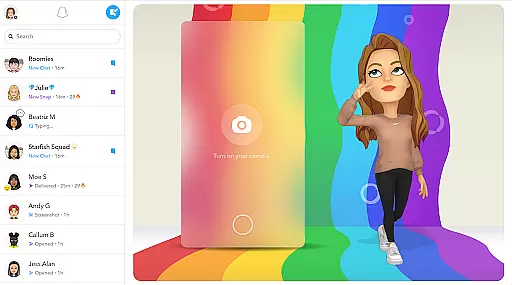
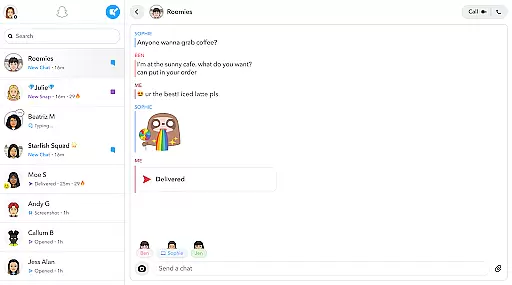
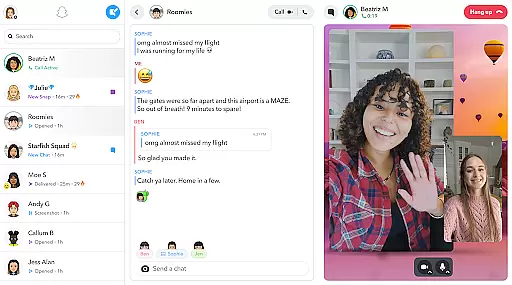
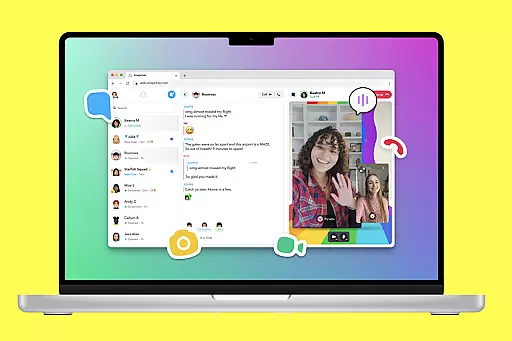
Snapchat is a dynamic communication app that allows users to share moments instantly with friends and family through photos, videos, and live chats. The app opens directly to the camera interface, making it easy to capture and send content quickly. With features like Lenses, Filters, and Bitmoji, users can express themselves in creative ways.
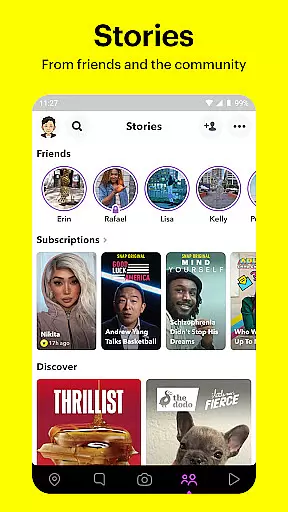
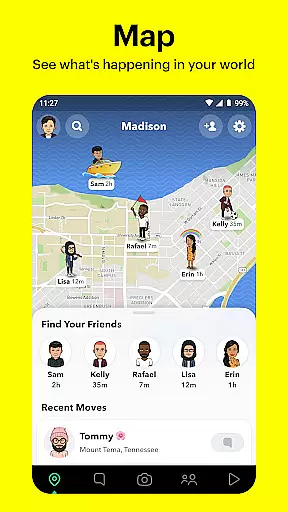
Beyond simple messaging, Snapchat offers Stories and Spotlight for sharing experiences with a wider audience. Users can explore Stories from friends or the broader Snapchat community based on their interests. The app also includes a map feature to see where friends are and discover community stories from different locations. With its Memories feature, Snapchat ensures users can save and revisit their favorite moments anytime.
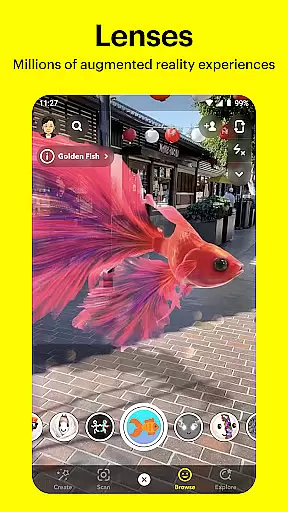
Snapchat provides an extensive range of features designed to enhance user interaction and creativity. The core functionality begins with the Camera, which allows users to take photos and videos, then augment them with Lenses, Filters, and Bitmoji for a personalized touch. These augmented reality features are updated daily, offering fresh ways to engage.
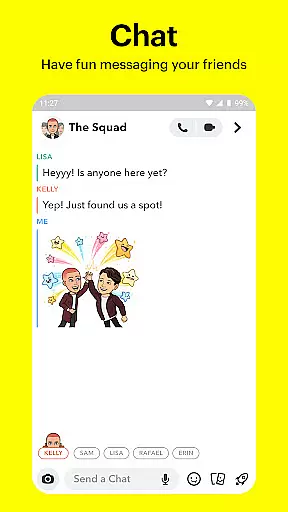
The Chat feature supports both individual and group conversations, including video calls with up to 16 participants. Users can apply Lenses and Filters even during video chats. Additionally, Stories enable users to post content that disappears after 24 hours, while Spotlight highlights the best Snaps submitted by users worldwide. The Map feature lets users share their location with close friends or browse public Snaps from around the globe, adding another layer of connectivity.
Real-time messaging speed and reliability are crucial for maintaining seamless communication in any messaging app. Snapchat ensures that messages are delivered instantly, allowing users to stay connected without delays.
The app employs advanced server infrastructure and optimized data transmission protocols to guarantee that texts, images, and videos are sent and received in real-time. This infrastructure supports live messaging, enabling users to have conversations as if they were face-to-face.
For the user, this means never missing a moment to connect with friends and family. Whether it's a quick chat or a prolonged conversation, Snapchat's reliable messaging system ensures that every message is delivered promptly and accurately.
Moreover, Snapchat's robust system minimizes the chances of message failures or delays, even during peak usage times. This reliability fosters trust among users, knowing their communications are consistently accessible and dependable.
Media sharing support is an essential feature for modern communication apps, allowing users to share various types of content effortlessly. Snapchat excels in this area by offering extensive options for sending photos, videos, and other media formats.
Users can capture media directly through the app's integrated camera, apply creative filters and lenses, and instantly send them to friends. The platform supports multiple file formats and sizes, ensuring compatibility and quality retention.
This flexibility enhances user interaction by enabling rich and expressive exchanges. Friends can share their experiences in vivid detail, from spontaneous moments to planned events, all within the app.
Additionally, Snapchat provides tools for editing and enhancing media before sharing, such as adding text, drawings, or Bitmoji stickers. These features empower users to personalize their content, making each shared moment unique and engaging.
User-friendly interface
Creative AR lenses
Instant sharing options
Engaging community stories
Secure private messaging
Limited search functions
High data usage
Privacy concerns
No built-in backup
Short-lived content

Tether to Windows, OS X, Linux PCs or Android tablets. No root. No tether fees.
 3.90
3.90
We’re taking the yada yada out of wireless—now we’ve taken it out of your app.
4.70
Identify unknown numbers, block spam calls, customize calls with cool themes.
4.60
Enjoy secure messaging & calling. Safe Messenger: group chats, calls, messages.
4.20
2nd Phone Number Line for Anonymous Texting, Calling, and Picture Messages
4.30
Smart and simple anti-wiring application - IMSI-catchers catcher
4.40
An app dedicated solely to marriage, not dating, and supported by a rigorous verification mechanism to ensure seriousness.
4.0
FolderSync enables easy sync of files between cloud storage and Android devices.
4.60
Talk & text free with a second phone number plus unlimited 5G data, no fees.
4.50
Messenger for SMS - texting message app, faster, simpler & safer, for you.
4.70
Adblock & VPN Browser: Blocks banners, pop-ups and video ads, fast downloader!
4.60
Our Black Friday sale is here. Unlock special discounts on Proton Mail now.
4.30
Chill zone on your phone: relax with fun reels & hype shorts!
4.20
A customizable phone number in the cloud
4.20
Send SMS and chat messages easily with a fast text messaging app for Android.
4.10
WazzapMigrator: transfer your WhatsApp history from iPhone to Android
4.00
Quickly and easily identify and block unknown callers
3.70
Fast, Simple And Secure Application That Provides SMBv3 Server On Your Device
3.30
A Browser with powerful ad blocker to help focus on what really matters.
3.00


User Reviews