
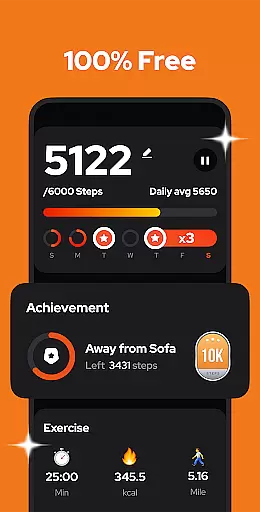
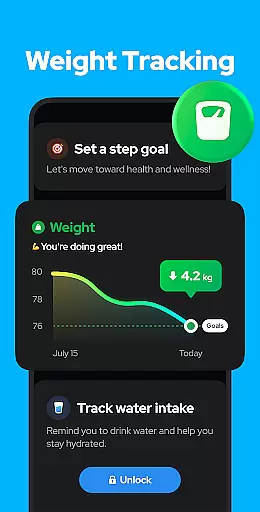
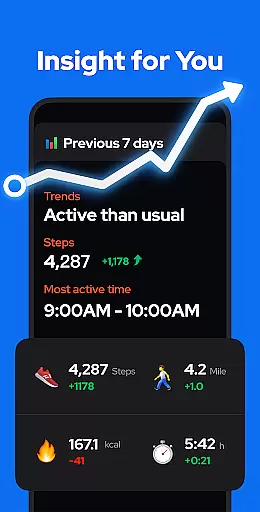
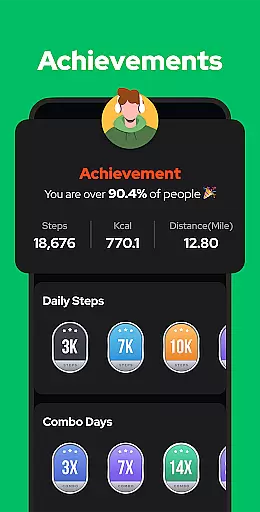
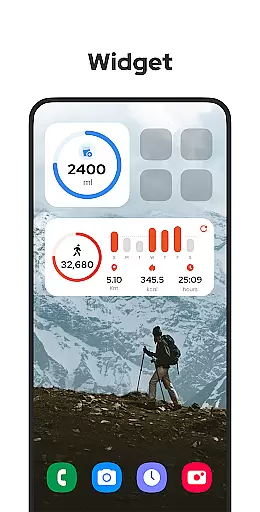
Step Counter - Pedometer is a premier health and fitness application designed to automatically track your daily steps, walking distance, calories burned, and exercise duration with precision. Compatible with all Android devices, this app leverages advanced built-in sensors for accurate tracking without the need for GPS or Wi-Fi, ensuring minimal battery consumption. Whether you're aiming to hit the 10,000 steps a day goal or simply monitor your physical activity, this app provides an intuitive platform that helps you maintain a healthy lifestyle.
Beyond basic step counting, Step Counter offers sophisticated features such as customizable sensitivity settings, pause and resume options to prevent unwanted step counts during non-activities like driving, and comprehensive data visualization through weekly, monthly, and yearly graphs. The app also supports backup and restore functionalities, allowing users to safeguard their data in the cloud and retrieve it across devices effortlessly.
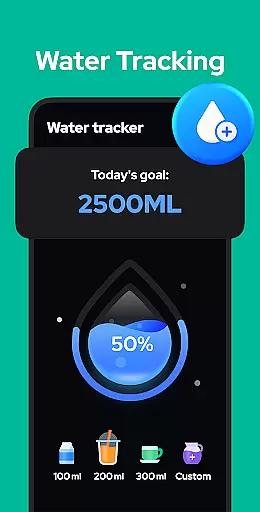
This free pedometer app stands out by prioritizing user privacy and ease of use. It requires no wearables, accounts, or personal data sharing, making it accessible and safe for all age groups. With additional upcoming features like training modes customization, hydration reminders, and health metrics recording, Step Counter - Pedometer is not just a step tracker but a holistic tool aimed at enhancing your overall well-being.
Step Counter - Pedometer boasts an array of features tailored to enhance user experience in health and fitness tracking. One of its standout capabilities is the auto-tracking feature which uses the phone's built-in sensor to accurately record steps, distance, and calories burned without draining the battery—a common issue with GPS-based apps. This ensures that whether you're walking around the city or hiking in areas with no Wi-Fi, your activities are captured efficiently.
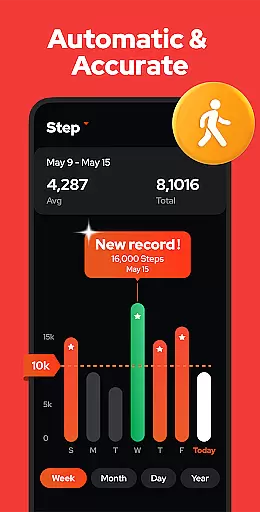
The app also includes adjustable sensitivity settings and a unique pause/resume function, allowing users to halt step counting when not needed, such as during a drive, thus maintaining accuracy. Furthermore, the app provides detailed analytics presented through visually appealing graphs segmented by day, week, month, or year. These insights help users understand their progress over time and adjust their routines accordingly to meet their fitness goals.
Additional noteworthy features include complete offline functionality, ensuring uninterrupted service without internet dependency, and robust data security measures where all information remains private and local unless users opt for cloud backup. Future updates promise even more personalized health tools such as custom training modes and health metric recordings, positioning Step Counter - Pedometer as a versatile ally in personal health management.
Personalized planning in a fitness app refers to the ability to create tailored exercise routines based on individual user data and goals. This feature is crucial for users seeking an optimized and relevant fitness experience.
Step Counter - Pedometer offers personalized planning by analyzing your daily activity metrics such as steps, calories burned, distance covered, and duration of activity. The app uses this information to help you understand your current fitness level and suggests achievable daily step goals that align with your health objectives.
Users benefit from this feature by receiving customized insights into their progress, which can lead to more effective workouts and better health outcomes. By adjusting sensitivity settings and entering personal data in the settings, users ensure accurate tracking and more precise planning.
The value of personalized planning in Step Counter - Pedometer lies in its simplicity and effectiveness. It empowers users to take control of their fitness journey with minimal input while providing valuable feedback that encourages consistent progress towards their goals.
Progress visualization is a key component of any fitness app, allowing users to see their achievements and track improvements over time. Visual representations of progress can be highly motivating and provide clear indicators of success.
In Step Counter - Pedometer, progress visualization is achieved through detailed charts and graphs that display weekly, monthly, or yearly trends in physical activity. Users can easily interpret their performance metrics like step count, calories burned, and walking distance, thanks to these intuitive visual tools.
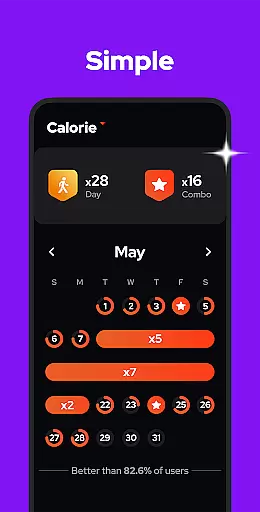
This feature benefits users by offering a comprehensive overview of their fitness journey, enabling them to identify patterns, set new goals, and celebrate milestones. With the ability to view data across different time frames, users gain insights into how their habits contribute to long-term health improvements.
By integrating progress visualization, Step Counter - Pedometer not only tracks but also enhances user engagement. The clarity and accessibility of visual data make it easier for users to stay committed to their fitness routines and maintain a healthy lifestyle.
Accurate Tracking
User-Friendly Interface
Offline Functionality
Free to Use
Privacy Focused
No iOS Support
Limited Customization
Occasional Inaccuracies
Basic UI Design
Few Social Features

App to stop smoking slowly or now with a motivational badges and helpful tips
 4.80
4.80
Insanity blocks of intense physical activity, short breaks of 30 seconds.
4.5
HRV4Training helps you optimize goals and improve performance. No sensors needed
3.30
The OFFICIAL Couch to 5K® running training app! A 9 week walk-run workout plan.
4.50
3D Body Measurement System
3.60
Your AI pet BFF. Talk, play, and beat anxiety in this calming game.
4.60
Medbridge GO gets you moving - get back to doing what you love, faster!
4.90
Your personal BP tracking companion, focus on helping you achieve wellness goal.
4.10
Monitor blood sugar, gain insights, and manage diabetes with ease.
3.20
When the night comes, we prepare your eyes for deep, sweet dreams
4.70
You deserve easy access to important insurance information. Download for FREE.
4.70
Period Tracker, the easiest way to track your periods!
4.50
Relax to calm sounds, white noise, music, guided meditation and bedtime stories
4.40
“Overcoming pain based on EMDR” helps you to alleviate chronic pain and stress.
4.10
Pedometer that gives you sweatcoins for steps. It pays to walk!
4.10
SportWerks - Workout Tracker for Wear OS Watches
3.90
Dexcom G7 Continuous Glucose Monitoring
3.70
Control your sleep in real-time wearing Garmin device
3.60
Sync your activities of the most popular sports tracking services
2.70


User Reviews