
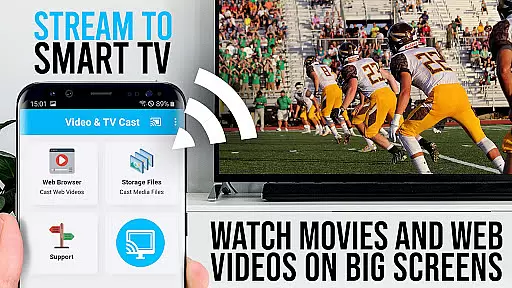
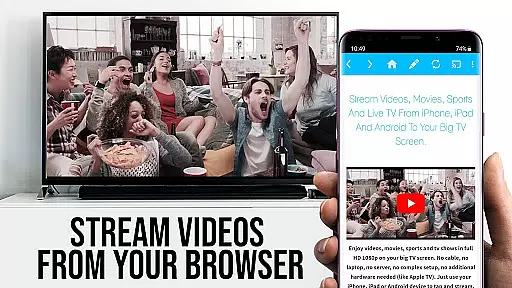
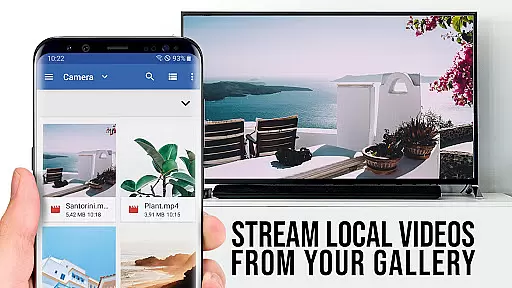
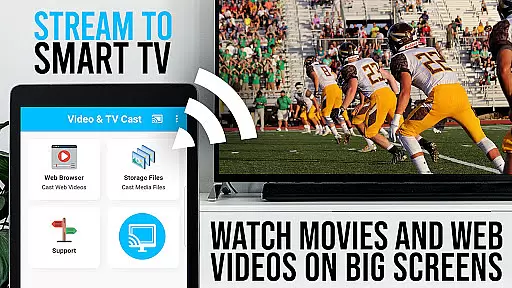
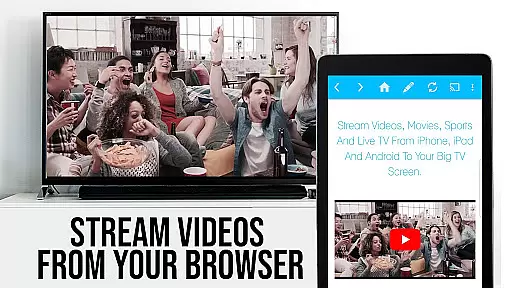
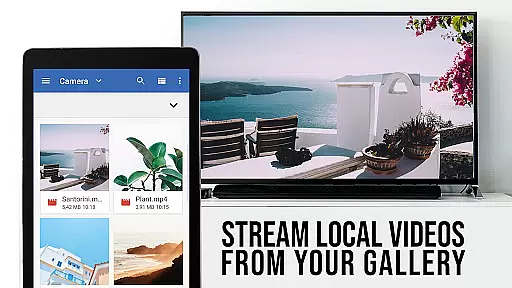
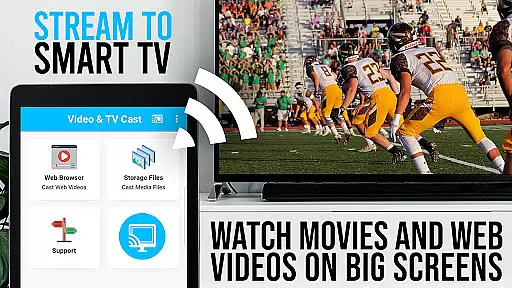
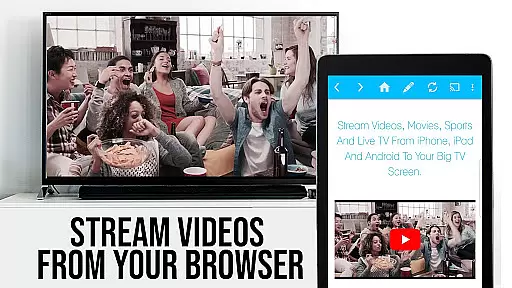
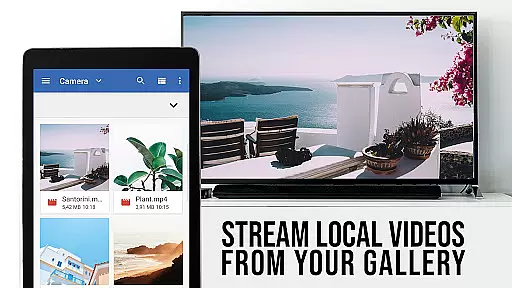
TV Cast Pro for VIDAA & VEWD is the ultimate solution to upgrade your Hisense Smart TV experience. This premium app allows you to stream web videos, online movies, livestreams, and live TV shows directly on your TV without needing an additional streaming box. Supporting MP4, M3U8, IPTV, and HLS formats, it delivers Full HD and 4K quality on compatible TVs from brands like Hisense, Toshiba, Philips, and more.
The app's standout feature is its seamless integration with VIDAA and VEWD (formerly Opera TV) systems, enabling effortless video casting from your favorite websites. With AI-powered 24/7 support and an intuitive interface, users can browse the web and cast videos with a single tap. The PRO edition offers unlocked premium features including advanced video controls, ad-blocking, bookmarks management, desktop mode, and customizable homepage settings.
Ideal for cord-cutters and streaming enthusiasts, this app transforms your smart TV into a versatile entertainment hub. Whether you're watching live sports, catching up on news, or enjoying movies, TV Cast Pro provides a smooth and immersive viewing experience while maintaining compatibility with major cable providers.
TV Cast Pro distinguishes itself through its comprehensive feature set designed for optimal streaming performance. The app supports multiple video formats including MP4, M3U8, IPTV, and HLS, ensuring compatibility with various content sources. Its unique casting functionality works seamlessly with VIDAA and VEWD systems, allowing users to send web videos to their TV with minimal effort.
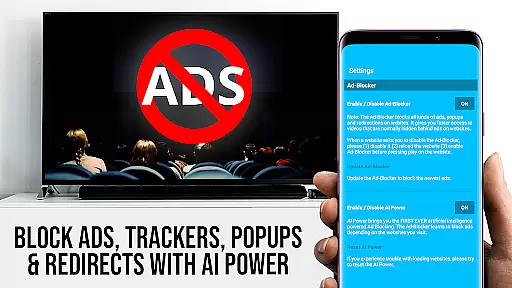
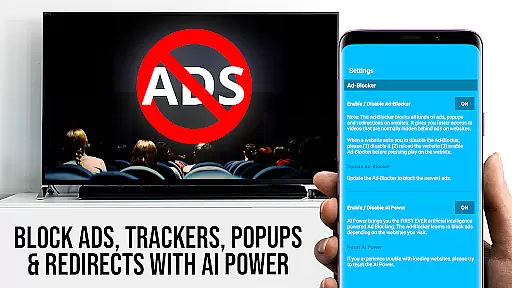
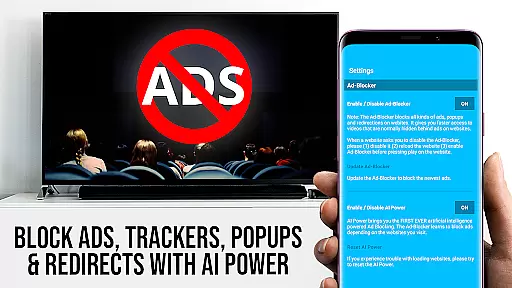
Premium features in the PRO edition enhance the user experience significantly. The Playbar provides advanced video controls such as scrubbing, forward, rewind, play, pause, and stop functions. The built-in Ad-Blocker eliminates intrusive ads and popups on most websites, creating a cleaner viewing environment. Users can manage unlimited bookmarks and switch between mobile and desktop modes for optimized website viewing.
Additional professional-grade features include customizable homepage settings, support for major cable providers, and compatibility with numerous TV brands. The app maintains strict DRM protection standards while offering innovative solutions for web video streaming. These capabilities make TV Cast Pro an essential tool for maximizing your smart TV's potential while ensuring smooth performance and user-friendly operation.
TV Cast Pro for VIDAA & VEWD offers a diverse range of content, allowing users to stream web videos, online movies, live streams, and TV shows directly on their Hisense VIDAA & VEWD Smart TVs. The app supports various video formats such as MP4, M3U8, IPTV, and HLS, ensuring compatibility with a wide array of devices beyond just Hisense, including Toshiba, Philips, and more.
The application stands out by providing access to Full HD and 4K quality content without the need for an additional streaming box. This positions it as a versatile tool for enhancing your entertainment experience right out of the box. With support for numerous cable providers like Comcast, Charter, and others, users can enjoy a broad spectrum of channels and programs.
Moreover, the app's ability to browse the web and cast any discovered video with a single tap adds a layer of convenience and modernity to traditional TV viewing. By navigating to favorite websites and streaming content effortlessly, users can enjoy fresh and varied content that is updated in real-time across the web.
User engagement is a critical aspect of TV Cast Pro for VIDAA & VEWD, which ensures prolonged usage through its intuitive interface and robust feature set. The app includes a Playbar for advanced video control, enabling users to scrub, forward, rewind, play, pause, and stop videos while browsing. These interactive controls not only enhance user experience but also encourage longer viewing sessions.
In addition to interactive features, the app provides an Ad-Blocker that enhances user satisfaction by blocking ads and popups on most visited websites. This feature can be toggled at any time in the settings, giving users control over their viewing environment and contributing to higher retention rates.
Furthermore, personalized options such as setting a custom homepage and using Desktop Mode to load desktop websites instead of mobile versions add to the overall appeal. These customization features ensure that users remain engaged with the app over time, fostering loyalty and consistent use. The combination of these elements results in sustained user engagement and improved retention metrics.
Seamless casting
No ads
Advanced controls
Wide format support
Desktop mode
VIDAA only
DRM limits
Brand specific
Refund time
Setup needed

Binge-worthy short dramas on DramaRush—engaging stories that fit your day.
 3.90
3.90
Pathfinder 2e initiative tracker with bestiary, HP, reaction, conditions, etc
4.80
Watch short films, dramas, reels, series and movies anytime on Micro Drama.
4.60
Atomus is a 10-finger multi-touch interactive visualizer.
4.30
Stream Live TV, News & Documentaries. Watch Full Seasons with PBS Passport.
4.80
Binaural Brainwave Doses for Every Imaginable Mood
3.60
Earn Real Rewards Playing Fun Mobile Games & Easy Cash Out - PayPal & Gift Cards
4.40
Play casual games to get gift cards and money. More playing, more earning.
4.70
An app made just for kids
4.20
Wodfix Air aggregates popular online content for you.
4.80
Fun brain twisting challenge with trending Whirlpool Filter.
4.70
Tarot & Oracle Card Readings
4.50
Create and play realistic-looking mock Emergency Alert System messages.
4.30
Connect. Discover. Control.
3.60
Watch everything you want.
2.90
Unofficial Game Companion App” “Guides • Builds • Tips • Progression
4.0
Music visualizer and party effects for your Nanoleaf devices
4.2
Raise Christmas Magic with daily missions, magical scanners, and kindness.
4.2
Control your AWTRIX 3 easily
4.3


User Reviews