
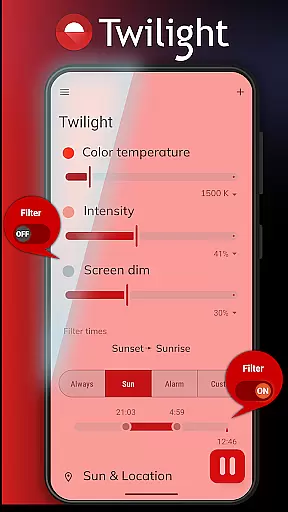
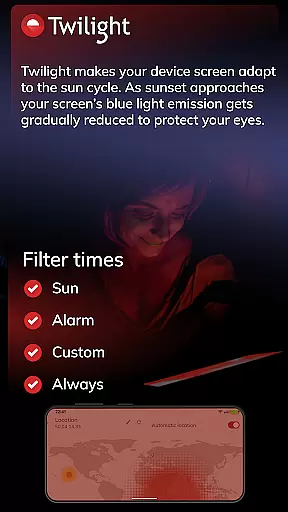
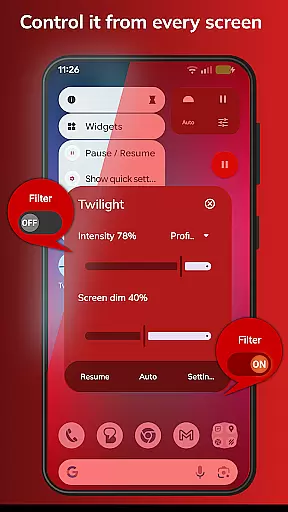
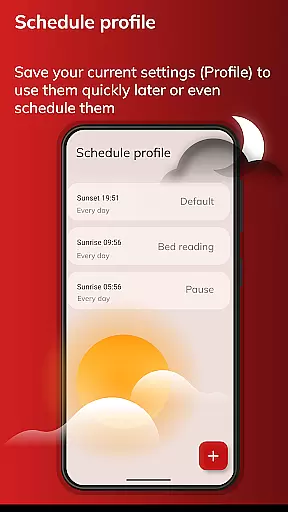
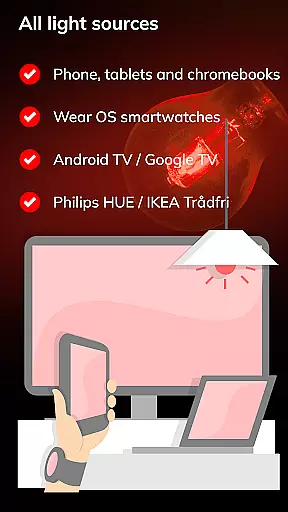
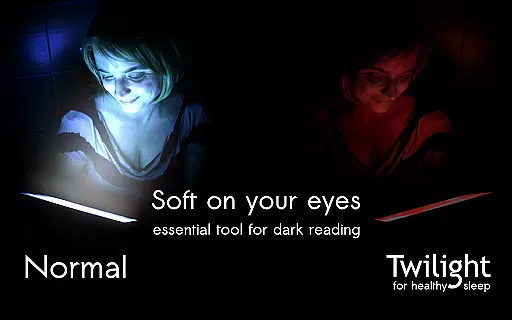
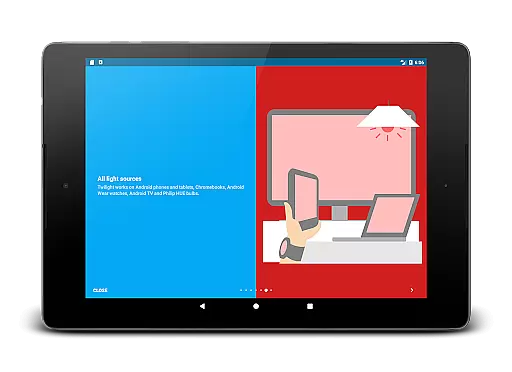
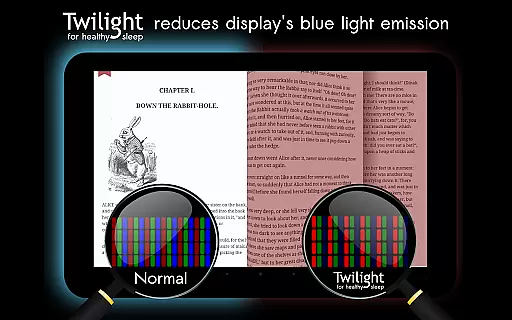
Twilight Pro Unlock is a specialized application designed to help users improve their sleep quality by reducing blue light exposure from their devices. The app filters the blue spectrum on your phone or tablet after sunset, replacing it with a soft red filter that adjusts based on your local sunrise and sunset times.
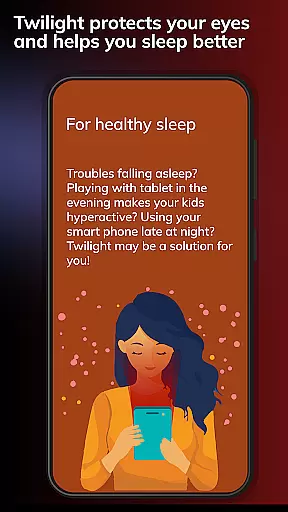
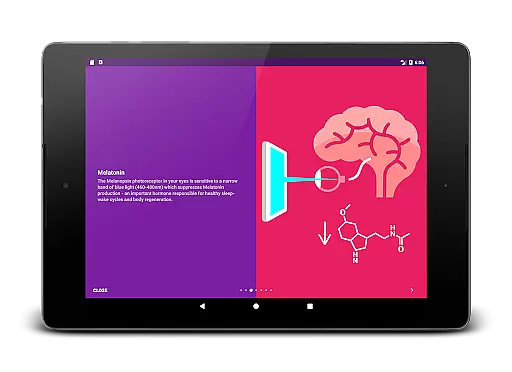
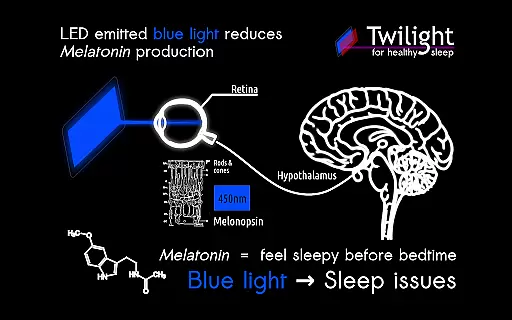
The app's core functionality lies in its ability to adapt screen colors to the time of day, protecting Melatonin production - a hormone crucial for healthy sleep-wake cycles. This makes it especially useful for individuals who use their devices late in the evening or before bedtime.
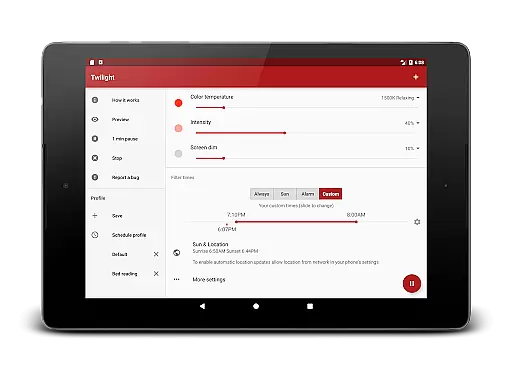
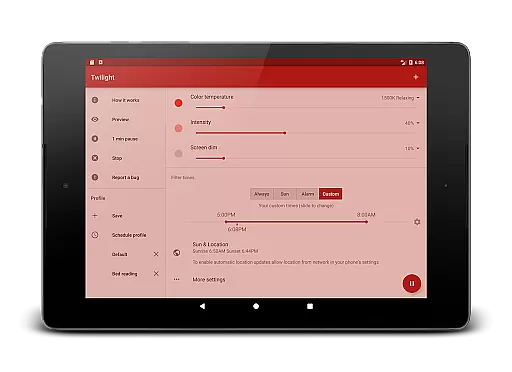
By using Twilight Pro Unlock, users can maintain their natural circadian rhythm, potentially avoiding sleep delays caused by prolonged exposure to blue light. The app also offers PRO features such as customizable profiles, adjustable transition times, and the option to disable the service during inactive hours.
Twilight Pro Unlock stands out with its advanced features tailored to enhance user experience. One notable feature is the smooth adjustment of filter intensity based on the sun cycle, ensuring optimal protection throughout the evening and night.
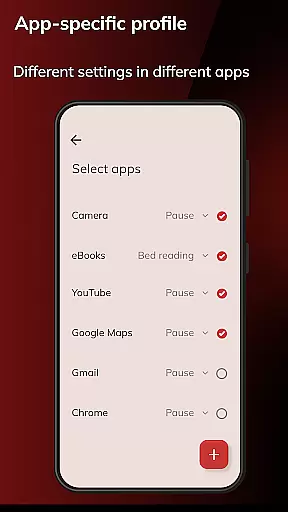
Additionally, the app provides more than two predefined profiles, allowing users to customize their experience according to personal preferences. Users can also adjust the transition time and choose to turn off Twilight services during specific periods, offering flexibility and control over their device usage.
These features collectively contribute to better eye protection and improved sleep patterns, making Twilight Pro Unlock a valuable tool for anyone looking to minimize the negative effects of blue light exposure.
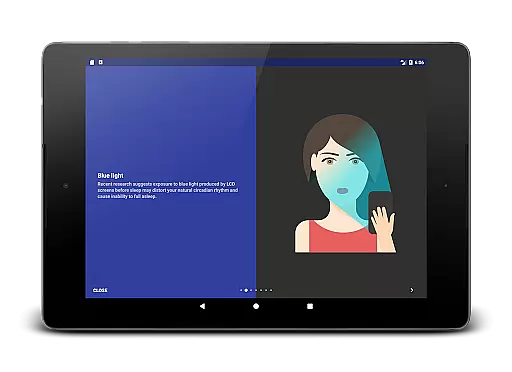
Twilight Pro Unlock offers personalized planning by adapting the device screen to the time of day, ensuring a healthier sleep-wake cycle. The app filters blue light from screens after sunset, which is crucial for maintaining natural circadian rhythms.
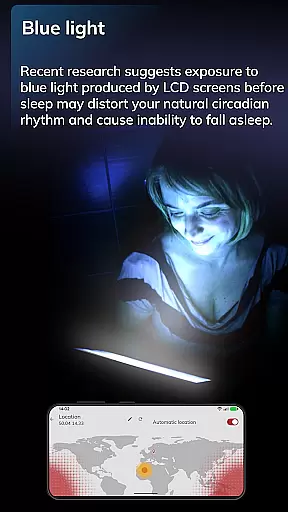
This feature is based on scientific research indicating that blue light exposure can suppress melatonin production, a hormone vital for sleep. By adjusting the screen's color temperature, Twilight helps users fall asleep easier and improves overall sleep quality.
Users benefit from Twilight's customizable profiles and adjustable transition times, allowing them to tailor the app's performance to their specific needs and routines. This personalization ensures maximum comfort and effectiveness in reducing eye strain and promoting better sleep hygiene.
With Twilight Pro Unlock, progress visualization is evident through its smooth adjustment of filter intensity based on local sunrise and sunset times. Users can visually track changes in screen tint as the app works to minimize disruption to their natural sleep cycles.
The application provides an intuitive representation of how filtering blue light impacts melatonin levels, helping users understand the correlation between screen use and sleep patterns. This educational aspect empowers users to make informed decisions about their evening device usage.
By showcasing the gradual shift in light spectrum throughout the evening, Twilight not only enhances user awareness but also encourages consistent use of the app for long-term health benefits. This visual feedback loop reinforces positive behavioral changes towards digital consumption before bedtime.
Effective blue light filter
Customizable profiles
Flexible transition times
Control over service activation
Scientifically backed benefits
Paid version required
Initial setup complexity
Limited free features
Compatibility issues
Occasional bugs

App to stop smoking slowly or now with a motivational badges and helpful tips
 4.80
4.80
Create powerful subliminal audio with custom affirmations and background music.
4.00
Sync your activities of the most popular sports tracking services
2.70
Build Healthy Habits!
4.60
Effortlessly and naturally release anxiety by harnessing the power of your brain
4.60
Turn your steps into cash, gift cards & rewards with our step counting pedometer
3.80
Find Paid Clinical Trials In Your Area
3.70
Step Counter, track steps when you walk or run
4.70
Pedometer that gives you sweatcoins for steps. It pays to walk!
4.10
a fun app full of surprises :)
4.70
The simplest way to track your 21 Day Program containers, exercises, and water.
4.50
The Official Blood Type Diet® App - know your categorized foods anytime.
4.50
Memory, mind & logic exercises. Puzzle games, IQ & brain test for kids & adults
4.50
Point, scan, and unlock truth in every bite.
4.50
50 HD sounds to help you relax during the day and sleep great at night!
4.40
Your portable blood pressure tracker. Record, monitor, and analyze BP anytime.
4.30
Walk, track, and burn calories with step counter & GPS walking tracker
4.20
Measure real-time wrist & ambient temperature with your Galaxy Watch (Wear OS)
3.20
Optimization for TRT & Enhanced Athletes
4.3


User Reviews