
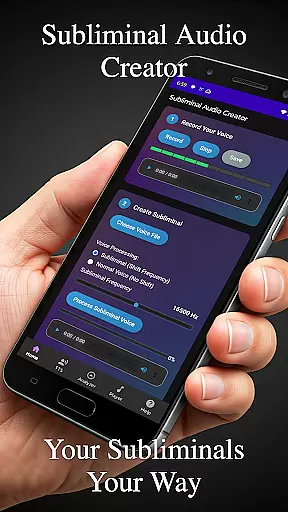
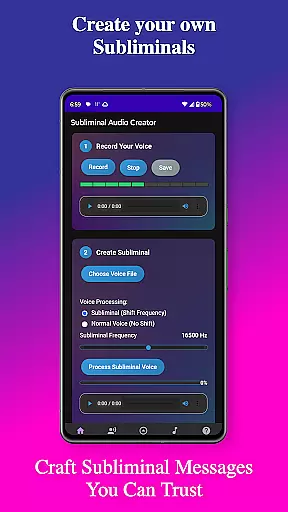
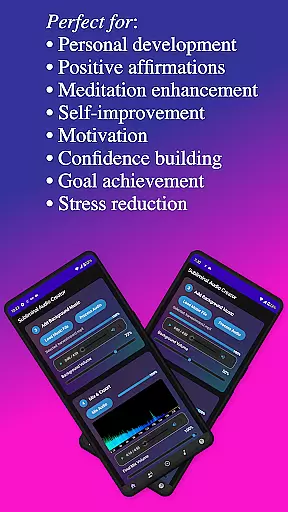
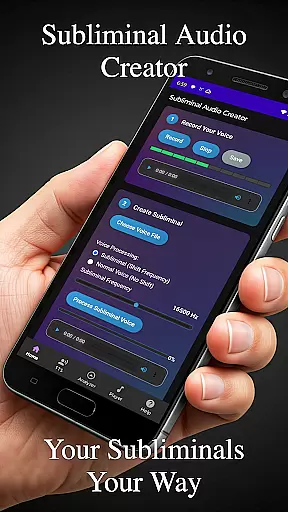
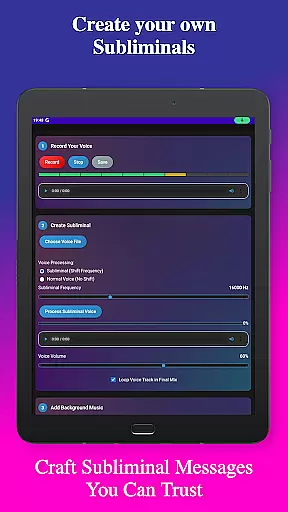
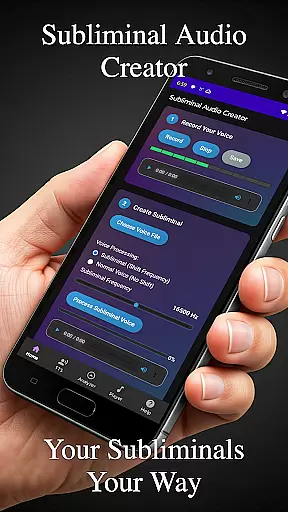
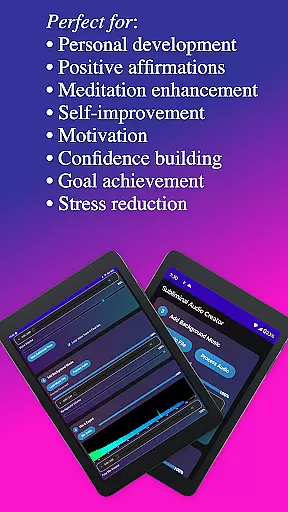
Subliminal Audio Creator is a comprehensive tool designed for creating personalized subliminal audio tracks, self-hypnosis recordings, and meditation music. This professional-grade app allows users to craft powerful affirmations by either recording their voice or converting text to speech, then mixing these with background music or ambient sounds. The result is high-quality subliminal audio files that can be used for various purposes including positive affirmations, self-improvement, meditation enhancement, motivation boosting, and personal development.
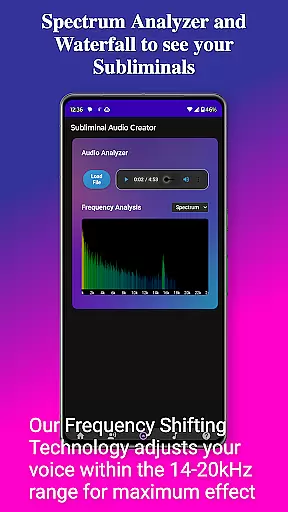
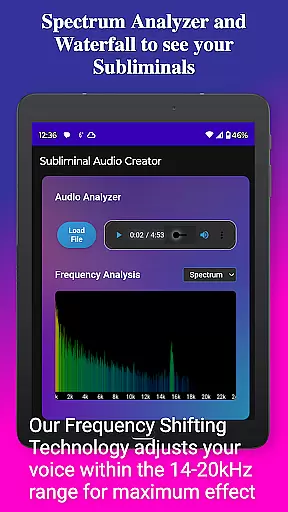
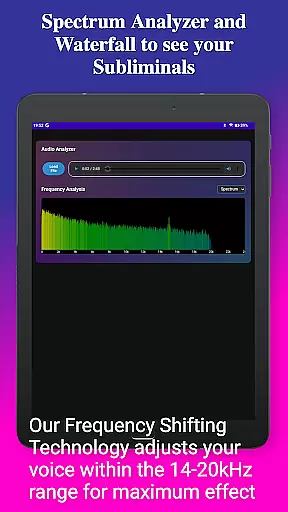
The app features an intuitive interface with advanced controls for adjusting subliminal frequencies, volumes, and creating seamless loops. It also includes a real-time frequency spectrum analyzer and waterfall display for detailed visualization of audio quality. With support for both MP3 and WAV formats, users can export their creations in preferred file types while enjoying flexible playback options such as streaming to Chromecast devices or connecting to Bluetooth speakers.
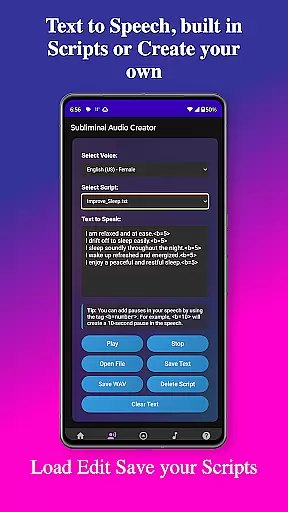
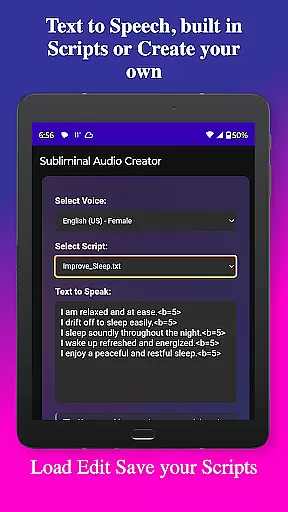
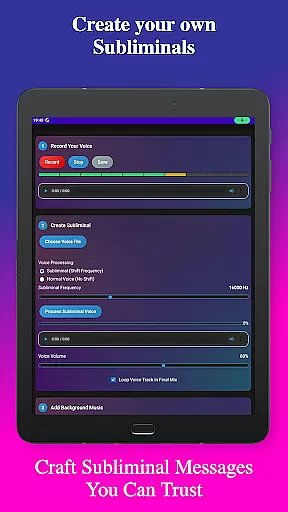
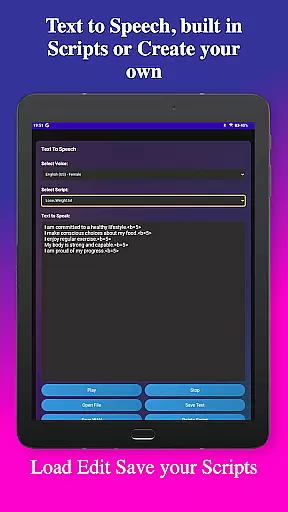
Subliminal Audio Creator offers a robust set of features tailored for both beginners and professionals interested in subliminal messaging. Key functionalities include voice recording with crystal-clear audio quality, allowing users to preview and re-record until they achieve perfection. The text-to-speech feature provides multiple voice options and the ability to add custom pauses between affirmations, enhancing the natural flow of spoken content.
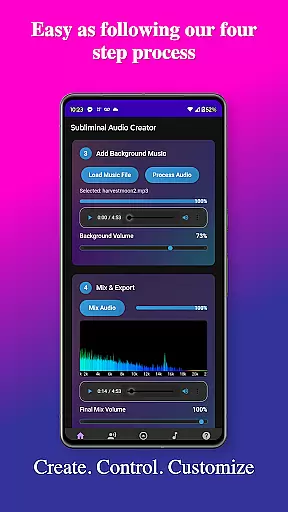
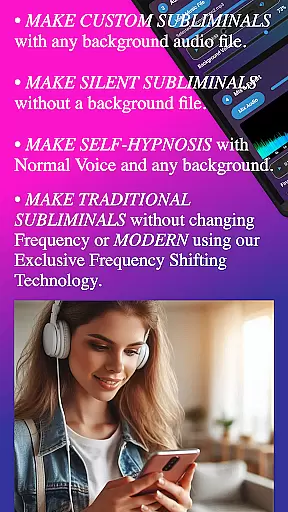
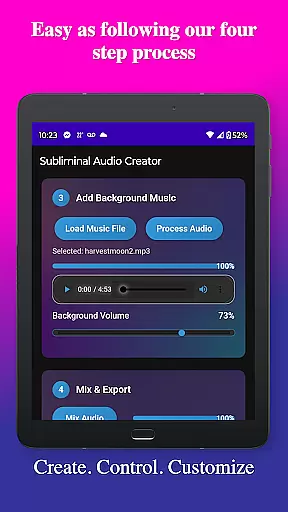
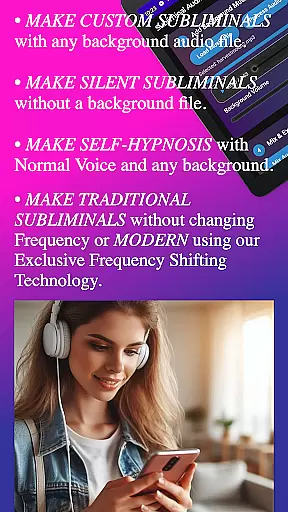
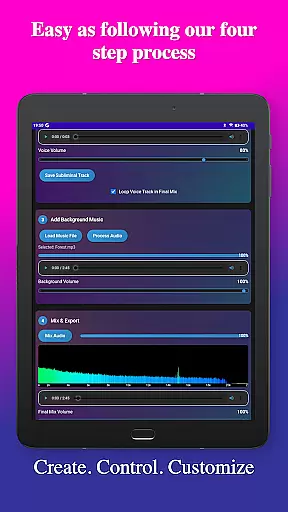
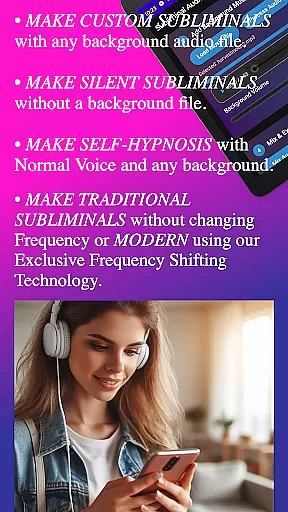
For those who prefer background music, the app supports mixing affirmations with included tracks or personal music libraries. Users can independently adjust volumes for perfect balance and utilize the built-in audio analyzer to verify subliminal frequencies and monitor overall audio quality. Advanced controls enable fine-tuning of subliminal and background volumes, choosing between high-frequency or normal voice settings, making it suitable for both subliminals and self-hypnosis sessions.
Additional highlights are the user-friendly interface with step-by-step creation processes, organized file management for easy access to projects, and playback features like Google Cast support and background playback capability. These tools collectively ensure a seamless experience from creation to listening, promoting personal transformation through technology.
Subliminal Audio Creator offers a unique approach to personalized planning by allowing users to create custom audio tracks tailored to their specific self-improvement goals. The app's powerful features enable you to record your own affirmations or use text-to-speech functionality with multiple voice options, ensuring your subliminal messages are perfectly suited to your needs.
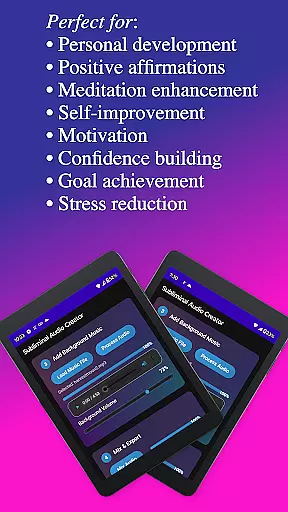
The application provides an intuitive step-by-step creation process that makes it easy to mix your affirmations with background music or ambient sounds. With independent volume controls and adjustable subliminal frequencies, you can fine-tune each track to achieve the perfect balance for your personal growth journey.
What sets this app apart is its comprehensive audio analysis tools. The real-time frequency spectrum analyzer and waterfall display help you verify the effectiveness of your subliminal mixes while monitoring audio quality. This ensures that each personalized track is optimized for maximum impact on your subconscious mind.
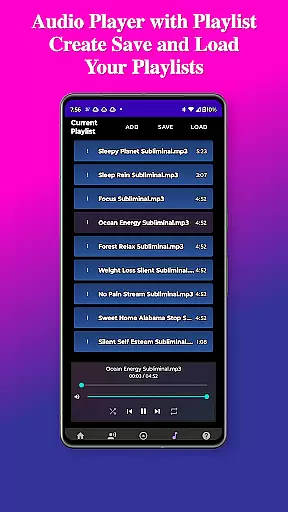
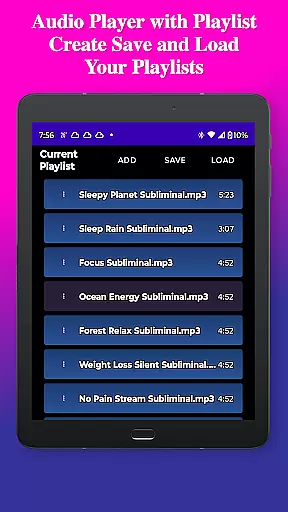
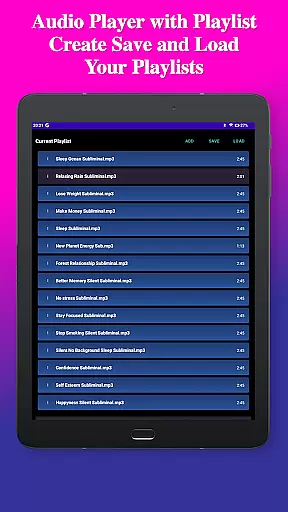
Users benefit from the app's organized file structure and project management capabilities, making it simple to save, load, and modify their creations. Whether you're working on positive affirmations, meditation enhancement, or confidence building, Subliminal Audio Creator provides all the tools necessary to develop a truly customized personal development plan.
Visualizing progress is crucial in any self-improvement journey, and Subliminal Audio Creator excels in this area through its advanced audio analysis features. The app's real-time frequency spectrum analyzer provides users with a detailed visual representation of their subliminal frequencies, allowing them to monitor and adjust their audio creations with precision.
The waterfall display feature offers an even more comprehensive view of frequency distribution over time, helping users understand how their subliminal messages are structured and perceived by the subconscious mind. This visualization tool is particularly valuable when creating high-frequency or normal voice tracks, as it ensures optimal placement of affirmations within the audio spectrum.
Beyond technical visualization, the app helps users track their personal growth journey through its organized project management system. Each created track represents a milestone in the user's development path, and the ability to save and revisit previous projects provides a clear picture of progress over time.
The combination of technical audio visualization and project-based progress tracking creates a powerful feedback loop for users. By seeing both the scientific aspects of their audio creations and the accumulation of their personal development work, users can maintain motivation and make informed adjustments to their self-improvement strategies.
User-friendly interface
High-quality audio output
Flexible customization options
Comprehensive feature set
Lifetime access with one-time purchase
Requires storage permissions
No free version available
Advanced features may overwhelm beginners
Limited language support
Specific use case may not appeal to all users

Weight loss app: home workout for women to lose weight & burn calories.
 4.80
4.80
Easy reconstitution calc for mixing peptides and creating protocols
4.70
Relax. Sleep Better. Feel Better.
4.50
Get lasting results with Chair Yoga, Wall Pilates, and Walking workouts!
4.60
Wall Pilates at home & Pilates workout for beginners for core and weight loss.
4.80
Find Paid Clinical Trials In Your Area
3.70
Eat smarter with Eato, your personal calorie counter and nutrition tracker!
4.40
Memory, mind & logic exercises. Puzzle games, IQ & brain test for kids & adults
4.50
Track sleep cycle, relax with white noise, sleep sounds & smart alarm clock
3.80
Build Healthy Habits!
4.60
Chair Workout: Women's Edition for safe, flexible, and personalized fitness.
4.40
Relax to calm sounds, white noise, music, guided meditation and bedtime stories
4.40
For Absolute Novices to Strength Training. Simple. Effective.
4.40
Track heart rate & HRV in 30s! Get live health insights and anomaly alerts
4.40
Blood Pressure Log, HRV & Heartbeat Tracker. Pulse Checker.
4.40
Fast Body building & Weight Loss. Home Workouts with Daily Coach, No Equipment.
4.30
Walk, track, and burn calories with step counter & GPS walking tracker
4.20
Your Health Assistant
3.90
A simple way to calculate peptide doses and also to convert different units.
4.3


User Reviews