
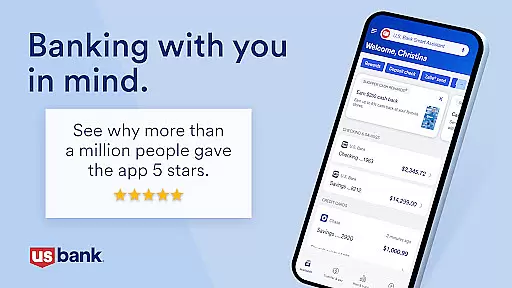
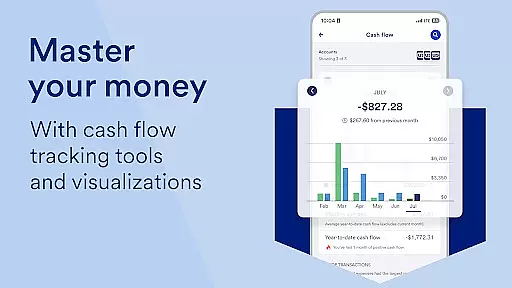
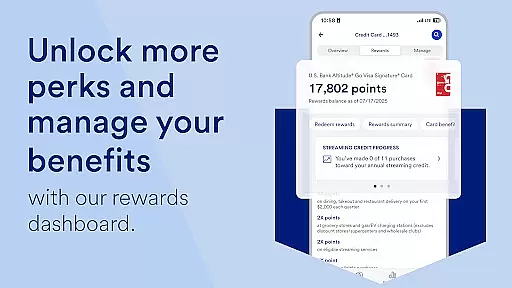
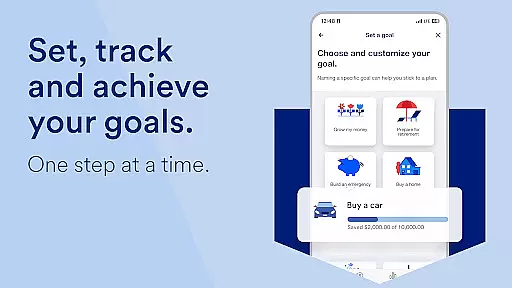
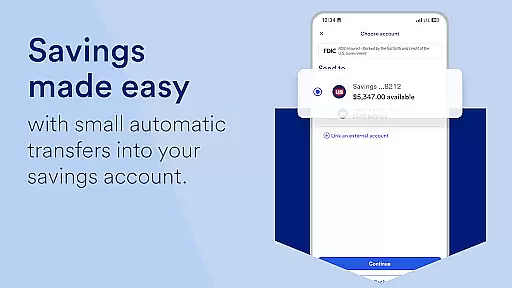
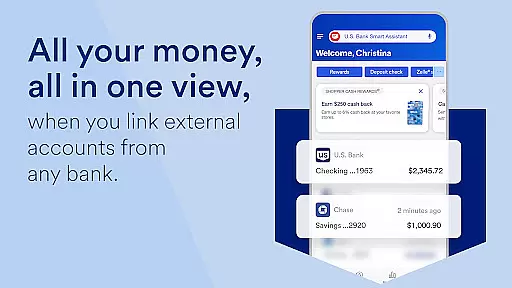
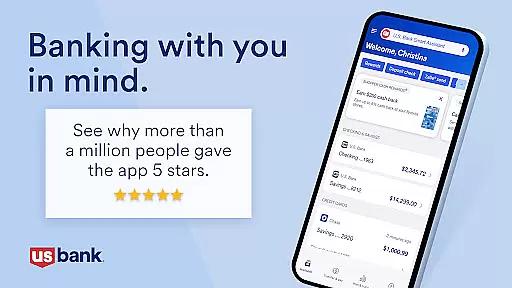
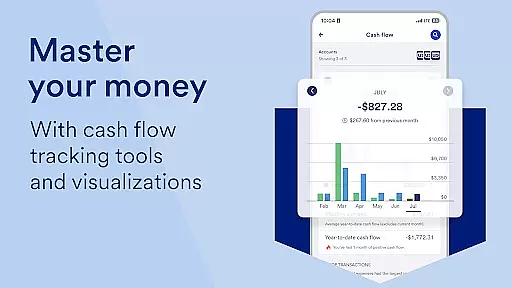
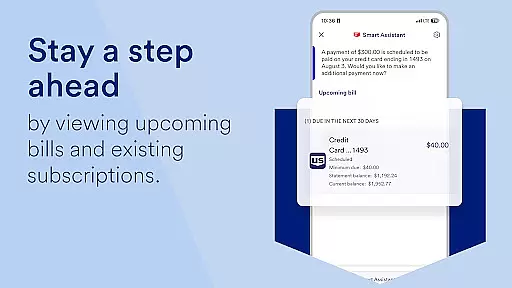
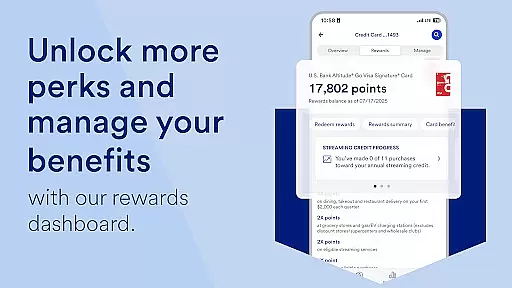
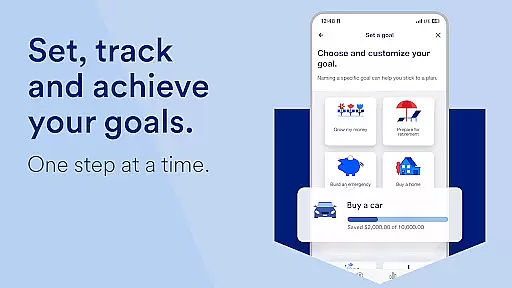
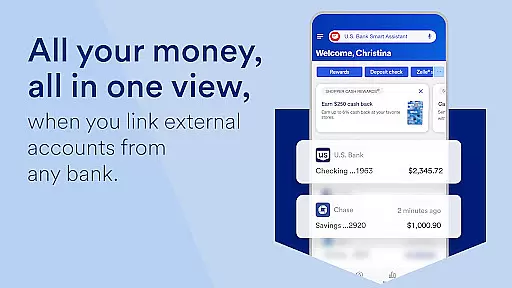
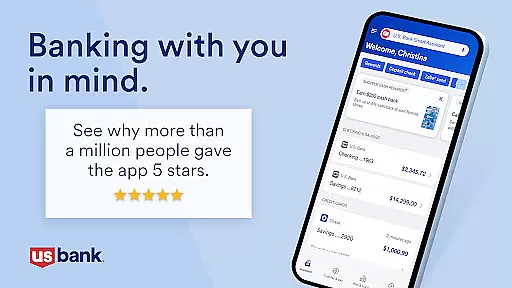
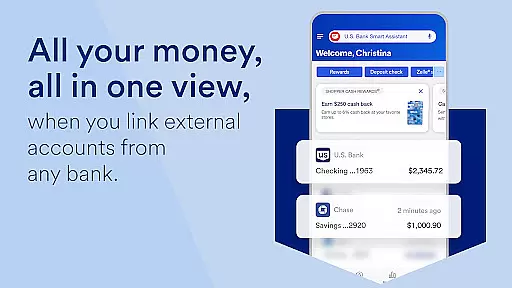
U.S. Bank Mobile Banking is a comprehensive financial management tool that provides users with secure access to their banking services on the go. The app allows customers to log in using their usbank.com credentials and offers features like account monitoring, suspicious activity alerts, and balance tracking. It consolidates all financial information including checking, savings, credit cards, and loans in one place while providing additional security measures such as card locking and travel notifications.
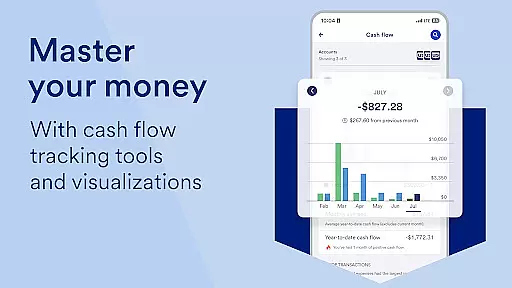
Beyond basic account management, the app offers personalized insights into monthly spending across categories like Food & Dining, helping users understand their financial habits. The U.S. Bank Smart Assistant® enables voice-activated commands for tasks like transferring money or retrieving account details. With integrated support for Zelle®, users can send and receive payments quickly. The app also includes advanced features like investment account management through U.S. Bancorp Investments and seamless access to customer support via demos, appointments, and real-time assistance.
The U.S. Bank Mobile Banking app stands out with its robust feature set designed to simplify personal finance management. One of its key highlights is the ability to monitor accounts comprehensively—users can view balances, track spending, and even access credit scores securely. Advanced functionalities include setting up travel notifications, managing mobile wallet integrations, and locking/unlocking debit or credit cards directly from the app interface.
Another standout feature is the U.S. Bank Smart Assistant®, which uses conversational AI to help users perform actions hands-free. For example, asking "What's my account balance?" or instructing "Pay my utility bill" streamlines routine tasks. Additionally, the app supports external tools like Zelle® for peer-to-peer payments and offers increased check deposit limits. Users also benefit from educational resources such as Digital Explorer demos and an extensive Help Center, ensuring they have guidance whenever needed.
Account and fund security is a critical aspect of any financial application, ensuring that users' sensitive information and assets are protected from unauthorized access. U.S. Bank Mobile Banking employs advanced security measures to safeguard user credentials and transactions. The app allows secure login using credentials from usbank.com, with additional options for enrollment directly through the app.
The application provides real-time alerts for suspicious activities, duplicate charges, and low balances, empowering users to take immediate action when necessary. These proactive notifications help prevent potential fraud and ensure account safety. Furthermore, features like locking and unlocking cards add an extra layer of control over card usage, enhancing overall security.
For users concerned about privacy, U.S. Bank adheres to strict privacy policies and security pledges. By visiting the U.S. Bank Consumer Privacy Pledge and other related resources, customers can learn more about how their data is protected. This commitment to security extends to digital services, including mobile and online banking, which are covered under the Digital Security Guarantee.
Ultimately, these robust security protocols provide peace of mind for users, knowing that their financial information and transactions are handled with utmost care and protection. With industry-leading security features, U.S. Bank Mobile Banking ensures a safe and reliable banking experience.
A seamless transaction experience is essential for a mobile banking application, allowing users to manage their finances efficiently and effectively. U.S. Bank Mobile Banking offers a comprehensive suite of tools designed to simplify money movement and enhance user convenience. Users can easily send and request money with friends and family using Zelle, a popular payment service integrated into the app.
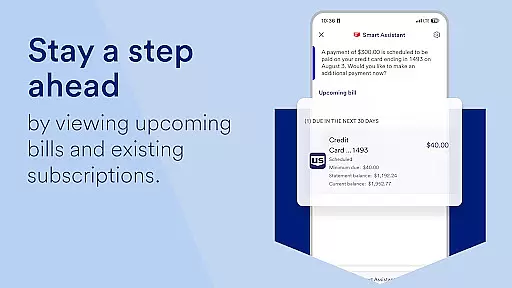
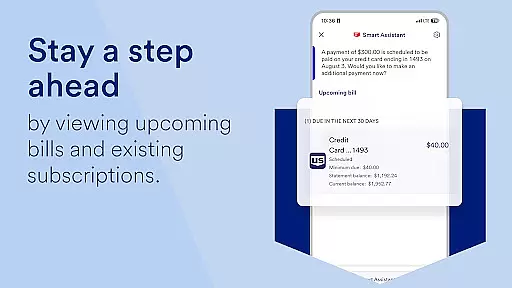
In addition to peer-to-peer payments, the app supports quick check deposits with increased limits, enabling users to deposit checks without visiting a branch. Bill management is also streamlined, as users can pay and manage bills in one spot, consolidating various financial obligations into a single interface. This centralized approach saves time and reduces the complexity often associated with managing multiple accounts.
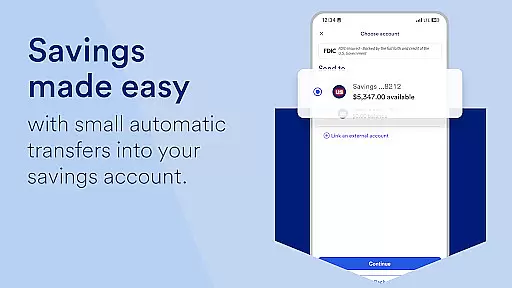
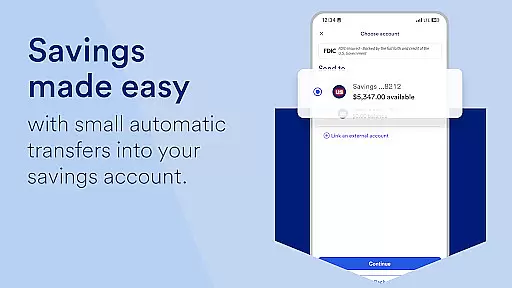
Another key feature is the ability to make transfers between U.S. Bank accounts effortlessly. Whether moving funds from checking to savings or paying off loans, the process is intuitive and straightforward. Additionally, the U.S. Bank Smart Assistant enhances this experience by allowing users to execute transactions through simple voice commands, such as transferring money or checking account details.
Overall, U.S. Bank Mobile Banking delivers a superior transaction experience by combining ease of use with powerful functionality, ensuring that users can handle their financial tasks with confidence and efficiency.
User-friendly interface
Comprehensive account management
Voice command functionality
Secure login options
Integrated customer support
Limited international usability
Requires online enrollment
No cryptocurrency support
Premium features need eligibility
Occasional bugs reported

Money transfer made easy. Send money to friends and family with great rates.
 4.70
4.70
Get 250$ Cash Advance to solve emergencies instantly in loan app called LendMe
4.70
Invest, bank & save in one app. Trade stocks, earn high APY & budget smarter.
4.00
Banking, Budgeting & Investing
4.60
Check EBT, SNAP, WIC balances, manage food stamps, and save money with benefits
4.80
StockTiles lets you view prices & charts of your favorite stock assets
2.30
Read and extract public data on NFC Contactless banking card (VISA, MasterCard
4.30
Real-time tracking: Stocks, Indices, Futures, Commodities, ETF, & Funds prices.
4.60
Make your paycheck work harder for you with Perpay.
4.10
Wells Fargo Mobile allows you to access your investment and bank accounts.
4.80
Over 180 currencies conversion rates with live exchange rates and offline mode.
4.60
Play for fun, earn for real. Collect rent by owning virtual land & get cashback
4.60
Early payday & cash advances with no-fee mobile banking!
4.60 4.50
4.50
All your crypto & stocks in one secure and trusted app.
4.40
Get up to 500, get paid early, earn interest and find work with no hidden fees.
4.40
Amazing Financial Calculator. Based on HP 10bII, but easier to use!
4.40
Venmo is the fun and easy way to pay and get paid.
4.10
Bitcoin gpu app helps you remote mine using your cell phone easily .
3.60


User Reviews